September 18, 2026
Learn how to choose the best Chinese restaurant POS system based on menu flexibility, multilingual ordering, delivery, kitchen routing, pricing, and support.
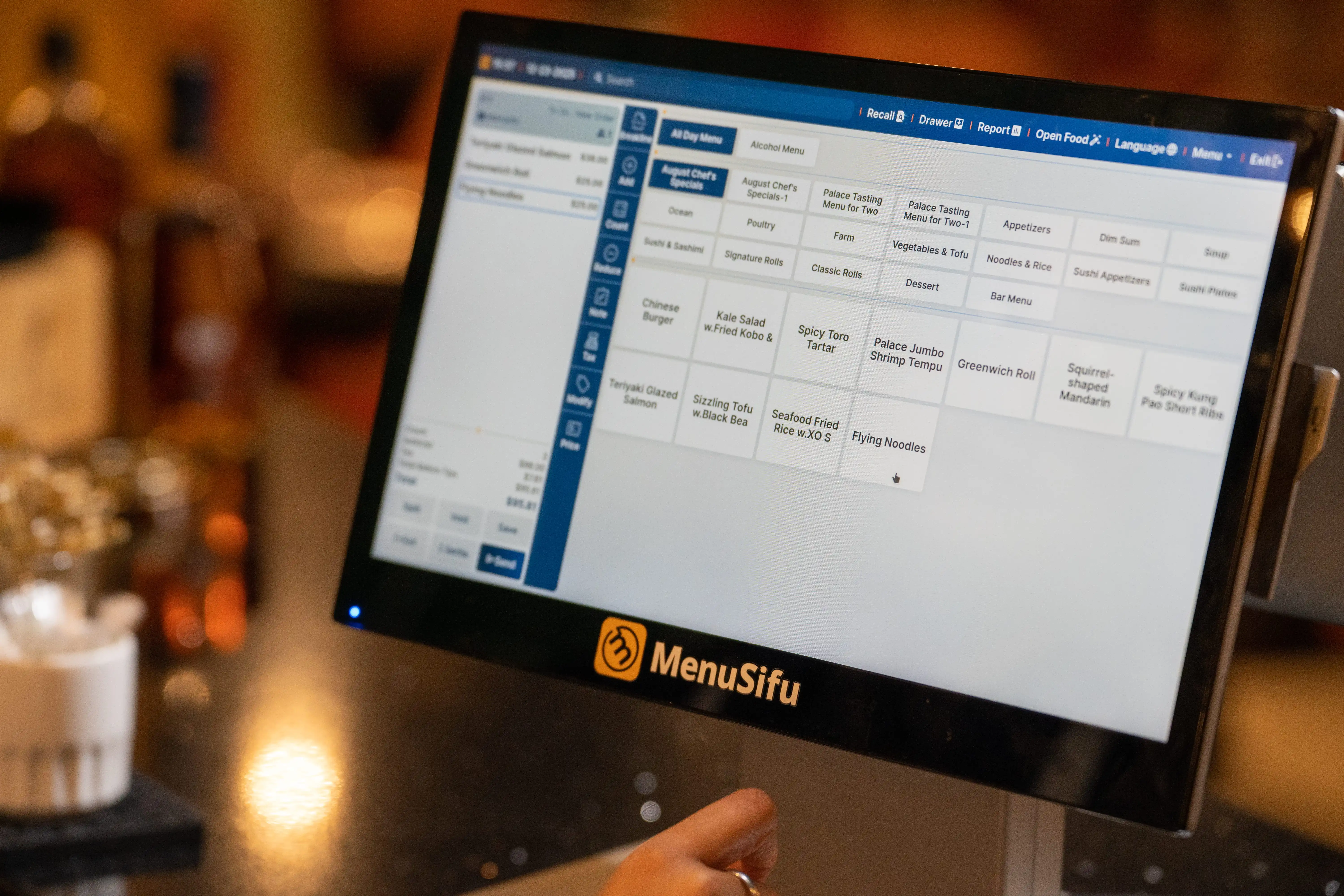
Spice levels, substitutions, shared dishes, phone orders, delivery apps, and multilingual teams can put real pressure on daily service. A basic restaurant POS may struggle to support all of these needs in one connected workflow. The best Chinese restaurant POS should help your staff enter orders accurately, keep menus consistent across channels, and send clear instructions to every kitchen station.
This guide explains which features to evaluate when choosing the best POS system for Chinese restaurants, how requirements differ by restaurant format, and what to review when assessing pricing, support, and POS providers.
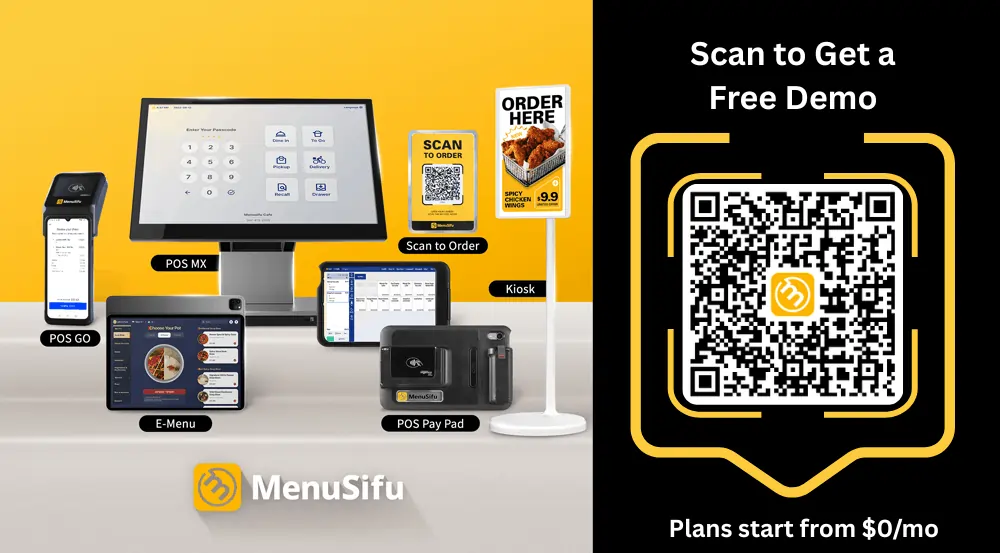
Your POS should match how your restaurant takes orders, communicates with the kitchen, processes payments, and serves guests. Focus on the areas below when comparing providers and reviewing product demonstrations.
Chinese menus often include spice levels, portion sizes, ingredient substitutions, cooking preferences, add-ons, open items, and time-based prices. Your POS should let staff enter each request quickly and send clear instructions to the kitchen.
Test one detailed dish during the demo. Include required selections, optional add-ons, price changes, and preparation notes. This shows how easily staff can learn the system and how accurately the kitchen receives each order.
Language support should extend across the POS terminal, handheld devices, digital menus, kitchen displays, kiosks, and customer-facing displays. Staff should be able to read menu items, modifiers, and preparation notes in the language they use during service.
Check how each screen displays translated content. Clear language options can help staff interpret order details consistently and give guests a more accessible ordering experience.
Your POS should bring dine-in, phone, takeout, direct online, and third-party delivery orders into one workflow. Staff can then view order status, payment details, pickup times, and sales by channel from the same system.
Review direct integrations with DoorDash, Uber Eats, Grubhub, and Chinese-focused delivery platforms such as Fantuan and HungryPanda. Confirm which menu data synchronizes across each channel, including items, prices, modifiers, and availability, so staff can reduce manual updates and repeated order entry.
Clear kitchen routing helps each station receive the right items and preparation details. The POS should direct dishes to the wok, noodle, cold, beverage, or dessert station based on your menu setup.
A kitchen display system should show modifiers, order times, ticket status, and service type clearly. During the demo, test an order that includes several stations and detailed preparation requests.
Your restaurant should continue essential service during an internet outage. Confirm which functions remain available, including order entry, kitchen routing, open checks, device communication, and supported payments.
Review data backup, installation, employee training, support hours, and available languages. Direct access to bilingual technical specialists gives staff a clear support channel when service issues arise.
Compare the full cost of each POS provider. Review hardware, software, payment processing, integrations, installation, training, support, and contract terms before choosing a plan.
Request a written estimate that includes the first-year cost and ongoing fees. Check processing rates, transaction charges, renewal terms, cancellation fees, and costs for adding devices or locations.
Your service model should guide the devices, ordering tools, and controls you select. Use the table below to compare the POS features that support each restaurant format.
Choose features that support your busiest order channels, kitchen workflow, and payment patterns. This approach keeps the POS aligned with daily service and limits unnecessary tools.
Use the product demo to see how each system handles daily restaurant operations. Bring a detailed menu item and review every provider using the same checklist.
Take brief notes during each demo. A side-by-side comparison will help you identify the provider that best fits your menu, service model, budget, and daily operations.
POS providers may separate hardware, software, payment processing, integrations, and service into different charges. Compare the total first-year cost and the recurring annual cost using the same number of devices, locations, features, and estimated transactions.
Request a written quote that lists every one-time and recurring charge. Calculate payment-processing costs using your expected monthly card sales and average ticket size. This approach gives you a clearer comparison than the advertised monthly software price alone.
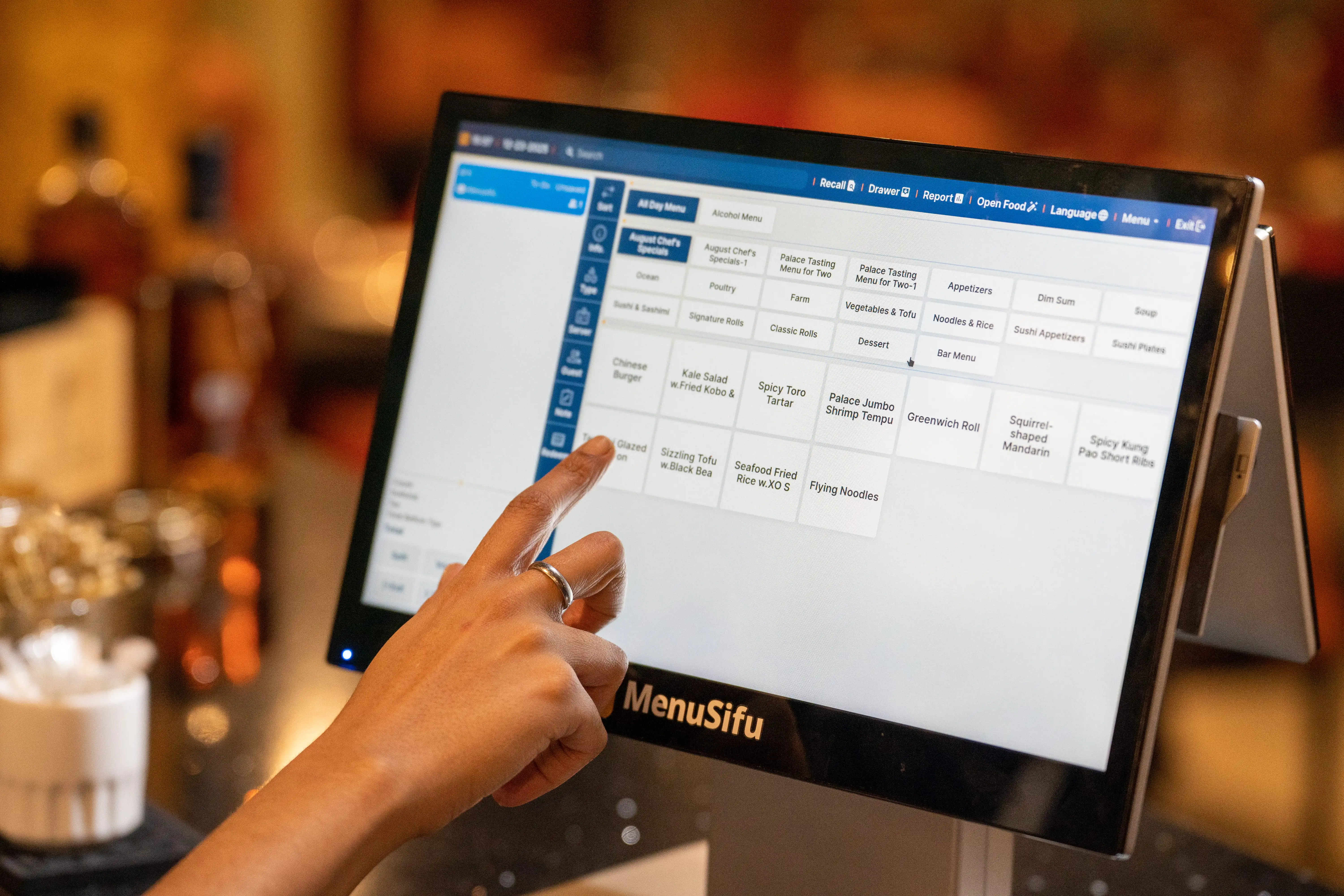
Based on the criteria above, MenuSifu is a strong option for Chinese restaurants that need flexible menu controls, multilingual ordering, connected kitchen tools, and support across several service formats. Its restaurant technology platform reflects more than a decade of work with Chinese restaurants across North America.
MenuSifu supports detailed menu customizations, including spice levels, portion sizes, ingredient substitutions, cooking preferences, and special preparation requests. Staff can also enter open food items, manage shared dishes, apply discounts, and configure time-based pricing.
Multilingual options are available across core MenuSifu touchpoints, including POS terminals, digital menus, self-ordering screens, and kitchen displays. MenuSifu also supports the operating needs of full-service restaurants, takeout businesses, dim sum restaurants, hot pot and AYCE concepts, boba tea shops, and multi-location groups.
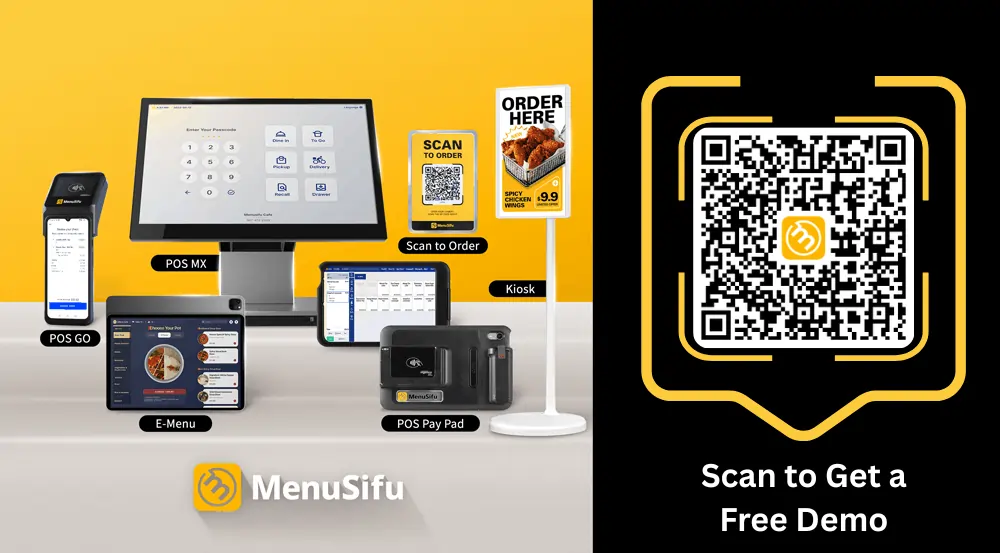
MenuSifu connects POS terminals, handheld devices, QR-code and digital menus, self-ordering kiosks, online ordering, delivery integrations, and kitchen display systems.
Orders from each supported channel enter one coordinated workflow, while centralized menu tools help keep items, pricing, and availability consistent across connected platforms. Servers can send tableside orders directly to the kitchen, supported third-party delivery orders can enter the POS automatically, and kitchen displays route preparation details to the appropriate station.
MenuSifu supports menu configuration, system setup, installation, and employee training. The onboarding team helps configure the menu and selected system features before launch.
MenuSifu works with Windows and iOS devices and uses local and cloud dual data backup to support data availability and recovery. Local data storage and LAN-based operation help keep essential POS functions available during internet outages, while cloud-based reporting lets managers review restaurant performance remotely. Available offline functions may vary by device and system configuration.
MenuSifu also provides 24/7 bilingual technical support through a dedicated hotline.
MenuSifu connects restaurant operations with payment processing, customer loyalty and marketing, financing, consulting, in-store engagement, kitchen automation, and beverage automation. This connected ecosystem gives you access to a broader range of restaurant technologies and business services through one partner.
We’re proud to see MenuSifu recognized beyond daily restaurant operations, too. In 2025, Forbes China named MenuSifu to its “Going Global 30 & 30” list in the Investment Value Brand category, highlighting the company’s growth in restaurant technology, SaaS innovation, and North American expansion. This recognition reflects the value of our technology and the growing attention MenuSifu is receiving across the industry.
“MenuSifu's system is both stable and flexible. It easily handles time-based pricing and special discounts. Their service team is also very attentive. Currently, almost all of our locations across the U.S. are using it.” - Happy Lamb Hot Pot
The best Chinese restaurant POS should support your menu, ordering channels, kitchen operations, staff, and budget. Compare each provider through real order scenarios, review the complete cost, and confirm the level of training and technical support included.
MenuSifu offers connected POS solutions built around Chinese restaurant operations, from detailed menu modifiers and multilingual ordering to kitchen displays, delivery integrations, and reporting. Book a Free Demo with MenuSifu today to explore a system based on your restaurant format and operational needs.
The questions below address practical points that often come up during POS research, from takeaway setups and multilingual support to pricing and full-service configurations.
The best POS for Chinese takeaway should support fast phone and counter ordering, detailed menu modifiers, online ordering, delivery integrations, kitchen routing, pickup notifications, and reliable offline operation. It should also provide multilingual menus, clear pricing, and responsive support.
A Chinese restaurant POS supports detailed menu modifiers, multilingual ordering, shared dishes, kitchen station routing, and high-volume takeout and delivery orders. A standard restaurant POS may handle basic ordering and payments but often requires additional customization to support these specialized workflows.
The best POS setup for a full-service Chinese restaurant combines a main POS terminal, handheld ordering devices, a kitchen display system, and integrated table management. Add QR or digital menus, split-check tools, reservation and waitlist features, multilingual support, and online ordering based on service needs. This setup helps staff enter detailed modifiers accurately, send orders to the correct kitchen station, and manage dine-in and takeout sales in one system.
Yes. A Chinese restaurant POS can support multiple languages across terminals, handheld devices, kitchen displays, printed tickets, kiosks, digital menus, and online ordering. This helps staff enter orders accurately and allows guests to view menus in their preferred language. Before choosing a system, confirm which languages are available and where each translation appears.
Chinese restaurant POS costs vary based on hardware, software, payment processing, integrations, installation, and support. Compare the total first-year cost, including any charges for terminals, kitchen displays, online ordering, delivery integrations, training, and recurring software and service fees, before choosing a provider.
Visit the MenuSifu blog for more restaurant technology insights, operating tips, and product updates.
Related Article: