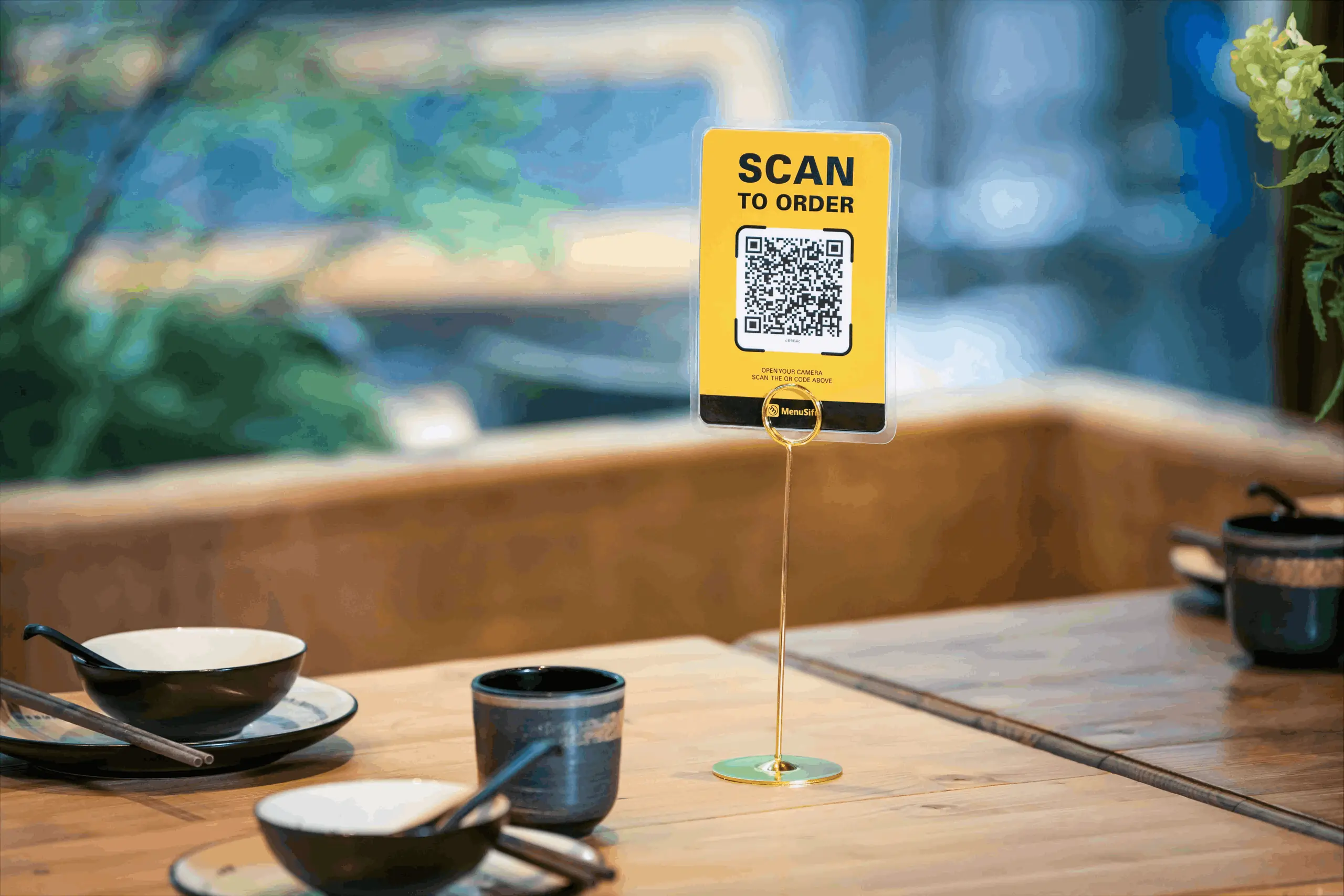
Scan to order restaurant setup with QR code display on a table for contactless menu access and ordering.Scan to order restaurant setup with QR code display on a table for contactless menu access and ordering.

Restaurant Scan to Order

Turn Tables Quicker With QR Ordering

Serve more guests with less staff — the secret to higher table turnover is simple. MenuSifu’s Scan-to-Order with integrated payment helps you streamline service, boost efficiency, and deliver a faster dining experience.
Scan. Order. Pay.
Flexible Modes for Every Restaurant
Choose from Browse Only, Order Only, or Order + Pay modes to match your restaurant’s workflow and service style.
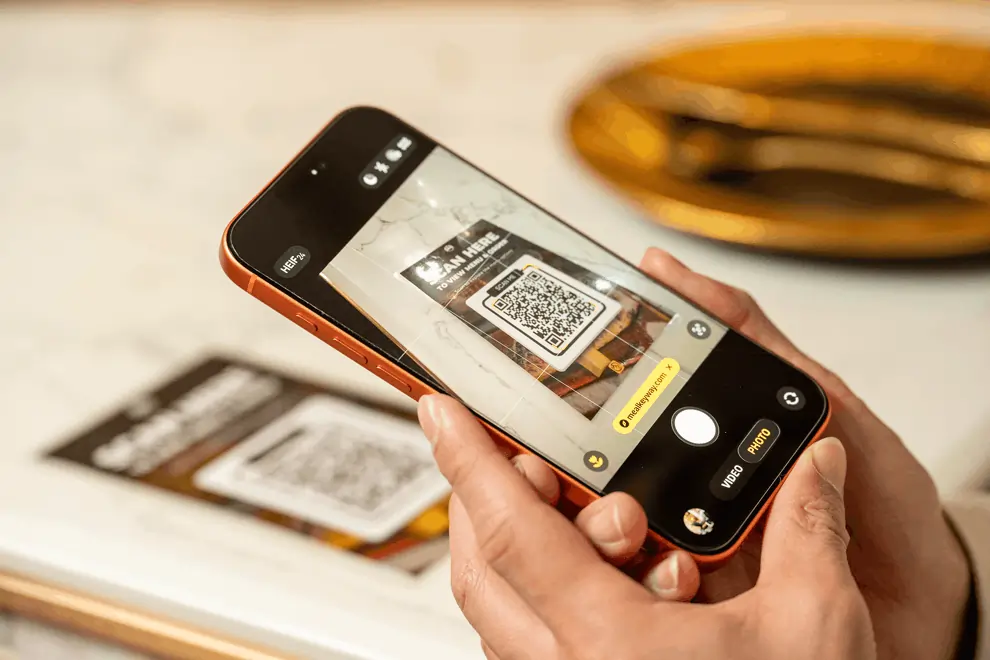
Person scanning a QR code with a smartphone to access a digital menu at a restaurant.
Streamline Staff Workflow
Guests scan, browse, and decide at their own pace—no more waiting for menus or server attention. Orders go straight to the kitchen, speeding up service even with limited staff.
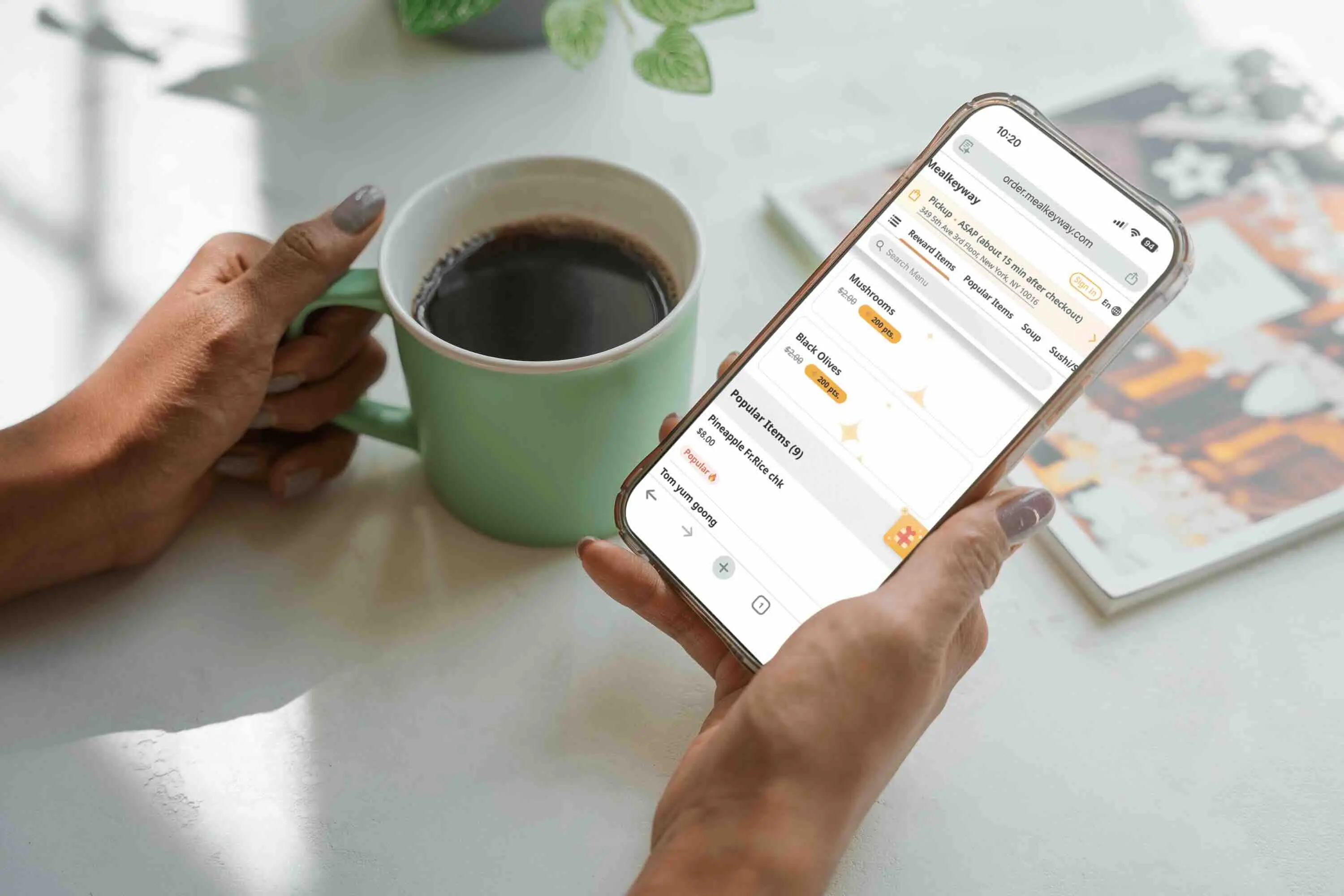
Guest using smartphone to order food after scanning QR code at a restaurant table.
Visual Menus That Sell More
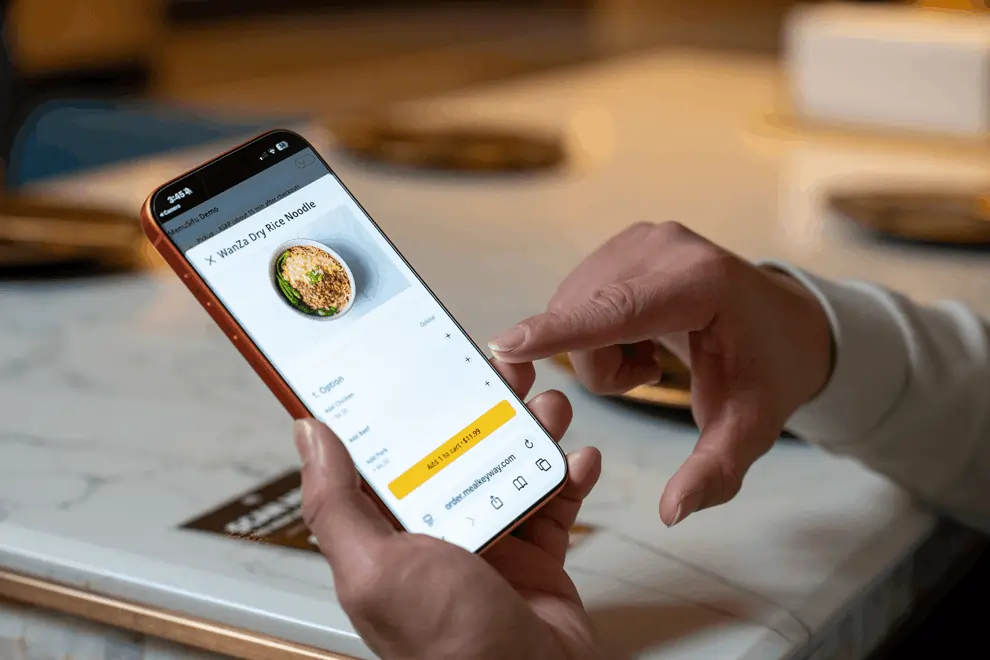
Digital menus with vivid photos and clear descriptions inspire guests to explore and order more — naturally increasing average check size.
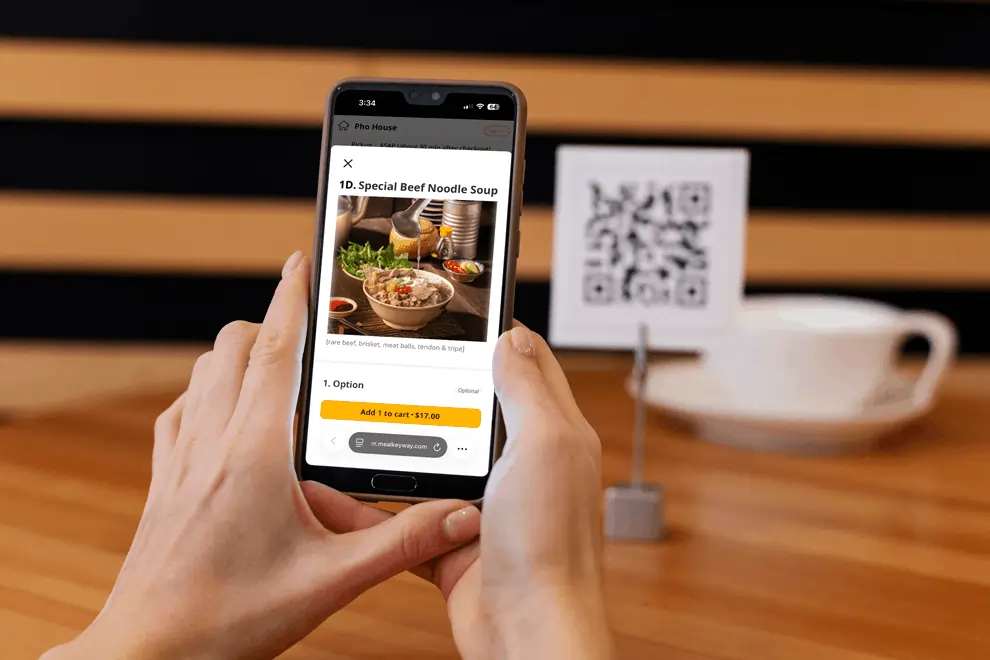
Guest using smartphone to order noodles from a digital restaurant menu after scanning a QR code on the table.
Update Menus Instantly
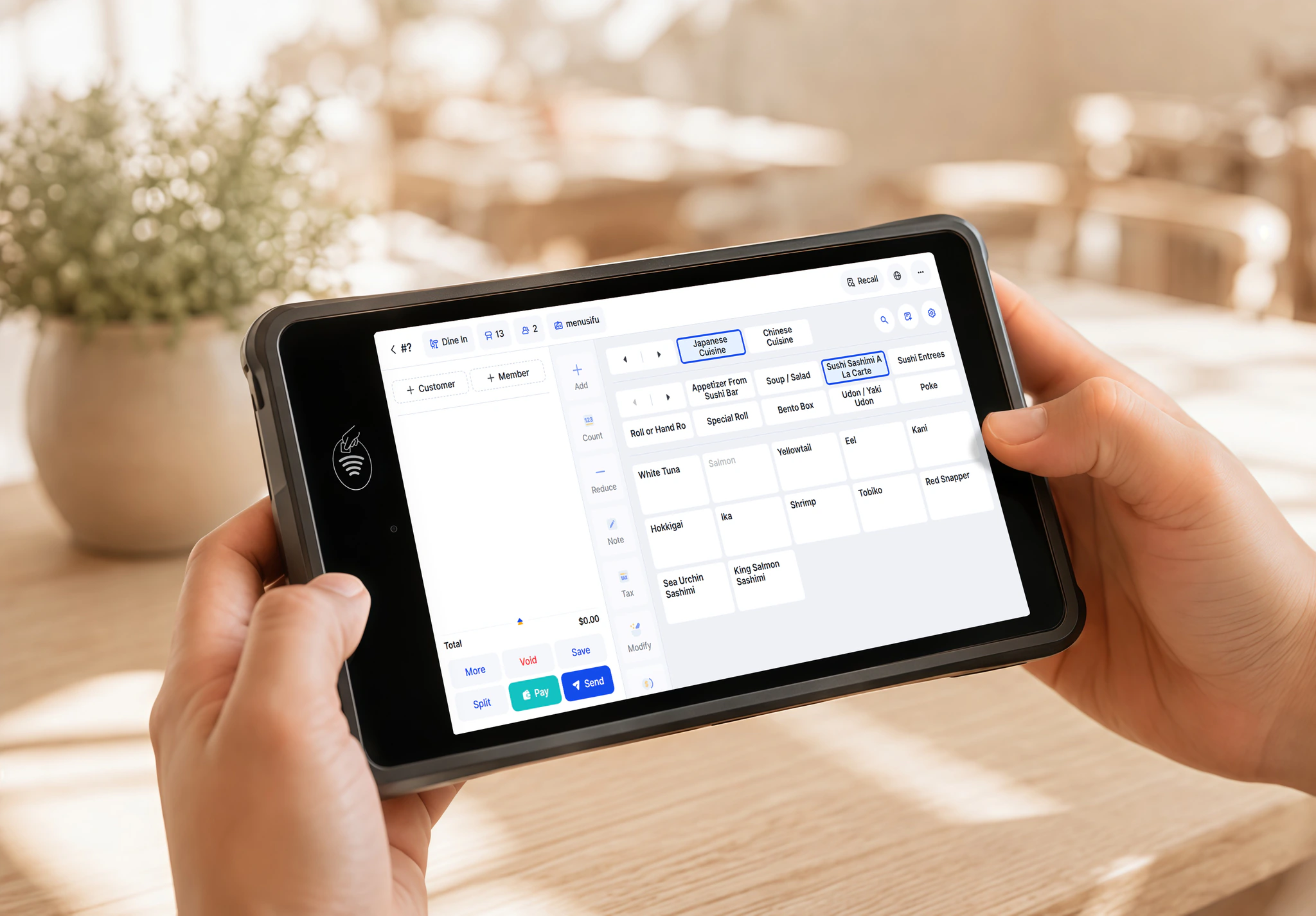
Add new dishes or mark items sold out in real time—no reprinting menus. Guests always see accurate options.
Staff operate a handheld POS with spice and ingredient modifiers, streamlining custom orders while maintaining speed and accuracy.
Maximize Table Turnover
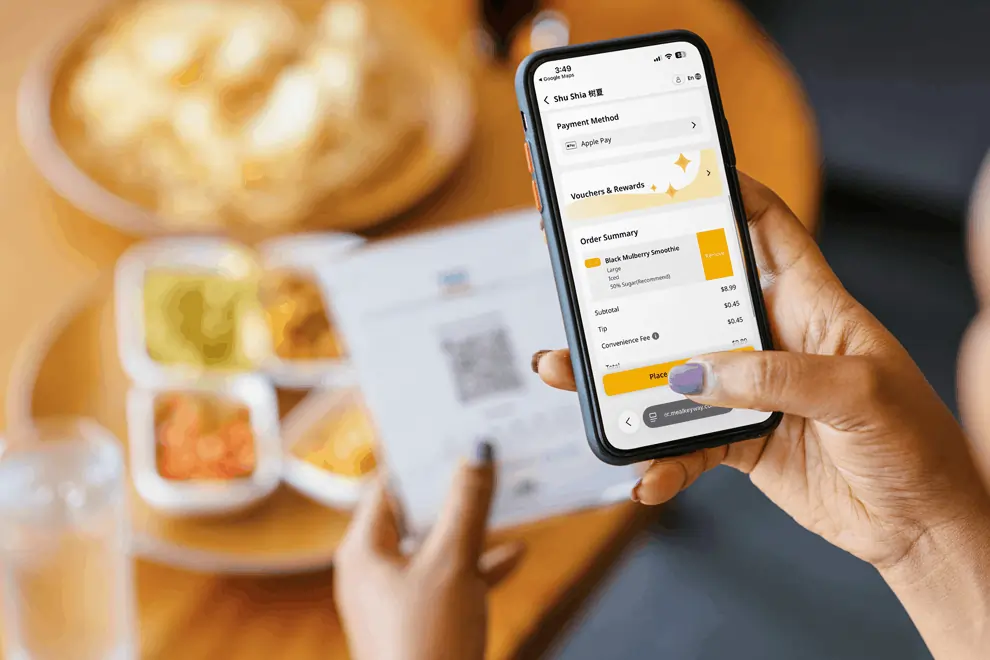
Ideal for quick-service spots: unique QR codes per table let guests order and pay in seconds with Apple Pay. Staff focus on serving and cleaning.
Customer using Apple Pay on a smartphone to complete a restaurant order after scanning a QR code at the table.
Reduce Line Pressure
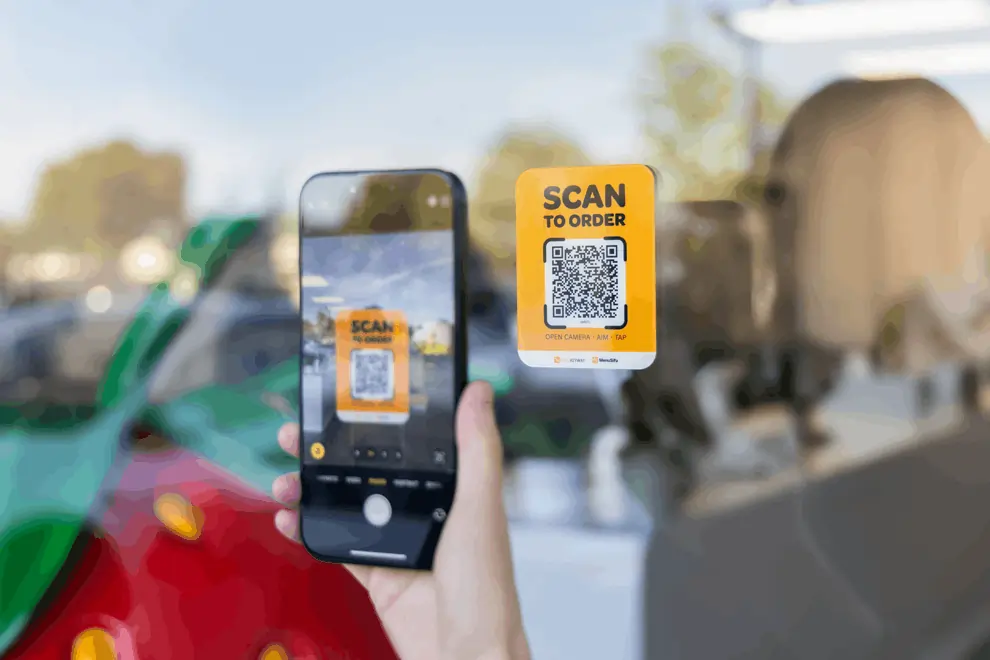
Ease congestion during rushes. Scan to Order shortens queues and wait times, keeping service smooth and guests happy.
Customer scanning 'Scan to Order' QR code on storefront using a mobile phone.
Drive Engagement Automatically
Promote membership sign-ups, point redemption, and limited-time offers directly through the digital menu—no staff explanation needed.
Individual with an iPhone showing an app featuring benefits of online order membership.
Real Restaurants, Real Results

“Alongside our self-ordering kiosks, Scan to Order helps handle peak traffic. Guests skip the line by scanning with their phones. We serve more orders, boost revenue, and improve the customer experience—all without extra staff.”

Shu Shia

“With Scan to Order, guests sit, order, and pay immediately. Meals go straight to the kitchen, and when they’re done, they leave—no skipped bills. Lunch specials are highlighted automatically, available only during set hours. It just works.”

Bento Shop

“Guests scan QR codes to explore our menu and decide before ordering. Servers then answer questions quickly, speeding up the entire process. With images and descriptions, customers know exactly what they’re getting—and they love it.”
Sushi Restaurant
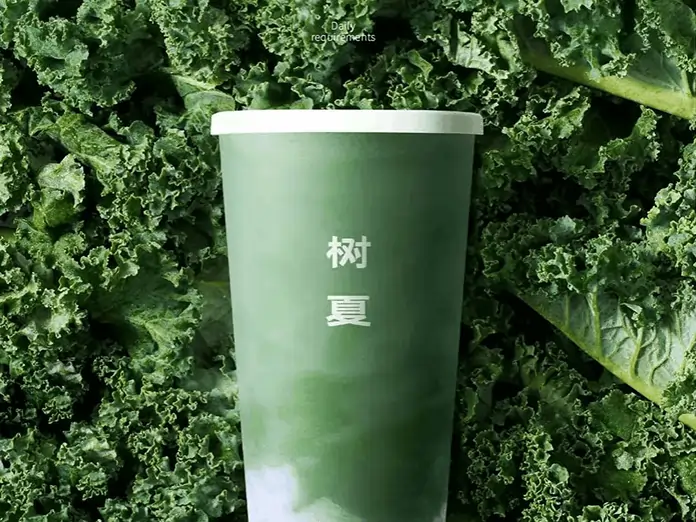
Shu Shia green smoothie cup with Chinese characters, set against a lush background of fresh kale leaves.
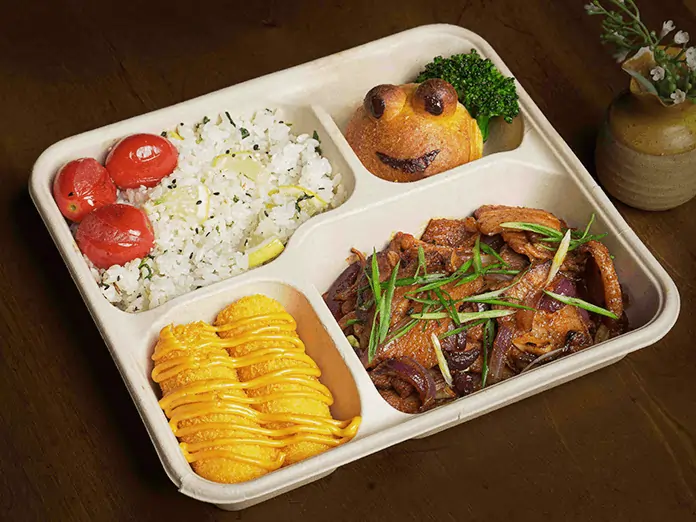
Bento Shop takeout meal with rice, cheesy potatoes, seasoned meat, and a smiling bun, served in a divided container.
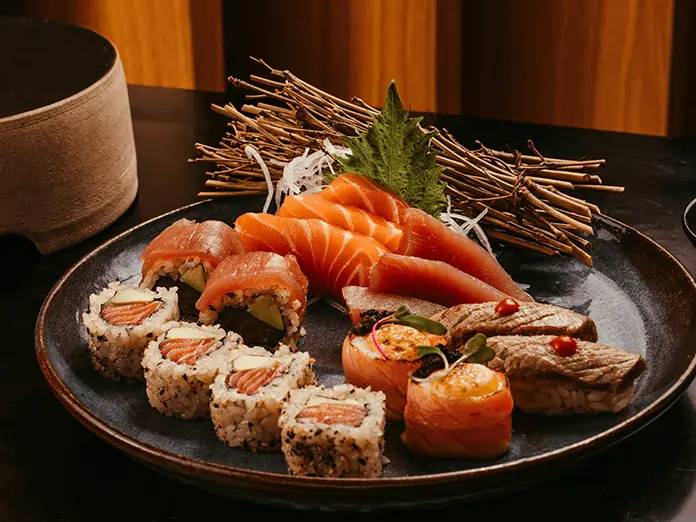
Sushi Restaurant dish showcasing a variety of sushi rolls, fresh sashimi, and seared nigiri with leaf and twig garnish.
See how MenuSifu can power your restaurant

Our team is ready to tailor a solution that fits your goals and operations.

Any questions?
We got you.

More questions?

Contact us
Do I need extra hardware for Scan to Order?
Plus Icon

Not at all. Guests use their phones to scan QR codes. Orders flow directly into your MenuSifu POS—ready for the kitchen.

Can guests pay after scanning?
Plus Icon

Yes! Enable payment in the scan mode. Guests can pay securely via credit/debit card or use Apple Pay for a faster checkout.

Can I promote specials like “Buy One Get One” or “Lunch Deals” in Scan to Order?
Plus Icon

Absolutely. MenuSifu offers customizable promotion templates. Highlight time-sensitive deals right at the top of the digital menu.

Is Scan to Order suitable for quick-service restaurants?
Plus Icon

Definitely. Whether you have seating or not, Scan to Order simplifies the process: guests scan, order, and pay using their phones. Orders go straight to the kitchen, freeing your team to focus on service.

More Question?

Contact us