
September 11, 2026
Choosing a restaurant kiosk for your store? Learn what to look for in POS integration, software, rollout, and upsell tools for smoother daily operations today.
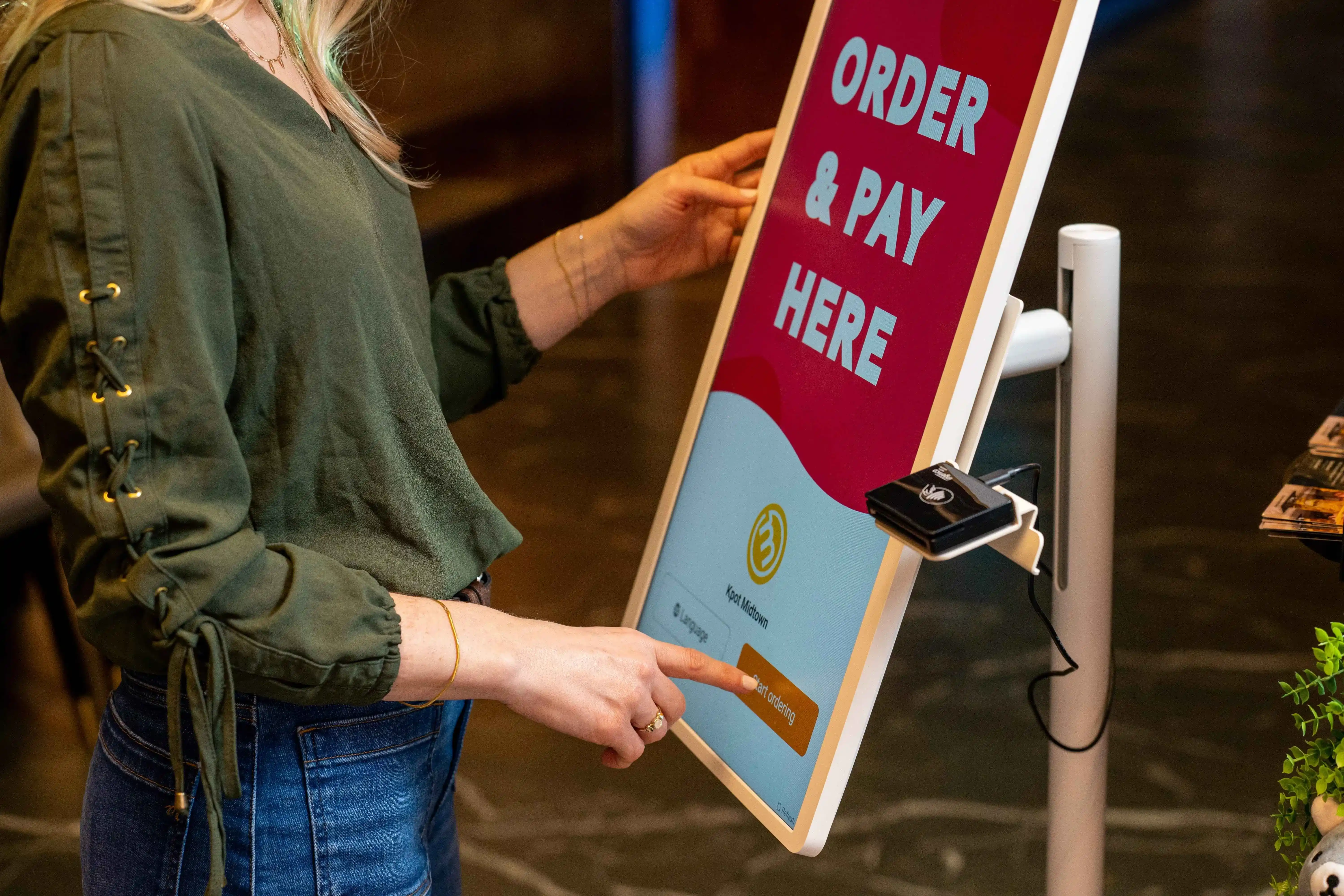
When the front counter backs up, add-ons get missed, and staff spend too much time taking routine orders, a restaurant kiosk can solve a real operational gap. The right setup can speed up ordering, support larger tickets, and connect directly to your POS. How do you choose a restaurant kiosk that actually fits your menu, service flow, and growth plan?

A restaurant kiosk is a self-ordering station that lets guests browse the menu, customize items, pay, and send orders straight to your POS and kitchen. It helps move routine ordering away from the front counter so your team can focus on speed, accuracy, and order handoff.
A full restaurant kiosk system includes more than the screen. It brings together the ordering interface, payment flow, menu logic, POS integration, and reporting in one connected setup. Strong restaurant kiosk software keeps pricing, modifiers, combos, and promotions aligned across the system, which helps you run a cleaner ordering process across one store or many locations.
If your store handles a steady stream of orders, small delays at the counter can pile up quickly. That is why many operators invest in restaurant kiosk software. It helps move orders faster, gives staff a clearer role during busy periods, and creates more chances to grow each ticket.
Guests can start ordering as soon as they reach the screen instead of waiting for the next cashier. That helps your store process more orders during lunch, dinner, and other peak periods.
When kiosks take routine orders, your team can spend more time on food prep, pickup handoff, and guest support. That shift can ease pressure at the front counter and keep the line moving.
A screen gives guests more time to review the menu, add extras, and upgrade meals. That often leads to larger orders than a rushed counter interaction.
Restaurant kiosk software can prompt guests to add drinks, sides, desserts, or larger sizes at the right point in the order flow. Those prompts stay consistent across shifts and locations.
Guests enter their own selections, modifiers, and add-ons directly into the system. That reduces missed details and sends cleaner tickets to the kitchen.
For high-volume stores, that combination can create a smoother ordering flow and stronger store performance.
A restaurant kiosk works best when your team handles a high number of orders and your menu follows a clear pattern. If guests often build combos, add extras, or customize drinks and meals, a kiosk can guide each order step by step, easing pressure at the front counter.
Your operation may be a strong fit if you have:
This often fits concepts such as:
If your guests place quick, repeatable orders and often customize what they buy, a restaurant kiosk can support a smoother order flow and help your team keep pace during busy periods.

Often, yes. A kiosk can lift average check by showing upgrades, combos, add-ons, and limited-time offers at the right points in the order flow. At the counter, staff may skip those prompts during a busy rush. On a screen, each guest sees them clearly and consistently.
Kiosks can also improve order accuracy. Guests enter their own selections, review modifiers before checkout, and send details straight to the POS and kitchen. That can reduce remakes and cut waste. Your team can then shift time from routine order-taking to food handoff, guest assistance, and production.
Peak periods are another area to watch. When more guests can place orders at once, lines move faster, and the front counter stays less crowded. That can help your store process more orders during high-volume windows.
Still, higher revenue is not automatic. Results depend on a few key factors:
A busy burger, pizza, coffee, or bubble tea concept with strong combos and add-ons may see better results than a menu with fewer attachment opportunities. To judge ROI, track average check, upsell rate, order accuracy, labor allocation, and peak-hour throughput after launch.
If you are comparing restaurant kiosk software, keep your focus on the tools that affect daily operations. The right platform should keep orders accurate, keep menus aligned with your POS, and help you promote higher-value orders with less manual work from your team.
Start with POS sync. Your kiosk menu should pull item names, prices, modifiers, and availability directly from your POS so your team does not have to update two systems by hand.
Modifier control also deserves close attention. If your menu includes combo choices, toppings, drink options, spice levels, or add-ons, the kiosk should guide guests through each step clearly and send every detail to the kitchen.
You should also review availability controls and dayparting. Breakfast, lunch, and late-night menus should switch at the right time. Sold-out items should disappear quickly. That keeps ordering clean and prevents avoidable errors.
Strong restaurant kiosk software should help you sell more during the order flow. Look for built-in upsell prompts, combo suggestions, and add-on recommendations that appear at the right moment.
Promotion tools also play a big role. The software should handle discounts, limited-time offers, BOGO deals, promo codes, and reward redemptions in a clear and consistent way. If you run frequent campaigns, this part of the system can have a direct impact on average ticket size.
Checkout should stay simple. Look for flexible payment options that let guests complete orders quickly. The kiosk should also connect smoothly with your loyalty program so guests can sign up, earn points, and redeem rewards during checkout.
Language support can also improve the ordering flow. If your stores serve a diverse customer base, multilingual menus can help guests move through the screen more easily and place accurate orders.
Reporting should give you a clear view of kiosk sales, upsell performance, item mix, promo usage, and order trends. You should be able to see what guests buy, which offers perform well, and where drop-off happens during the order flow.
If you run more than one location, centralized control is important. You should be able to manage menus, promotions, and kiosk settings across stores from one place. That helps keep operations aligned across your brand.
A kiosk can affect front-counter flow all day, so reliability should stay high on your list. Review how the provider handles software updates, issue resolution, and ongoing maintenance.
A good partner should help with setup, training, rollout, and long-term system care. That way, your restaurant kiosk software keeps performing well as your menu changes, your promotions shift, and your stores grow.
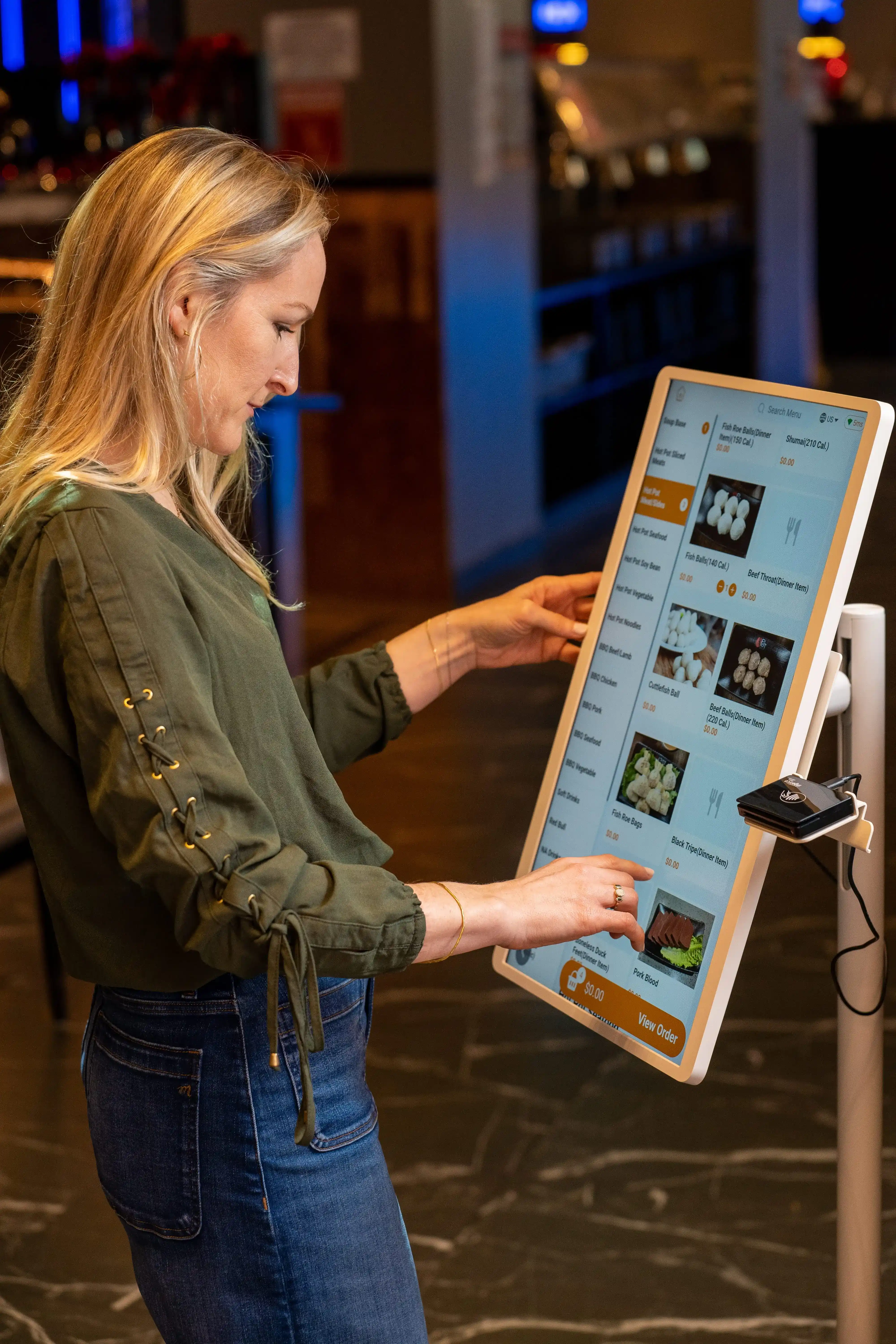
Start with the POS, not the screen. If your kiosk and POS do not share menu data, pricing, modifiers, payments, and reports cleanly, your team will spend time fixing preventable issues. A strong setup keeps ordering, payment, kitchen routing, and reporting in one connected flow.
A native kiosk usually gives you tighter sync and a simpler setup. Menu updates, item availability, modifier rules, and sales reports tend to stay aligned because they sit inside the same system.
A third-party kiosk can still work well, but only if the integration runs deep. Review how it handles menu sync, combo rules, taxes, refunds, order routing, and reporting before you move forward. If those pieces do not line up cleanly, small gaps can grow into daily operational problems.
Before you choose a system, review the basics closely.
If the answer is yes across the board, you are looking at a stronger fit. If not, keep comparing.
Your kiosk should not sit off to the side as a separate tool. It should work with your online ordering, loyalty program, gift cards, promos, and in-store POS so guests get one consistent ordering flow.
That means a guest should be able to:
This helps your team manage fewer exceptions and gives you cleaner data across the business.
If you run more than one store, central control should rank high on your list. You need a system that lets your team manage menus, pricing, promos, and settings across locations from one place.
Check for:
This can save time and keep stores aligned as you grow.
Franchise groups often need a balance of brand control and store flexibility. The POS and kiosk setup should let corporate teams set core standards while giving operators room to handle local pricing, limited offers, or store-specific items where needed.
Look for a platform that supports:
Use this quick checklist as you compare options:
If a provider cannot check most of these boxes, keep looking. The best restaurant point-of-sale system with guest self-ordering kiosk should make daily operations easier, keep data clean, and support growth across one store or many.

When you compare providers, skip the polished pitch and focus on how the system will perform during a busy shift. A strong option should fit your menu, connect cleanly to your POS, and hold up across daily operations. Start with these six areas.
Check how the platform handles menu rules, modifiers, combos, upsell prompts, loyalty, multilingual ordering, and reporting. If your menu includes drink customizations, combo meals, add-ons, or limited-time offers, the software should guide guests clearly from start to checkout. It should also send clean order details to the kitchen every time.
Look closely at the POS connection. Price updates, item availability, modifiers, payments, and order data should sync quickly and accurately. A weak connection can create menu mismatches, reporting gaps, and extra work for your team. A strong one keeps the kiosk, POS, kitchen printers, or KDS, and inventory aligned.
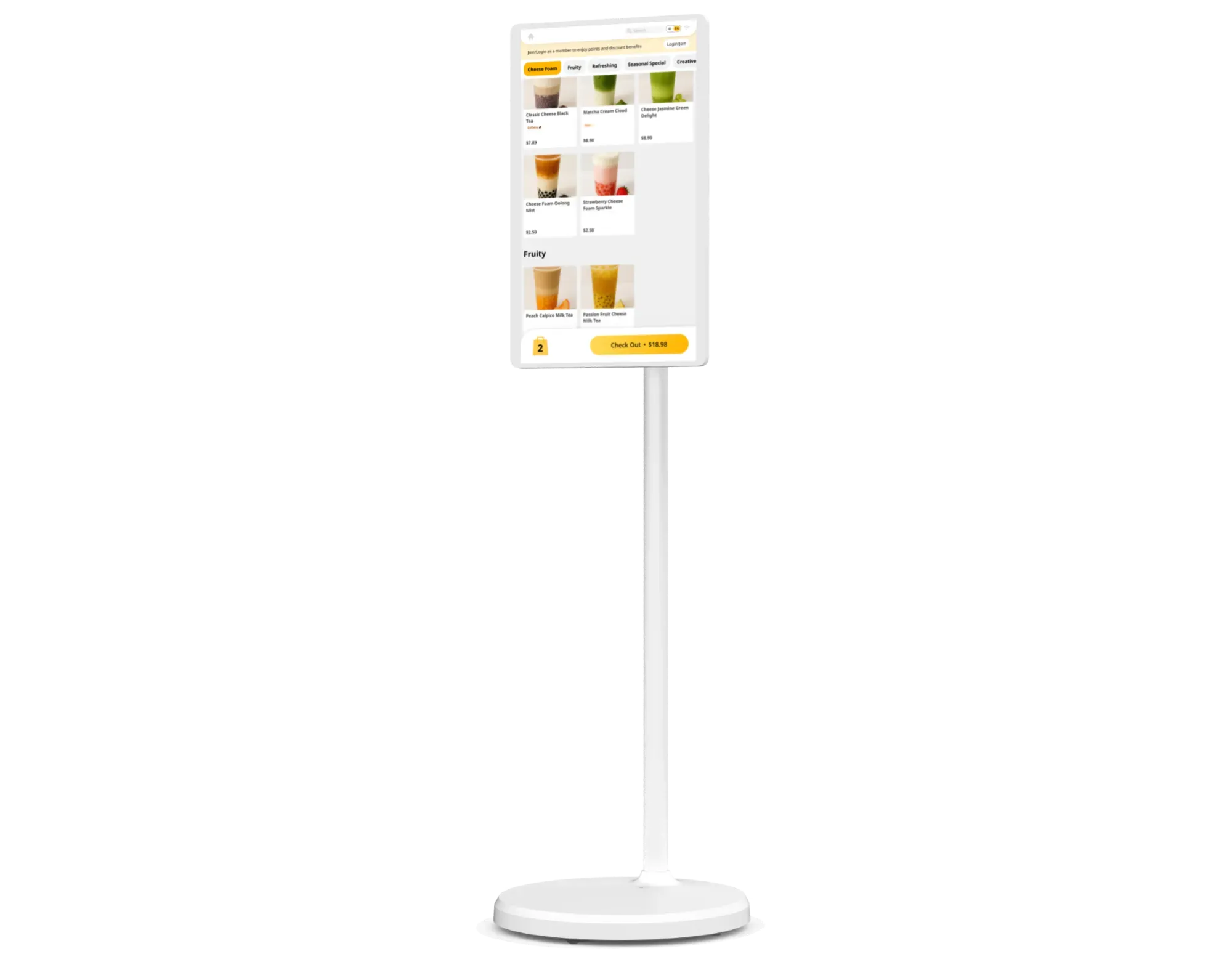
Compare screen sizes, placement options, speed, and durability. Some stores need a countertop unit near the register. Others need a floor-standing kiosk near the entrance. The right hardware should fit your layout, stay responsive during peak hours, and remain stable through constant daily use.
Review what happens before launch and after installation. Good support often includes menu setup, device configuration, testing, staff training, and post-launch adjustments. That support can help your team adopt the kiosk faster and avoid preventable setup issues.
If you operate multiple locations, check for centralized menu management, store-level permissions, chain-wide promotions, and location-based reporting. These tools help you keep brand standards tight across stores while giving operators the controls they need at the unit level.
Do not stop at the sticker price. Compare software fees, hardware costs, setup, payment processing, updates, maintenance terms, and replacement policies. A lower upfront price can cost more later if the software falls short or the hardware creates frequent downtime.
In the end, the best provider is the one that fits your ordering flow, your POS setup, and your growth plan. Keep the comparison practical, and focus on what will help your stores run better day after day.
There is no one best restaurant POS with self-ordering kiosks for every restaurant. The right fit depends on your location count, ordering format, menu build, and rollout goals. Start with the setup that keeps kiosk orders aligned with your POS, supports fast checkout, and gives your team clear control.
If you run one store, look for a POS and kiosk setup that is easy to launch and easy to manage day to day. You need strong menu sync, simple pricing updates, clear modifier support, and reporting you can review quickly. A clean checkout flow and stable hardware should rank high on your list.
If you manage several stores, focus on centralized control. Your POS and kiosk setup should let you push menu updates, pricing changes, promos, and item availability across locations from one place. Strong reporting also helps you compare store performance and spot gaps in kiosk adoption or upsell rates.
Franchise groups need a setup that supports brand consistency across stores. Look for a system that lets corporate teams control core menu rules, brand visuals, and campaign settings while still giving operators room to manage local needs. Consistent reporting across franchise locations also helps you keep a close view of sales and operations.
Drink and dessert concepts often rely on detailed customization. Your POS and kiosk should handle size choices, temperature options, toppings, sweetness levels, add-ons, and combos with clear order flow. The best setup keeps these steps easy for guests and sends every detail cleanly to the kitchen.
Food court brands need speed, visibility, and stable performance during rush periods. A good fit should support fast ordering, quick payment, and smooth order routing to the kitchen. Large screens, simple navigation, and a strong pickup flow can help you move more orders during peak traffic.
In short, the best restaurant POS with self-ordering kiosks is the one that fits how your store runs today and how you plan to grow in the future. Focus on fit first, then compare features.
Once you narrow down your options, the next step is rollout. A strong launch starts with store flow, menu setup, and team prep. If you handle those three areas well, your kiosk can speed up ordering, support upsells, and take pressure off the counter.
Here is a simple way to approach it:
Put the kiosk near the entrance or ordering line so guests notice it right away. Keep the area open and easy to approach. Do not block pickup, traffic flow, or the cashier.
Group items clearly. Keep categories easy to scan. Use modifier steps that guide guests from one choice to the next. If you sell combos, add-ons, or drink customizations, make them easy to find and easy to select.
Before launch, check that menu items, pricing, modifiers, promos, and taxes sync correctly. Orders should route cleanly to the POS, kitchen printer, or KDS. This step helps prevent ticket errors and manual fixes during peak hours.
Your team should know how to greet guests, guide first-time users, and step in quickly when needed. They should also know how kiosk orders move through production and pickup so the front counter stays organized.
Test the kiosk in one store or during selected dayparts first. Watch how guests use it. Review order speed, average check, upsell performance, and error rates. Then adjust screen flow, menu prompts, or placement before expanding further.
Add featured items, combo prompts, loyalty sign-up, and limited-time offers where they fit naturally in the order flow. A kiosk should help you increase check size while keeping the process clear.
A good rollout keeps the experience simple for guests and practical for staff. When placement, menu flow, and POS sync line up, your kiosk can support faster ordering and stronger store performance from day one.

Before you choose a vendor, watch for a few common mistakes. These issues can slow rollout, add work for your team, and limit results after launch.
A strong restaurant kiosk system should support your menu, your POS, and your day-to-day flow. If you catch these issues early, you can choose a setup that supports cleaner rollout and stronger results.
You may be ready for a kiosk rollout if the front counter slows down during rushes and your team spends too much time entering routine orders. Kiosks work best when guests follow a clear ordering path, your menu stays fairly consistent, and add-ons or combo upgrades play a big part in ticket growth.
Look for these signs:
If several of these points sound familiar, move past kiosk hardware alone. The next step is to compare POS-integrated kiosk software that can support ordering, kitchen flow, promotions, and store-level control in one system.
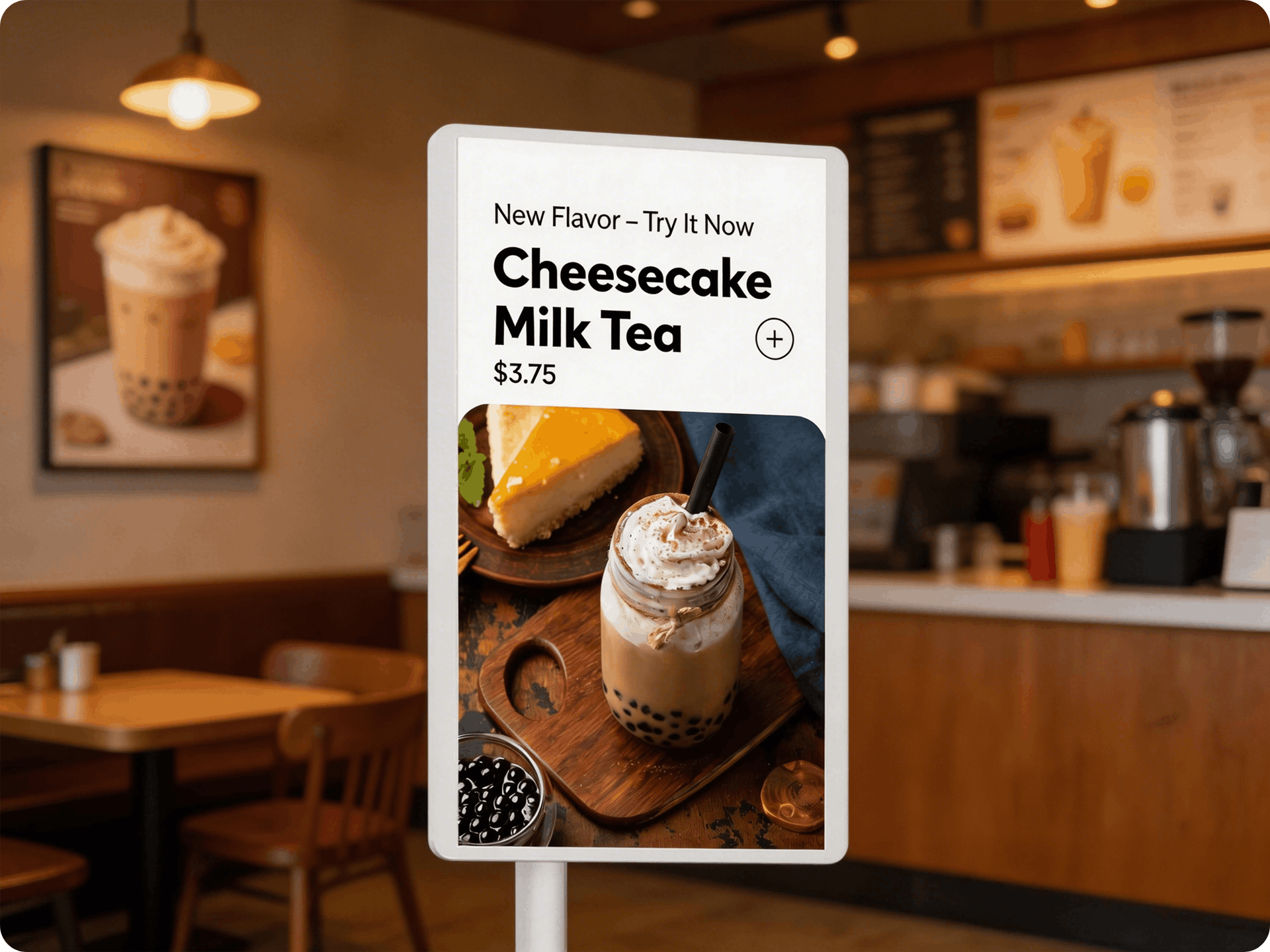
The right restaurant kiosk system should help your team take orders faster, guide guests through customization, improve upsells, and keep orders flowing cleanly into the kitchen. The best result usually comes from strong POS integration, reliable hardware, and restaurant kiosk software that supports your menu, your promotions, and your day-to-day service flow.
If you are reviewing options now, focus on how the system will perform in your store during a busy shift. Look at order speed, menu control, loyalty support, reporting, and rollout fit across locations. That approach will lead you to a restaurant kiosk solution that supports growth with less strain on the front counter.
If you want a clearer view of how a POS-connected kiosk can fit your operation, MenuSifu can help. Our self-ordering kiosk solution works with POS and kitchen systems, supports multilingual menus, handles detailed item customization, and gives you tools for branded screens, loyalty sign-up, rewards, promotions, and gift cards in one flow. You also get reliable hardware options with flexible placement, real-time sync across store systems, and an ordering experience built to support speed and accuracy.
Book a Free Demo with MenuSifu today to see how a restaurant kiosk can support your service flow, increase upsell opportunities, and simplify ordering across your locations.
Here are a few common questions that can help you evaluate kiosk options more clearly. Use them to compare features, integrations, and rollout needs for your restaurant.
The most efficient restaurant kiosk is the one that connects cleanly with your POS, handles menu modifiers accurately, and guides guests through ordering quickly. For most operators, efficiency depends on fast checkout, clear menu flow, reliable uptime, and real-time sync with kitchen and reporting systems. A kiosk that supports upsells, loyalty, and multilingual ordering can also improve throughput and ticket size.
Restaurants can choose from countertop kiosks, floor-standing kiosks, and POS-integrated self-ordering kiosks that connect directly to kitchen printers, KDS, inventory, and loyalty tools. Some solutions focus on basic ordering and payment, while others support multilingual menus, item customization, combo upsells, rewards, and branded promotions. For most operators, the best option is a kiosk system that matches the menu, order volume, store layout, and POS setup.
Customer-facing ordering kiosks connect directly to your POS so each order, modifier, payment, and promo flows into one system in real time. When a guest places an order at the kiosk, the POS updates the transaction and sends the order to kitchen printers or the KDS for preparation. A strong integration also keeps menus, prices, inventory, and reporting aligned across the kiosk and POS.
For more practical tips on self-ordering, POS tools, and restaurant operations, check out our blog for more insights and updates.
Related Articles:







