
October 12, 2026
Find out what POS integration means, how it works, and what to check before choosing a restaurant POS system that connects with ordering and payment tools.
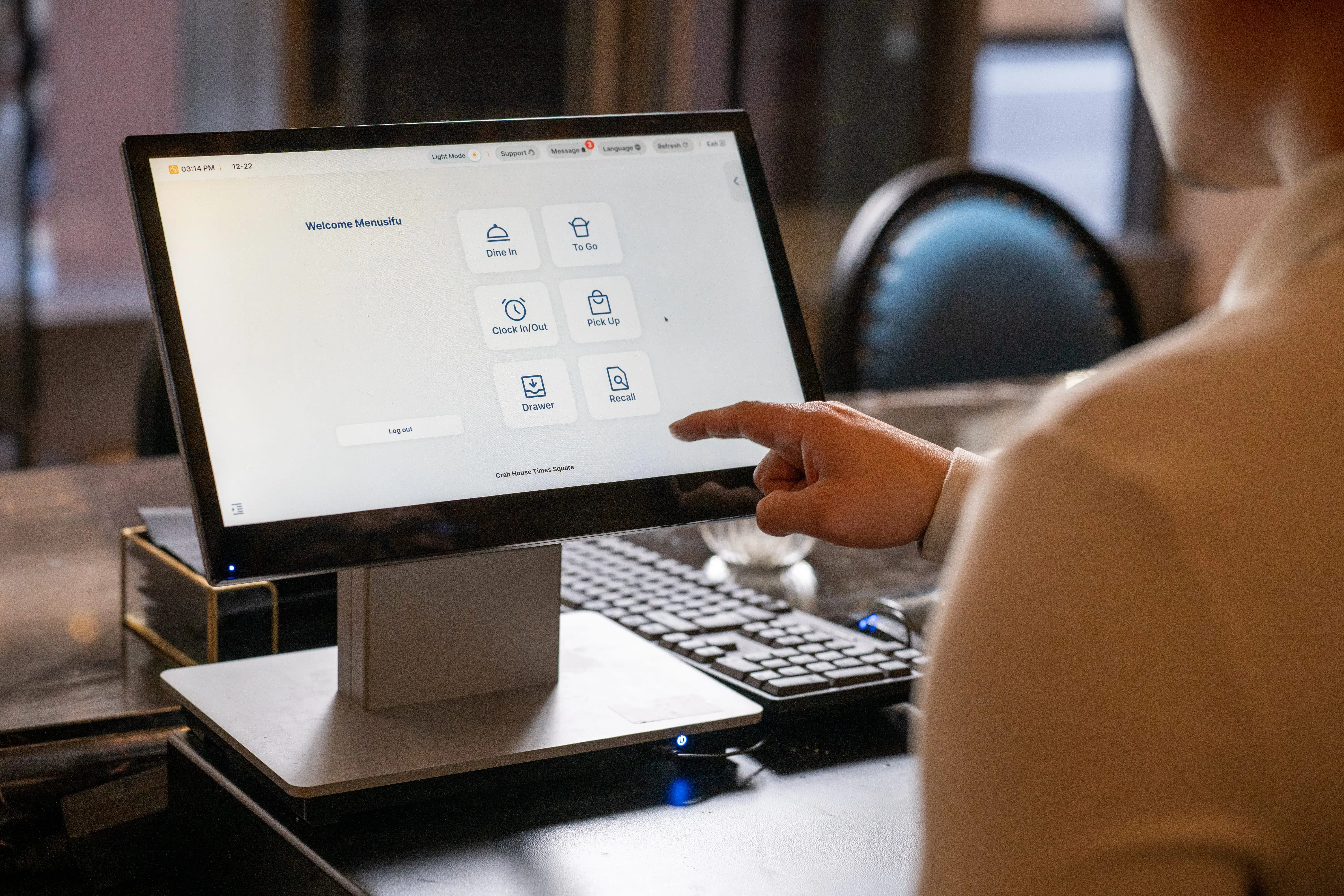
Choosing a restaurant POS system gets easier when you know how it connects with the tools you plan to use. A POS integration links your POS with platforms such as online ordering, payments, delivery apps, accounting software, inventory tools, loyalty programs, and reporting systems.
With the right restaurant POS integration, your systems can share data instead of making your team enter the same information in different places. In this guide, you will learn what POS integration means, how it works, what the setup includes, and what to look for before choosing a POS system.

POS integration refers to the connection between your POS system and another restaurant tool, such as online ordering, payments, accounting, inventory, delivery apps, loyalty programs, or reporting software.
It allows data to move between systems automatically. For example, when a customer places an online order, the order can go directly into the POS instead of requiring staff to enter it by hand.
This connection helps your POS work with the other tools you plan to use. Orders, payments, menu items, customer details, and sales data can move between systems with less manual work, fewer duplicate entries, and smoother daily operations.
Restaurant POS integration works through a software connection that moves specific data from one system to another. That connection may run through an API, a built-in app connection, or an integration platform.
When an action occurs in one system, the integration either sends related data to the POS or pulls data from the POS. That data may include order details, payment status, menu updates, customer records, sales totals, or inventory changes.
The POS then reads the data and updates the correct part of the system. For example, a connected payment processor can send transaction details to the POS, so the sale, receipt, tip, refund, and report stay aligned.
Some integrations update data in real time. Others sync at scheduled times, such as every few minutes, hourly, or at the end of the day. The right sync method depends on the type of data and how quickly your team needs the update.
The goal is to keep connected systems working from the same information, so your restaurant can manage daily operations with fewer manual steps and cleaner records.
POS integration involves connecting your POS system to the other tools you plan to use, then configuring how data flows between them.
In practice, this usually includes:
After reviewing how POS integration works and what setup includes, the next step is knowing which tools a POS can connect with. The integrations you choose will depend on how you take orders, accept payments, track inventory, manage customers, and review performance.
Here are the most common restaurant POS integrations to consider:
Online ordering integration connects your website or ordering platform directly to the POS.
When a customer places an order online, the order can appear in the POS for staff to process alongside dine-in, takeout, and pickup orders. This helps keep digital orders organized and reduces the need to copy details from one system to another.
Delivery platform integration connects third-party delivery apps with your POS.
This helps your team manage delivery orders in the same order flow as other sales channels. It can also help track delivery sales, order volume, and channel performance in your POS reports.
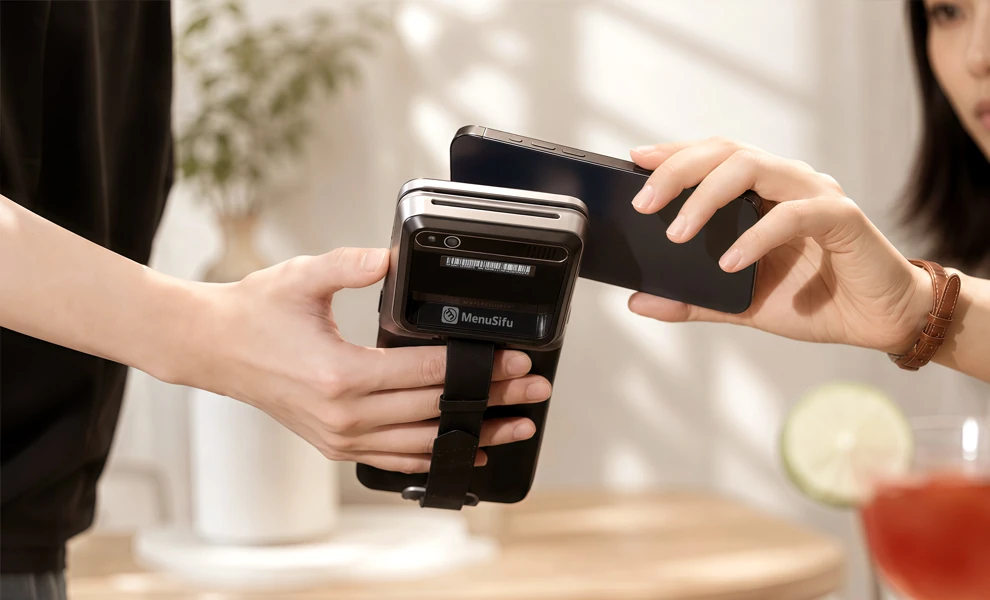
Payment processing integration connects your POS with your payment provider.
When a guest pays, the transaction can link to the correct receipt, tip, refund, and sales record. This helps keep payment activity and POS reports aligned during closeout.
Accounting integration connects your POS with accounting software.
Sales totals, taxes, discounts, refunds, payments, and deposits can sync with your accounting system. This helps reduce manual bookkeeping and supports cleaner financial records.
Inventory integration connects POS sales data with stock tracking.
Each sale can update item counts, ingredient usage, or stock levels based on what customers order. This helps you monitor inventory, review usage, and plan purchases with better data.
Loyalty and customer engagement integration connects your POS with rewards programs, customer profiles, gift cards, email marketing, or SMS tools.
This helps you track purchase history, manage rewards, process gift cards, and create offers based on customer activity.
Reporting and analytics integration connects POS data with dashboards or analytics tools.
This helps you review sales trends, menu performance, order channels, payment activity, customer behavior, and location results in one place.
When you compare POS systems, integrations can help you see how the system will fit into daily operations. A strong POS should connect orders, payments, reporting, inventory, and customer tools in a way that saves time and supports growth.
Here are the practical benefits to look for.
These benefits can guide your POS buying decision. The next step is knowing which integration features to review before choosing a provider.
Before you choose a POS system, look closely at how it connects with the tools in your restaurant. The right setup should help orders, payments, menus, inventory, customer data, and reports move between systems with less manual work.
1. Check compatibility with your current tools
Start with the platforms in your daily operation. This may include online ordering, delivery apps, payment processing, accounting, inventory, loyalty, reservations, and reporting. Ask the POS provider which integrations they support and how each connection works.
2. Review support for tools you plan to add
Your restaurant may add new software as it grows. You may bring in a loyalty program, a new delivery partner, a customer marketing tool, or a more advanced reporting platform. Choose a POS that can support those plans so you avoid switching systems too soon.
3. Ask how the integrations are built
Some POS systems offer built-in integrations. Others connect through third-party providers or custom API work. Built-in integrations often take less setup, while third-party connections may add extra steps, costs, or support needs. Get a clear answer before you commit.
4. Look at how data syncs
Data sync speed affects daily operations. Real-time syncing helps keep orders, payments, menus, and reports updated as activity happens. Scheduled syncing can work for accounting, reporting, or other tools that do not need instant updates.
5. Review the setup process
A good POS provider should explain the setup steps clearly. Ask who handles configuration, menu mapping, testing, and launch support. You should know what your team needs to prepare before the integration goes live.
6. Check support during and after setup
Integration support should not stop after launch. Ask who helps when orders fail to sync, payment totals do not match, or reports show missing data. A responsive support team can help keep operations on track.
7. Confirm multi-location support
If you operate more than one location or plan to expand, check how the POS handles integrations across locations. You may need centralized reporting, shared menus, location-level settings, and consistent payment or delivery connections.
8. Review data protection
Your POS handles customer, payment, order, and sales data. Ask how the system protects that data when it moves between platforms. Look for secure payment handling, user permissions, and reliable data-sharing practices.
A POS integration should support how your restaurant operates today and give you room to grow. Before making a purchase, choose a POS system that connects with the tools you need, keeps data moving accurately, and helps your team manage operations with less manual work.
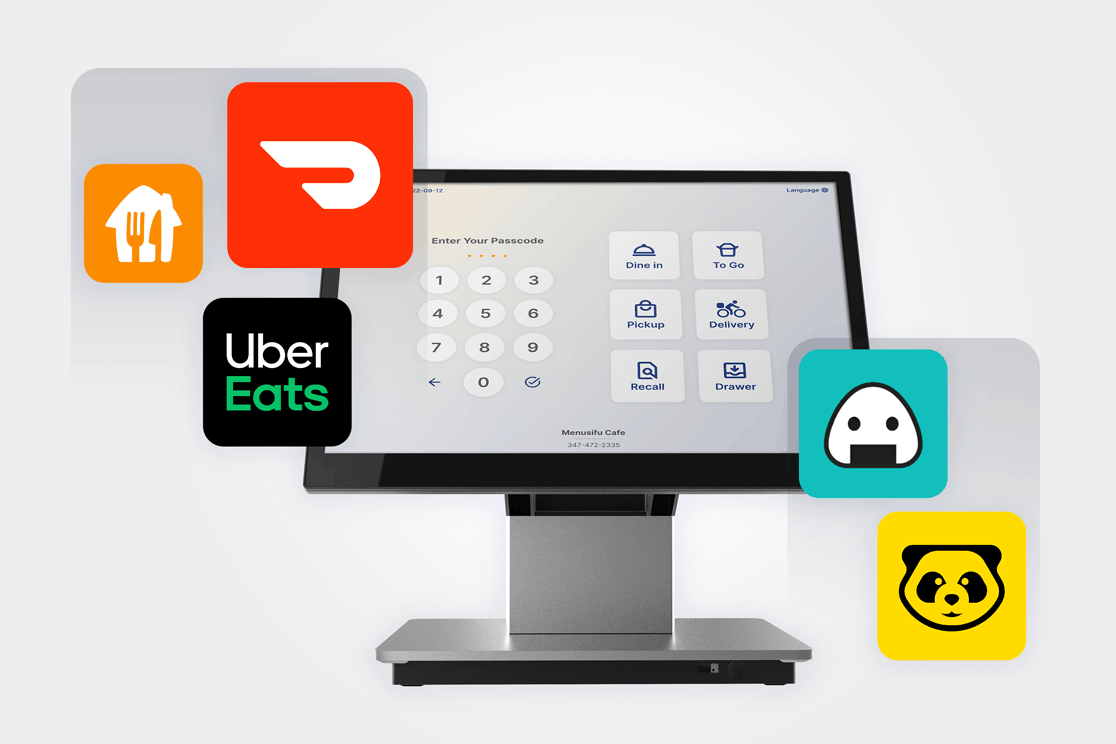
A POS integration helps your restaurant connect orders, payments, inventory, customer data, accounting, and reporting in one organized flow. When your POS shares data with the tools you plan to use, your team can reduce manual work, improve accuracy, and manage daily operations with cleaner records.
MenuSifu helps restaurants build a connected setup through POS solutions that support delivery integrations, integrated payments through USEZPAY, kiosks, QR ordering, loyalty programs, marketing tools through MealKeyWay, reporting, and select connected restaurant equipment. Instead of managing separate tools from different providers, you can bring more of your operation into a single connected platform.
Book a Free Demo with MenuSifu today to see how an integrated POS setup can support your restaurant’s ordering, payment, customer engagement, and growth plans.
Restaurant POS integrations can vary based on your tools, setup, and business goals. These FAQs cover common search topics that can help you plan the right setup.
Yes. Many feedback kiosks can integrate with existing POS systems if both platforms support data sharing via a built-in connection, an API, or a third-party integration tool. Once connected, the kiosk can link guest feedback with order details, visit history, location data, or staff performance insights.
To integrate a POS with a website, connect your POS to an online ordering system, website ordering module, or API-supported platform. Once connected, website orders can flow directly into the POS, update sales records, send tickets to the kitchen, and sync menu, pricing, payment, and customer data based on your setup.
Choose a payment processor supported by your POS provider, then connect the merchant account, payment terminals, accepted payment methods, and receipt settings. After setup, run test transactions to confirm that sales, tips, refunds, taxes, and payment reports sync correctly with the POS.
To integrate POS, choose the tools you want to connect, confirm that your POS supports them, then set up the connection through a built-in integration, API, or third-party platform. Next, map key data such as menu items, prices, taxes, orders, payments, and customer details. Test the setup before launch to make sure orders, payments, and reports sync correctly.
POS integrations are connections between a POS system and other restaurant tools, such as online ordering, payments, accounting, inventory, loyalty programs, and reporting software. They help these systems share data, reduce manual entry, and keep orders, sales, customer details, and reports updated across your operation.
POS stands for Point of Sale. POS integration means connecting a point-of-sale system with other business tools so data can move between them.
For more insights and updates on restaurant POS systems, integrations, online ordering, and restaurant technology, visit the MenuSifu blog.
DISCLAIMER: Integration availability, features, and setup requirements may vary based on your POS configuration, third-party platforms, payment provider, location, and restaurant needs. Contact MenuSifu to confirm which integrations are available for your setup.
Related Articles:







