Kitchen Display System

Run a More Efficient, Ticket-Free Kitchen

Replace unreliable kitchen printers with a system built for real kitchens. KDS keeps orders flowing, even offline. Connect your front and back of house, serve faster, and never lose another ticket to grease or water.
Smarter Kitchen Operations
The KDS That Understands Your Kitchen
  • Switch freely between Order Mode and Item Mode to match your kitchen’s operation style.
  • Group identical dishes for faster batch cooking and smoother coordination.
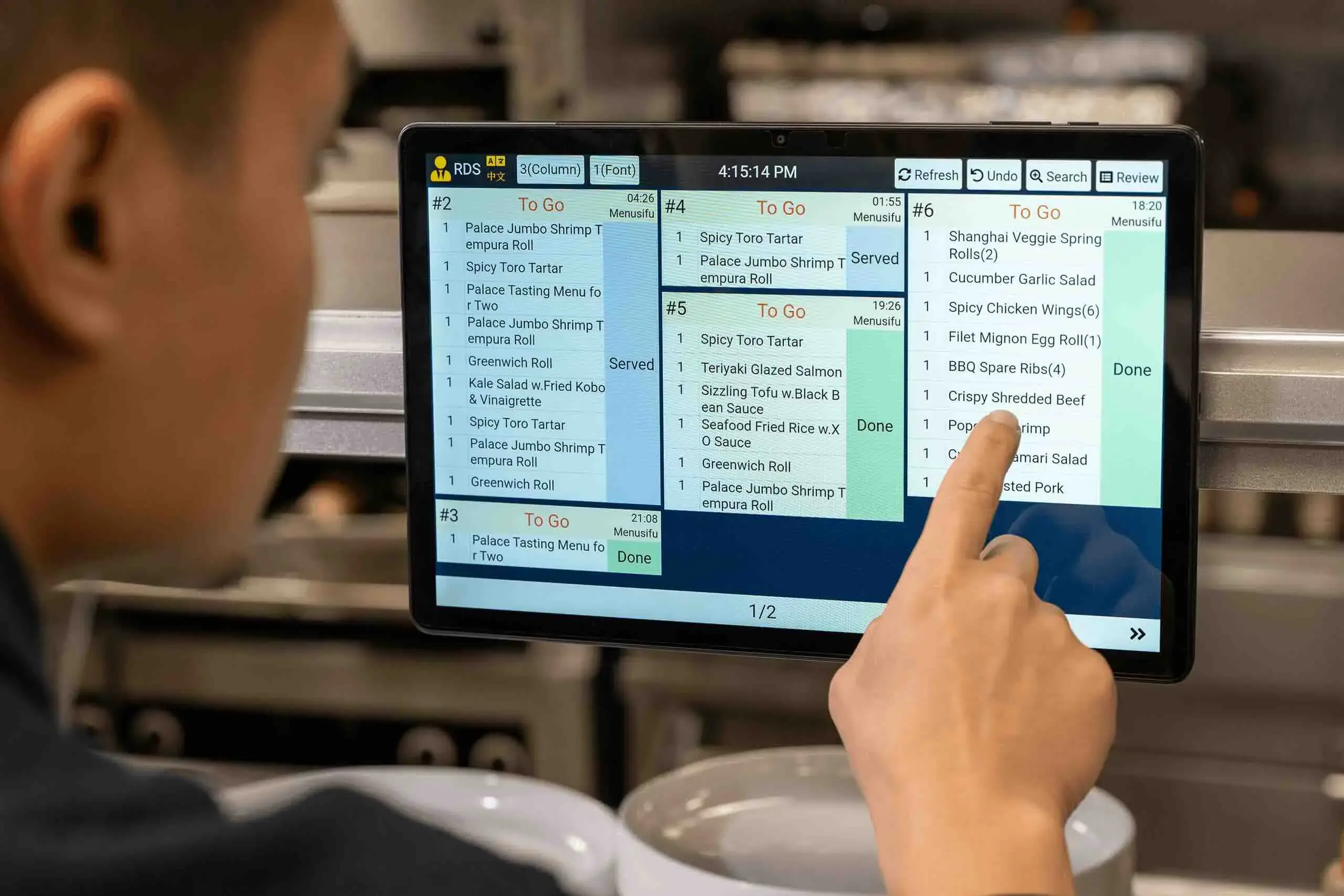
  • Orders change color based on waiting time — helping chefs instantly see what’s urgent.
Touchscreen KDS shows queued Japanese tempura dishes by count and prep time, helping kitchen staff manage incoming orders fast.
Seamless Front & Back Communication
  • Front-of-house staff can track dish progress, send rush alerts, and BOH staff can see cancellations or changes reflected in real time.
  • For multi-step prep, each station can view its assigned items, with progress synced across all screens.
  • When a dish is ready, KDS prints a small barcode slip; servers scan it at the RDS to mark the dish as served — simple, accurate, efficient.
Smiling server stands tableside holding handheld POS as guests chat and enjoy food in an elegant dining setting with gold decor.
Designed for Ultimate Flexibility
  • Use multiple screens together or independently, and separate dine-in and takeout orders for clarity.
  • Adjust font size, columns, and rows to fit your kitchen’s visibility and comfort needs.
  • Support for English, Chinese, and Spanish lets every team member work confidently in their own language.
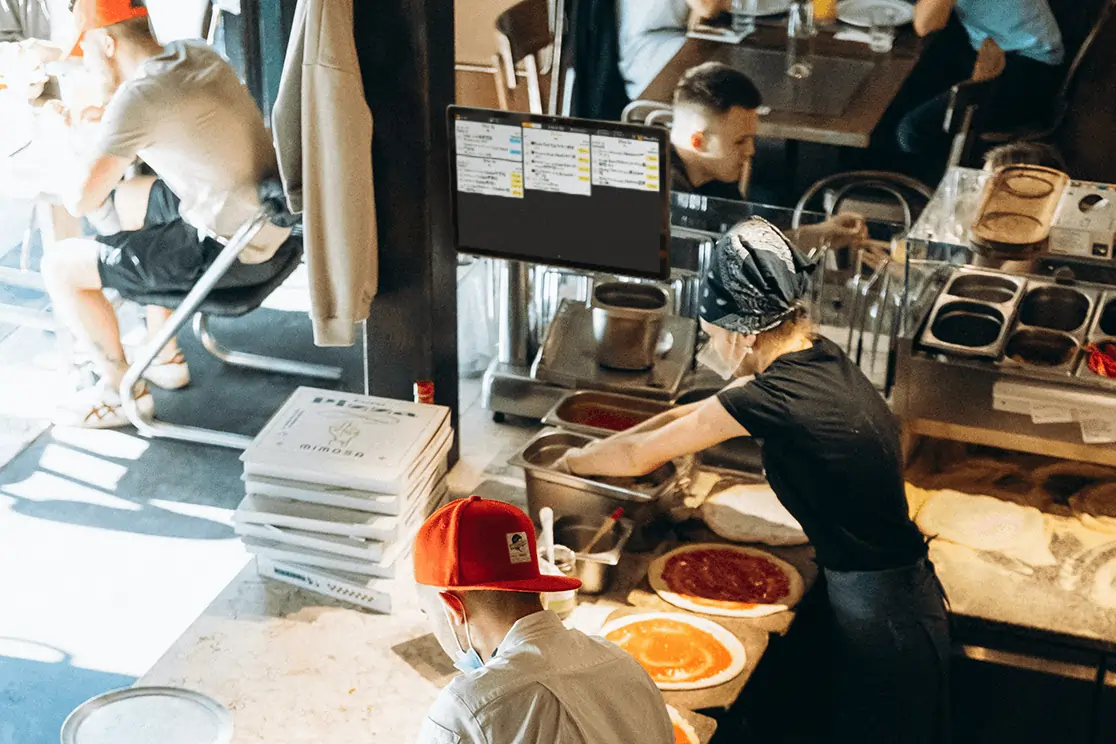
Kitchen staff assembling pizzas with real-time orders shown on a KDS screen to streamline workflow and speed service.
Handle Any Crowd. Anytime.
  • Launch promotions easily with 10+ ready-made templates for openings, holidays, or new items.
  • Drive online visibility with professional marketing services and capture orders seamlessly.
  • Boost repeat sales with SMS marketing and smart member targeting for personalized coupons.
Why Restaurants Love MenuSifu’s KDS

“Our kitchen staff speak Spanish and Chinese, and our servers only speak English — but communication has never been smoother. Each KDS screen and POS terminal can be set to a different language. Everyone stays in sync.”

Thumbling

“Compared to paper tickets, KDS is a game changer. I can instantly see what’s cooking, what’s delayed, and where the bottlenecks are. The color-coded alerts help me prioritize, and every station stays focused. No printer can do that.”

Hunan Tapas

“The barcode scan to mark a dish as served is brilliant. I used to manually check boxes on other systems — now I just scan and it updates automatically. I can see exactly what’s left to serve at a glance.”
Little Skewer
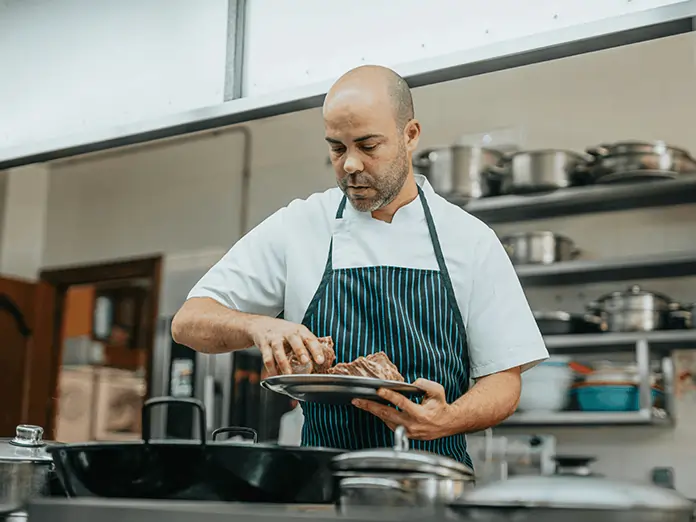
Chef in striped apron works in restaurant kitchen, preparing dishes accurately with guidance from a kitchen display system.
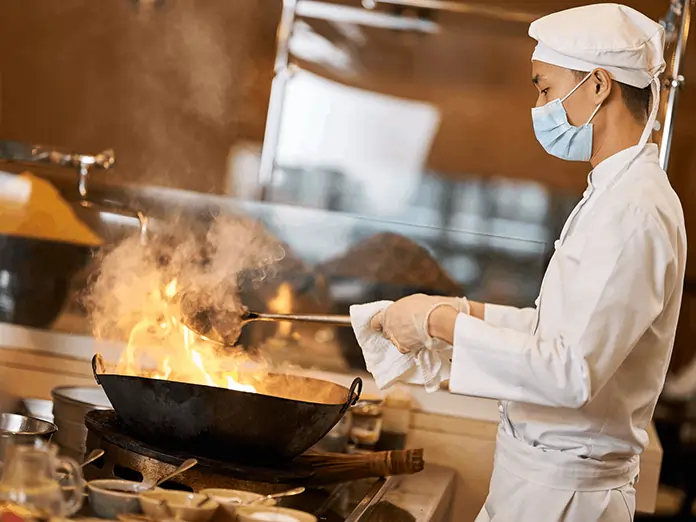
Chef wearing mask and uniform cooks with high flames in a busy kitchen, managing orders through a kitchen display system.
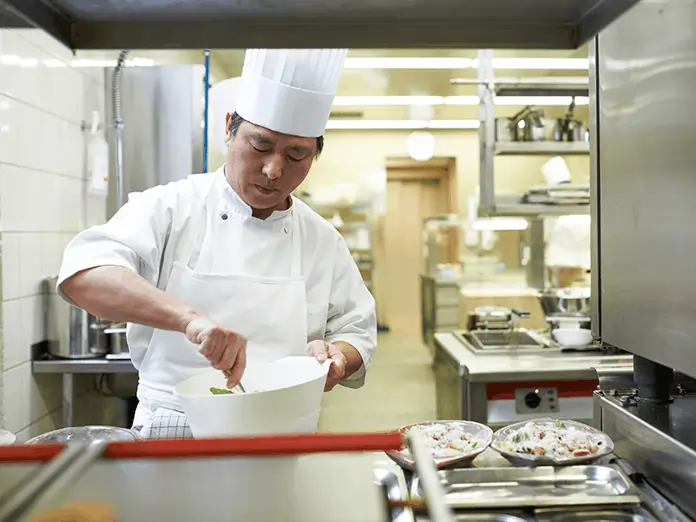
Focused chef in white uniform prepares food in modern kitchen, showcasing precision and flow with kitchen display system.
See how MenuSifu can power your restaurant

Our team is ready to tailor a solution that fits your goals and operations.

Any questions?
We got you.

More questions?

Contact us
What are the advantages of KDS over a kitchen printer?
Plus Icon

KDS hardware is more durable, waterproof, and oil-resistant — no more paper jams or lost tickets. Unlike printers, KDS offers real-time updates between front and back of house, displaying changes, cancellations, and rush orders instantly.

Can multiple KDS screens work together?
Plus Icon

Yes. Multiple KDS screens can show the same dishes or split by category or station, allowing each kitchen area to coordinate different steps of the same order.

Does KDS work without internet?
Plus Icon

Absolutely. KDS has an offline mode to ensure smooth operation and communication even when your network is unstable.

Does KDS support multiple languages?
Plus Icon

Yes. MenuSifu KDS supports English, Chinese, Spanish, and French, allowing teams with diverse language backgrounds to collaborate effortlessly.

More Question?

Contact us