October 1, 2026
Follow restaurant tablet best practices to choose the right setup, train employees, manage menus, integrate systems, and improve restaurant performance.
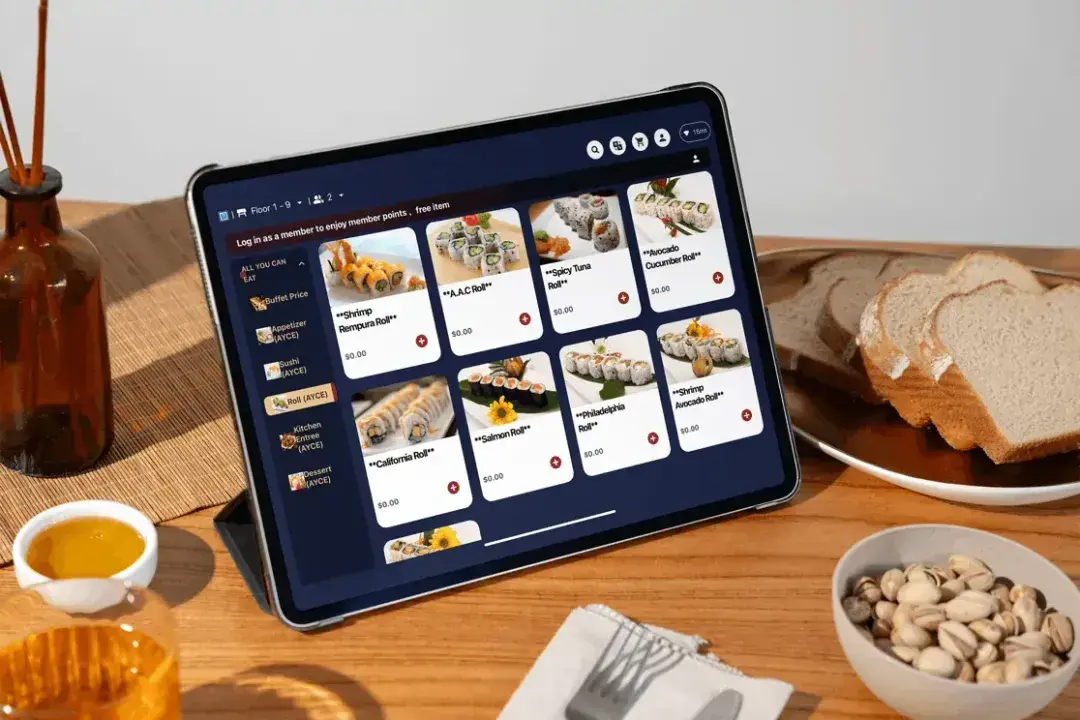
Restaurant tablets can speed up ordering, improve accuracy, and give your team better access to the tools they use every day. But poor setup, inconsistent employee use, outdated menus, or disconnected systems can limit those benefits and create extra work.
Following the right restaurant tablet best practices can help you get more value from your technology while improving daily workflows and the guest experience. From choosing the right setup to training your team and reviewing performance, a few practical decisions can make your tablet system easier to use and more effective across your restaurant.
Effective tablet use starts with aligning the technology with your service model, workflows, and guest experience. Here are 10 practical ways to build a more reliable and useful tablet setup.
Before investing in restaurant tablets, define the role they will play in your operations. Technology works best when it solves a specific business need instead of being added simply because it is available.
Start by identifying where tablets can create the most impact. Some restaurants use tablets for tableside ordering to help servers submit orders directly, while others use them for self-service ordering, payment processing, staff communication, or guest engagement.
Your restaurant type and service model should guide this decision. A full-service restaurant may benefit from tableside ordering that improves order accuracy and gives servers more flexibility. A quick-service concept may prioritize self-service options that help guests place orders efficiently.
Consider the challenges you want the technology to address:
Defining these goals early helps you choose a tablet setup that supports your restaurant’s priorities and creates measurable improvements.
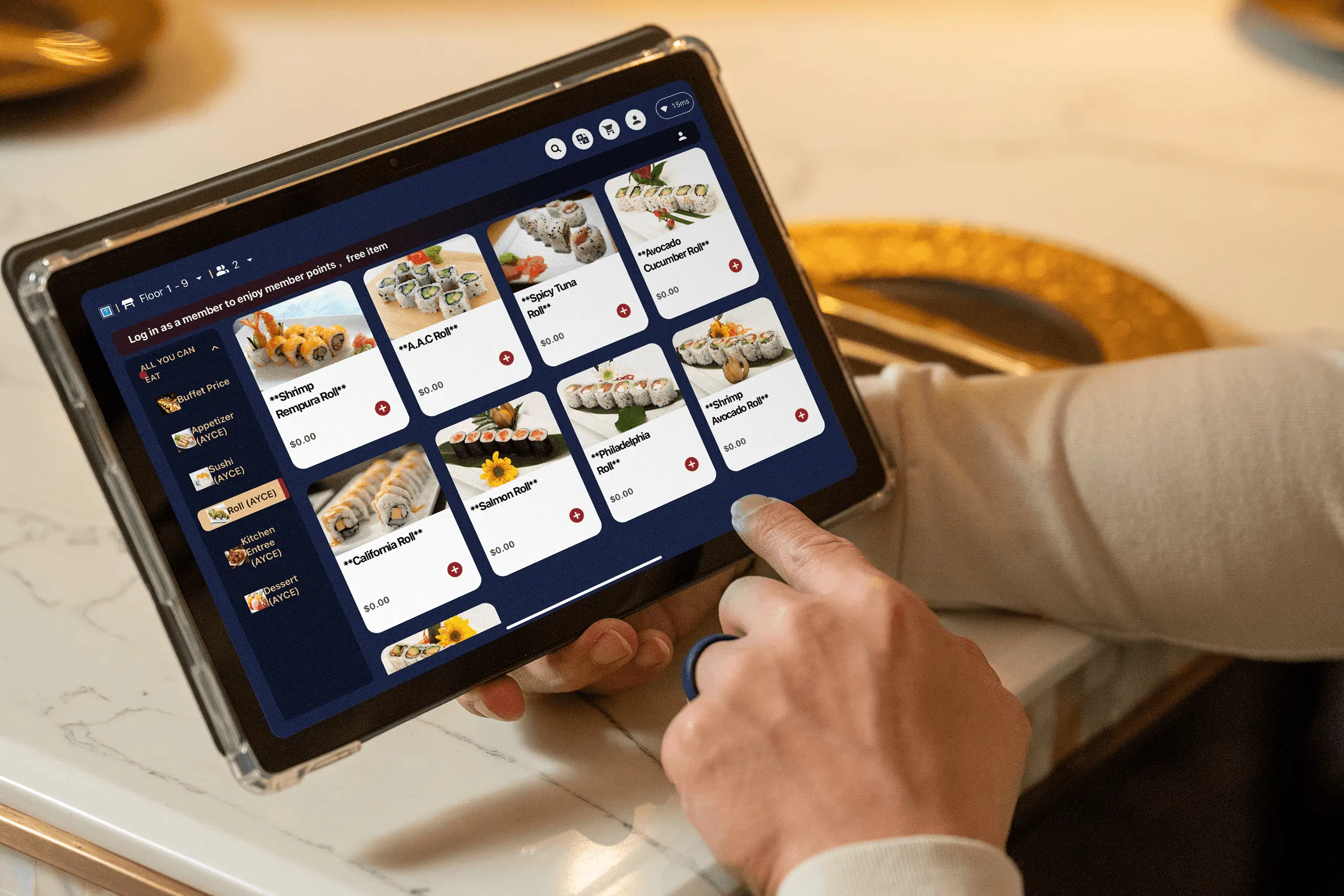
Selecting restaurant tablets requires more than comparing features. The right solution should work naturally within your existing operations and support the way your staff serves guests.
Hardware plays an important role in reliability. Restaurant devices need to handle frequent use, regular cleaning, and long operating hours. Important considerations include durability, battery performance, screen responsiveness, and ease of maintenance.
Software selection deserves equal attention. A strong restaurant tablet system should connect with your existing technology and provide the tools your team needs. Key capabilities include:
A tablet solution with extensive features may look appealing, but those features only create value when they support your workflow. Focus on how the technology will function in your restaurant every day, from order entry to payment processing and reporting.
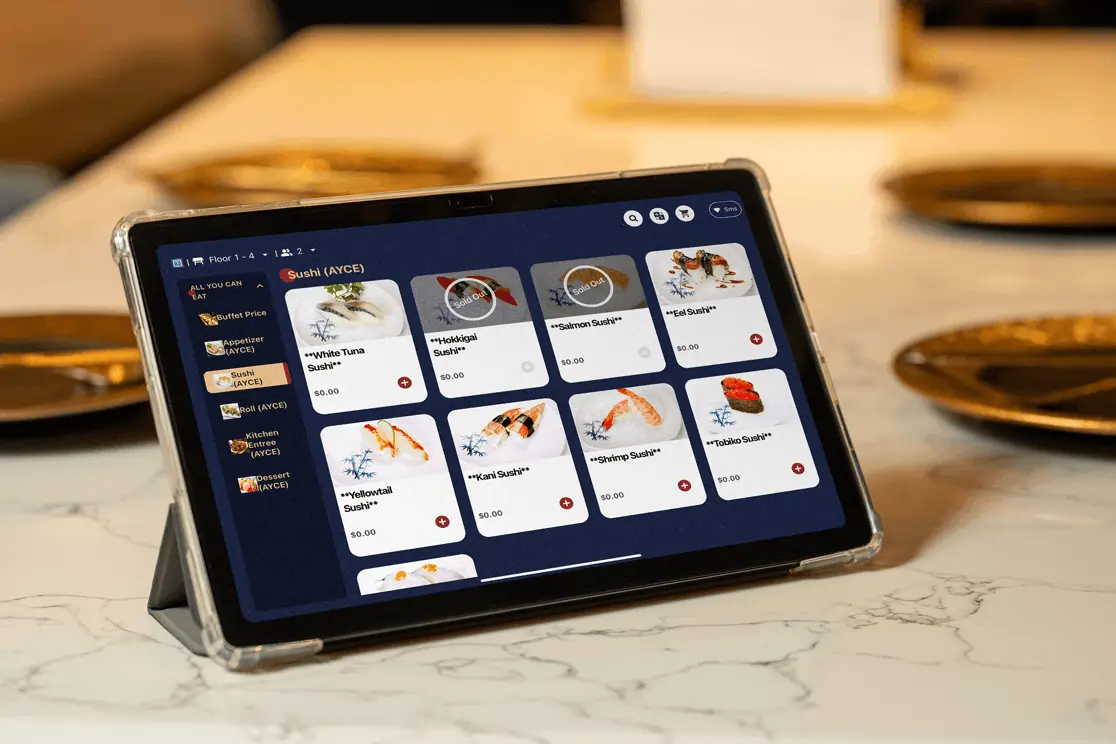
A tablet ordering system should make the guest experience easier from menu browsing to checkout. When the process feels confusing or requires too many steps, technology can create unnecessary obstacles instead of improving service.
Start with the basics: make your digital menu easy to understand. Clear categories, concise descriptions, and organized selections help guests find what they want quickly. Customization options should also be simple, allowing guests to adjust orders without feeling overwhelmed.
A well-designed tablet ordering experience should help guests:
The ordering experience also affects your operations behind the scenes. Clear selections and accurate modifiers help reduce order corrections, while a smoother checkout process allows your team to manage orders more efficiently.
A restaurant tablet should support the guest journey from beginning to end. When the technology feels intuitive, it becomes a natural extension of your service rather than an additional step guests need to learn.

A restaurant tablet system only delivers value when employees know how to use it as part of their daily workflow. Introducing new technology without proper preparation can create confusion, slow adoption, and inconsistent usage across your team.
Training should focus on helping employees understand how tablets support their responsibilities. Servers should know how to manage orders, update selections, and assist guests. Managers should understand how to monitor usage, handle operational issues, and maintain consistent processes across shifts. Support staff should learn proper device care and basic troubleshooting.
Hands-on practice before launch gives employees time to become familiar with the system before they use it with guests. It also creates an opportunity to address common concerns and adjust workflows before they affect daily operations.
Training should continue after implementation. New employees need clear guidance, while existing team members may need support when features or processes change. When employees understand how tablets improve their work, they are more likely to use the technology effectively and consistently.
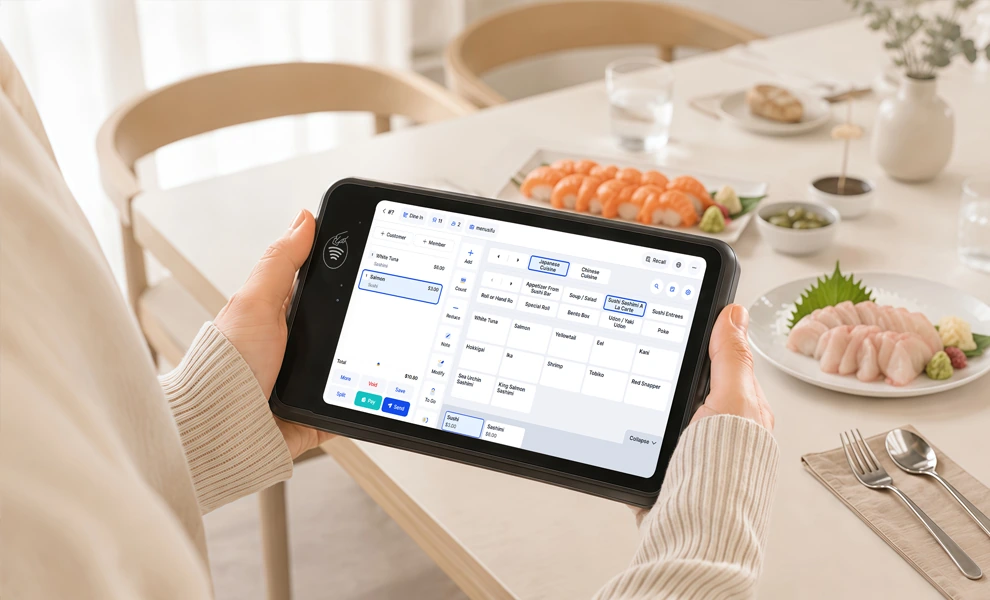
Digital menu accuracy directly affects the ordering experience when guests or employees rely on tablets to view current items, prices, and modifiers. Accurate information creates a smoother experience, while outdated details can lead to incorrect orders, guest frustration, and missed sales opportunities.
Menu updates should reflect every change across your connected systems. This includes item availability, pricing, modifiers, descriptions, and promotions. If a menu item is unavailable but remains visible on a tablet, guests may select something your kitchen cannot prepare. If customization options are incomplete, employees may need to step in and correct the order.
Maintaining consistency across tablets, POS systems, and online ordering channels requires a clear process. Assigning responsibility for menu management helps ensure updates happen quickly and reduces inconsistencies across platforms.
An accurate digital menu does more than display information. It improves communication among guests, employees, and kitchen teams while creating a more reliable ordering experience.
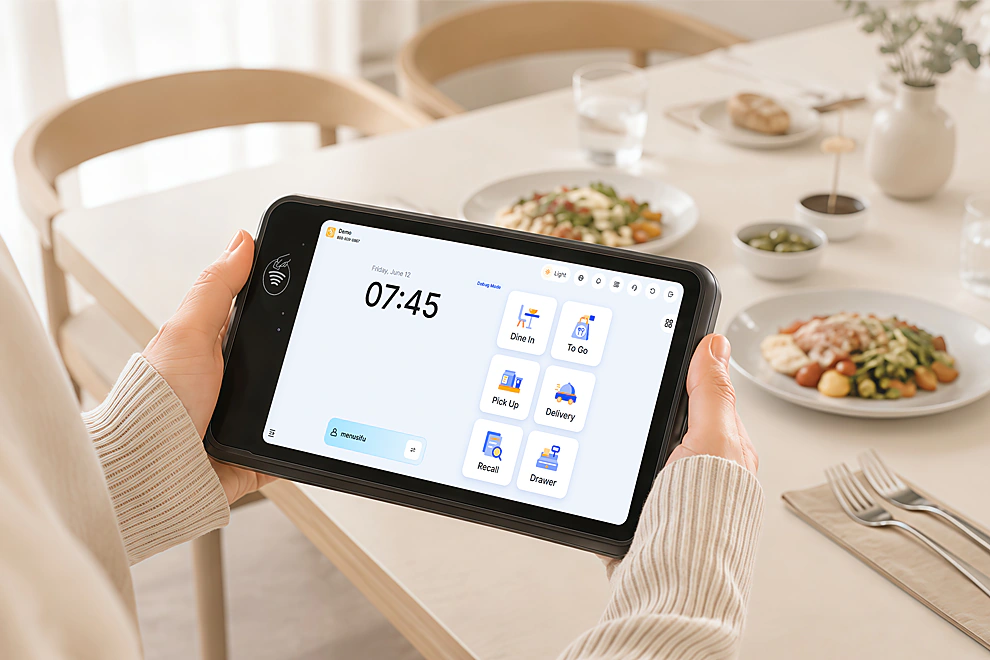
A restaurant tablet system becomes more valuable when it connects with the tools you already rely on to manage daily operations. Integration allows information to move smoothly between ordering, payments, kitchen preparation, inventory, and reporting.
Connecting tablets with systems such as POS platforms, kitchen display systems, payment solutions, inventory tools, and loyalty programs creates a more unified workflow. Orders can move directly from the guest interaction to the appropriate teams, reducing repeated data entry and improving accuracy.
For example, a tablet connected to your POS system allows order details to flow directly into your sales and reporting processes. Kitchen teams receive clearer information, managers gain better visibility, and employees spend less time managing separate systems.
Before choosing a tablet solution, consider how well it communicates with your existing technology. A connected setup allows your restaurant to operate with greater consistency and gives you better access to information that supports decision-making.
Restaurant tablets support important parts of your operation, so reliability should remain a priority after implementation. Devices that are poorly maintained can affect workflows, create delays, and interrupt the experience you want to provide.
A consistent maintenance routine helps protect your investment. Regular cleaning, proper charging practices, hardware checks, and safe storage all contribute to longer device life and dependable performance.
Security also plays an important role, especially when tablets handle payments, customer information, or employee access. Use appropriate permissions to control who can access certain features, and protect sensitive information with proper security settings.
Small maintenance habits can prevent larger operational issues. Reviewing device condition, access controls, and system settings regularly helps keep your tablet setup secure and ready to support your restaurant.
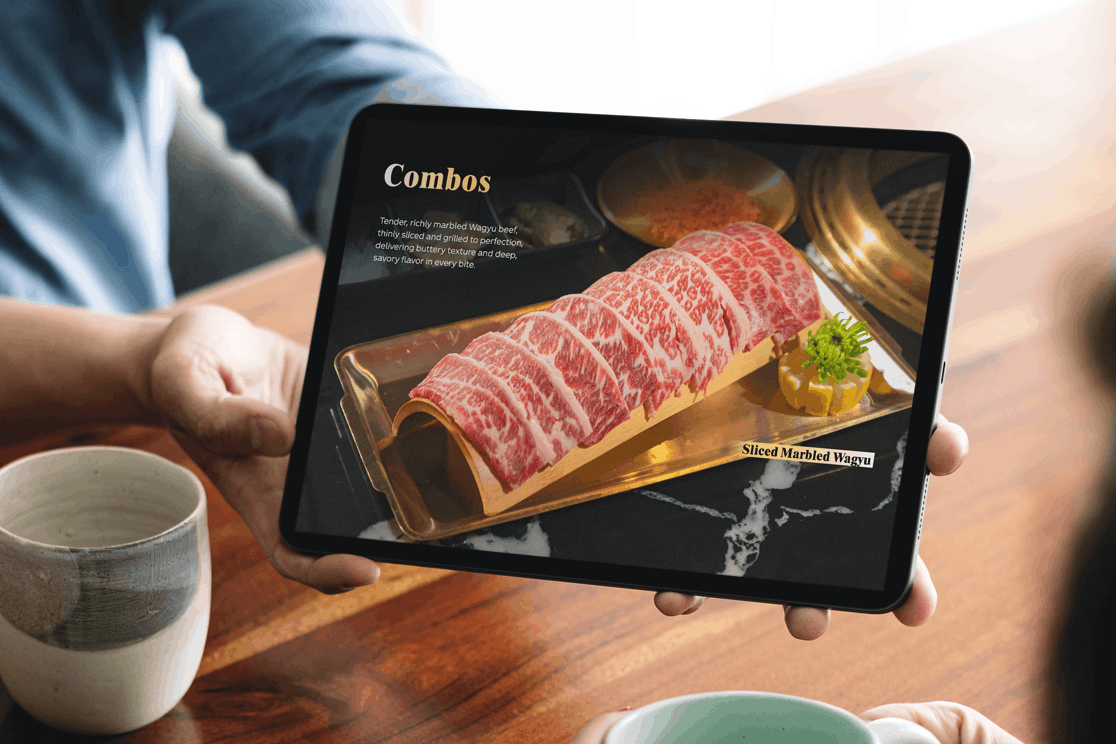
Restaurant tablets can provide insights that go beyond order processing. The information collected through daily usage can help you better understand customer behavior and identify opportunities to improve operations.
Ordering patterns can reveal which menu items receive the most attention, when demand increases, and how guests interact with your menu. Order completion times can also highlight areas where your workflow may need adjustments.
These insights can support decisions related to:
For example, if certain items consistently perform well during specific periods, you can use that information to guide promotions or preparation decisions. If order times increase at certain points of the day, the data can help identify where adjustments may be needed.
The value of tablet data comes from turning information into action. By reviewing real operational insights, you can make decisions that better support your restaurant’s performance.
Technology should strengthen the guest experience while preserving the personal service that defines your restaurant. Tablets work best when they help employees provide better service instead of creating distance between staff and guests.
For example, tableside ordering allows servers to submit orders directly while spending more time assisting guests. Employees can focus on answering questions, providing recommendations, and creating a more personal interaction.
Self-service tablets can also provide convenience while allowing employees to focus on other areas of the guest experience. The technology handles certain tasks, while your team continues to provide guidance and hospitality.
The goal is to create a better connection between technology and service. When tablets support employees instead of replacing them, restaurants can provide a more efficient experience while maintaining meaningful guest interactions.
Implementing tablets is only the beginning. Restaurant operations change over time, and your technology strategy should continue to improve alongside those changes.
Regularly review how tablets perform across different areas of your business. Look at order accuracy, service speed, employee feedback, guest feedback, and usage patterns to identify opportunities for improvement.
These reviews can help answer important operational concerns:
Use these insights to refine training, adjust processes, or improve your setup. A successful tablet strategy requires ongoing evaluation and small improvements that keep the technology aligned with your restaurant’s needs.
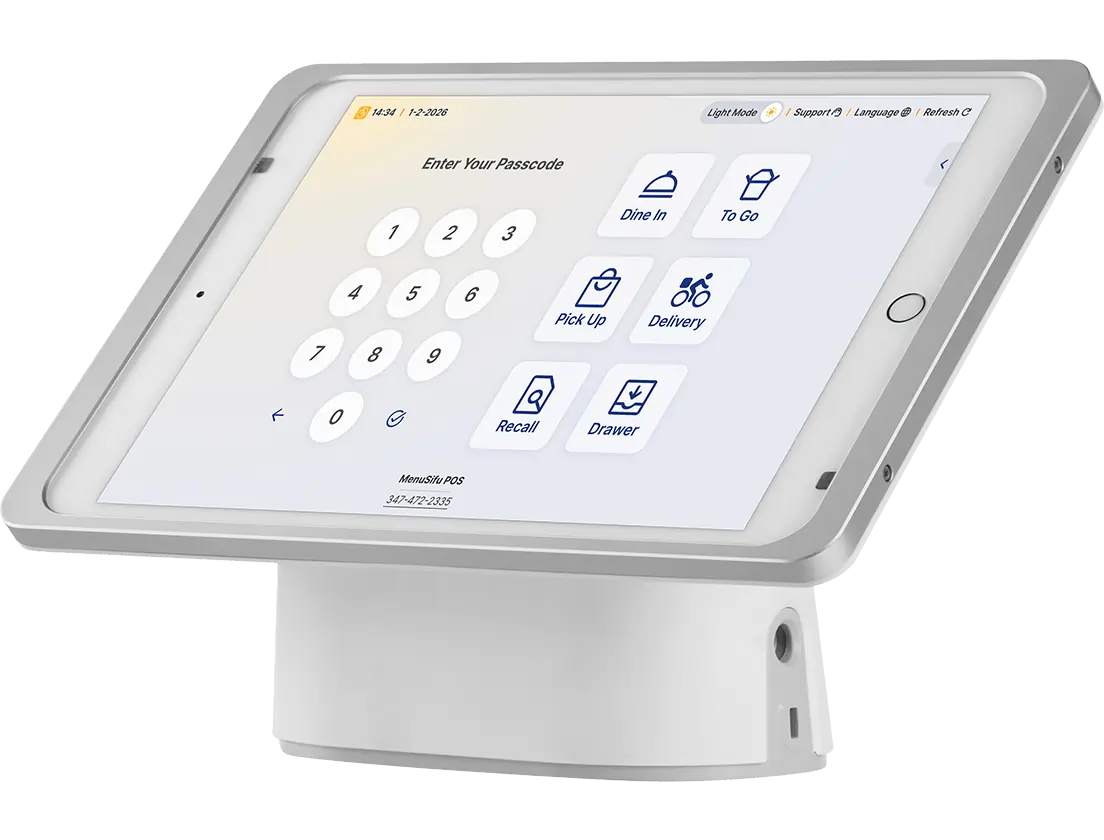
A successful tablet strategy starts with clear goals, reliable technology, trained employees, and consistent review. Following these restaurant tablet best practices can help you improve ordering accuracy, streamline workflows, and create a smoother experience for both guests and staff.
The next step is choosing tools that support how you want guests and employees to interact with your restaurant. MenuSifu’s E-Menu supports guest-led tablet ordering, allowing customers to browse digital menus and send orders and notes directly to the kitchen. For staff-assisted ordering, MenuSifu’s Handheld POS lets employees take orders and process payments right at the table.
Together, these options give you flexibility to build a tablet setup around different ordering and service needs.
Book a Free Demo with MenuSifu to explore how its POS solutions can support smoother restaurant operations.
Restaurant tablet ordering can raise practical questions about setup, device selection, POS integration, and daily use. Here are answers to some of the most common questions about using tablets effectively in restaurant operations.
Tablet ordering allows guests or employees to use tablets to browse menus, customize orders, submit requests, and, in some systems, process payments digitally. Restaurants use tablet ordering systems for tableside ordering, self-service, and POS-connected workflows to improve order accuracy, speed up service, and create a smoother dining experience.
Restaurant tablet best practices include choosing the right hardware and software, training employees, keeping digital menus accurate, integrating tablets with your POS and other restaurant systems, and reviewing performance regularly. Consistent maintenance and security practices also help keep devices reliable. Together, these steps can improve order accuracy, streamline operations, and create a smoother experience for guests and staff.
The best tablet for restaurant ordering is one that works well with your POS system and ordering workflow. Look for reliable performance, easy navigation, long battery life, durable hardware, and compatibility with your restaurant software. Both iPads and Android tablets can be suitable options, depending on your system requirements.
MenuSifu’s tablet ordering solution connects guest orders with POS operations, helping restaurants manage orders more efficiently and create a smoother dining experience.
Restaurant tablets streamline ordering by letting staff send orders directly to the kitchen, reducing manual entry errors and speeding up service. They display menu options, modifiers, and order details clearly, helping staff process requests faster. Integrated payment features and real-time updates also improve table turnover and order accuracy.
Yes, restaurant tablets can integrate with POS systems to connect ordering, payments, and operational data in one workflow. This integration allows orders entered through tablets to sync directly with the POS, helping reduce manual entry, improve order accuracy, and keep information consistent across systems.
When choosing a tablet solution, look for POS compatibility, real-time order updates, payment support, and reporting capabilities. A connected setup helps your staff manage orders more efficiently and gives you better visibility into daily restaurant operations.
For more insights, guides, and updates on restaurant technology, check out the MenuSifu blog section.
Related Articles: