September 24, 2026
Learn what restaurant ordering technology includes, how it supports online orders, what it can cost, and which features to compare before choosing a system.
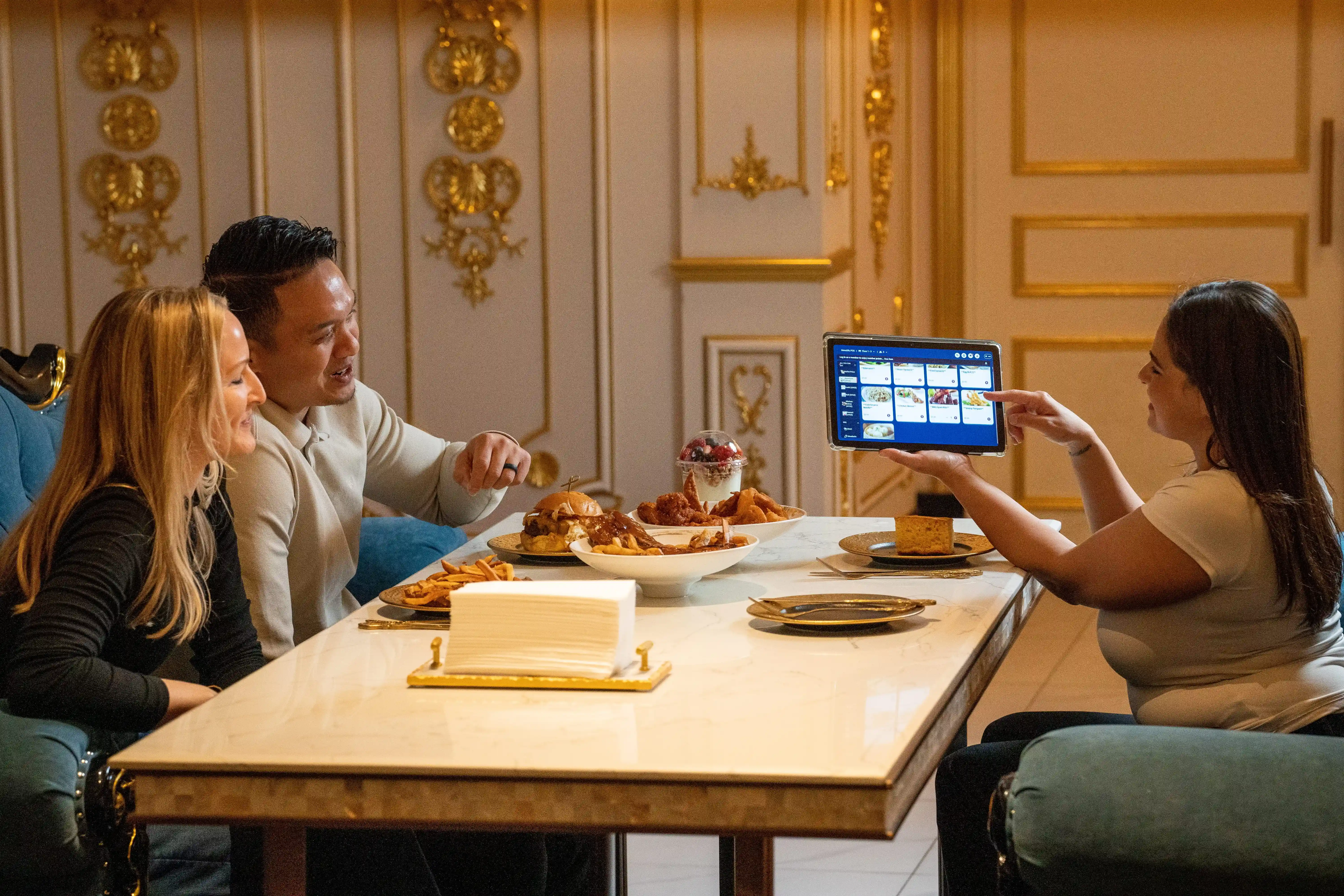
Orders can arrive from the counter, dining room, website, delivery apps, and self-service channels, which can make coordination harder as volume increases. Restaurant ordering technology can connect these ordering channels so you can manage orders, payments, menus, and kitchen communication through a coordinated system. Before comparing systems, it helps to know what this technology includes and how it supports the ordering process from placement to fulfillment.
Restaurant ordering technology refers to the hardware and software that help you accept, process, route, and track customer orders. These tools connect key steps in the ordering process, from order entry and payment to kitchen preparation and fulfillment.
These systems can support several ordering channels within one restaurant operation. Customers may order at the counter, from a table, through your website or app, through a delivery platform, or at a self-service kiosk. Each channel captures order details and sends them into the systems responsible for processing and fulfillment.
A typical workflow follows this sequence: customer places order → order is processed → payment is collected → order reaches the kitchen → restaurant fulfills the order. Technology helps move information through each stage while keeping order details, prices, modifiers, and payment data organized.
The exact setup depends on your service model, ordering channels, and operational needs. Some restaurants use a small set of tools, while others combine several technologies to manage orders across multiple channels.
Restaurant ordering technology covers several tools that support different parts of the ordering process. Some handle transactions, while others focus on digital ordering, kitchen communication, or payment. Knowing the role of each system helps you see where each one belongs in your operation.
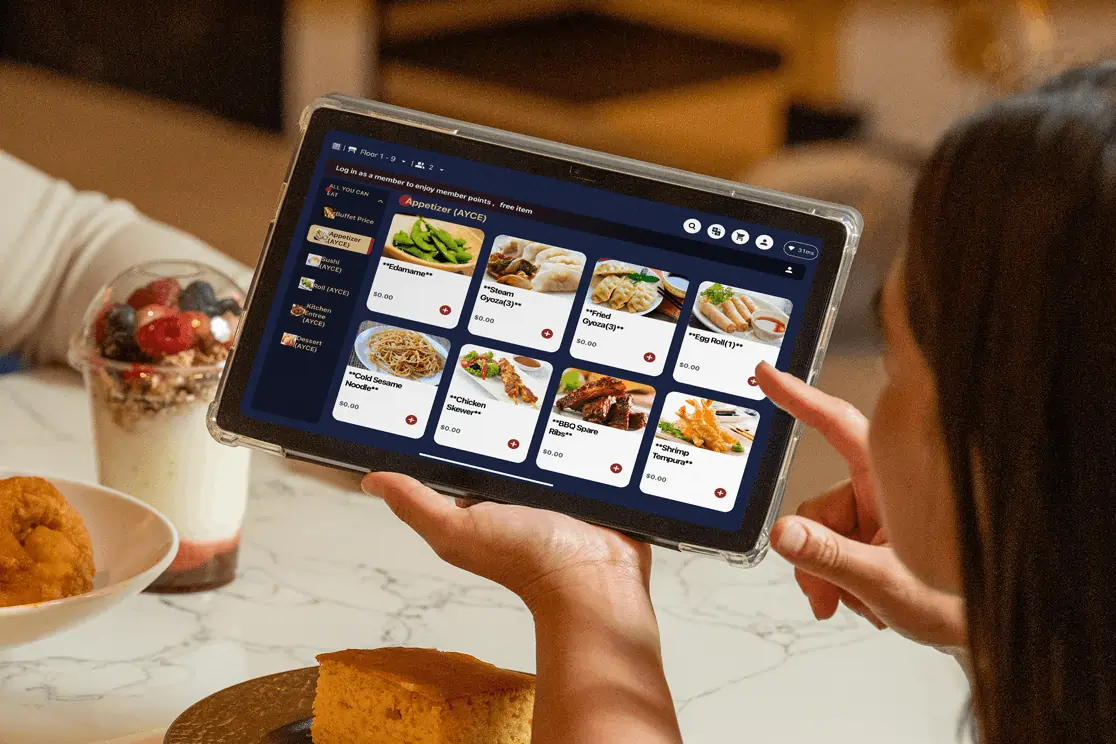
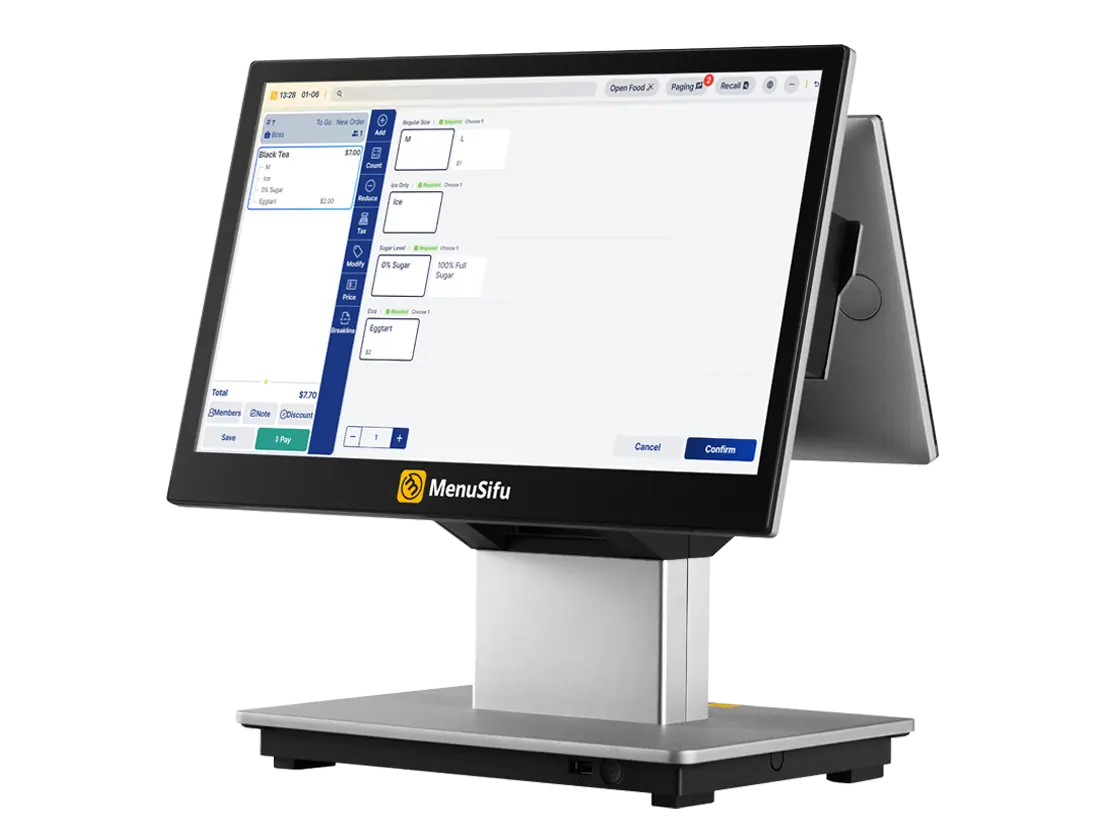
A point-of-sale system records orders, processes transactions, and stores sales data. Modern restaurant POS platforms may also manage menus, taxes, discounts, employee permissions, and reporting. Because the POS receives information from several parts of the business, it often serves as the main system for tracking orders and sales across the restaurant.
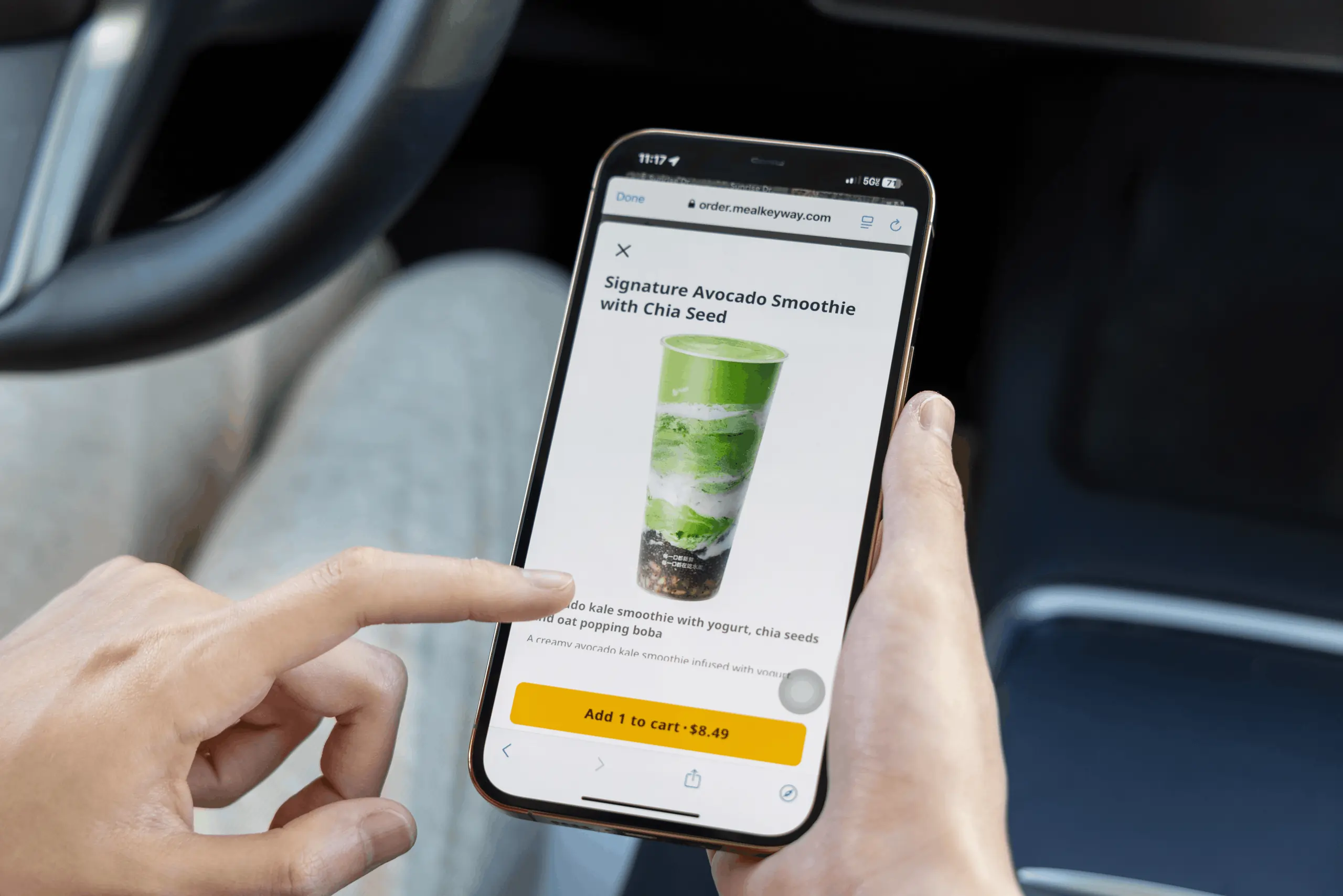
Online ordering systems let customers place orders through your website or branded app. They typically display menu items, prices, modifiers, availability, and pickup or delivery options. Once a customer submits an order, the platform records the details and sends them to the restaurant for preparation and fulfillment.

Self-service kiosks give customers a digital terminal where they can browse the menu, customize items, place orders, and often complete payment. Quick-service and fast-casual restaurants commonly use kiosks to add another ordering channel and handle more transactions through self-service.
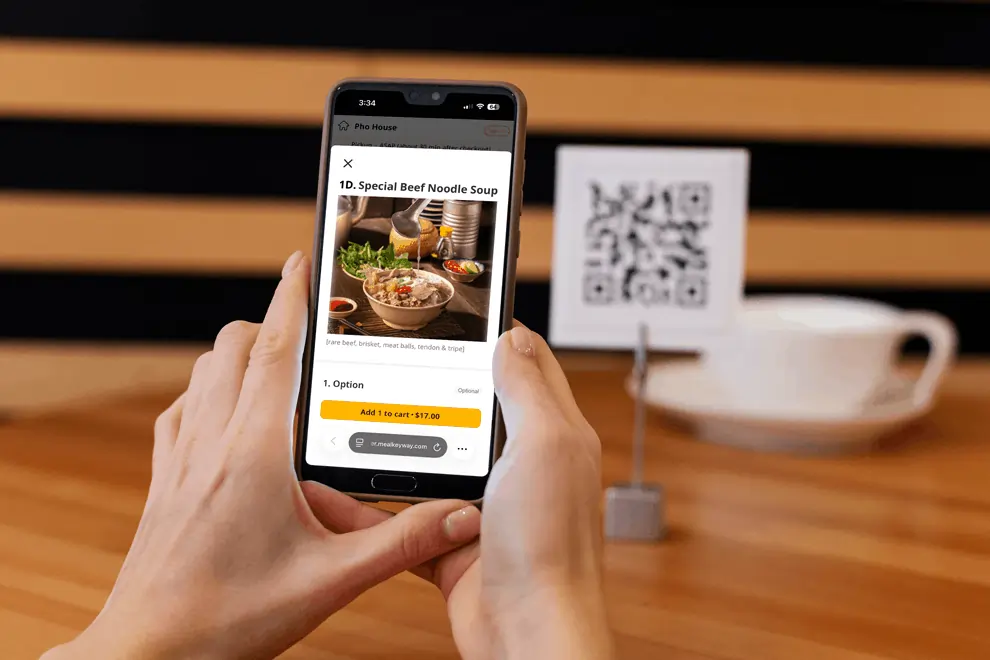
QR code ordering allows customers to scan a code with a smartphone to access a digital menu and, in some setups, place orders or pay from the table. Restaurants may also use handheld devices that let staff enter orders and accept payments tableside.
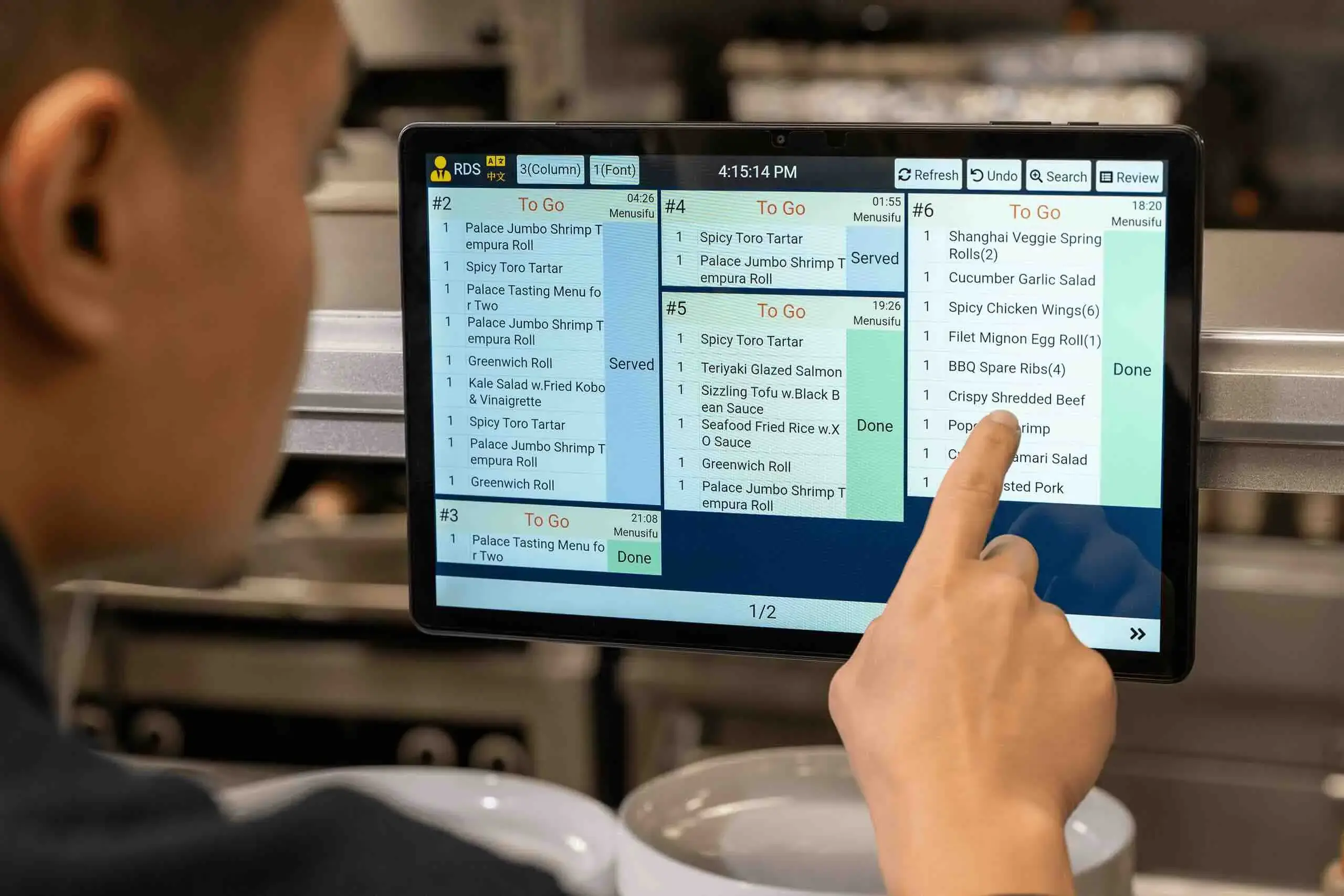
A kitchen display system, or KDS, presents incoming orders on digital screens. It can organize tickets by station, preparation stage, order type, or priority. Kitchen teams use these displays to track what needs preparation and monitor order progress.
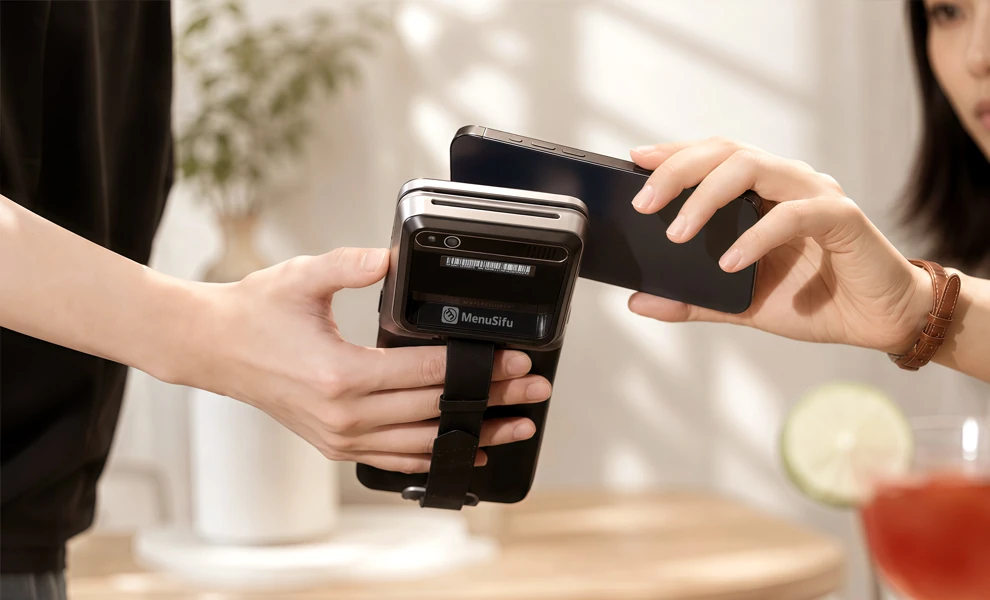
Payment technology covers the tools used to accept and process customer payments. These may include card terminals, contactless payment devices, mobile wallets, online payment gateways, and integrated payment processing. Some systems record payment details alongside the related order, which helps keep transaction records organized.
Each tool supports a different part of the ordering process, and the right combination depends on your service model, ordering channels, and current systems.
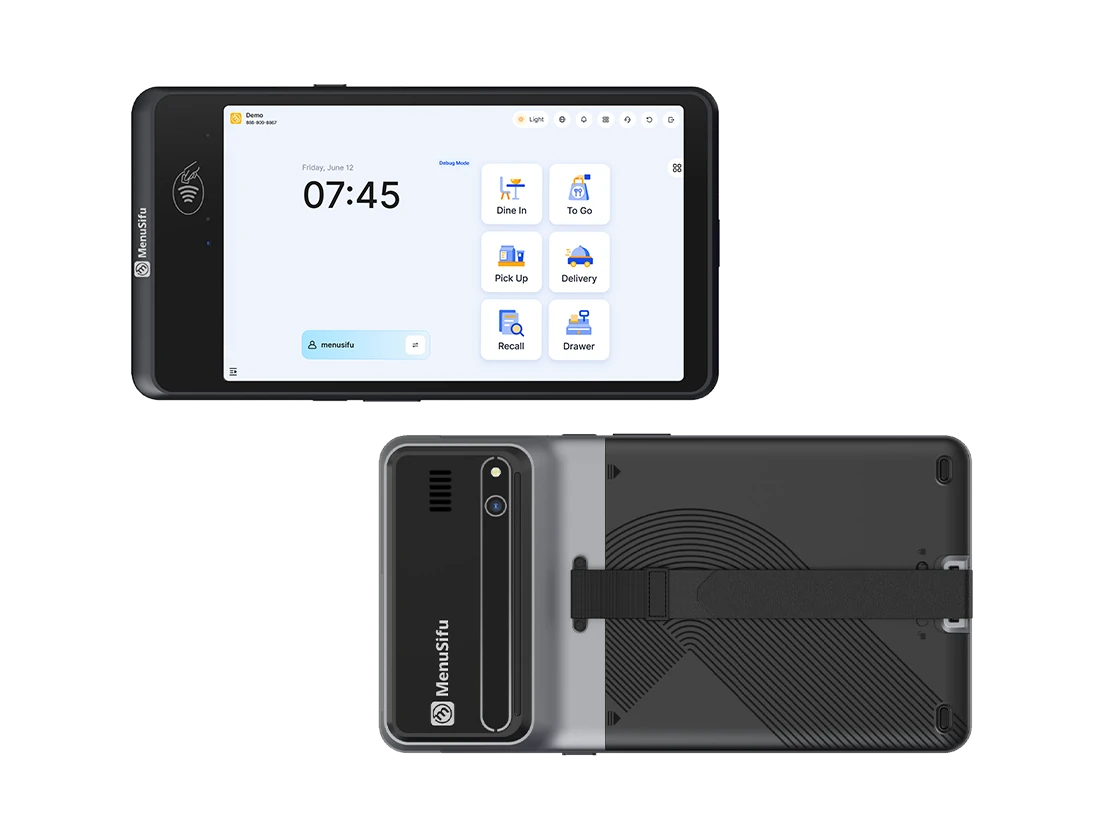
Technology helps restaurants manage online ordering by connecting the systems that receive orders, process transactions, update menus, and send tickets to the kitchen. When these systems share data, you can manage digital orders with less manual entry and keep each channel aligned with daily operations.
Online ordering platforms and order aggregation tools can collect orders from your website, branded app, and supported third-party delivery platforms. A centralized workflow gives staff one place to monitor incoming orders instead of switching between separate tablets or dashboards. This can reduce duplicate entry and help your team track order volume across digital channels more efficiently.
POS integration links digital orders with your transaction system. Once a customer submits an order, the integration can send item details, modifiers, pricing, payment information, and order status directly to the POS. This reduces the need for staff to re-enter orders and helps keep sales records consistent across channels.
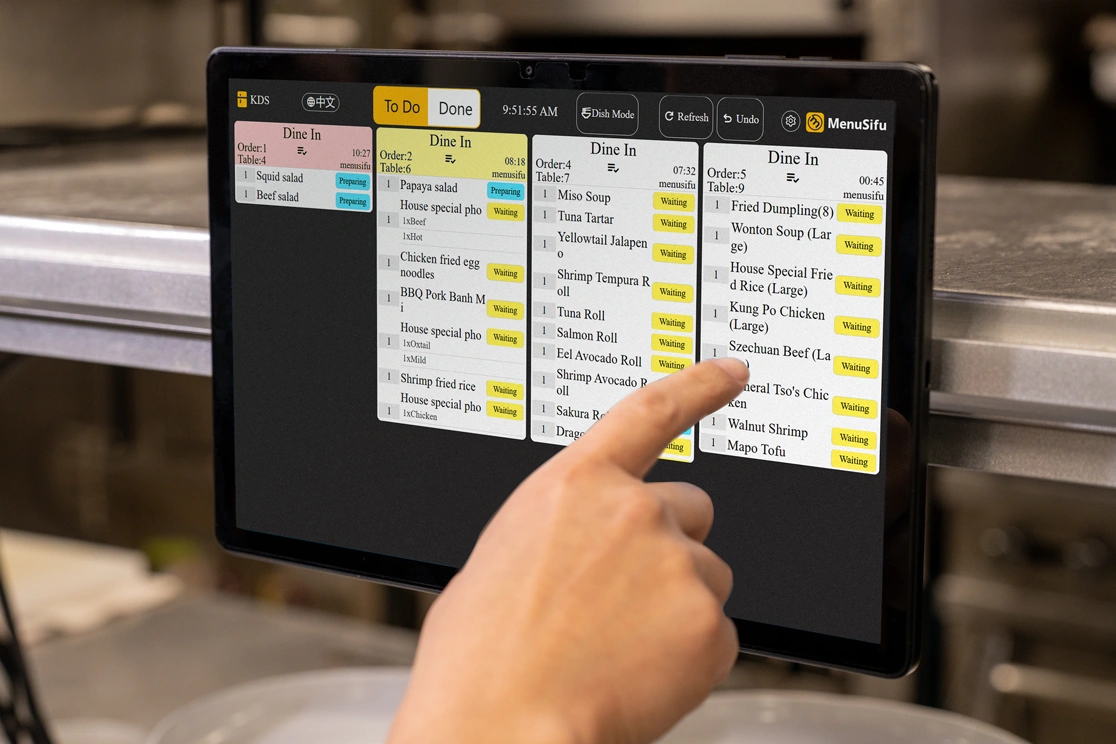
After the POS receives an online order, a connected kitchen display system can direct items to the appropriate preparation stations. Kitchen teams can view order details, track preparation status, and coordinate incoming digital orders alongside dine-in and takeaway tickets. Clear routing can also reduce missed items and unnecessary handoffs.
Centralized menu management helps you control item names, prices, modifiers, availability, and sold-out status from one system. Updates can then sync across connected ordering channels, which lowers the risk of outdated prices or unavailable items appearing online.
Together, these technologies can keep digital orders, menu updates, payments, and kitchen routing within a coordinated workflow.
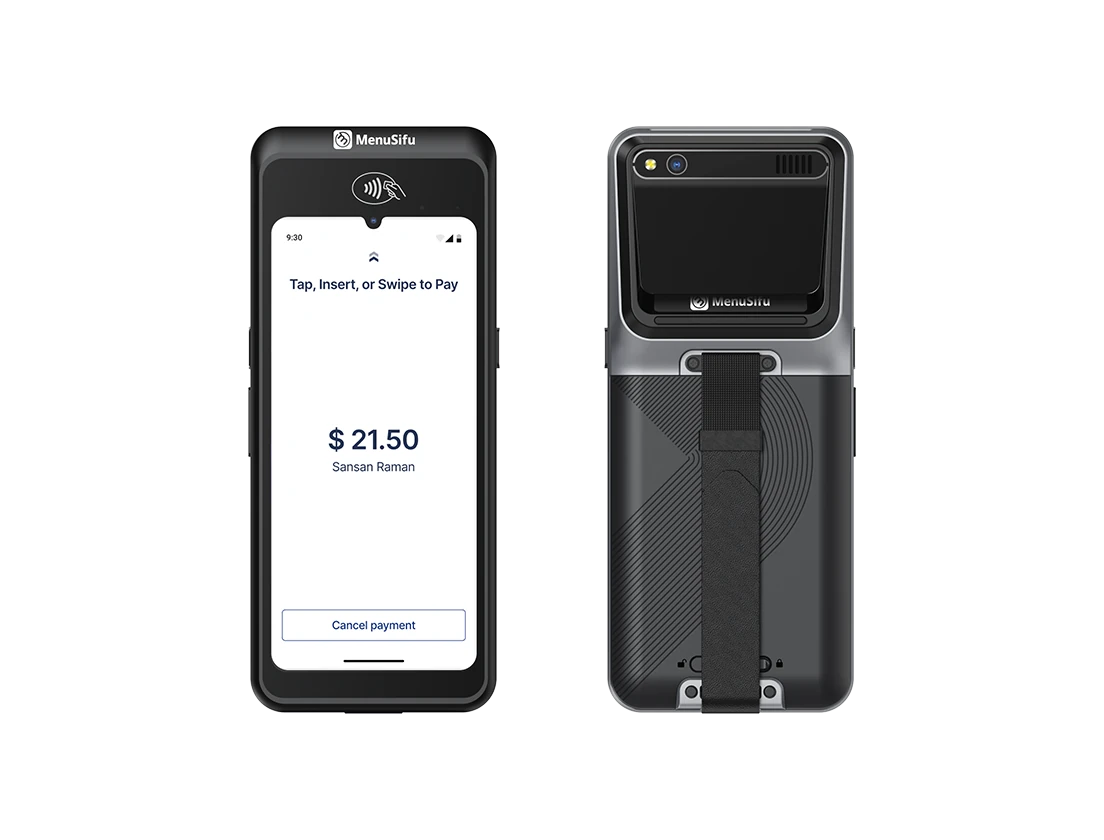
Restaurant ordering and payment technology costs vary based on your restaurant’s size, number of locations, transaction volume, required features, and current technology setup. To compare options accurately, look beyond the advertised software fee and review the full set of costs tied to installation, payments, integrations, and ongoing use.
Hardware expenses may include POS terminals, tablets, self-service kiosks, card readers, receipt printers, cash drawers, and kitchen display screens. Your total depends on how many ordering and payment stations you need. Restaurants with several counters, dining areas, or locations may require more equipment.
Many providers charge monthly or annual fees for POS software, online ordering, menu management, reporting, KDS tools, or other features. Some packages combine several capabilities under one subscription, while others charge separately for added modules or locations.
Card and digital payments usually include transaction fees. Providers may charge a percentage of each sale, a fixed transaction fee, or both. Rates can also vary between in-person and online payments, so include projected transaction volume when estimating total costs.
Initial expenses may cover installation, account configuration, menu setup, staff training, data migration, and system connections. Integrating a new platform with your POS, accounting tools, delivery platforms, or other restaurant software may add setup fees. Custom integrations may require additional development work.
Long-term expenses can include technical support, software updates, hardware replacement, added terminals, new locations, premium features, and third-party platform fees. Delivery marketplaces may also charge commissions or service fees separately.
Compare each provider over the same time period to get a clearer view of total operating costs.
Restaurant ordering technology should support daily operations, connect with key systems, and give you clear control over orders, menus, payments, and data. Focus on these criteria when evaluating a platform.
Compatibility With Existing Systems. Check how the platform connects with your POS, KDS, payment processor, accounting software, delivery platforms, loyalty tools, and other business systems. Strong integrations help keep order, payment, and menu data consistent across your operation.
Support for Ordering Channels. Review the channels the system can manage, including dine-in, takeaway, delivery, website orders, QR ordering, and self-service kiosks. A platform that supports several channels can help keep orders organized as your ordering needs change.
Centralized Menu Management. Look for tools that let staff update menu items, prices, modifiers, availability, and sold-out items from one place. Centralized control can reduce duplicate updates across different ordering channels.
Ease of Use. Evaluate the experience from both sides of the transaction. Staff should be able to enter, manage, and complete orders efficiently, while customers should have a clear ordering and payment process.
Reporting and Data. Review the available reports for sales, order volume, payments, menu performance, and ordering channels. Useful reporting can help you identify trends and monitor operational performance.
Total Cost of Ownership. Account for software subscriptions, hardware, payment processing, implementation, integrations, maintenance, and support. Looking at the full cost gives you a more accurate comparison between restaurant ordering platforms.
Choosing the right restaurant ordering technology starts with the needs of your operation. Use these four steps to narrow your options:
Restaurant ordering technology should help keep orders, payments, and operational data connected while giving your team a practical system to manage each day.
If you are exploring a new POS system or considering an upgrade to your current setup, Book a Free Demo with MenuSifu to see how its POS solutions could support your restaurant ordering operations.
Here are answers to a few additional questions that can help you evaluate restaurant ordering technology and its role in your operation.
Restaurants use technologies such as point-of-sale (POS) systems, online ordering platforms, self-service kiosks, QR code ordering, kitchen display systems (KDS), and payment technology. These tools help accept and process orders, collect payments, send order details to the kitchen, and manage sales across dine-in, takeaway, delivery, and digital channels.
Restaurants can use online ordering platforms, POS systems, order aggregation tools, kitchen display systems, and centralized menu management software to manage online orders. When connected, these technologies can organize incoming orders, sync menu updates, route orders to the kitchen, process payments, and keep sales data in one system.
Costs vary based on your restaurant’s size, number of locations, hardware requirements, software features, integrations, and transaction volume. Expenses may include POS hardware, software subscriptions, payment processing, setup, maintenance, and support. Compare the total cost of ownership to get a clearer picture of what you may spend over time.
Yes. Many online ordering platforms integrate with POS systems to send digital orders directly into the restaurant’s order workflow. This connection can reduce manual data entry, keep sales and payment records organized, and send order details to connected kitchen systems. Integration capabilities vary by provider, so check system compatibility before selecting a platform.
Yes. Some restaurant ordering systems can manage dine-in, takeaway, delivery, and online orders from one platform. An integrated system can centralize orders, menu updates, payments, and kitchen routing, helping staff manage multiple ordering channels more efficiently. Capabilities vary by provider, so check supported channels and integrations when comparing restaurant ordering technology.
Restaurant technology changes quickly, and new tools continue to reshape how orders move from customers to the kitchen. Visit the MenuSifu blog for more restaurant technology insights, practical guides, and product updates.