September 28, 2026
See how a restaurant tablet ordering system connects tableside orders, POS, kitchen, and payments to improve service speed, accuracy, and staff efficiency.

Slow order entry, repeated trips to the POS, missed modifiers, and delayed payments can add unnecessary steps to a busy shift. A restaurant tablet ordering system helps connect tableside ordering with your POS, kitchen, and payment process so orders can move through the restaurant more efficiently.
Tablet ordering can take different forms, from devices placed at the table to handhelds used by staff. Before looking at how these systems work, it helps to start with what they are and how they differ from other digital ordering options.
A restaurant tablet ordering system is a digital setup that lets guests or staff enter food and drink orders through a tablet connected to the restaurant’s POS system. Depending on the configuration, the tablet can display menu items, prices, modifiers, add-ons, and special request options before sending the order for processing.
Restaurants typically use two types of tablet ordering.
Guest-facing tablets sit at the table and allow diners to browse the menu, customize items, and submit orders directly from the device. Some platforms also support additional orders and payments from the same tablet.
Server handheld tablets give staff a mobile device for taking orders tableside. The server selects items, enters modifiers, and submits the order directly through the handheld instead of writing it down and entering it later at a fixed POS terminal.
Tablet ordering differs from QR-code ordering mainly in the device guests use. Tablet systems rely on restaurant-provided hardware, while QR ordering usually directs guests to a digital menu on their own smartphones.
Both approaches digitize order entry, but tablet systems give you dedicated devices that connect directly with your restaurant’s ordering setup.
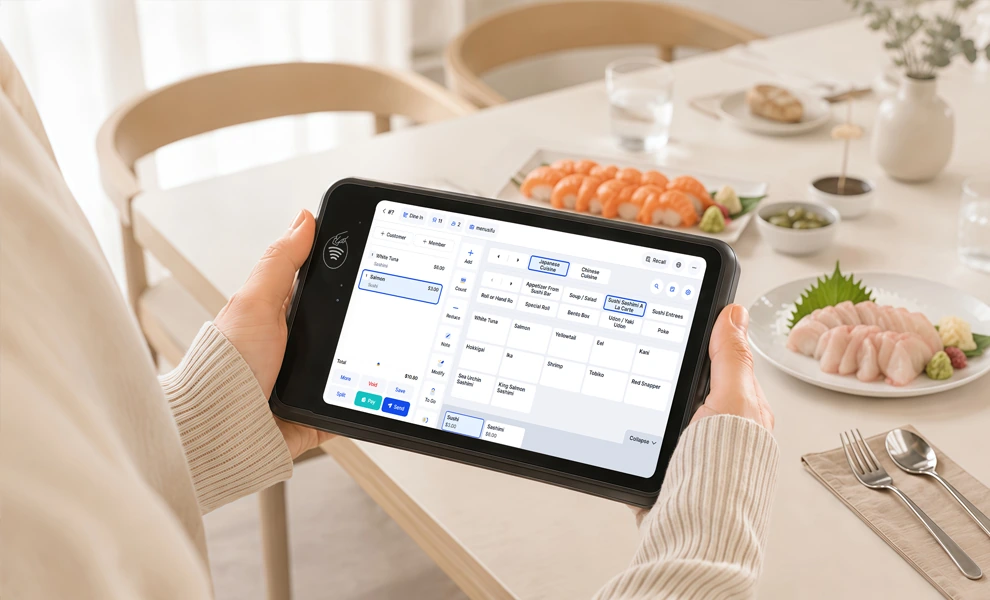
Tablet ordering connects the table directly to your restaurant’s ordering and payment systems. The process starts with menu selection and ends with the order recorded in your POS. Here is how it typically works.
A guest-facing tablet displays your digital menu, including item descriptions, prices, modifiers, and add-ons. Guests can choose items, select options such as sides or toppings, and enter special requests where supported.
With a server handheld, staff enter the same details at the table and submit the order from the device.
Once the order is confirmed, the tablet sends the order data to your POS system. The POS records key details such as the table number, selected items, modifiers, pricing, taxes, and discounts.
This keeps the order details in one digital record as the order moves to the kitchen, bar, and payment system.
The POS sends each item to the appropriate preparation station based on your routing rules. Food orders can appear on a kitchen display system or print on a kitchen printer, while drink orders can route directly to the bar.
This helps each station receive the items assigned to it as soon as the order is submitted.
Guests may add another drink, side, dessert, or other item later in the meal. A guest-facing tablet lets them submit another order from the table. Staff can also add items through a handheld device.
New items follow the same POS and kitchen routing process.
If the system supports tableside payment, guests can review the check, choose a payment method, add a tip, and complete the transaction on the tablet.
The POS then records the payment and generates a digital or printed receipt based on your setup.
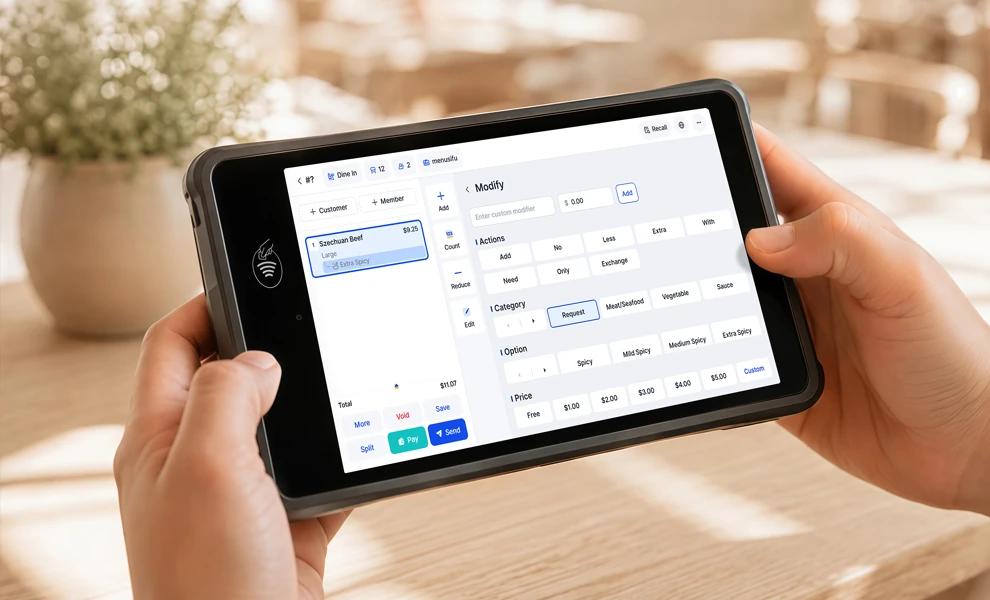
Tablet ordering can shorten the path between a guest’s decision and the kitchen receiving the order. When the system connects directly with your POS, it can improve speed, accuracy, sales opportunities, checkout, and staff productivity across the dining room.
Tablets let servers submit orders from the table, while guest-facing devices allow diners to place selections when they are ready. Orders reach the POS immediately and can move to the kitchen or bar sooner. This helps reduce delays caused by handwritten tickets or waiting for access to a fixed POS terminal.
Entering an order once reduces the risk of errors created by copying information from paper notes into the POS. Digital menus can also require guests or staff to select key modifiers, such as sizes, sides, toppings, or cooking preferences, before submitting an order. Clearer order details give kitchen staff more accurate information to prepare each item.
A tablet can present relevant add-ons at the point of selection. Guests may see options for premium toppings, side dishes, drink upgrades, appetizers, or desserts based on what they order. These prompts create additional sales opportunities while keeping choices visible and easy to review.
Tableside payment can shorten the final stage of the dining experience. When the system supports these features, guests can review their check, choose a payment method, add a tip, and complete checkout from the table. Faster checkout can help make tables available sooner during high-demand periods.
Server handhelds reduce repeated trips between tables and stationary POS terminals. Guest-facing tablets can also handle routine tasks such as initial orders, additional items, and payment. Staff can then spend more time greeting guests, delivering food, checking tables, and responding to requests that benefit from personal attention.
A strong table ordering system for restaurants should support the full path from order entry to payment and reporting. Here are the capabilities worth evaluating.
The ordering system should connect directly with your POS and kitchen display system so orders reach the correct prep station with the right table number, modifiers, pricing, and notes. Direct integration also keeps sales and order records centralized.
Check that the system supports your current POS setup and can route food and beverage items to separate kitchen or bar stations when needed.
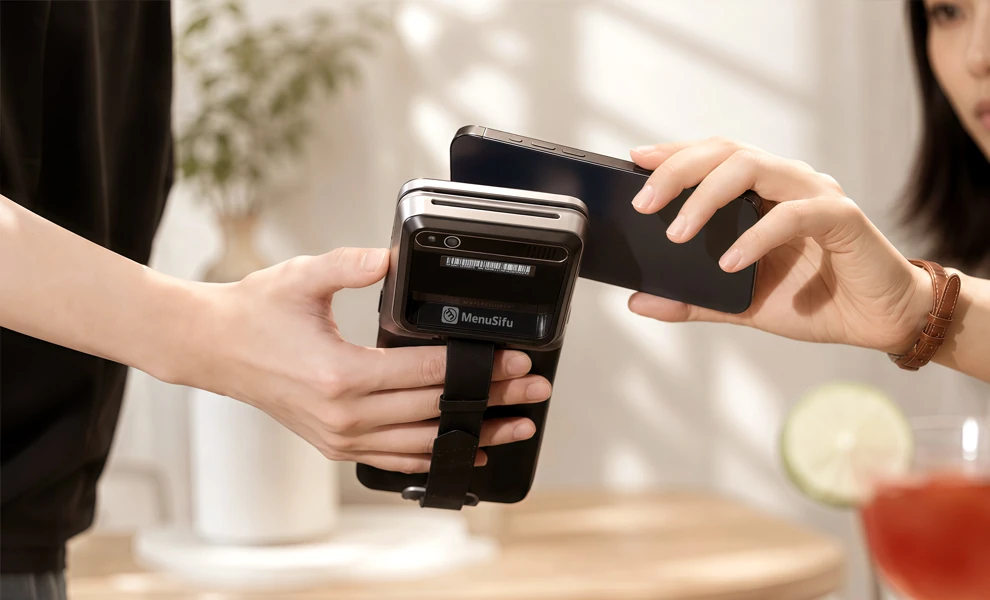
Payment options should match how guests prefer to pay. Look for support for cards, contactless payments, digital wallets, split payments, tips, refunds, and tableside checkout.
The payment process should sync with the POS so completed transactions, taxes, discounts, and receipts stay accurate.
You should be able to update prices, availability, categories, modifiers, and add-ons from one place. Changes should appear quickly across connected tablets.
Useful menu controls include:
Reliable connectivity and consistent order transmission help keep tablet ordering dependable throughout the day. Review how the system handles network interruptions, device charging, software updates, and failed order sends.
Hardware should also withstand frequent handling, spills, and long hours of use.
Strong reporting helps you track sales, item performance, order volume, add-on activity, and ordering patterns. These insights can support menu decisions, staffing adjustments, and sales analysis.
Prioritize reports that are easy to access and useful at both the daily and longer-term level.
Staff should be able to learn the system quickly, and guests should be able to browse, customize, order, and pay with minimal instruction. Clear navigation, readable menus, and simple checkout steps make adoption easier across the restaurant.
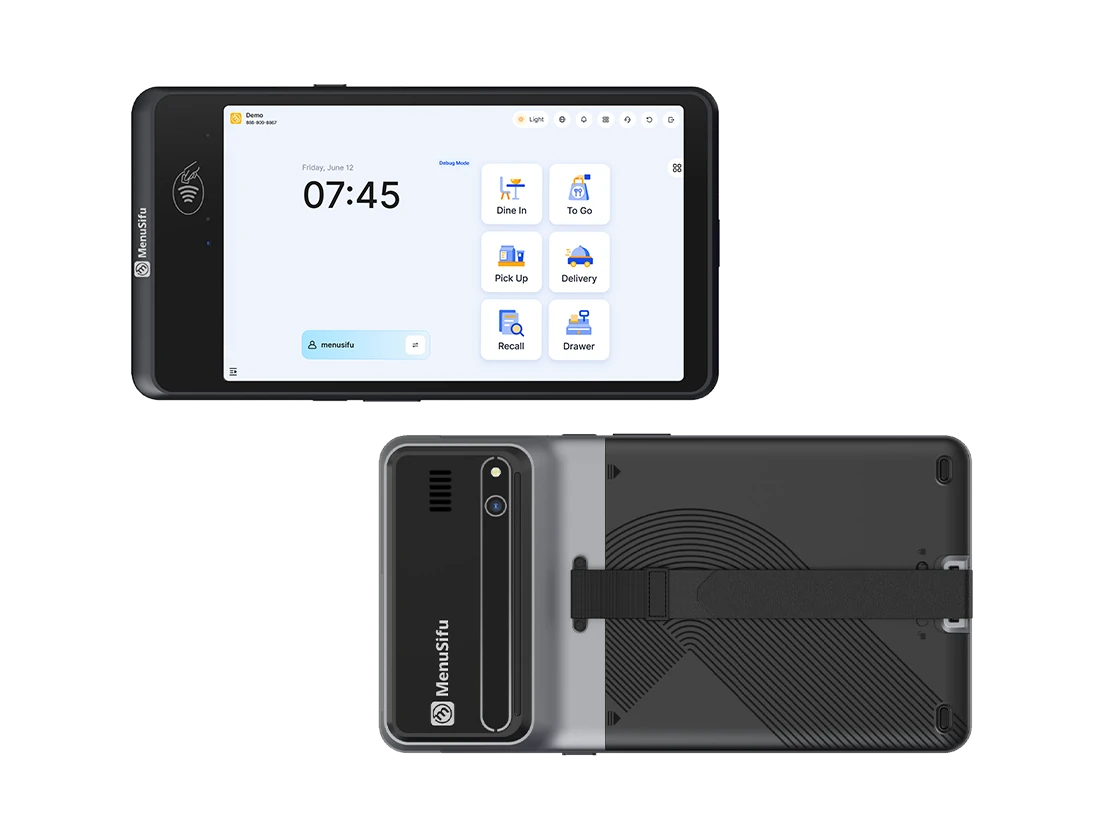
A restaurant tablet ordering system can create a more direct path from order entry to the POS and kitchen. The right setup should support the type of tableside experience you want to provide while keeping ordering clear and convenient for guests and staff.
MenuSifu supports both approaches with an E-Menu for guest-led tablet ordering and a Handheld POS for staff-assisted ordering and tableside payments. If you are considering tablet ordering as part of your restaurant technology setup, Book a Free Demo with MenuSifu to explore the available options.
If you are comparing tablet ordering options, a few practical details can help narrow your choices. Here are answers to some of the most frequently asked questions about restaurant tablet ordering systems.
MenuSifu is one of the best restaurant tablet ordering solutions for restaurants looking to connect tableside ordering with POS, payments, menu management, and kitchen operations. Its platform supports guest-facing tablet ordering, staff handheld ordering, real-time menu updates, order routing, and tableside checkout within a connected restaurant technology setup.
The best choice for your restaurant will still depend on your service model, existing technology, payment needs, and preferred ordering experience.
The best tablet for restaurant ordering should offer reliable connectivity, long battery life, a durable build, and compatibility with your POS and ordering software. Choose a screen size that supports quick menu navigation and order entry, and consider commercial-grade devices if staff will handle the tablet throughout the day. For guest-facing ordering, prioritize an intuitive interface, secure mounting options, and payment support when needed.
The cost of a restaurant tablet ordering system depends on the software plan, tablet hardware, payment processing, installation, and number of devices. MenuSifu currently includes tablet ordering among the features of its Pro plan. Pricing depends on the restaurant's setup, hardware, and technology needs, so restaurants can request a quote based on their configuration.
Yes. Many restaurant tablets integrate directly with POS systems to send orders, modifiers, table details, and payments into one connected system. A compatible setup can also route orders to kitchen display systems or printers and keep sales data synchronized. Before selecting a tablet ordering solution, confirm that it supports your POS, payment processor, and kitchen technology.
Tablet ordering uses restaurant-provided tablets at tables or counters, while QR ordering lets guests scan a QR code and order from their own smartphones. Tablet systems give restaurants more control over the ordering interface and hardware, while QR ordering reduces the need for dedicated devices.
Looking for more practical ideas on restaurant technology, POS systems, payments, and operations? Visit the MenuSifu blog for more insights and updates.
Related Articles: