September 25, 2026
Learn what POS technology means for restaurants, how it handles orders, payments, reporting, and integrations, and what to review before choosing a system.

Orders, payments, menu updates, and sales data move through your restaurant every day. When those tasks rely on separate tools and processes, keeping information accurate and operations organized gets harder.
A connected technology setup helps bring those activities together and keeps transaction information in one place. Modern POS technology supports that connection across the restaurant workflow, from order entry and payment processing to transaction records and reporting.
In this guide, you’ll learn what POS technology is, how it works in a restaurant, what it includes, and what to consider when evaluating available POS technology.
POS technology refers to the hardware, software, payment tools, and transaction data a business uses to record and complete sales. POS stands for “point of sale,” which describes the point where a customer purchases a product or service and the business records the transaction.
From an information technology perspective, a POS system connects transaction processing with the digital tools that store, organize, and share sales information. POS software manages orders, menus, prices, and transaction records. POS hardware includes devices such as terminals, tablets, card readers, receipt printers, and kitchen displays. Payment processing handles card, contactless, and digital payments, while transaction data creates a record of sales activity that can support reporting and other business functions.
Unlike a traditional cash register, which mainly records sales and stores cash, a modern POS system can connect transactions with other restaurant operations.
For example, when a server enters an order, the POS can record the selected menu items, send the order details to the kitchen, calculate the bill, process the customer’s payment, and save the transaction data. This connected setup gives you one system for managing key information tied to each sale.
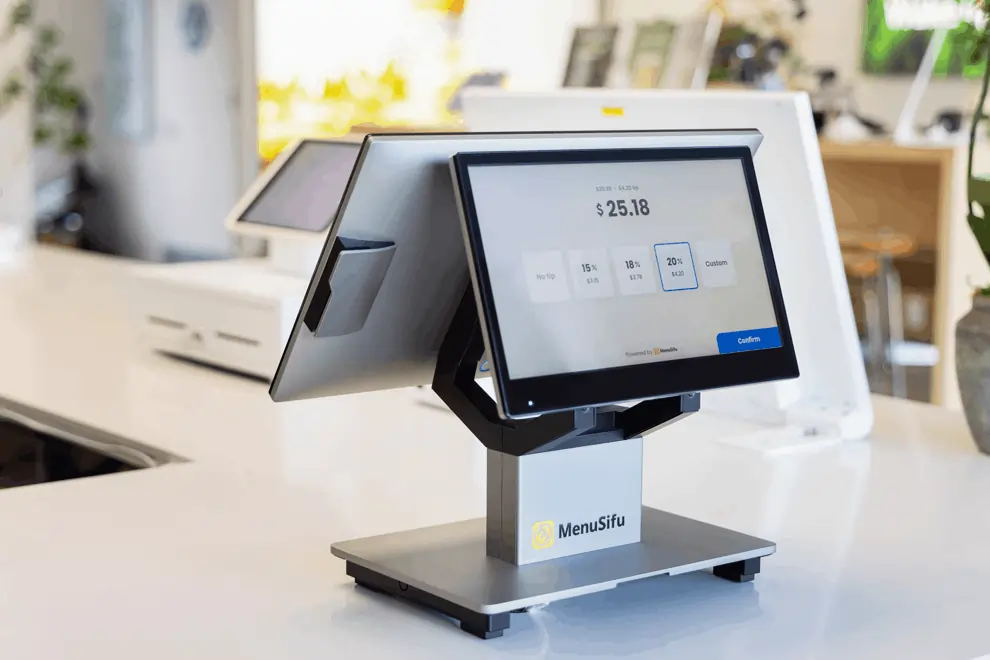
POS technology connects each stage of a restaurant transaction through a shared flow of information. A typical transaction follows this path: Customer places an order → POS records it → order reaches the kitchen → payment is processed → transaction is recorded → data becomes available for reporting.
The process starts when a customer places an order through a staff member, self-service kiosk, or digital ordering channel. The POS records the order details, including selected items, quantities, modifiers, and prices. It then sends the relevant order information to the kitchen so staff can prepare the correct items.
When the customer pays, the POS calculates the total and sends the payment request through the payment system. After approval, the system records the completed transaction and links the payment to the corresponding order.
The completed transaction then becomes part of the restaurant’s sales records and reporting data, creating a consistent record of order and payment activity.
A restaurant POS system combines several capabilities that handle orders, payments, sales records, staff access, and connections with other business software. The exact tools vary by platform, but most restaurant POS systems cover five core areas.
POS software records orders from dine-in, takeaway, delivery, and supported online channels. Staff can select menu items, categories, modifiers, and add-ons while entering each order.
Menu management tools let authorized users update prices, edit item details, manage modifiers, and change item availability. Some systems can also apply menu changes across connected terminals and ordering channels.
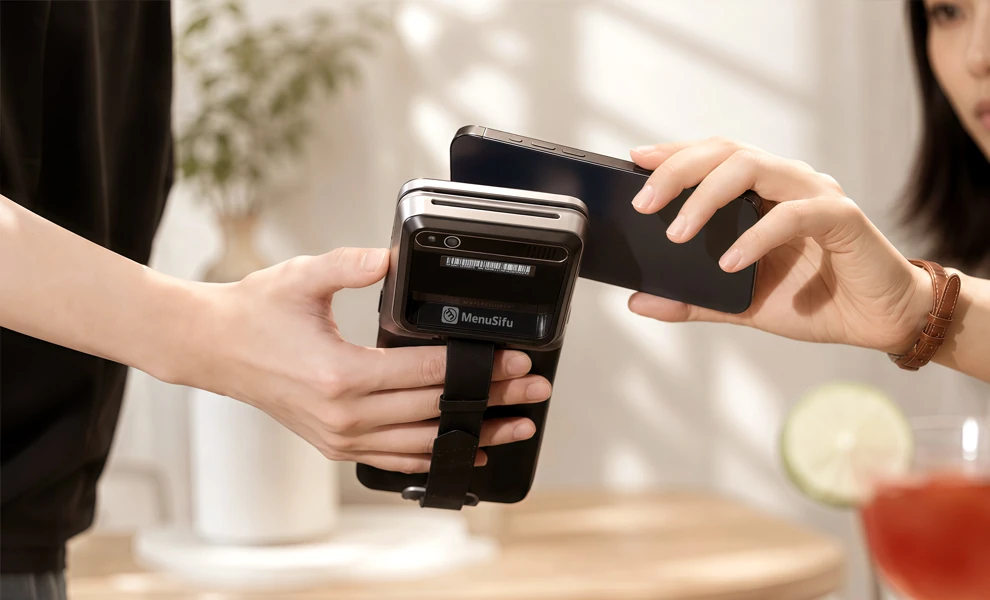
Restaurant POS systems can connect orders directly to payment processing. Depending on the provider and hardware setup, supported payment methods may include:
The system may also record tips, issue refunds, generate receipts, and maintain transaction histories.
Each completed transaction creates sales data that the POS can organize into reports. These reports may show daily and historical sales, transaction records, payment totals, menu-item performance, and peak sales periods.
Some platforms allow users to filter reports by location, employee, order type, payment method, or date range.
Employee logins allow staff members to access assigned POS functions. User permissions can control who can process refunds, change menu settings, view reports, or perform administrative tasks.
Many systems also include time tracking and order-routing tools that send order details from front-of-house devices to kitchen printers or kitchen display systems.
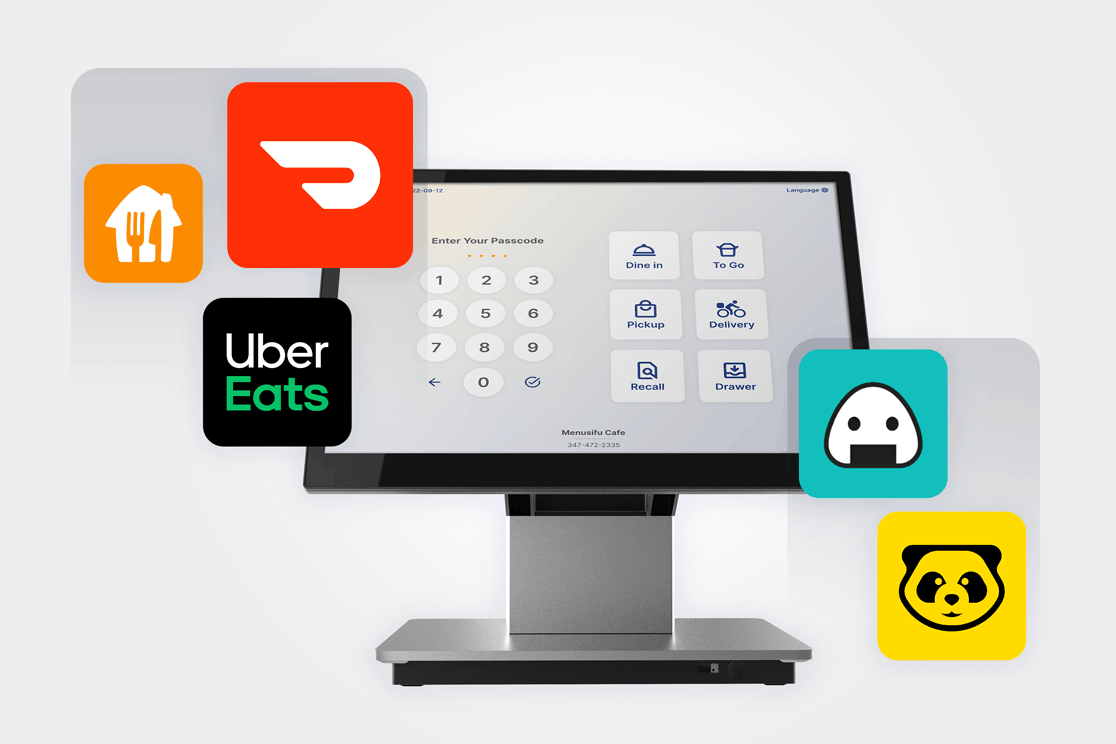
POS platforms can connect with other restaurant software so data can pass between supported systems. Common integrations include:
Integration availability varies by POS provider. Some platforms offer built-in connections, while others support third-party applications or API-based integrations.
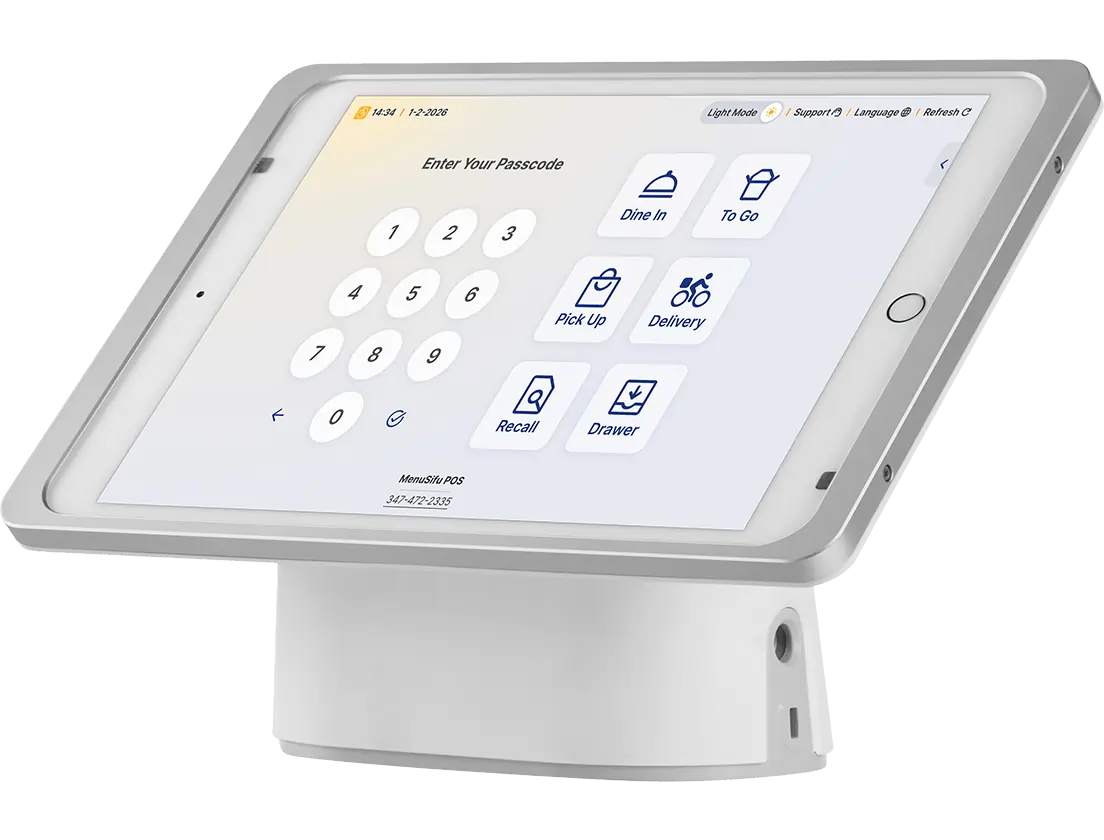
POS technology can help you organize daily transactions and reduce manual order entry. By keeping orders and payments in one system, you can track activity more consistently across dine-in, takeaway, delivery, and online channels. This creates a clearer record of what customers ordered, how they paid, and where each transaction originated.
POS data can also improve visibility into restaurant performance. Sales totals, transaction history, menu-item performance, and peak periods can help you identify patterns and review results over time. You can use this information to support decisions about menu pricing, staffing levels, operating hours, promotions, and purchasing.
Centralizing order, payment, and sales information can also reduce repetitive administrative work. Instead of compiling records from separate sources, you can access more of the information you need through one system and maintain greater consistency across ordering channels.
Together, these benefits give you a more organized view of daily operations. Current restaurant data can help you monitor performance, spot areas that need attention, and make better-informed operational decisions.
Restaurant POS systems vary in how their software is hosted and which devices staff use. Here are three common setups you may encounter when comparing options.
On-premise POS technology runs through software installed on computers or terminals at the restaurant. The system typically stores data on a local server or other restaurant-based infrastructure.
Your restaurant may manage software, transaction records, backups, and system updates locally or through a service provider. Access usually depends more heavily on equipment and network infrastructure located at the restaurant, which can limit remote access compared with cloud-hosted platforms.
Cloud-based POS technology hosts software and data on remote servers and connects restaurant devices through the internet. Authorized users can often access sales reports, menu settings, and other business information from supported devices outside the restaurant.
Cloud platforms can also centralize data across terminals or restaurant locations. Providers typically deliver software updates through the platform, reducing the need to install updates individually on each device.
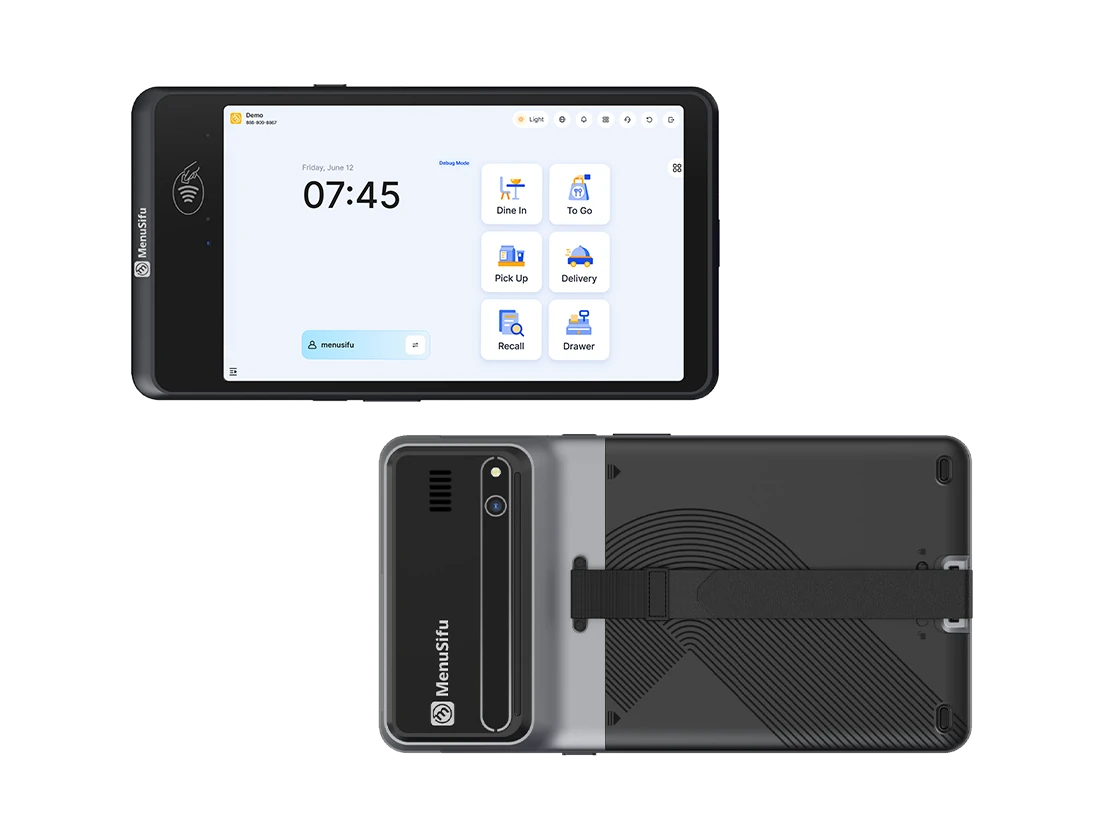
Mobile POS technology uses tablets, handheld terminals, and other portable devices to support order entry and payment collection throughout the restaurant.
Staff can use these devices for:
Mobile and handheld devices often operate as part of a cloud-based POS platform, so these categories can overlap. The device describes how staff interact with the POS, while the underlying software determines where the system stores, processes, and manages restaurant data.
Choosing POS technology starts with your restaurant’s operating needs. Consider your service model, location count, ordering channels, payment methods, and staff workflow before comparing platforms. A full-service restaurant may need tableside ordering and kitchen communication, while a quick-service operation may prioritize counter service, kiosks, and digital orders.
As you compare systems, focus on criteria that affect daily operations:
Cost also requires a complete view. Compare software subscriptions, hardware purchases or leases, installation charges, payment-processing rates, integration fees, support plans, and other recurring expenses. Evaluating total operating costs alongside system capabilities gives you a clearer basis for comparing POS solutions.
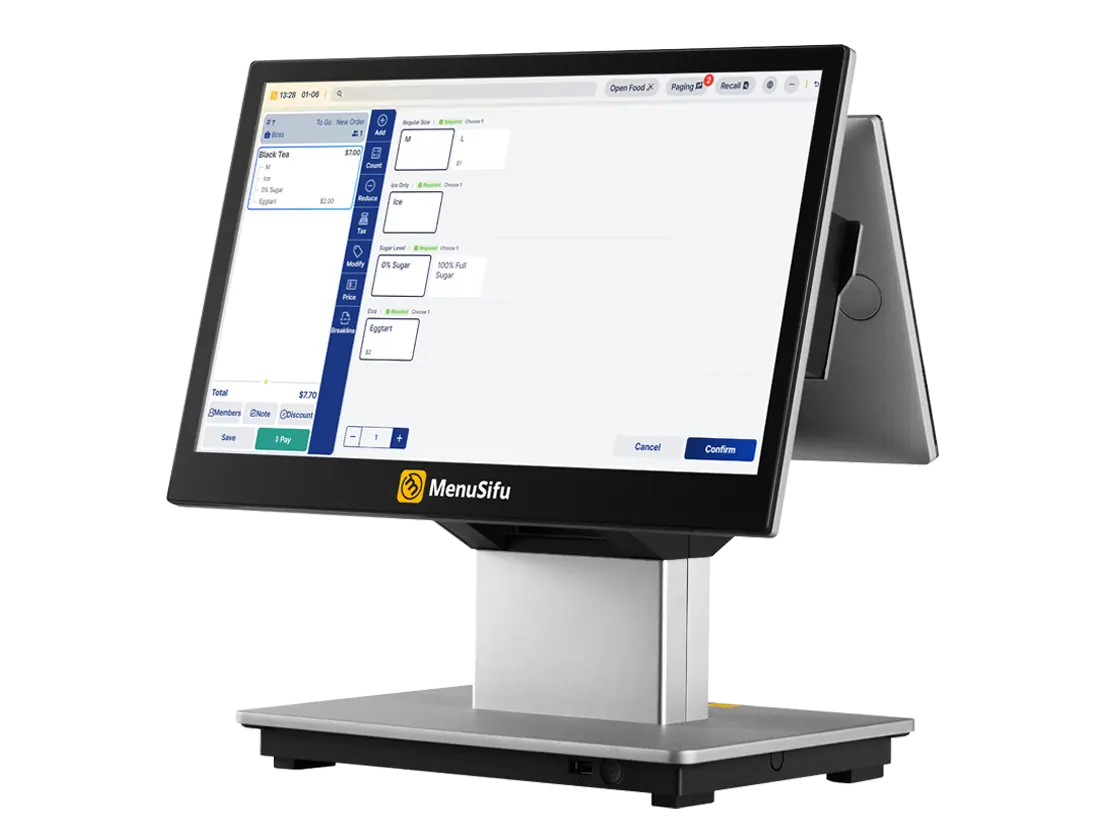
The right POS technology should support how your restaurant handles orders, payments, reporting, staff activity, and connected systems. Comparing features, integrations, hardware, reliability, and total cost gives you a clearer basis for choosing a platform that supports daily operations.
MenuSifu offers restaurant POS systems and technology solutions designed to bring key restaurant functions into one connected platform. If you are reviewing your current setup or exploring a new POS solution, Book a Free Demo with MenuSifu to see how the technology supports your restaurant’s workflow and operational needs.
If you still have questions about POS technology, the answers below cover a few common topics, from basic terminology to hardware requirements and switching systems.
POS stands for point of sale. In technology, it refers to the hardware and software businesses use to process sales, record transactions, accept payments, and manage related data.
In information technology, POS stands for point of sale and refers to the hardware, software, payment tools, and data systems used to process and record transactions.
POS hardware refers to the physical equipment used to process transactions, such as terminals, tablets, card readers, receipt printers, and kitchen displays. POS software is the system that manages orders, menus, payments, sales data, reporting, and user access. Both work together to complete and record restaurant transactions.
Some POS systems require dedicated hardware, while others run on compatible tablets, terminals, or mobile devices. Depending on the setup, a restaurant may also need card readers, receipt printers, cash drawers, kitchen printers, or kitchen display screens. Hardware requirements vary by POS provider, service model, and payment setup.
Yes. An existing restaurant can switch to a new POS system by planning the transition carefully. Review data migration, menu setup, payment processing, hardware compatibility, integrations, staff training, and installation before changing systems. A clear implementation plan can help reduce disruption and keep daily operations organized during the transition.
For more restaurant technology insights, operational guidance, and product updates, visit the MenuSifu blog.
Related Articles: