
September 30, 2026
Learn what a mobile POS system is, how it works, and how much a mobile POS system costs. Find out how it helps streamline service in small restaurant setups.
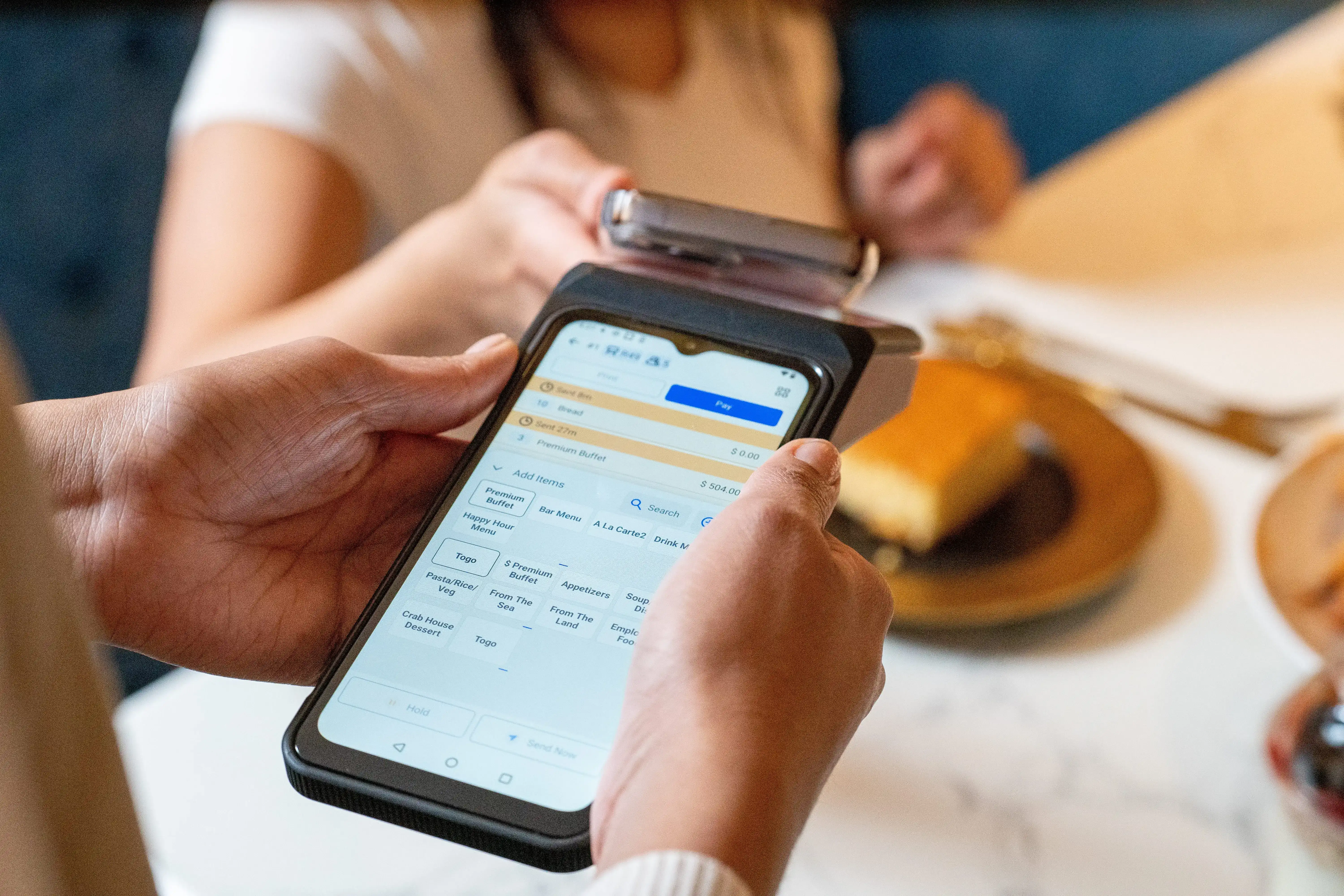
Managing orders, payments, and staff with limited space and a tight budget can feel overwhelming. That’s why many operators start exploring a mobile POS system as a simpler way to run day-to-day service. From taking orders on the floor to accepting payments on the spot, mobile POS tools offer flexibility that traditional setups often lack.
But what exactly do they do, how do they work, and how much should you expect to spend?
This guide walks through the basics so you can decide if a mobile POS fits your restaurant’s needs.

A mobile POS system is a point-of-sale solution that runs on portable devices like tablets or smartphones. It lets you take orders, process payments, and manage sales from anywhere in your restaurant or even outside it. All you need is a reliable device and an internet connection.
Compared to traditional POS setups with bulky terminals and fixed registers, a mobile POS offers greater flexibility and requires less space. It works well for restaurants that need to move fast, serve guests at the table, or operate in tight spaces.
This setup fits perfectly in places like:
A mobile POS helps simplify daily operations, especially if you're just starting out or managing a small team. Instead of being tied to the front counter, you can bring service directly to the guest, efficient, reliable, and easy to manage.
A mobile POS system runs on tablets or smartphones and connects to cloud-based software. That cloud connection keeps your menu, pricing, and sales data synced in real time across devices, so your team always works from the same setup.
Here’s how it works during service:
This setup keeps service flexible and easy to manage, especially when space, staffing, or budgets stay tight.
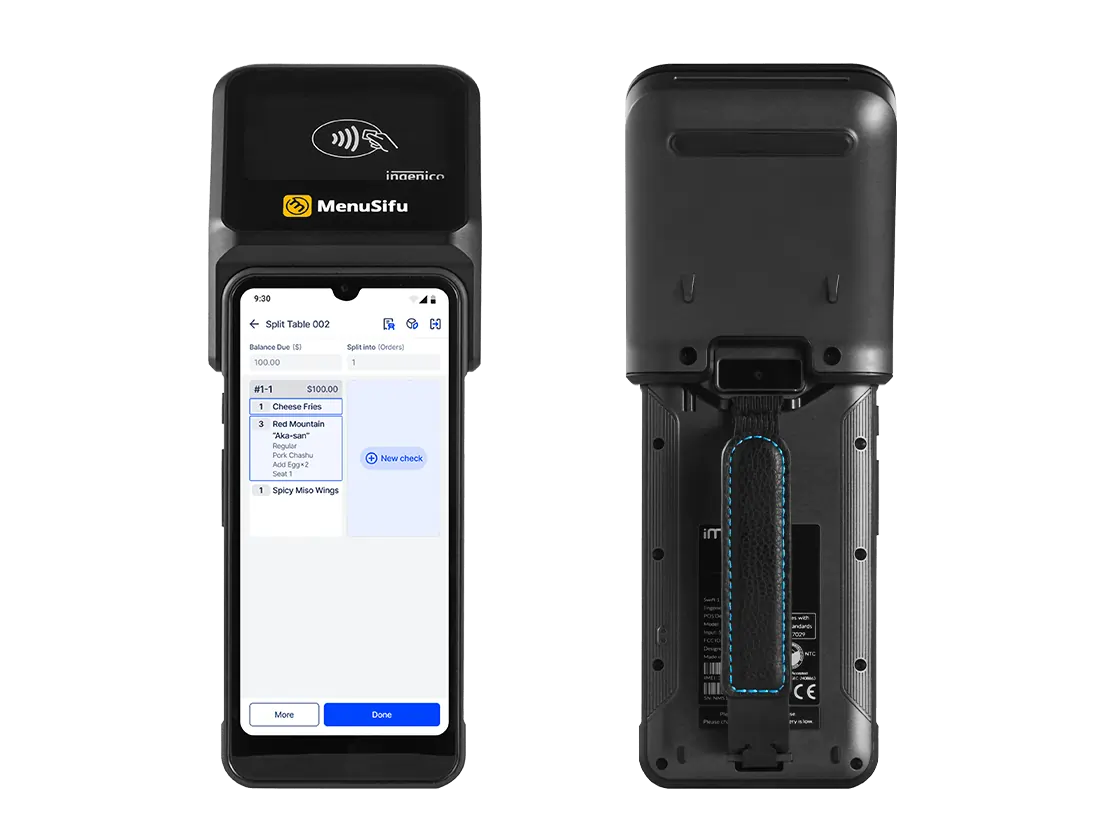
A mobile POS system supports daily operations in practical ways, especially when space, time, and budget matter.
Mobile POS runs on tablets or smartphones, so there’s no need for bulky terminals or multiple registers. That helps reduce upfront expenses and keeps your counter clear, which works well for smaller dining rooms, food trucks, and takeout-focused setups.
Staff can take orders and accept payments right at the table or counter. Orders reach the kitchen instantly, helping reduce wait times and minimize errors. Guests get their food faster, and tables free up sooner during busy periods.
Most mobile POS systems use familiar touchscreen layouts, so training time is shorter. New hires can start taking orders quickly, and setup doesn’t require technical expertise. That’s especially helpful when opening a new location or running a lean team.
These benefits make mobile POS a practical choice when you want to stay flexible, control costs, and keep service running smoothly from day one.
Pricing for a mobile POS system remains flexible, helping keep upfront spend manageable while giving you room to grow. Costs usually fall into three main areas.
Most setups use tablets or smartphones, plus card readers and printers if needed. For a small to mid-sized operation, hardware typically ranges from $300 to $1,000, depending on how many devices you run and how your space is set up.
Mobile POS software usually runs on a monthly plan. Pricing often starts around $50 per device per month and can increase if you add advanced reporting, inventory tools, or multi-location support.
Optional features like online ordering, loyalty programs, or third-party integrations may add to the monthly total. You can often choose only what fits your current setup and expand later.
When asking how much a mobile POS system or a mobile POS costs, it helps to look beyond the sticker price. Faster service, flexible ordering, and fewer manual errors can improve daily flow and protect margins. Over time, those gains often outweigh the initial investment, especially for operations that value speed and mobility.
The right mobile POS should make daily tasks easier, not harder. Look for a system that helps your team move faster, serve better, and adapt as your business grows.
Start with the basics:
Before choosing a provider, ask:
Clear answers now can save time and costs later. Choose a mobile POS that fits your daily needs and future goals.
If you want to serve faster, keep orders accurate, and manage everything from one device, a mobile POS system can help you get there. From placing orders as guests speak to accepting payments right at the table, it keeps service moving and staff focused. Menu items update in real time, customizations are easy to manage, and tips are recorded digitally with no extra steps.
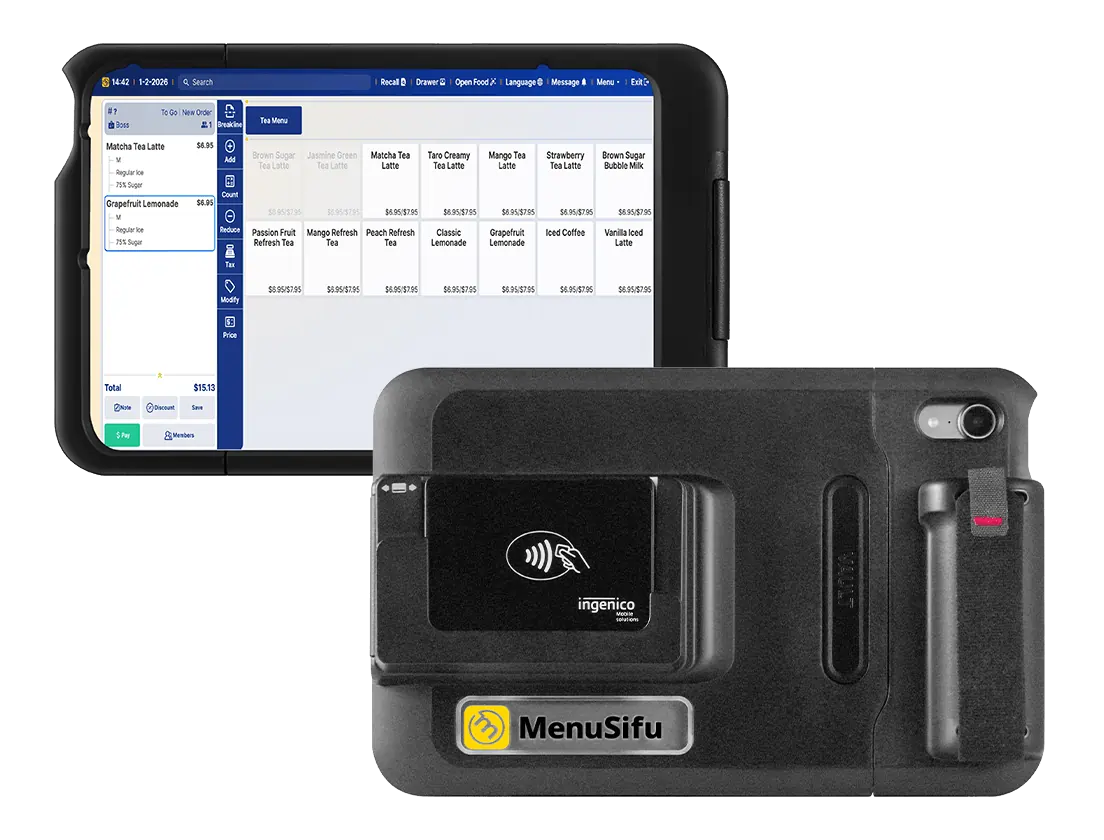
MenuSifu’s mobile POS tools make this process smooth. The POS Pay Pad mirrors your main terminal with a large, easy-to-use display, while the POS GO offers a compact, lightweight option built for all-day use. Both let you handle orders, edits, payments, and synced kitchen communication right from the table.
Book a free demo with MenuSifu today and see how a mobile POS system can simplify your service.
Below are common mobile POS questions operators often ask when comparing systems and planning their setup.
Yes, you can use your phone as a POS. With the right mobile POS app and a card reader, your smartphone can process payments, manage inventory, track sales, and issue receipts. It’s ideal for small businesses, pop-up shops, or on-the-go transactions.
Mobile POS hardware includes tablets or smartphones, card readers, barcode scanners, receipt printers, and cash drawers. Many systems use Bluetooth or Wi-Fi to connect peripherals. Some setups also support contactless payments and QR code scanning for added flexibility.
To charge sales tax with your mobile POS, enable tax settings in your POS software and input the correct tax rate for your location. Most systems automatically apply tax to eligible items at checkout. You can also set custom tax rules for different products or regions if needed.
Most mobile POS systems support contactless payments through smartphones, smartwatches, and EMV card readers. These systems typically work on tablets and mobile devices and integrate with digital wallets such as Apple Pay, Google Pay, and Samsung Pay.
Features often include tap-to-pay options, QR code payments, and portable card readers that connect via Bluetooth or built-in hardware. This allows staff to accept payments at the counter, tableside, or in the field.
Table-side ordering apps, handheld POS devices, and mobile ordering via QR code menus help servers send orders directly to the kitchen, cutting wait times. Features like menu modifiers, upsell prompts, and real-time inventory updates also reduce errors and speed up service.
The best mobile POS system offers speed, flexibility, and ease of use. MenuSifu delivers all three with handheld tools for tableside ordering, real-time kitchen sync, and support for cards, mobile wallets, and tips. It’s built to help restaurants serve faster and manage orders more efficiently.
Looking for more tips? Visit our blog section for updates, insights, and practical guides to help you run a smarter restaurant.
DISCLAIMER: The information provided in this blog is for general informational purposes only and reflects current industry insights at the time of publication. Pricing, features, and availability of mobile POS systems may vary based on provider, region, or business needs. Please consult with a trusted POS provider or advisor to determine the best solution for your restaurant.
Related Articles:







