May 26, 2026
Use this guide to choose the best POS system for quick service restaurants and improve order speed, kitchen flow, inventory, reporting, and customer loyalty.

Need a POS system that helps your quick-service restaurant take orders faster, reduce mistakes, keep the kitchen aligned, and track sales in real time? The right choice can shape how smoothly each shift runs, from counter orders and payments to pickup flow, inventory, and customer engagement.
This guide breaks down how to choose the best POS system for quick service restaurants, including the features to evaluate, the mistakes to avoid, and the signs that a POS solution can support your team as order volume grows.
A quick-service restaurant depends on speed, accuracy, and consistency from opening to closing. Your POS system helps connect each part of that workflow, from order taking and payment processing to kitchen preparation, pickup, reporting, and inventory control.
When a customer places an order at the counter, kiosk, online channel, or delivery app, the POS should capture the order clearly and send it to the right station. Your kitchen team can then prepare items in the correct sequence, update order status, and keep pickup moving smoothly.
A strong POS system also gives you better control over daily operations. You can update menu items, adjust prices, mark items as unavailable, apply discounts, track cashier activity, and review sales from one system. This helps your team stay organized during busy hours and gives you cleaner data after each shift.
For growing quick-service restaurants, the POS also supports consistency across locations. You can manage menus, monitor branch performance, review best-selling items, and keep service standards aligned as order volume increases.
In short, your POS system acts as the operational hub of your restaurant. It helps your team serve customers faster, reduce order errors, manage payments, and make better business decisions with real-time information.

The best POS system should help your team move orders faster, keep the kitchen organized, and give you clear control over sales, staff, inventory, and customer engagement. When comparing options, focus on features that support daily service and long-term growth.
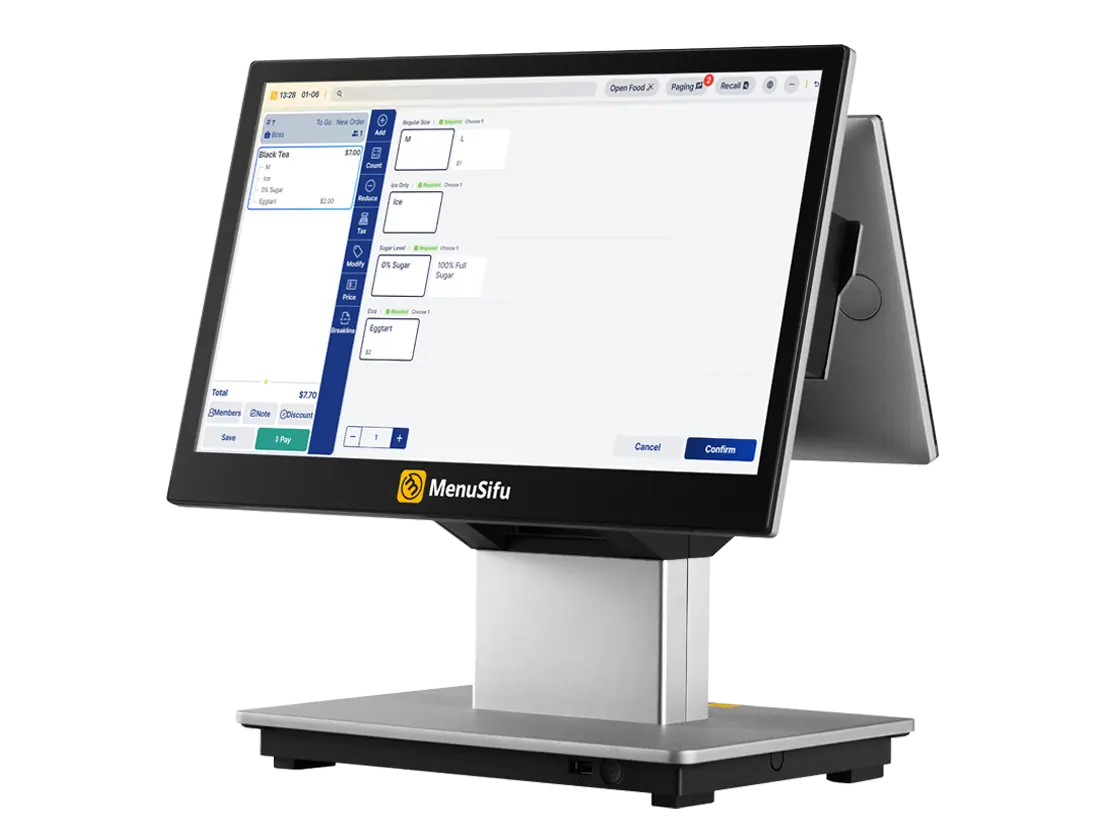
Quick-service restaurants need a POS system that helps staff take orders in fewer steps. Look for a clean screen layout, quick item search, easy category navigation, and simple modifier selection.
This helps your team handle:
The easier the order flow feels, the faster your staff can serve customers during peak hours.
Your menu changes often. Prices change, items sell out, promotions launch, and limited-time offers need quick setup. A strong POS system lets you update menus from one place and sync changes across ordering channels.
Look for features such as:
This helps you keep your menu accurate across the counter, kiosks, online ordering, delivery apps, and display screens.
Customers expect quick and convenient payment options. Your POS should accept common payment methods and process them smoothly.
Look for support for:
A reliable payment setup helps shorten lines, reduce cashier errors, and keep checkout moving.

A Kitchen Display System (KDS) helps your kitchen team receive orders instantly and prepare them in order. Instead of relying on printed tickets or verbal updates, staff can view order details on a screen and mark items as complete once they are finished.
This feature helps improve:
For high-volume quick-service restaurants, KDS integration can make daily operations feel more organized from counter to kitchen.

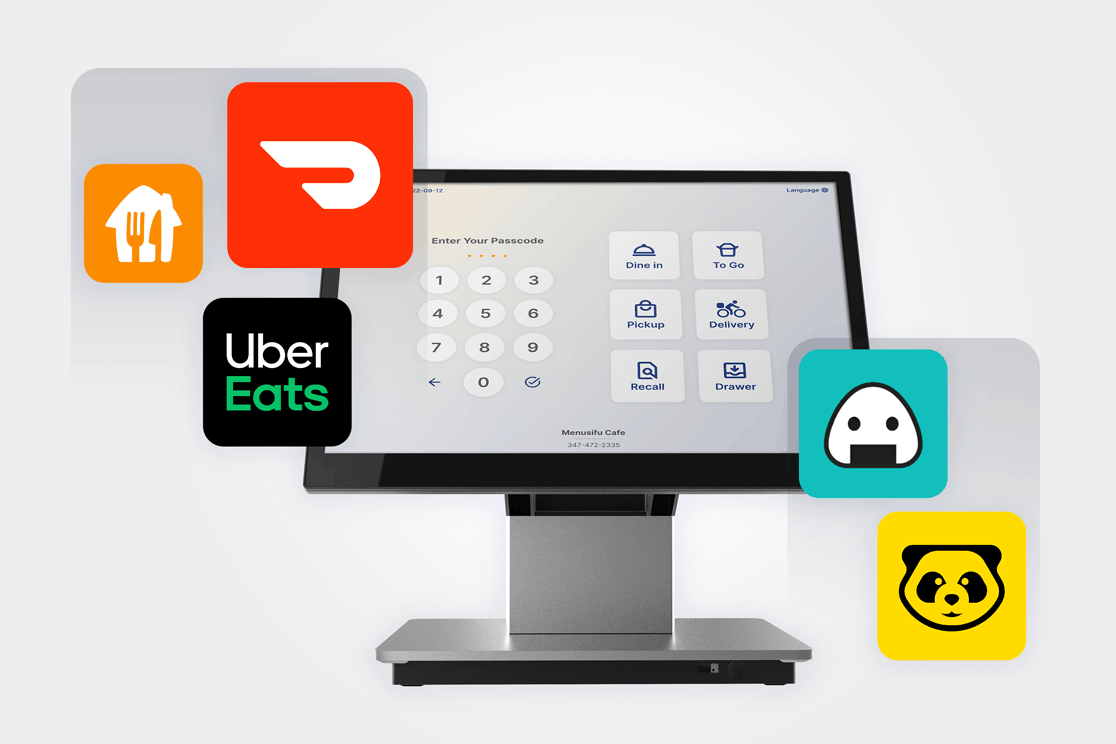
Online orders and delivery app orders can create extra work when staff need to enter them manually. A POS system with integration support helps bring orders from different channels into one place.
This can help your team manage:
When these orders flow into the POS, your staff can spend less time retyping order details and more time preparing food.

Self-service kiosks can help reduce lines and give customers more control over their orders. They also help increase order accuracy by allowing customers to choose items, add modifiers, and review details before checkout.
Kiosks work well for quick-service restaurants with high foot traffic, custom orders, or limited counter staff. They can also help increase average order value through add-on prompts and combo suggestions.
Inventory tracking helps you monitor stock levels, ingredient usage, and item availability. This helps you reduce waste, avoid shortages, and make better purchasing decisions.
Look for inventory features that let you:
A POS with inventory tools gives you better visibility into what sells and what needs attention.
Clear reporting helps you see how your restaurant performs each day. Your POS should show more than basic sales totals. It should help you review trends and spot opportunities.
Look for reports that cover:
These reports help you plan staffing, adjust menus, review promotions, and make better business decisions.
Your POS should help you manage staff access and track activity. This gives you better control over cash handling, discounts, voids, refunds, and shift performance.
Useful staff features include:
These tools help improve accountability and protect your business data.

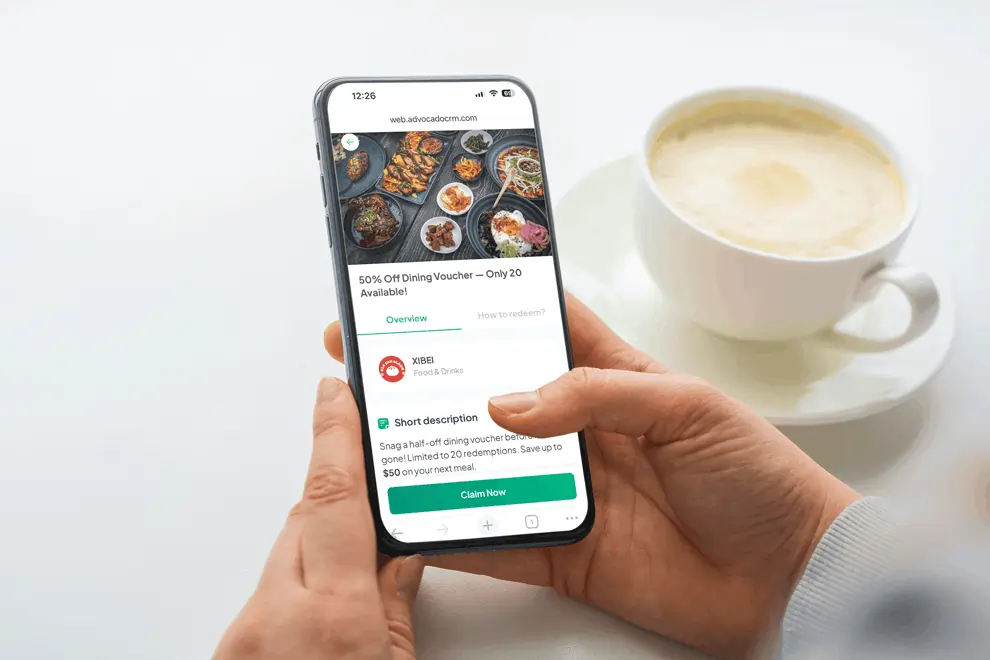
Repeat customers can drive steady revenue. A POS with loyalty and promotion tools helps you encourage more return visits and build stronger customer relationships.
Look for features such as:
These tools help you reach customers with offers that match their order history and preferences.
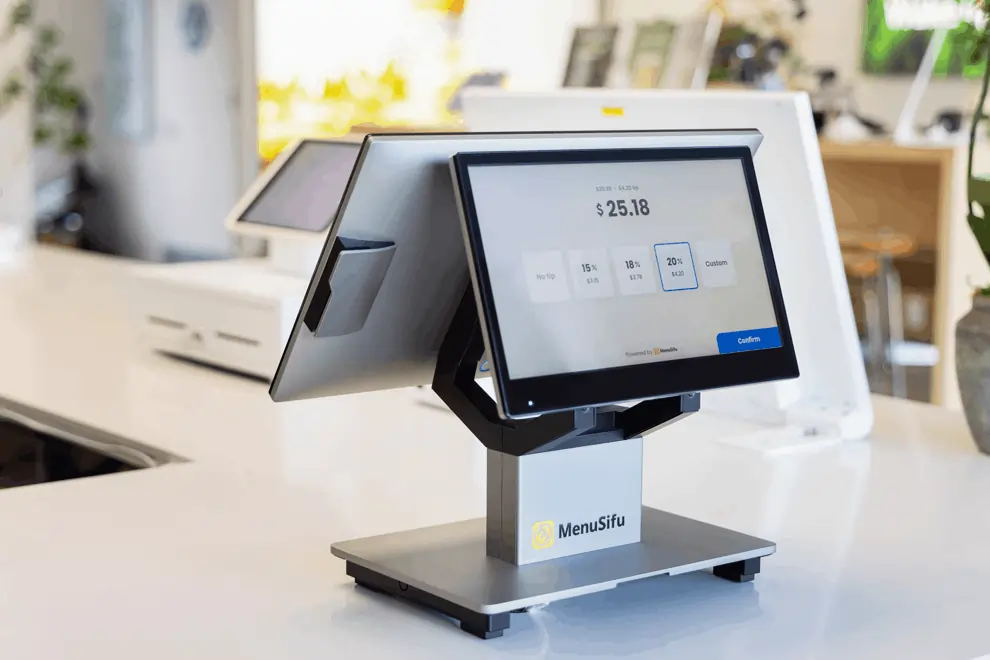
Customer-facing displays help guests review their orders before payment. Pickup screens help customers see order status clearly after checkout.
These screens can help reduce confusion at the counter and improve communication during busy hours. They also create space to show menu updates, featured items, and promotions inside the restaurant.
A quick-service restaurant cannot afford service interruptions. Your POS should stay stable during rush periods and continue processing key tasks if the internet drops.
Look for:
System reliability helps your team keep serving customers even when technical issues happen.
If you manage several branches or plan to expand, choose a POS system with multi-location support. This lets you control key operations from one dashboard while still tracking each location separately.
Look for:
This gives you a clearer view of each branch while keeping brand operations consistent.
A POS system should feel simple for managers, cashiers, and kitchen staff. A clean interface helps reduce training time and keeps service moving during busy periods.
Look for a system that makes common tasks easy, such as taking orders, applying discounts, updating items, checking reports, and closing shifts.
The best POS choice should feel practical from the first day of use. It should help your team serve customers faster, manage orders with fewer errors, and give you the data you need to run a stronger quick-service restaurant.
Choosing the right POS system starts with your daily workflow. Before comparing providers, look at how your restaurant takes orders, accepts payments, sends tickets to the kitchen, tracks stock, and reviews sales.
Start with the parts of your operation that create delays, errors, or extra manual work. A good POS system should solve the problems your team deals with every day.
Your list may include:
Once you know your main priorities, you can focus on features that solve real daily problems instead of paying for tools your team rarely uses.
Different quick-service restaurants need different POS capabilities. A café may focus on quick checkout, loyalty rewards, and customer-facing displays. A pizza shop may need advanced modifiers, delivery integration, and kitchen routing. A bubble tea shop may need custom add-ons, order status screens, and a faster pickup flow.
Match the system with how your restaurant serves customers. Look at your menu style, ordering channels, payment flow, kitchen process, and pickup setup. The closer the POS fits your workflow, the easier it becomes for staff to use it during busy hours.
Your POS software should work well with the hardware your restaurant needs. This helps create a smoother setup from the counter to the kitchen.
Check compatibility with:
Reliable hardware support helps prevent service delays, device issues, and extra replacement costs.
A POS system works better when it connects with the tools that support your operations. Strong integrations reduce duplicate entries and help your team manage orders, payments, reports, and customer data in one flow.
Look for integrations with:
For quick-service restaurants, online ordering and delivery integration can save staff time and improve order accuracy across multiple channels.
The lowest price may not give you the best value. Review the full cost before you commit.
Compare:
A strong POS system should help you save time, reduce errors, improve reporting, and support growth. Those benefits can outweigh a lower upfront price.
Even the best system needs proper setup and staff training. Choose a provider that helps your team get started quickly and supports you when issues happen.
Look for:
Good support helps your team stay focused on customers instead of technical issues.
Your POS system should support your next stage of growth. You may add new branches, expand delivery, launch loyalty programs, introduce kiosks, or need stronger sales reports.
Choose a system that can handle:
A scalable POS system helps you build a more organized operation as your business grows.

Choosing a QSR POS system can feel easier when you know what to avoid. Before you commit to a provider, watch out for these common mistakes.
The right POS system helps your restaurant improve service speed, order accuracy, staff control, and business visibility. When orders, payments, kitchen workflow, inventory, and reporting work together, your team can run each shift with greater control.
Key benefits include:

Choosing the right POS system starts with how your restaurant operates each day. Look for a solution that helps your team take orders quickly, accept payments smoothly, keep the kitchen aligned, track inventory, review performance, and bring customers back with timely offers.
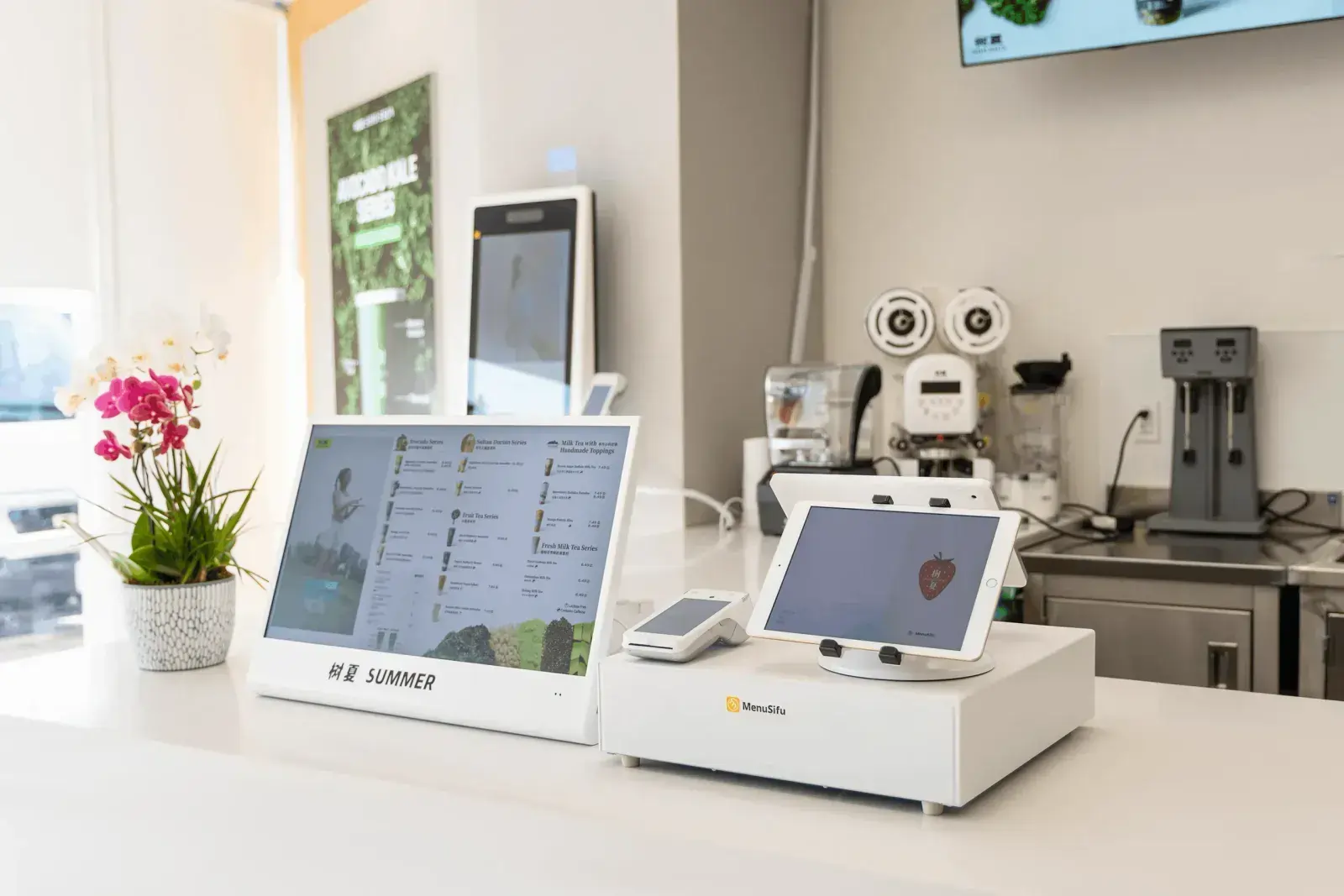
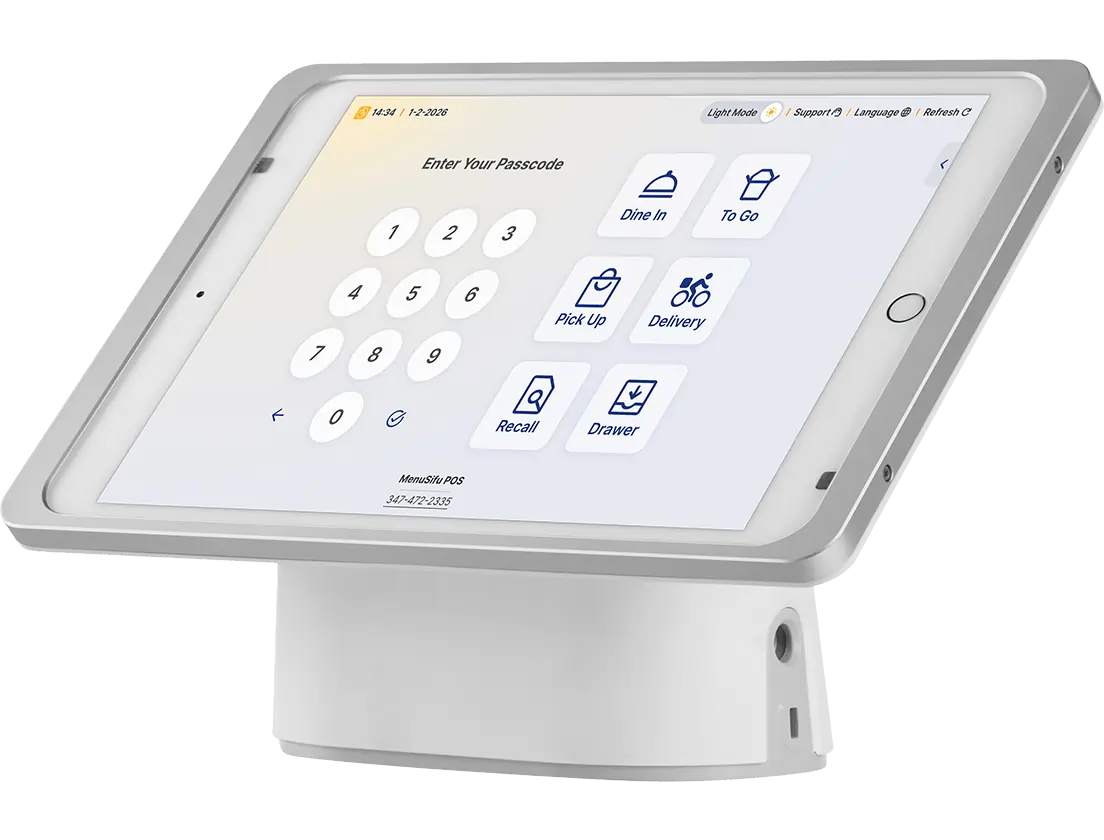
MenuSifu brings POS, self-service kiosks, online ordering, delivery app orders, Kitchen Display Systems, pickup screens, inventory tools, and customer engagement into one connected quick service restaurant POS system.
Paired with Showtop Smart Display Screen, you can show real-time menus, order status updates, and in-store promotions that support a smoother path from ordering to pickup.
Book a Free Demo with MenuSifu today to see how a connected POS and display solution can help your quick-service restaurant serve faster, manage higher order volume, and keep operations easier to control.
Use these quick answers to compare POS features, pricing, hardware, and setup options with a clearer view of what your restaurant needs.
A quick-service restaurant POS system should include fast order entry, flexible payment processing, menu and modifier management, Kitchen Display System integration, inventory tracking, staff permissions, real-time reporting, online ordering, delivery app integration, and customer loyalty tools. These features help your team serve customers faster, reduce errors, manage stock, and track performance from one system.
The best POS system for quick-service restaurants supports fast order-taking, flexible payment options, kitchen display integration, online ordering, delivery app integration, inventory tracking, and real-time sales reporting.
MenuSifu is one strong option because it helps quick-service restaurants manage high order volume, speed up service, coordinate kitchen workflows, and connect customer-facing tools like kiosks and pickup displays in one system.
A QSR should use a Kitchen Display System to send POS orders to the kitchen in real time, route items to the right prep stations, and keep staff aligned. It helps reduce ticket times, cut order errors, track order status, and serve more guests during peak rushes.
Yes. Self-service kiosks can help quick-service restaurants reduce counter lines, improve order accuracy, and let customers place orders at their own pace. When connected to the POS system, kiosk orders can go directly to the kitchen, which helps staff manage higher order volume and keep service organized.
POS reporting helps a quick-service restaurant grow by showing what sells, when customers order, and how each shift or location performs. You can use these insights to improve staffing, adjust menu items, manage inventory, plan promotions, and make better business decisions.
A quick-service restaurant POS system typically costs $0 to $400 per month for software, depending on the provider, plan, and number of terminals.
Hardware can range from about $400 to $5,000 or more per device, especially if you add terminals, kiosks, Kitchen Display Systems, customer-facing displays, or payment devices. Payment processing, online ordering, loyalty tools, setup fees, support, and extra locations can also affect the total cost.
With MenuSifu, pricing is tailored to your needs, so you only pay for what you use. Bundle pricing is also available for added savings, and our in-house payment service offers competitive processing rates.
For more restaurant technology tips, POS insights, and product updates, visit our blog section.
Related Articles:
DISCLAIMER: POS features, pricing, hardware options, integrations, and service availability may vary by provider, restaurant setup, location, and selected plan. The information in this guide is for general educational purposes only. Contact the POS provider directly to confirm current pricing, product details, and the best setup for your quick-service restaurant.