September 24, 2026
Use this restaurant POS launch plan to run a cleaner go-live. Get 11 steps plus a quick checklist for setup, integrations, training, testing, and closeout.
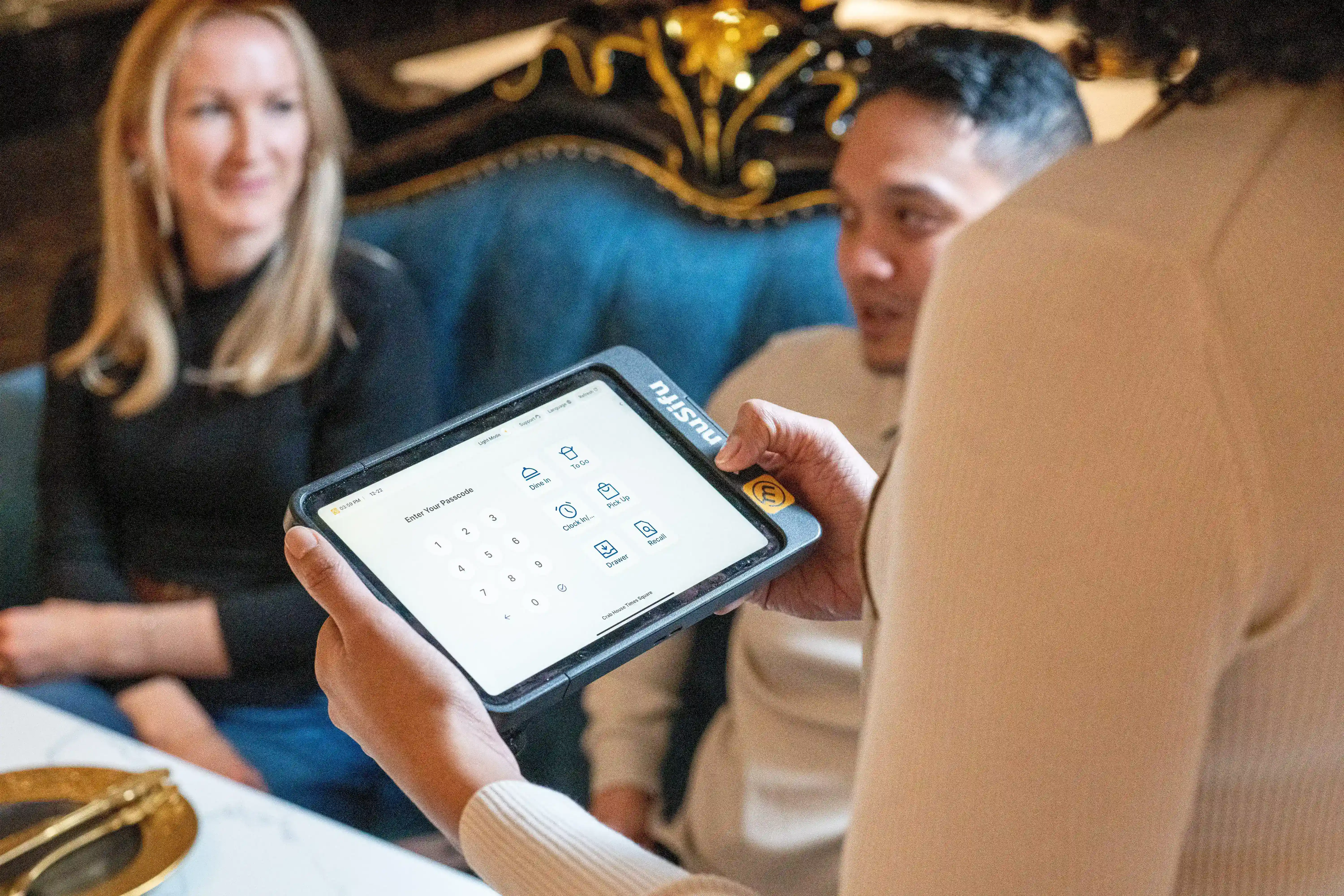
A new POS can tighten your operation or throw off the whole shift if the rollout feels rushed. A clear restaurant POS launch plan helps you keep orders moving, train staff with less confusion, and catch setup issues before they affect checkout. So how do you launch with fewer disruptions and cleaner day-one performance?

A smooth rollout starts with a clear plan and tight follow-through. Use these steps to keep orders moving, staff aligned, and reporting clean from day one.
Start by defining what a “successful launch” looks like for your operation. Aim for outcomes you can feel on the floor and track in reports, like faster checkout, fewer voids, cleaner closeouts, and smoother shift handoffs.
Pick 3 to 5 KPIs and review them daily during launch week:
Give the rollout a single point person who keeps tasks moving and decisions quick. Most teams run best with the GM or Ops Manager as the launch lead.
Assign clear owners for key areas:
Set an escalation chain for launch week:
Before you build anything, map how orders move today. Focus on the workflows that drive most sales and create the most errors.
Cover the essentials:
Then tune the menu for speed and accuracy:
List pain points you want solved during setup, such as missing modifiers, confusing combos, or inconsistent discount rules.
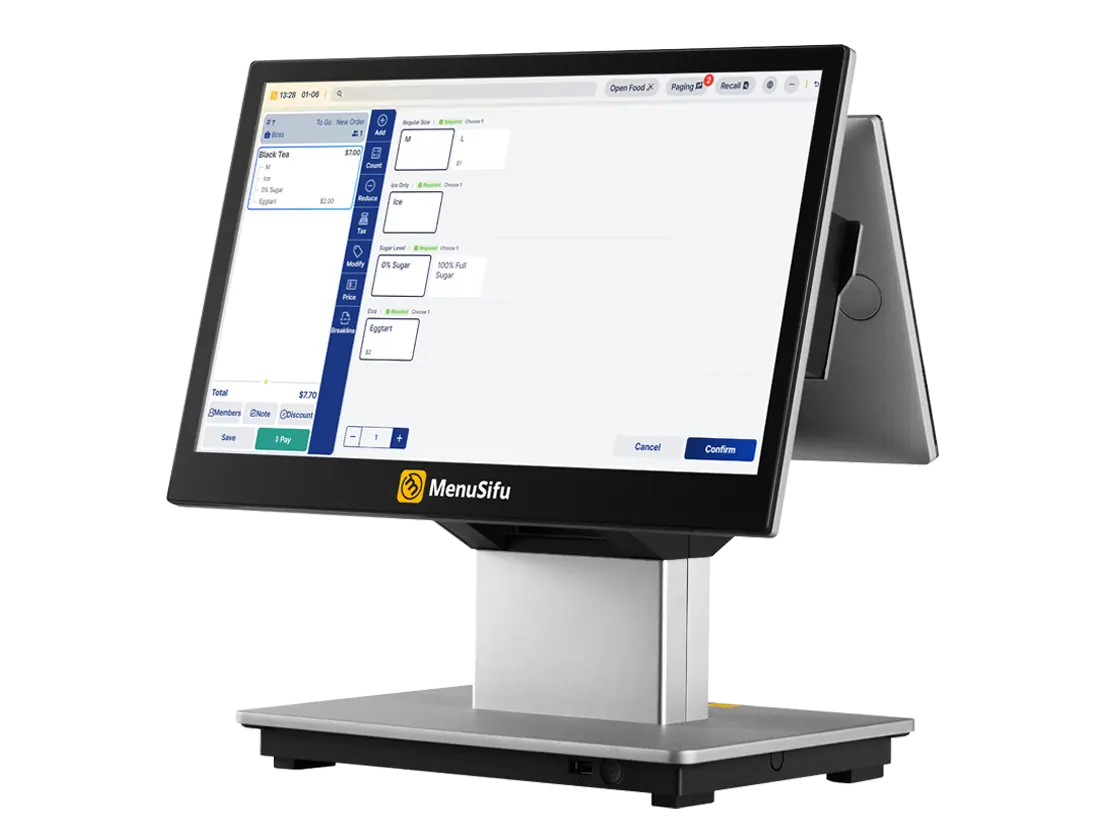
Lock down your hardware and network early to avoid day-one disruptions.
Run a quick readiness check:
Set an installation date and keep a fallback plan:
Build the POS to match how your team takes orders during rush periods.
Focus your setup on high-traffic paths:
Do a quick pass for consistency: item names, pricing, modifier logic, and discount rules should match your printed menu and online listings.
Once your core POS setup is in place, the next step is to connect the tools that support daily reporting, payments, and off-premise orders.
List the tools that must be connected before launch, and set a testing timeline.
Start with must-haves:
Decide what data moves over:
Schedule integration testing before training so the team learns the exact checkout flow they will use at the register.
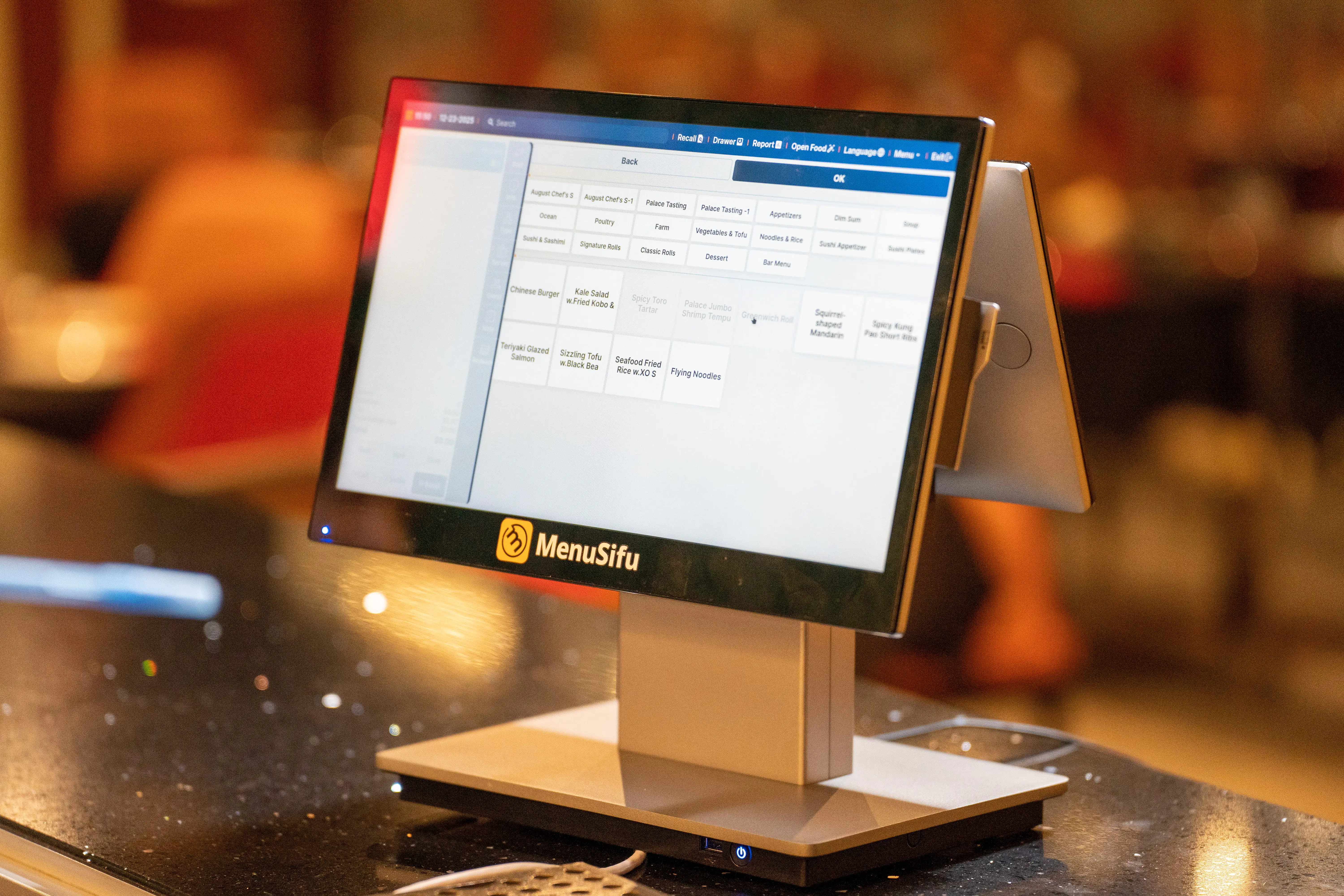
Train in the same order your team will support each other.
A proven sequence:
Keep training modules short and focused:
Place quick-reference sheets at each station with the top actions and the people to call for approvals.
Schedule a mock shift that touches every step from first order to closeout.
Run through:
Track issues in one place and assign owners:
Lock changes 24 hours before go-live unless a fix prevents checkout or closeout.
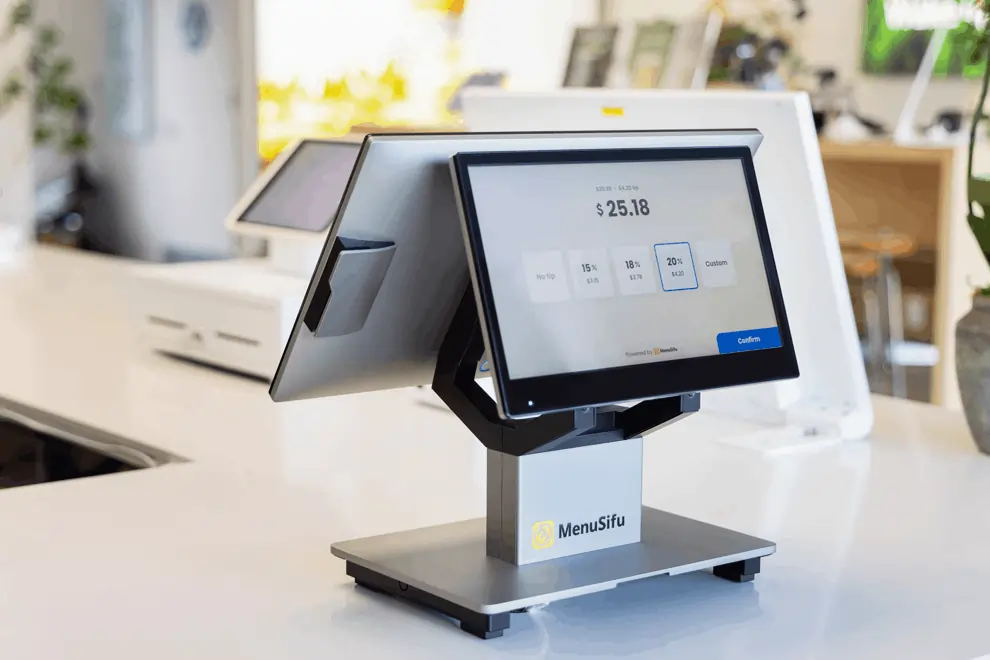
Pick a low-risk launch window so your team can focus on clean execution.
Plan for stability:
Open with a short pre-shift huddle: top workflows, approval rules, and what to do if a device fails.
Treat the first two weeks as an adjustment period with daily check-ins.
Use a simple routine:
Make small improvements based on what you see:
Once the team settles in, lock in the process so it stays consistent.
Finalize a short set of SOPs:
Set ongoing habits:
Once your rollout plan is in place, use this quick checklist to confirm nothing gets missed before go-live.
A new POS rollout works best when you plan each step, assign clear owners, train by role, and track results closely after go-live. With a solid restaurant POS launch plan, your team can keep checkout moving, reduce avoidable errors, and build a smoother routine from the first shift forward.
If you want to tighten your rollout plan, MenuSifu can help you map out the setup, training, and launch process around your operation. Book a Free Demo with us today to see how the right POS setup can support a cleaner launch and steadier day-to-day performance.
Use these FAQs to plan each step of your POS launch and avoid common rollout issues. They cover the key decisions, timing, and setup details that shape a smoother go-live.
A POS launch usually takes two to six weeks. The timeline depends on your menu size, hardware setup, data migration, staff training, and any custom integrations. Simple launches can move faster, while multi-location rollouts often take longer.
Finalize your menu build with modifiers, prices, and taxes. Confirm payment processing, tipping, receipts, and role permissions for voids, discounts, and refunds. Test printer or KDS routing, online ordering and delivery links, and end-of-day reports. Train managers and shift leads, then run a full test shift from first order through closeout.
Most launch-week issues come from menu build errors, missing modifiers, and incorrect printer or KDS routing. Weak Wi-Fi, untested payment setup, and unclear role permissions also trigger slow checkouts, void spikes, and messy closeouts. Run a full test shift and tighten training on refunds, discounts, and split checks to reduce problems.
Train staff fast by teaching only the daily workflows first. Build role-based checklists for servers, bartenders, hosts, and managers. Run a 30-minute hands-on session using real menu items and common scenarios like open checks, modifiers, split bills, refunds, and end-of-shift closeout. Assign a floor trainer per shift for the first week, post quick-reference cards at each station, and review error reports daily to target refreshers.
Add required integrations before go-live, especially payment processing and any tools tied to daily closeout. Test each integration with refunds, discounts, split tenders, and end-of-day reports. Add optional tools like loyalty after the first one to two weeks, once your team runs steady shifts and your reports match expectations.
For more insights and updates, check out the blog section regularly for new restaurant operations and POS rollout tips.
DISCLAIMER: This content is for general informational purposes only and may not reflect the exact setup, timing, or operational needs of every restaurant. Your POS launch plan should be based on your menu, staffing, workflows, hardware, and vendor requirements.
Related Articles: