September 24, 2026
Learn what a self ordering kiosk is, how it works, and how it can help your restaurant improve speed, order accuracy, labor efficiency, and guest flow today.
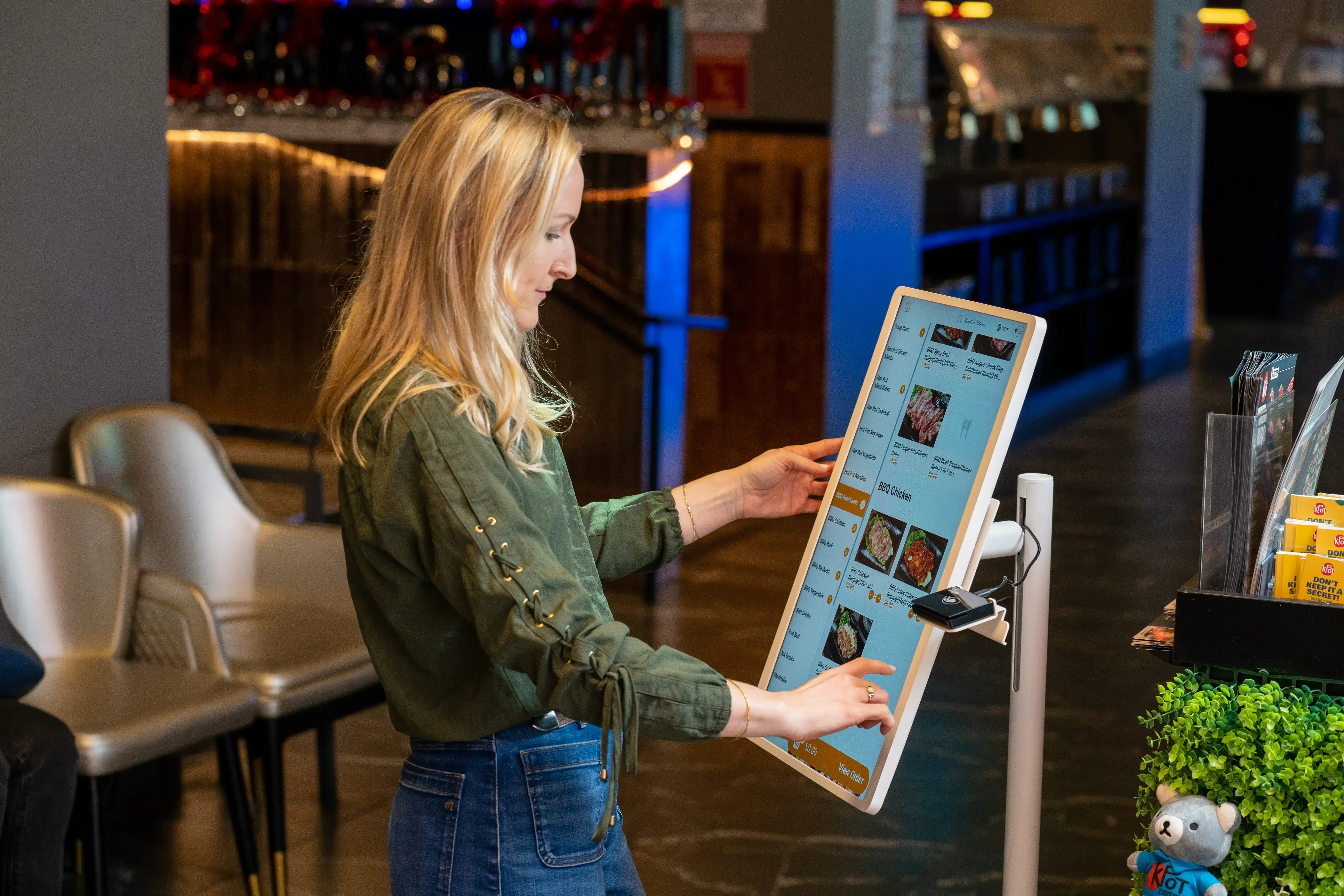
Long lines at the counter can slow service, put pressure on staff, and lead to missed upsell opportunities. A self ordering kiosk gives your guests a faster way to browse, customize, and pay for their orders while keeping each step connected to your operations. Guest adoption is strong, too.
According to the National Restaurant Association’s 2026 State of the Industry report, 68% of adults say they would use a self-service electronic kiosk if offered, including 81% of Gen Z and 78% of millennials. So, what does a kiosk actually do, and how can it help your restaurant run more smoothly?

A self ordering kiosk is a touchscreen ordering station that lets guests place and pay for orders on their own. Instead of ordering through a cashier, guests use the screen to browse the menu, choose items, add customizations, review their order, and complete payment.
This setup differs from cashier-led ordering because the kiosk handles the front-end ordering process directly. Your staff spend less time entering orders by hand and can focus more on food prep, handoff, and guest support.
A restaurant kiosk guides guests through each step of the order. They can browse categories, select combo meals, add toppings or upgrades, make drink changes, and pay at the kiosk in one flow. When connected to your POS and kitchen systems, the order moves quickly to the next stage.
You will often see a self ordering kiosk for restaurants in:
These businesses often need to move lines faster, handle customized orders more clearly, and keep ordering consistent across busy periods.
A self-order kiosk moves guests through ordering in a clear, guided flow. It takes the standard counter process and puts it on a screen that connects directly to your POS and kitchen systems.
Guests start by exploring your menu on the kiosk screen. They can tap through categories, view featured items, and compare combos before adding items to the cart.
A good kiosk layout keeps the menu easy to scan. It can highlight bestsellers, group similar items together, and show add-ons or modifiers at the right points in the flow. This helps guests find what they want faster and build their order with fewer back-and-forth steps.
After choosing an item, guests can customize it on the screen. This may include drink options, toppings, size upgrades, sides, sweetness levels, or other special requests.
This step is especially useful for menus with many choices. Instead of explaining each option to a cashier, guests can review and select what they want at their own pace. That can help keep orders more accurate, especially for combo meals, beverages, and items with multiple modifiers.
Once guests confirm their order, the kiosk sends it to the systems connected to your restaurant. The order can go straight to the POS, route to kitchen printers or a kitchen display system, and update inventory as items are sold.
This setup reduces manual entry at the counter and enables your team to work from a single source of order data. It also keeps order details consistent from the front of house to the kitchen.
After reviewing the cart, guests complete payment at the kiosk. Many systems support card payments, digital wallets, and other payment methods based on your setup.
Once payment is complete, the kiosk confirms the order and gives guests a receipt, ticket, or order number. Your team can then prepare the order and move it into the pickup process.

A self-ordering kiosk can help your restaurant move orders faster, reduce pressure on the front counter, and create a smoother ordering flow for guests and staff. When the kiosk connects with your POS and kitchen systems, it also helps keep operations more organized from checkout to fulfillment.
Busy periods can put a lot of pressure on your team. Long lines build up quickly, especially when guests need time to review the menu or customize their order.
A kiosk gives guests another way to place orders, which helps move the line faster. Instead of waiting for the next cashier, guests can start browsing, selecting items, and checking out on their own. This helps your restaurant handle more orders during lunch, dinner, and other high-traffic periods.
Order mistakes often happen when details get missed at the counter. A modifier may not get entered, a topping may be left out, or a combo may be keyed in incorrectly.
A kiosk helps reduce those issues by allowing guests to select and review their items before they pay. They can see the order on screen, make changes, and confirm everything before it goes to the POS and kitchen. That clearer process can lead to better order accuracy and fewer remakes.
Upselling often depends on how much time the staff has at the counter. During busy periods, it is easy for add-ons, upgrades, and combos to get skipped.
A kiosk can prompt those offers automatically during the ordering flow. For example, it can suggest a drink upgrade, an extra topping, a side item, or a combo meal at the right point in the checkout process. This creates a more consistent upsell process and can help raise average ticket size.
When staff spend less time entering orders manually, they can focus on other tasks that keep the restaurant moving. That may include preparing food, assembling orders, handing off pickups, or helping guests who need assistance.
This can be especially helpful if your team is stretched during peak periods. A kiosk does not replace staff. It helps your team spend time where it has the biggest impact.
Many guests like having more control over how they order. A kiosk gives them time to browse the menu, compare options, and customize items at their own pace.
This can be helpful for menus with many choices, such as fast casual, café, bakery, and bubble tea concepts. A clear screen layout, product images, and guided modifiers can make ordering easier and more comfortable. If the kiosk also supports multiple languages, it can improve accessibility for an even wider range of guests.
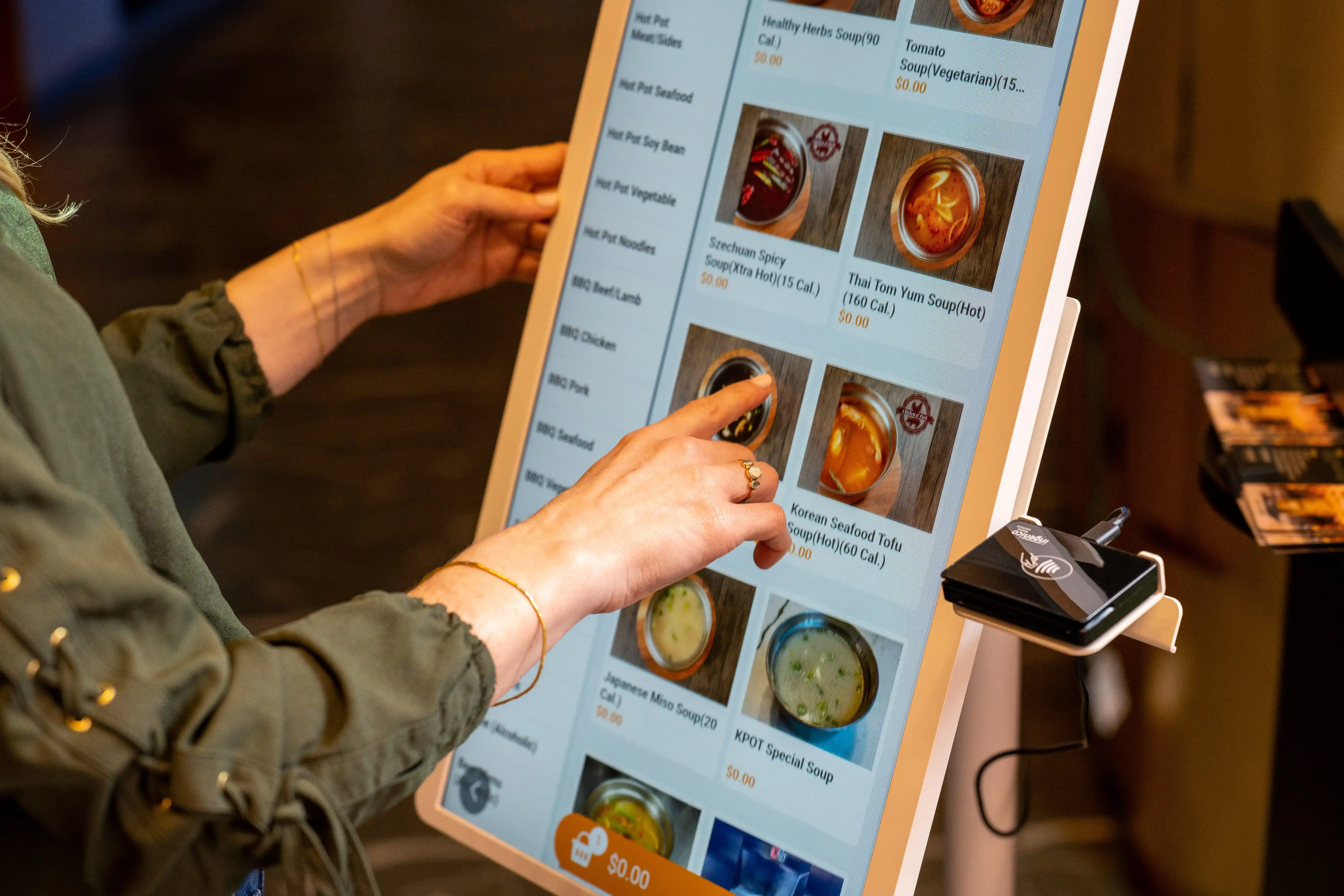
In many restaurants, yes. A kiosk can help you move orders through faster, reduce pressure on staff, and give guests a clearer way to order. The value depends on how well the kiosk fits your floor flow, menu, and connected systems.
Self-order kiosks tend to work well when:
That said, a kiosk does not create value on its own. You need the right setup. Placement, screen flow, POS connection, kitchen routing, and menu sync all affect results. A kiosk should fit naturally into how guests order and how your team works behind the counter. When those pieces line up, the payoff is much stronger.
If cost is part of your evaluation, you can also read our blog on how much a restaurant kiosk costs and what’s included.
Yes, you can. In fact, POS integration should be near the top of your checklist when comparing kiosk options. A kiosk works best when it sends each order straight into your POS and kitchen flow, instead of adding another disconnected tool to manage.
When your kiosk connects with your POS, your team spends less time re-entering orders at the counter. That can help reduce manual entry and cut down on avoidable mistakes.
It also helps keep reports in one place. Sales, menu item performance, modifiers, and promo redemptions stay tied to the same system, which gives you a clearer view of what is happening across your store or locations.
A connected setup can also help your team move orders through the kitchen more smoothly. Once a guest places an order at the kiosk, the order can go directly to the POS, then route to a kitchen printer or KDS based on your workflow.
Not every kiosk integration works the same way. Look for features that support daily operations and keep your menu and order data consistent.
Here are the key things to check:
These details can affect how smoothly the kiosk fits into your front-of-house and back-of-house process.
Before you choose a kiosk, review how it connects with the rest of your tech stack. A few simple checks can help you avoid extra steps for staff later.
Use this list during demos or vendor calls:
A good integration should help your team work faster, keep orders accurate, and give you better visibility into daily performance.

Choosing a POS with guest self-ordering kiosk support starts with one goal: making ordering easier for guests and simpler for your team to manage. The best setup should connect ordering, payment, kitchen flow, and reporting in one system.
Start with the core POS features your team needs every day. A kiosk can only work well if the POS behind it can handle your menu correctly.
Look for:
This is especially important if your menu includes many customizations. If the POS cannot support your menu structure, the kiosk experience can feel clunky for both guests and staff.
The kiosk should feel easy to use from the first tap to checkout. Guests should be able to move through the menu quickly, customize their order, and pay with little effort.
Focus on:
A smooth guest experience can help reduce abandoned orders and cut down on staff assistance at the counter.
A kiosk should fit the way your restaurant runs. Before you choose a system, look at how it will work in your space and with your team's daily process.
Review:
A good setup should support your flow, not interrupt it.
Your POS and kiosk system should support more than basic order taking. It should also help you drive repeat visits and support future plans.
Look for support for:
If you plan to grow, a connected system can help you keep menus, pricing, and guest data more organized across locations.
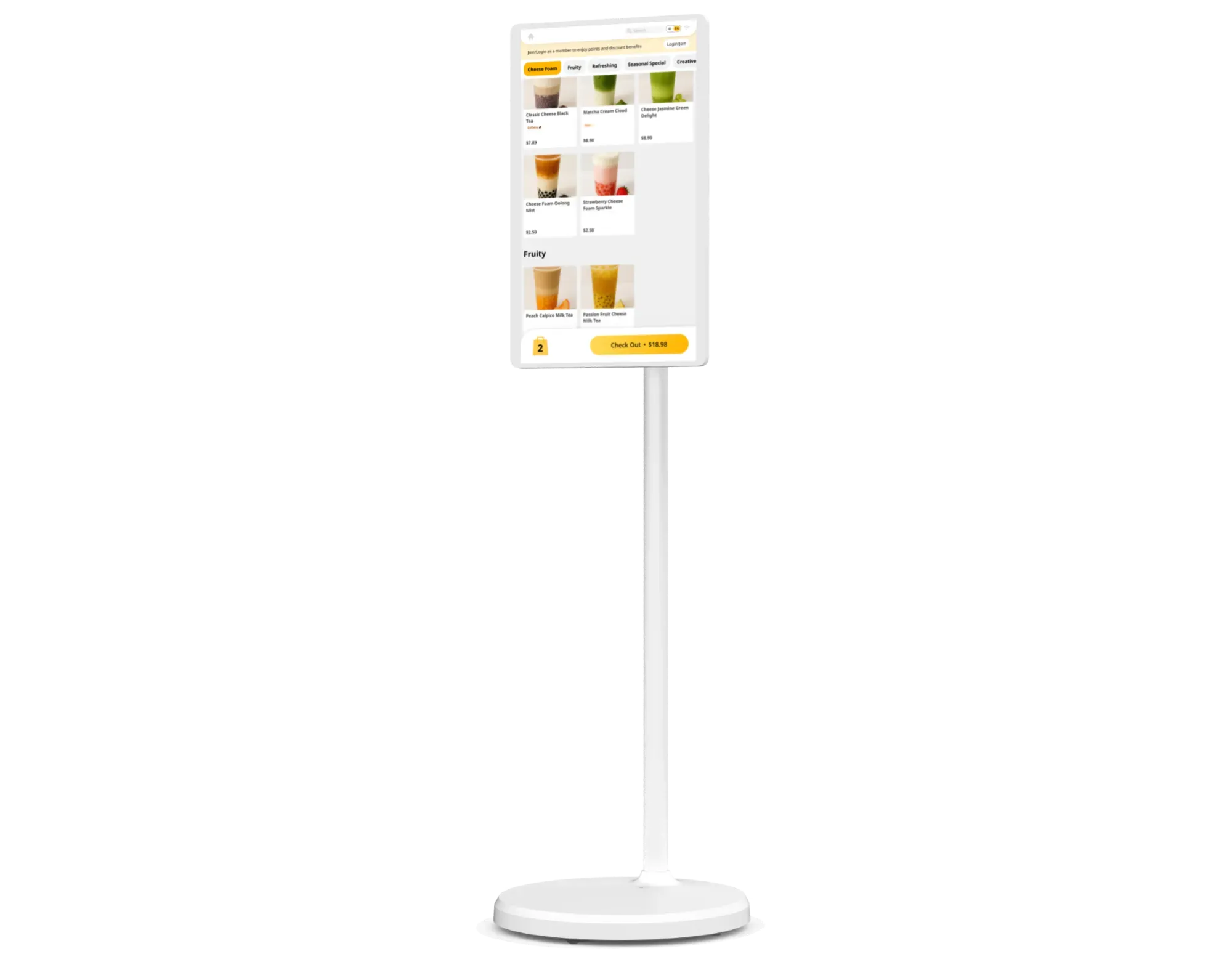
The right kiosk should support your team, fit your layout, and keep orders moving cleanly from the guest screen to the kitchen. As you compare options, focus on the features that affect daily operations the most.
Your kiosk needs to perform well during busy hours. Slow screens, unstable stands, or poor visibility can disrupt the ordering flow and create longer lines at the front counter.
Look for hardware that offers:
A strong hardware setup helps your kiosk stay responsive and easy to use from open to close.
Guests should be able to place an order quickly, even on their first try. A cluttered interface can lead to hesitation, missed add-ons, or abandoned orders.
A better ordering experience usually includes:
When the ordering flow feels clear, guests can move through it with less help from staff.
A kiosk should connect smoothly with the systems that power your restaurant. If it operates as a separate tool, your team may end up doing extra manual work at the counter or in the kitchen.
Look for integration with:
These connections help keep orders accurate and organized across the front and back of house.
A kiosk can do more than take orders. It can also help increase order value and support guest retention through prompts built into the checkout flow.
Useful tools include:
These features work best when they feel natural and easy to act on. A few well-placed prompts can help increase sales while keeping the ordering flow smooth.
When these features work together, a self ordering kiosk can support a more efficient ordering process for both guests and staff.

The right self ordering kiosk can help your restaurant move orders faster, improve order accuracy, and create a smoother experience for both guests and staff. The biggest gains usually come when the kiosk works closely with your POS and kitchen systems, so your team can manage ordering, fulfillment, and reporting in one connected flow.
If you are exploring kiosk adoption, focus on the setup that fits your menu, layout, and daily operations best. MenuSifu provides restaurant technology solutions that connect POS, self-ordering kiosks, and kitchen workflows to support a more efficient ordering process. You can book a free demo with us today to see how it could work in your restaurant.
Here are a few common questions restaurants ask when evaluating self-ordering kiosks.
Yes. Many self ordering kiosk systems can integrate with your POS to send orders, payments, and item details directly into one system. This helps reduce manual entry, improve order accuracy, and keep menu updates, pricing, modifiers, and reporting aligned.
When comparing options, look for direct POS sync, kitchen printer or KDS support, and automatic menu and inventory updates.
The best restaurant POS with self-ordering kiosks is one that connects kiosk orders directly to your POS, kitchen, menu, and reporting in one system. Look for a platform that supports menu sync, modifier support, kitchen routing, inventory updates, loyalty, and multi-location management.
A strong setup helps your team reduce manual entry, improve order accuracy, and keep guest ordering smooth from screen to pickup.
Self-order kiosks that integrate best with POS systems are the ones that keep ordering, menu updates, and kitchen routing connected in one flow. MenuSifu is one option built for restaurants that want kiosk ordering tied closely to POS and kitchen operations.
When reviewing solutions, focus on direct POS integration, modifier support, kitchen printer or KDS syncing, inventory updates, and centralized reporting.
For more insights and updates on restaurant technology, ordering workflows, and POS solutions, check out our blog section.
Related Articles: