February 27, 2026

8 Advantages of POS Systems in Restaurants You Should Know

Learn the advantages of POS system in restaurants, from faster service and fewer errors to better inventory and sales control. Simplify your operations today.
Alipio Umiten IV
Senior SEO Strategist & Content Writer with 10+ years in digital marketing, specializing in restaurant POS and SaaS. He writes research-driven guides on POS, payments, integrations, and restaurant growth to help operators make confident tech decisions.

If you are still taking orders on paper, using a basic cash register, or juggling multiple tools that do not sync, you have probably felt the headaches. Slow checkout, missed items, inventory guesswork, and reports that take forever. That is exactly why so many operators start looking into the advantages of POS system in restaurant operations. 

In this post, you will see the biggest benefits a modern POS can bring, from faster service to tighter control and clearer numbers. Which part of your day would you most like to simplify?

Advantages of POS System in Restaurants

A modern POS supports both daily service and back-office control. Here are eight benefits that directly impact speed, accuracy, and profitability.

1. Faster ordering and checkout

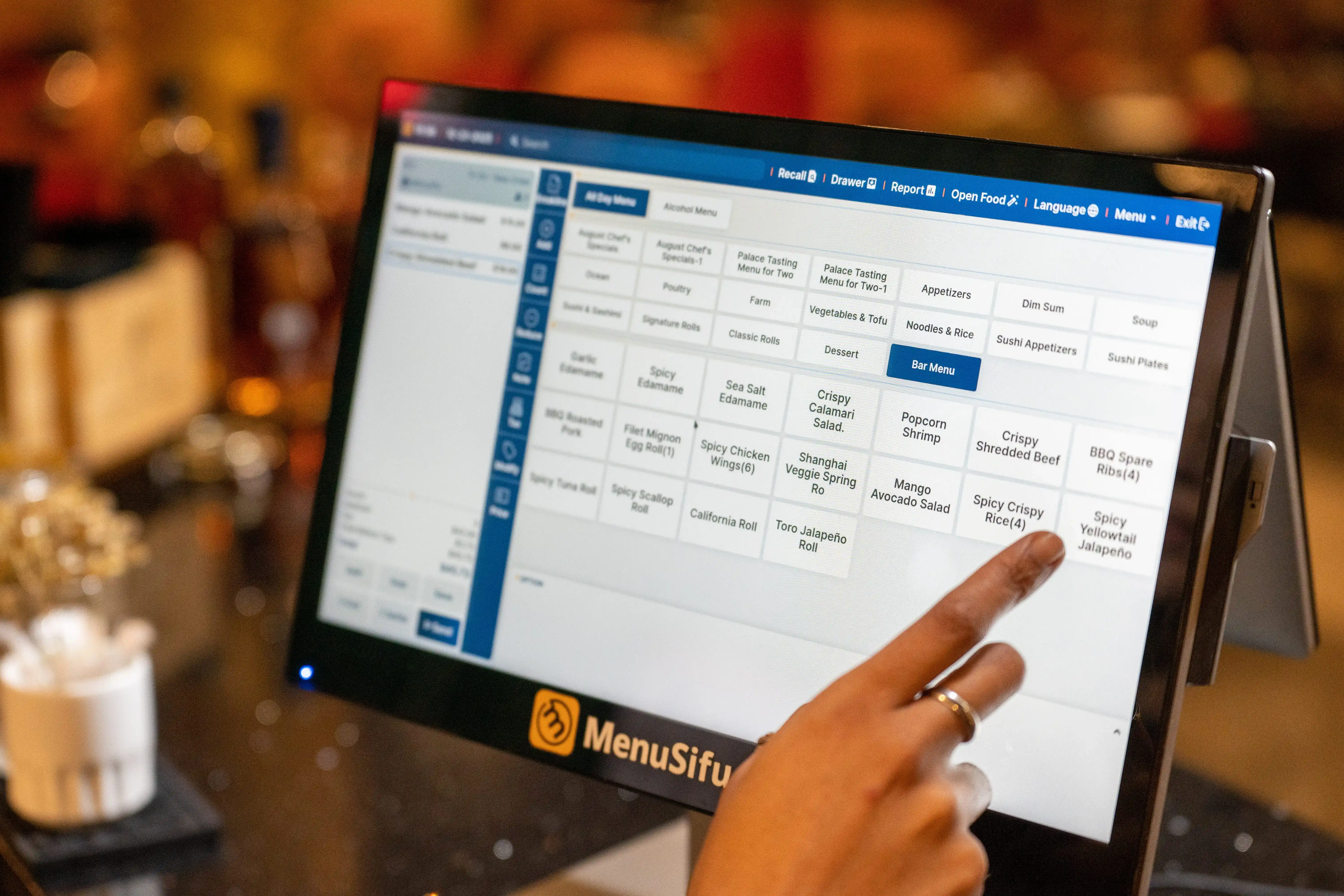
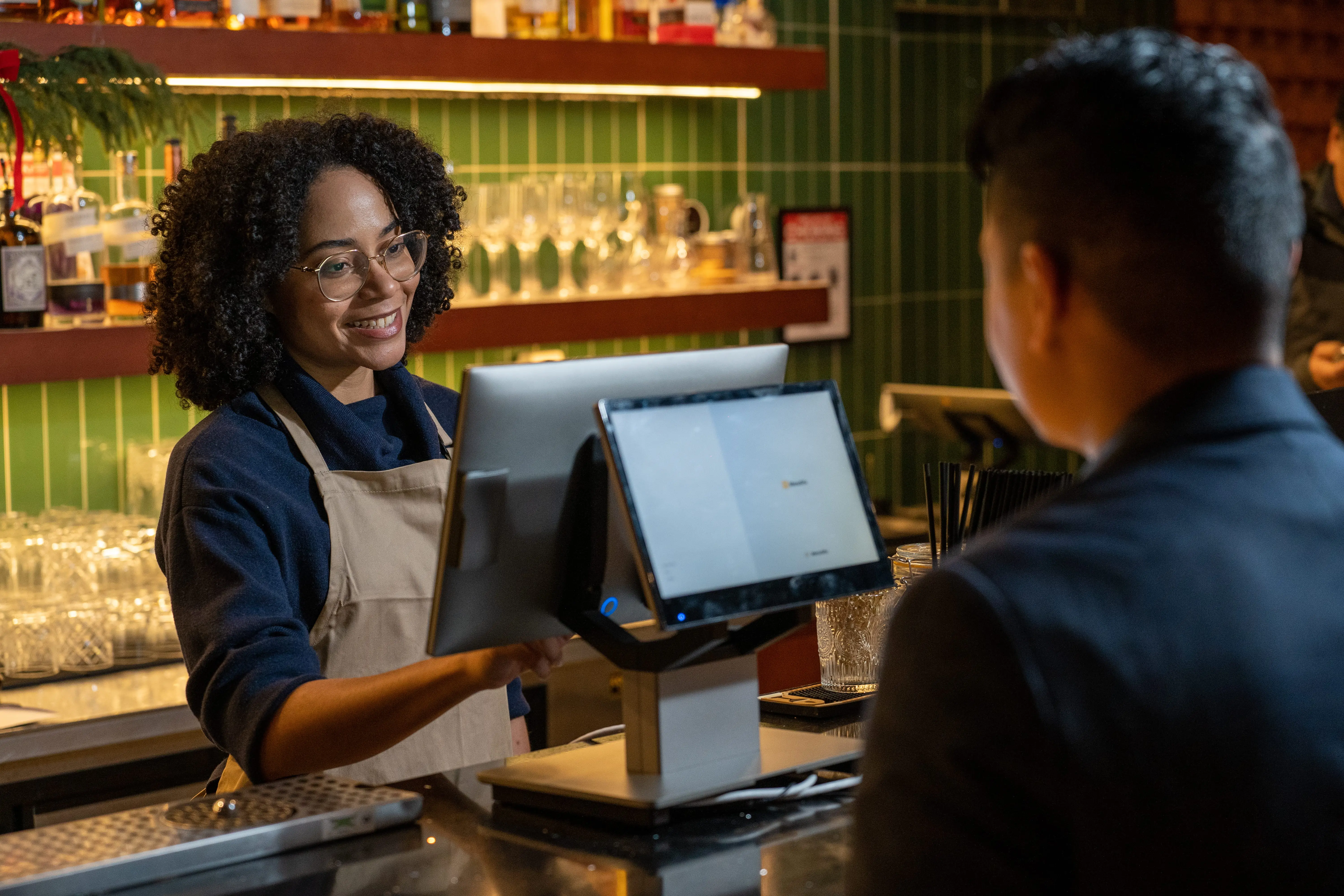
When orders and payments move quickly, the entire shift feels lighter. A modern POS helps you take orders in fewer taps, keep the line moving, and get guests checked out faster, especially during peak hours.

  • Speed up line flow with streamlined order entry. Set up clear menus, modifiers, and quick keys so staff can ring in common orders right away. Fewer taps also means fewer pauses at the counter and fewer trips back to fix an item.
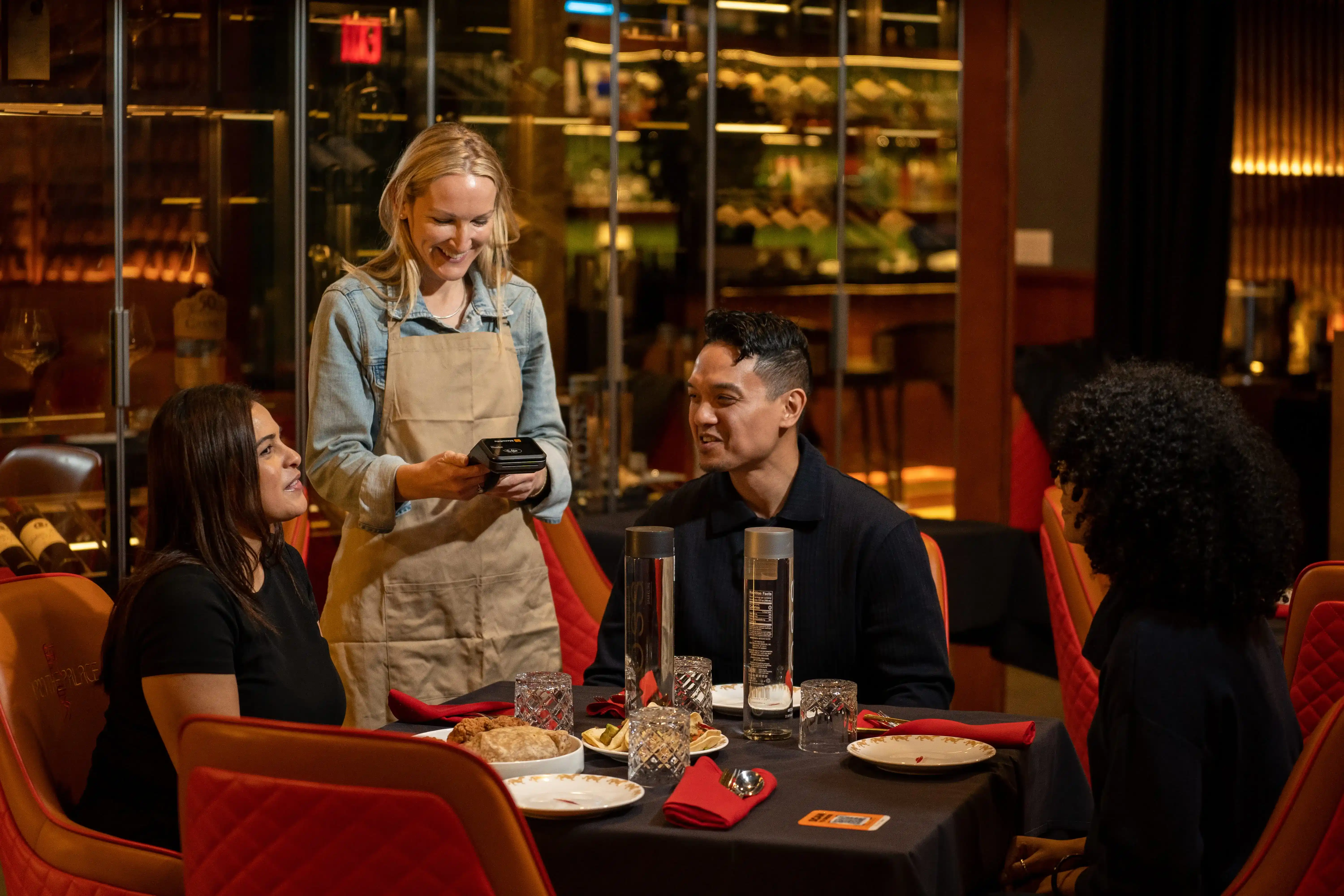
  • Offer multiple payment options to keep checkout moving. Let guests pay the way they prefer, including card, cash, mobile payments, and split checks. Staff can close tickets faster and move on to the next table or order.
  • Improve table turns and peak-hour efficiency. Faster order entry plus faster payment processing reduces time spent waiting at the terminal. That helps you turn tables sooner, serve more covers, and protect revenue during the busiest parts of the day.

If speed is the goal, start by timing three moments during service: order entry, payment, and end-of-shift close. A POS should cut time in all three.

2. Fewer order errors and better guest experience

Order mistakes cost you twice. First in wasted food and time, then in slower service and unhappy guests. A POS tightens the flow from the front counter to the kitchen, so your team rings items the same way, every time.

  • Send tickets straight to the kitchen. As soon as your staff enters an order, it prints or displays at the right station. No handwritten notes, no unclear handwriting, no missed call-outs.
  • Use modifiers and prompts that guide your team. Required options like size, temperature, add-ons, and sides help prevent “Did you mean?” moments after the ticket has already been fired.
  • Keep orders accurate across service types. Dine-in, takeout, and delivery follow the same structured steps, so special instructions stay attached to the item and reach the kitchen exactly as entered.

When accuracy improves, your kitchen stays on pace, comps drop, and guests get what they ordered the first time. That also helps your team move faster during rush periods and keeps service consistent across shifts and locations.
3. Real-time sales reporting and a cleaner end-of-day close

Sales data should help you run service today, not days later. A modern POS puts key numbers in front of you as orders happen, so you can spot what is selling, what is dragging, and when your rush really hits.

  • Track best-sellers, slow movers, and peak hours instantly. Check performance by item, category, and daypart while the shift is still in progress. If a high-margin item is moving, you can keep it front and center. If something sits, you can adjust placement, server prompts, or specials before the day ends.
  • Automate daily summaries to reduce manual work. Skip handwritten tallies and spreadsheet cleanup. The POS compiles sales totals, payment breakdowns, tips, and staff activity into clear reports so closing goes faster and the next shift starts clean.
  • Make smarter decisions with clear, centralized reporting. Review sales by terminal, employee, or location and spot patterns that affect labor, menu performance, and pricing. Multi-unit reporting also makes it easier to compare stores using the same benchmarks, so you can standardize what works and fix what does not.

The result is a smoother close, cleaner numbers, and fewer surprises when you review performance.

4. Stronger inventory visibility and cost control

Food cost can creep up quietly when counts live in spreadsheets or notes. A modern POS keeps inventory tied to sales, so you can spot issues early and act before they show up in your margins.

  • Track ingredients and items in real time. Every sale updates stock levels, so you can see what moved today, what stayed flat, and what needs attention. This helps you order with purpose and avoid tying cash up in excess product.
  • Get low-stock alerts before you run out. Set thresholds for key ingredients and high-volume items. When stock dips, you get notified so you can reorder in time, adjust specials, or pause an item before it turns into a rush-hour problem.
  • Reduce waste and shrinkage with tighter monitoring. Compare usage against sales to catch waste, over-portioning, or missing inventory. Then tighten recipes, adjust par levels, and keep costs under control across shifts and locations.

When inventory stays visible and current, you spend less time chasing counts and more time protecting profit.

5. Better staff management and permission controls

Busy shifts move quickly, so your POS needs to keep the team on track while protecting your margins. With the right staff tools and permissions, you can set clear rules, spot trends early, and cut down on preventable losses.

  • Set role-based access for discounts, voids, and refunds. Give each role the right level of access. Staff can handle routine tasks, while managers approve sensitive actions such as high-value discounts, voids, and refunds. That keeps policies consistent across every shift and location.
  • Monitor performance by server, cashier, or location. Track sales, average check, comps, voids, and tip activity by person and by store. When something looks off, you can address it quickly and coach with real numbers instead of assumptions.
  • Improve accountability with clear activity logs. Every action ties back to a user account, so it is easier to resolve disputes and tighten controls. You spend less time sorting out “who did what” and more time improving service and training.

This setup helps your team move faster while you stay in control of discounts, cash, and performance across the floor.
6. Easier multi-channel operations

Lunch rush on the floor. Pickup orders are stacking up. Delivery tickets are printing out of order. When each channel runs on a different process, small issues turn into delays and missed items. A modern POS keeps everything organized in one place, so your team can move faster and stay consistent.

  • Manage dine-in, pickup, and delivery in one system. Track every order from the same screen, route tickets to the right station, and keep service flowing during peak hours.
  • Keep menus and pricing consistent across channels. Update an item once and apply it across order types to prevent mismatched prices, missing modifiers, or outdated specials.
  • Reduce duplicate entry and operational confusion. Cut manual re-entry, limit order mix-ups, and make reporting cleaner since sales come from a single source.

7. Smoother scaling for small groups and multi-unit operators

Adding a second location or managing several stores gets messy fast if each team runs service differently. A POS helps you keep operations consistent while still giving managers what they need day to day.

  • Standardize workflows across locations: Set the same menus, modifiers, pricing rules, and permissions across stores so staff can train faster and service stays consistent.
  • Compare performance by store, daypart, and product category: Spot which locations and time blocks drive sales, then adjust staffing, promos, and menus based on real results.
  • Roll out updates faster with centralized control: Push menu changes, new items, and pricing updates across locations in one go, instead of editing each terminal one by one.

8. Integrations that reduce tool overload

A POS works best when it does not live on an island. Integrations bring your key systems into one flow, so your team spends less time bouncing between screens and more time serving guests.

Here is what this looks like in day-to-day operations:

  • Connect POS data with online ordering, delivery, loyalty, and accounting tools. Orders, customer details, and sales totals automatically move to the right places, so you do not have to chase numbers across platforms.
  • Cut down on switching between systems. Staff can take and manage orders in one place, managers can pull reports in one place, and your end-of-day process stays cleaner.
  • Keep customer and sales data more organized. You get a single view of performance across channels and locations, which helps with menu decisions, staffing, promos, and budgeting.

If you are comparing POS options, ask what integrations are available and how they sync. The right setup saves hours each week and keeps your operations running tighter day to day.
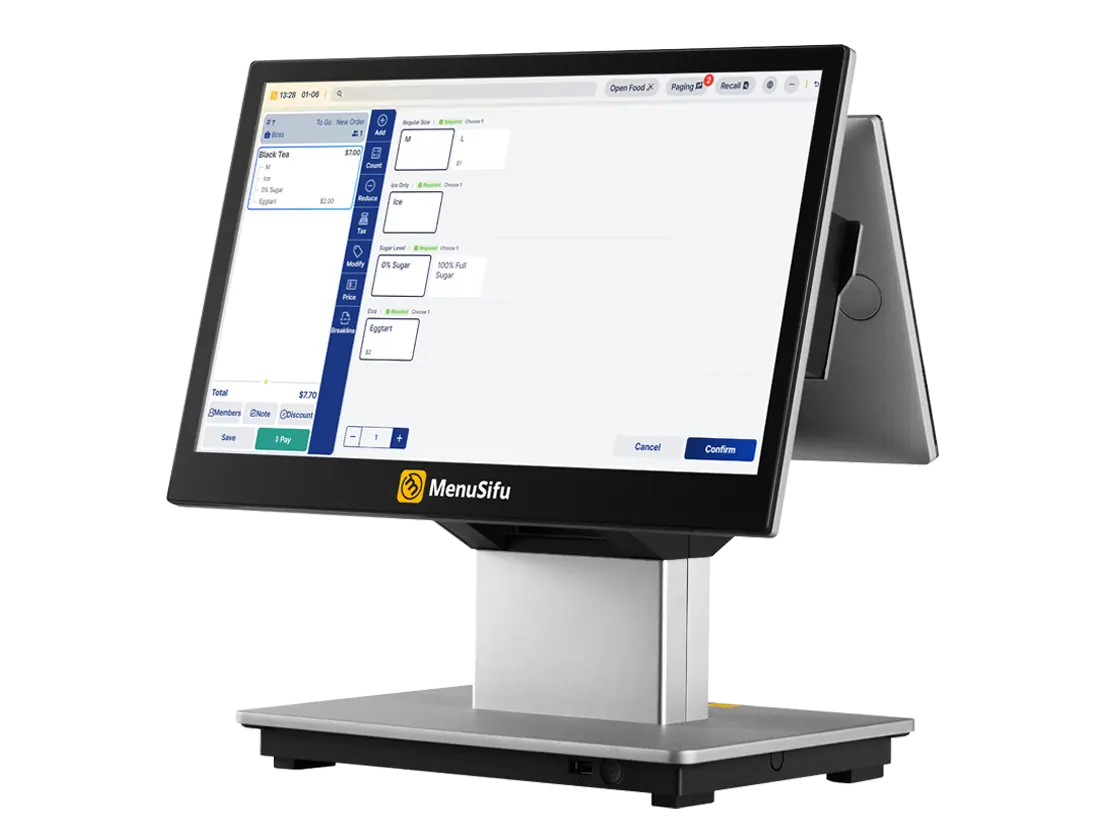
See the Difference a Modern POS Can Make

A POS should do more than ring up sales. It should help you move faster, reduce mistakes, and give you clearer control over inventory, staff, and performance.

If you are weighing your first POS or comparing options, it helps to see how the workflow fits your restaurant in real time. Book a Free Demo with us today, and we will walk through the features that match your service style and show how they support the outcomes covered in this post.

Frequently Asked Questions About the Advantages of POS System in Restaurants

Explore how a POS system can transform your restaurant’s operations by streamlining ordering, improving accuracy, and providing real-time insights. These advantages help you enhance efficiency, control, and profitability across every aspect of your business.

What is the Biggest Advantage of POS System in Restaurant Operations?

The biggest advantage of a POS system in restaurant operations is real-time control over sales and service. It speeds up ordering and checkout, reduces order errors, and gives you clear reporting on revenue, staff activity, and discounts so you can act on issues the same day.

What are the Most Important Advantages to Focus on First?

Focus on advantages that raise speed, accuracy, and profit right away: faster order entry and checkout, fewer ticket and payment errors, and tighter inventory tracking to cut food waste. Next, use real-time sales reports to spot top sellers, adjust menu pricing, and schedule staff based on demand. Finally, improve guest experience with integrated online orders, table management, and loyalty features that bring repeat visits.

What are the Benefits of Restaurant-Specific POS?

A restaurant-specific POS supports the workflows you run every day, like table management, split checks, modifiers, coursing, and kitchen ticket routing. It also strengthens controls for discounts and voids, improves menu and inventory tracking, and gives you reports built for sales by daypart, server, and location. The result is faster service, fewer errors, and tighter oversight across shifts and stores.

What are the Advantages and Disadvantages of POS Systems?

A POS system speeds up ordering and checkout, reduces order errors, improves inventory tracking, and gives you real-time sales reports and tighter staff controls. The main drawbacks include upfront costs, ongoing software fees, training time for your team, and occasional downtime if your internet or hardware fails. You can reduce these issues by choosing reliable support, solid hardware, and a clear setup and training plan.

For more insights and updates, check out our blog, where we share practical tips on restaurant operations and technology.

Related Articles:

想把餐厅越开越好?
免费订阅,持续获取行业报告、经营洞察与实用工具。