September 11, 2026
Learn the benefits of self ordering kiosk for your restaurant, from faster ordering and better accuracy to higher check sizes and smoother operations.
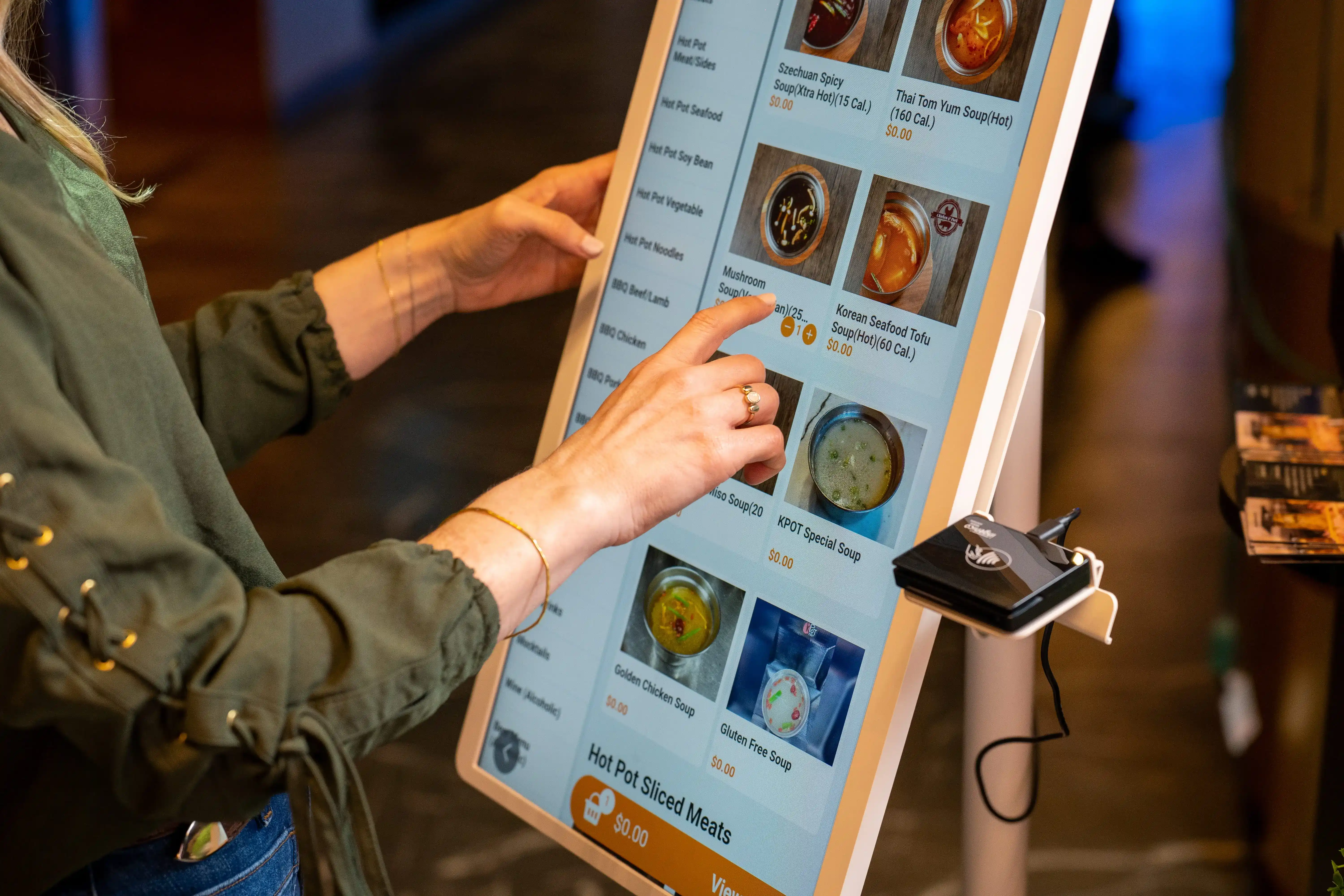
Long lines, labor pressure, and missed upsell opportunities can hold your restaurant back. That is why many operators are paying closer attention to the benefits of self ordering kiosk technology. Could a better ordering setup help you speed up transactions, improve accuracy, and increase order value?
In this article, you will learn the key benefits of a self-ordering kiosk for your restaurant and how it can support smoother operations, stronger sales, and a better guest experience.

Self-ordering kiosks can support your restaurant in several practical ways, from faster ordering to better operational consistency. Here are ten key benefits that can help you improve efficiency, increase sales, and create a better ordering experience.
A self-ordering kiosk helps move guests through the ordering process faster. Instead of waiting for the counter, customers can browse the menu, customize items, and place orders on their own.
This helps reduce front-counter bottlenecks, especially during peak hours. It also allows more orders to come in at the same time, which can help your team handle higher volume more efficiently. When ordering moves faster, your restaurant can serve more customers in less time.
A kiosk lets customers enter their own orders directly into the system. That simple shift can reduce mistakes caused by misheard items, missed modifiers, or manual entry errors.
When guests choose their own items, add-ons, and preferences on screen, the order is clearer from the start. This helps reduce incorrect orders and costly remakes. It also helps your kitchen work from more accurate information.
Self-ordering kiosks can help increase order value through consistent upsell prompts. You can highlight add-ons, combos, upgrades, and premium options at the right points in the ordering flow.
This gives every guest a chance to see extra items that fit their order. Unlike manual upselling, kiosk prompts stay consistent across shifts and locations. Over time, that can help increase revenue per transaction and lift average check size.
When a kiosk handles part of the ordering process, your team can spend less time taking every order by hand. That gives staff more time to focus on other tasks that keep the restaurant moving.
They can assist guests, prepare handoff areas, support fulfillment, and keep the front area organized. This can reduce pressure on front-of-house teams and help you use labor more effectively during busy periods.
Many guests like having more control over how they order. A kiosk gives them time to browse the menu, review choices, and customize items at their own pace.
This can create a more convenient ordering experience, especially for guests who want a little more time before they check out. It can also help reduce the feeling of being rushed at the counter. When ordering feels easier, the overall guest experience often improves, too.

A kiosk machine presents your menu the same way every time. Pricing, item descriptions, modifiers, and visuals stay clear and consistent for every guest.
This helps standardize how featured items, promotions, and limited-time offers appear across your restaurant. It also reduces variation in how menu items get explained at the counter. A more consistent presentation can make ordering easier and help guests make decisions faster.
A self-ordering kiosk gives you more control over how you promote high-margin items. You can place profitable add-ons, bundles, and upgrades at key points in the ordering flow.
You can also feature seasonal offers or limited-time promotions with a few updates, instead of relying on printed materials. This helps you keep promotions up to date and visible. When guests see these offers at the right time, they are more likely to add them to their order.
Kiosk ordering can give you useful data about what guests buy and how they order. You can track top-selling items, common modifiers, successful upsells, and other patterns.
This data can help you improve menu layout, refine promotions, and adjust your upsell strategy. It can also give you a clearer view of customer preferences. With better insights, you can make more informed decisions across your operation.
A self-ordering kiosk can help create a smoother order flow, especially when it connects directly with your POS and kitchen systems. Orders can move from the kiosk into your workflow with fewer manual steps.
This can reduce delays, improve coordination, and help your team stay aligned from ordering to fulfillment. A more connected process can also support better consistency across daily operations.
As your business grows, manual processes can be harder to maintain across every shift and location. A self-ordering kiosk helps create a more repeatable ordering process that stays consistent as volume increases.
This can support expansion by standardizing menu presentation, upsell prompts, and order flow across stores. It can also make training easier for new teams. A more scalable operating model helps your restaurant grow with better efficiency and consistency.
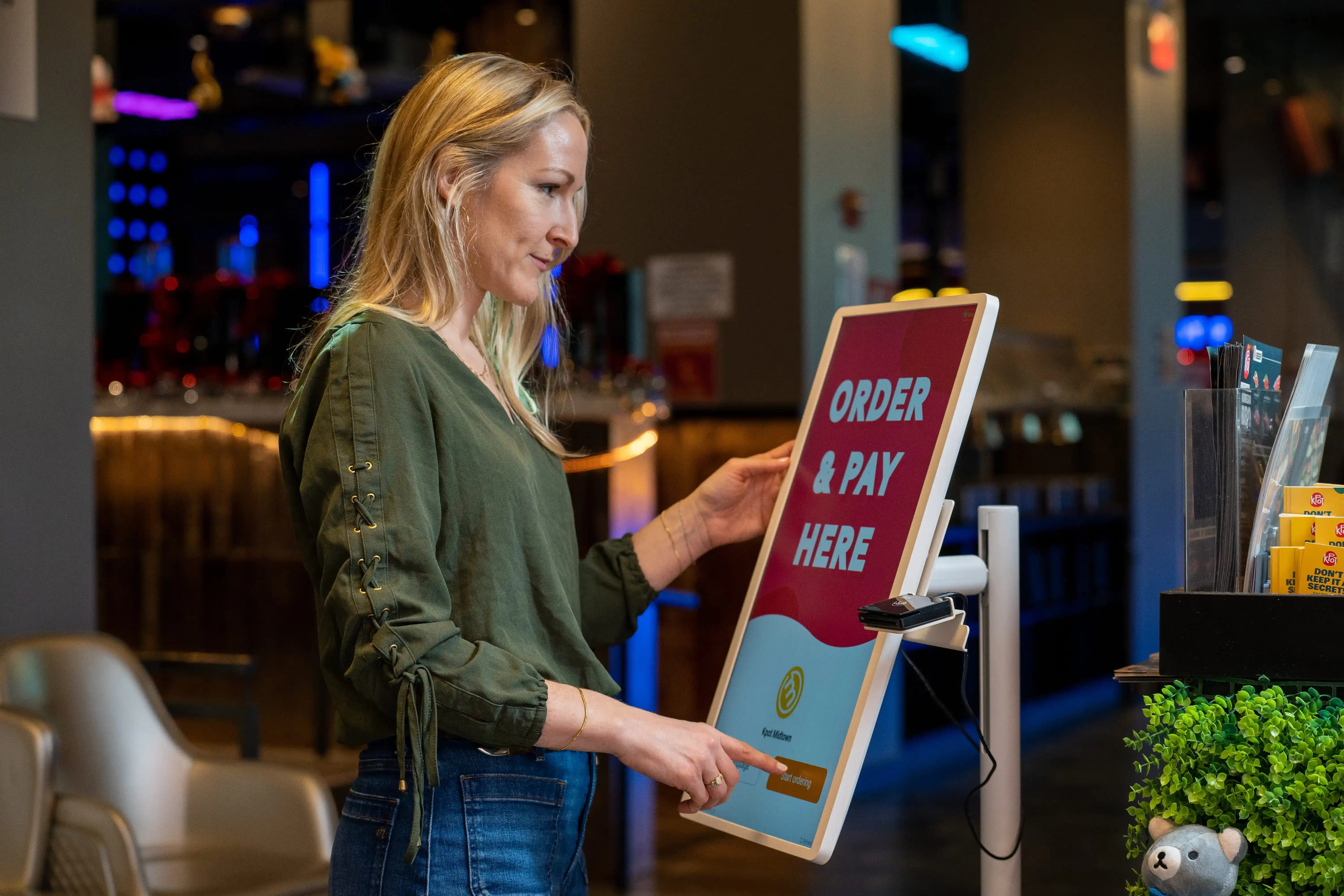
Installing a kiosk is only the first step. To get better results, you need to set it up in a way that helps guests order quickly and helps your team keep orders moving.
Use clear categories, easy navigation, and a clean checkout flow. Guests should be able to find items, customize orders, and pay with as few steps as possible.
Good visuals can help guests choose faster and add more to their order. Clear descriptions also reduce confusion around ingredients, portions, and add-ons.
Offer add-ons, combos, and upgrades at the right points in the ordering process. Keep prompts relevant so they feel helpful and support a higher average check.
Track top-selling items, popular modifiers, and upsell results. Use those insights to improve menu layout, refine promotions, and spot what drives more orders.
Kiosks work best when your team stays available to guide guests, answer menu-related concerns, and assist during busy periods. This creates a smoother ordering experience and helps your operation run more efficiently.
When you combine smart kiosk setup with ongoing review, your restaurant can get more value from the technology and create a stronger ordering process overall.

A self-ordering kiosk can help your restaurant move orders faster, improve accuracy, raise average check size, and keep daily operations more consistent. When the kiosk connects directly to your POS and kitchen systems, your team can manage orders more efficiently from checkout to fulfillment.
MenuSifu offers restaurant POS solutions and self-ordering kiosks built to work together in one connected system. With flexible kiosk formats, clear on-screen menu browsing, multilingual support, and direct syncing to your POS, inventory, and kitchen tools, you can create a smoother ordering flow for both guests and staff. You can also use kiosk screens to feature combo meals, limited-time offers, loyalty prompts, promo codes, and gift card options in a more organized way.
If you want to improve how your restaurant takes orders and supports growth, book a Free Demo with MenuSifu today.
These FAQs cover common concerns about self-ordering kiosks, from business benefits to common operational issues.
Self-service kiosks help restaurants speed up ordering, improve order accuracy, and increase average check size through consistent upsell prompts. They also reduce pressure on staff, give guests more control during ordering, and support smoother operations through better order flow.
People often spend more at self-ordering kiosks because the screen prompts them to add extras, upgrade meals, or choose bundles during checkout. Kiosks also give customers more time to browse the menu, compare options, and make add-on purchases, which can increase average order value.
Self-ordering kiosks can help your restaurant speed up ordering, improve order accuracy, increase average check size, and reduce pressure on front-counter staff. The main drawbacks include upfront setup costs, ongoing maintenance, and the need to support guests who prefer staff assistance. When you pair kiosks with a clear interface and strong POS integration, the benefits often outweigh the drawbacks.
Common kiosk problems include slow touch response, payment errors, printer issues, poor menu layout, and weak integration with POS or kitchen systems. Some guests may also need help using the kiosk at first. You can reduce these issues with reliable hardware, clear interface design, regular maintenance, and strong system integration.
For more insights, tips, and updates on restaurant technology, explore our blog section.
Related Articles: