September 19, 2026
Learn how much a restaurant kiosk costs, what affects pricing, and which hidden fees to plan for before you choose a kiosk solution for your restaurant.
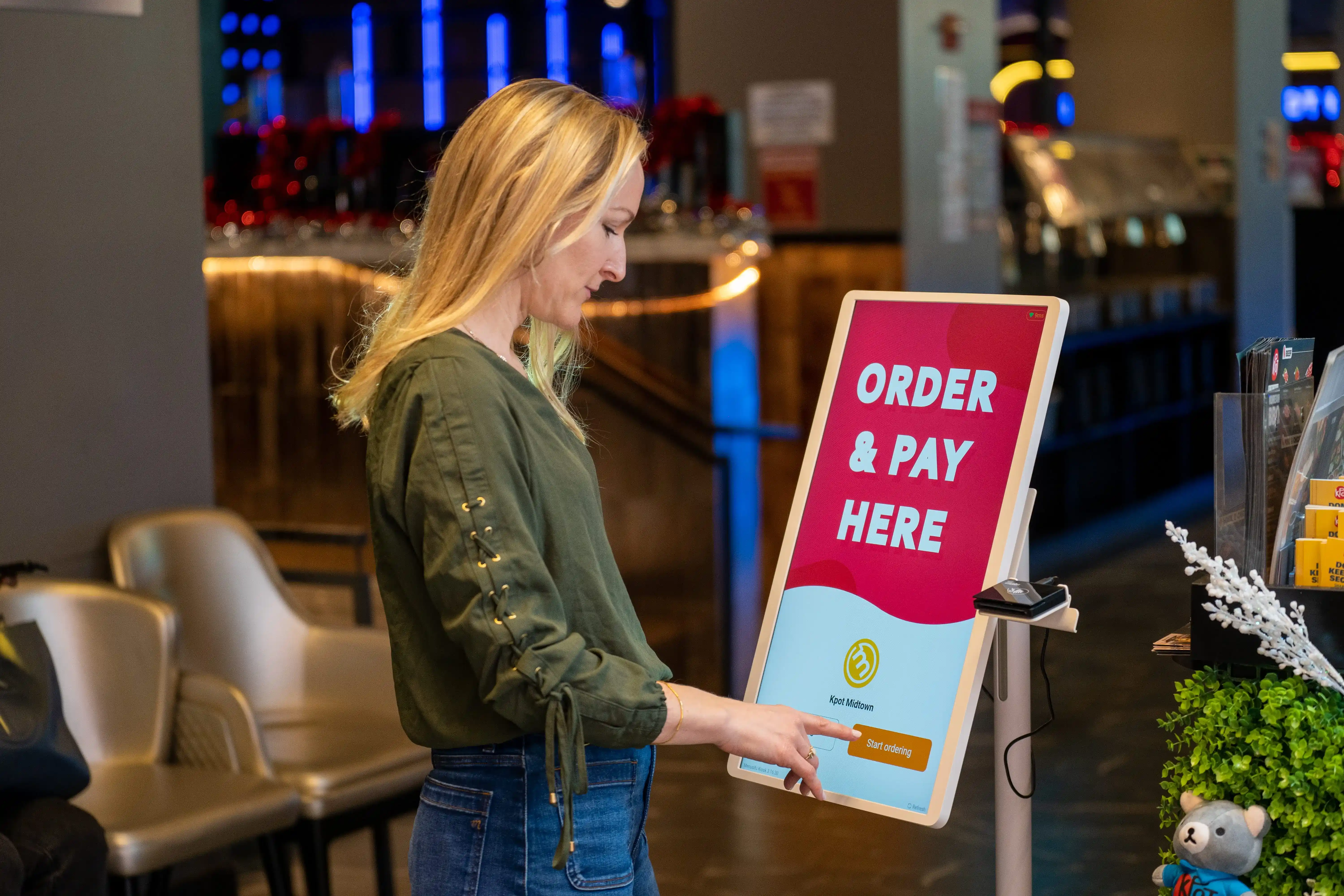
Self-service kiosks can help you move orders faster, improve accuracy, and support higher check averages, but the price can vary more than many operators expect. So, how should you budget for restaurant kiosk costs?
The answer depends on your hardware, software, setup, and long-term operating costs. A closer look at each cost area can help you budget more accurately and compare kiosk options with a clearer view of total value.

Kiosk pricing is not fixed. The total depends on the setup you choose, how your kiosk connects with your POS, and what you need to keep it running smoothly over time. That is why pricing can vary quite a bit from one vendor to another.
Here are the main factors that affect cost:
1. Kiosk hardware type
A simple countertop unit usually costs less than a freestanding kiosk. The hardware you choose shapes much of the upfront spend.
2. Touchscreen size and durability
Larger screens and commercial-grade materials often raise the price. In return, you get hardware built for heavy daily use.
3. POS software compatibility
If your kiosk needs to sync with your POS for menu updates, pricing, modifiers, and reporting, setup may require more configuration. Strong integration can improve daily operations, but it can also affect cost.
4. Payment terminal integration
Card readers, tap-to-pay features, receipt printers, and other payment tools add to the total. The more payment options you include, the higher the investment may be.
5. Installation and setup
Some vendors include setup, onboarding, and menu configuration in the package. Others charge separately for installation, training, and deployment.
6. Custom branding or enclosure design
Branded wraps, custom kiosk stands, and tailored screen layouts can help match your restaurant’s look, but they also increase the price.
7. Ongoing software, support, and maintenance fees
Your long-term budget may include monthly software fees, support plans, updates, repairs, and replacement parts. These recurring costs are a key part of the total restaurant kiosk cost.
When you review pricing, look beyond the hardware alone. A lower quote may leave out software, setup, or support, while a higher quote may include more of what you need from the start.

To budget for self-service kiosks, it helps to break pricing into the main cost categories. This gives restaurant owners and operators a clearer view of both upfront and ongoing investment.
This includes the touchscreen, kiosk stand or enclosure, payment terminal, printer, scanner, and mounting components. A basic countertop unit usually costs less than a freestanding kiosk with more built-in hardware.
In the U.S., estimated hardware costs often start around $1,000 per kiosk and can reach $10,000 or more, with many standard indoor restaurant kiosks falling closer to $2,000 to $3,000 per unit.
Most kiosks rely on software for ordering, menu sync, POS integration, reporting, and remote management. Vendors may charge monthly fees per kiosk, per location, or as part of a broader POS package.
As an estimated range, kiosk software often costs about $50 to $200 per month per kiosk, depending on features and support.
Setup costs can include device installation, menu configuration, POS connection, payment setup, and staff training. For multi-location rollouts, onboarding and deployment can significantly increase total cost.
As a general estimate, installation and site prep may add about $500 to $1,500 or more, especially if your location needs electrical work, network setup, or fixture changes.
If the kiosk accepts card or contactless payments, processing fees become part of the ongoing cost. Additional integration work for loyalty, gift cards, online ordering, or other restaurant systems may also increase spend.
In many cases, payment processing rates fall around 2.39% to 3.29% plus 15¢ per transaction, though actual pricing depends on your provider, payment setup, and contract terms.
Ongoing costs may include software updates, technical support, hardware repairs, replacement parts, and warranty coverage. These costs often become more important as kiosk count and store count grow.
Some vendors include parts of support in monthly software fees, while others charge separately, so this is best treated as a variable ongoing cost.
Looking at kiosk pricing by category gives you a more accurate picture of total cost than comparing hardware quotes alone.

Restaurant kiosk cost often depends on your restaurant format, service model, and rollout scope. A single-location restaurant may only need one or two kiosks, while a growing brand may need multiple units, centralized reporting, and tighter POS integration across stores.
Here’s how kiosk needs and costs typically vary by restaurant type:
Small independent QSRs
If you operate one location, you may start with one or two kiosks to reduce front-counter pressure and speed up ordering during peak hours. Costs tend to stay lower because the hardware count is smaller and deployment is usually simpler.
Fast-casual restaurants
Fast-casual concepts often need a more refined ordering experience. Menus with modifiers, add-ons, combos, and upsell logic may require more advanced kiosk software and configuration. That can increase both setup costs and ongoing software fees.
Multi-location restaurant groups
For multi-unit operators, kiosk cost usually extends beyond the device itself. Centralized menu control, location-level reporting, user permissions, and standardized deployment can all add to the investment. At the same time, these capabilities can make operations easier to manage across stores.
Franchise operations
Franchise brands often prioritize consistency across locations. That may require approved hardware, standard workflows, shared reporting, and direct POS connectivity. Total investment usually rises with scale, but standardization can improve control and simplify rollout.
When comparing kiosk options, consider not just what works for your current store count, but also what will continue to work as your operation grows.
When evaluating self-service kiosks, separate one-time costs from recurring costs. This gives you a clearer view of the total cost of ownership, making it easier to compare vendors, budget by location, and estimate ROI.
One-time costs are the upfront expenses required to launch your kiosk setup. These may include kiosk hardware, payment terminals, installation, onboarding, menu configuration, and any custom branding or integration work needed before go-live.
Recurring costs continue after deployment and affect your ongoing operating budget. These often include software subscription fees, support plans, payment processing, remote management tools, updates, and repairs or replacement parts over time.
Looking at both cost types helps you avoid incomplete pricing comparisons. A lower hardware quote may come with higher monthly software or support fees, while a higher upfront investment may include more services and lower long-term operating costs.
Base pricing does not always reflect the full cost of a kiosk rollout. If you are budgeting for self-service kiosks, some of the biggest cost surprises show up after the quote, during setup, or once the kiosks are live.
Here are some commonly overlooked costs to watch for:
Network upgrades
Kiosks depend on stable internet and reliable in-store connectivity. Some locations may need stronger Wi-Fi, updated routers, or added wiring to support ordering and payment processing.
Electrical or fixture work
Freestanding kiosks may require added power access, floor placement changes, or adjustments to the front counter area.
Custom integrations
If the kiosk needs to connect with loyalty, gift cards, kitchen display systems (KDS), online ordering, or other restaurant software, integration fees can increase the total cost.
Menu setup and ongoing maintenance
Complex menus, modifiers, seasonal items, and location-specific pricing can take more time to configure and manage than expected.
Payment processing requirements
Some vendors require specific processors or payment hardware, which can affect your fees, contract terms, and flexibility.
Staff training
Your team needs to know how to assist guests, handle basic troubleshooting, and keep service moving during busy periods.
Hardware replacement and repairs
Touchscreens, printers, and payment devices wear down over time. Planning for replacement parts and service helps avoid unexpected costs later.
Branding, mounts, or enclosure add-ons
Custom wraps, signage, wall mounts, counter mounts, or branded enclosures may not be included in the base quote.
A lower quote may look better at first, but the better comparison is total cost of ownership. Ask vendors for a full breakdown of hardware, software, setup, payment requirements, support, and replacement costs before making a decision.
A kiosk can do more than add another ordering point. It can help you increase sales, move lines faster, and give your team more time to focus on food prep, fulfillment, and guest support.
Here’s where the value often shows up:
Larger average ticket sizes
Kiosks can prompt add-ons, upgrades, and combos at the right time. That can help increase check averages more consistently.
Faster ordering during peak hours
More guests can place orders at once, which helps reduce lines and keep traffic moving.
Improved order accuracy
Guests enter their own selections, modifiers, and special requests directly. That can reduce order entry mistakes and remakes.
Reduced front-counter pressure
Kiosks take some of the load off the counter, especially during rush periods. Your staff can focus more on fulfillment and guest assistance instead of taking every order by hand.
More efficient labor allocation
Your team can spend less time on repetitive ordering tasks and more time where they add the most value across the shift.
Stronger long-term scalability
For multi-unit brands, kiosks can help standardize ordering flows, menu presentation, and upsell prompts across locations.
When weighing the cost of a restaurant kiosk, compare the investment to the operational gains it can support each day: higher check size, faster throughput, better accuracy, and more efficient labor use. That gives you a clearer view of ROI than upfront pricing alone.
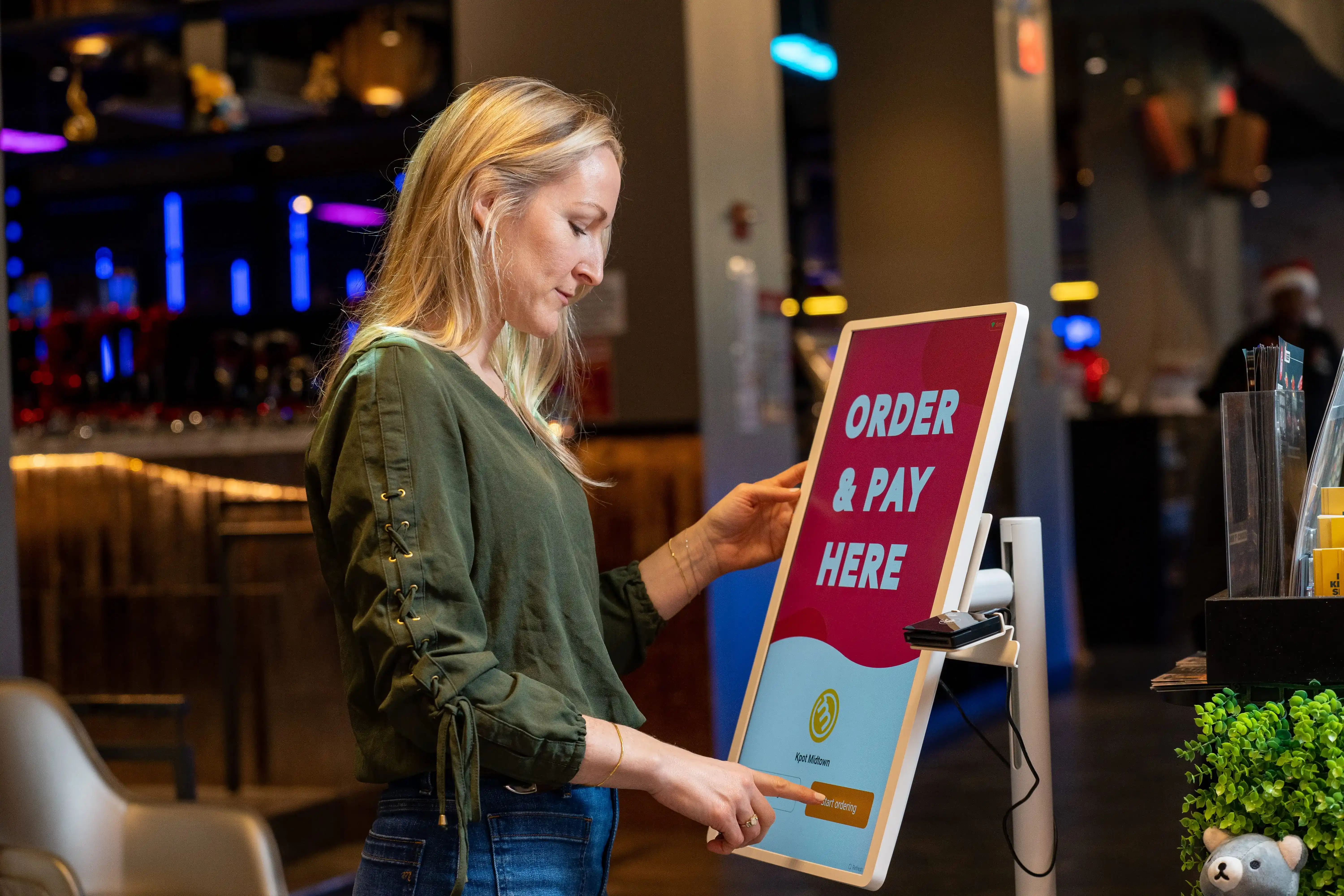
Once you understand the main cost drivers, the next step is choosing a kiosk solution that fits your restaurant’s budget and operating model. The right option should support your service flow, work well with your existing systems, and make financial sense over time.
Focus on these areas when comparing vendors:
Decide what you want the kiosk investment to improve. That may be shorter lines, higher average check size, better order accuracy, or lower pressure on front-counter staff. Clear priorities make it easier to choose the right setup and avoid paying for features you do not need.
Compare the full pricing structure, not just hardware cost. Ask for a breakdown of software fees, implementation, support, payment requirements, and any added costs tied to integration or customization. This gives you a more accurate view of the total cost over time.
Your kiosk should work smoothly with your POS, menu management, and payment flow. Reliable integration helps keep pricing, modifiers, reporting, and transactions in sync, which reduces manual work and day-to-day friction.
The best kiosk solution is not just affordable. It should also match your restaurant’s pace, menu complexity, and guest experience. A quick-service brand may prioritize speed and throughput, while a fast-casual concept may need stronger menu logic, upselling tools, and a more polished ordering interface.
If you operate multiple locations or expect to expand, evaluate how the solution performs beyond a single store. Standardized deployment, centralized management, and consistent support can make a major difference as rollout grows.
Ask what happens after launch. Ongoing support, software updates, repair handling, and service responsiveness all affect long-term value and total cost of ownership.
The right kiosk solution is not simply the cheapest one. It is the one that fits your operational needs, supports your growth plans, and delivers the best value for your budget over time.
Restaurant kiosk cost can vary widely, but the right budget starts with a full view of hardware, software, setup, support, and long-term operating costs. When you compare options carefully, you can choose a kiosk solution that fits your workflow, supports your POS, and delivers stronger value over time.
If you are reviewing kiosk pricing as part of a broader POS investment, MenuSifu can help you look at the full picture. You can book a Free Demo with us today or request a quote to explore a POS-connected kiosk solution that fits your operation, budget, and growth plans.
Use these FAQs to compare costs, see what’s included, and decide how many kiosks fit your restaurant. You’ll also learn when a kiosk investment can pay off for your operation.
The cost of a self-service kiosk for restaurants usually ranges from about $1,000 to $7,000 or more per unit, depending on the hardware, software, payment setup, and customization included. Some providers also charge monthly software fees, often around $50 per device.
For a more accurate estimate, look at the full cost of ownership, including installation, support, and ongoing software costs.
Restaurant kiosk cost usually includes the kiosk hardware, ordering software, payment terminal, installation, setup, and ongoing support. It may also cover POS integration, menu configuration, software updates, and maintenance. Some providers bundle these into one package, while others price each part separately.
Most restaurants start with one to three kiosks per location. The right number depends on your order volume, store layout, peak-hour traffic, and front-counter capacity. A smaller restaurant may only need one or two kiosks, while a higher-volume QSR or fast-casual location may need more to keep orders moving efficiently.
Yes, restaurant kiosk cost can be worth it for QSR and fast-casual brands if the system helps increase order volume, improve order accuracy, and raise average ticket size.
Kiosks can also support labor efficiency by shifting routine ordering to self-service. The best return usually comes from a kiosk solution that fits your menu, integrates with your POS, and supports your day-to-day operations.
For more insights and updates on restaurant technology, kiosk trends, and POS strategies, visit our blog section.
DISCLAIMER: Pricing estimates may vary based on hardware, software, integrations, installation requirements, and provider terms. For the most accurate restaurant kiosk cost, request a custom quote based on your restaurant’s setup and operational needs.
Related Articles: