
June 11, 2026
A touch screen POS system simplifies ordering, payments, and reporting. Explore key features, benefits, and how to select the right setup for your restaurant.
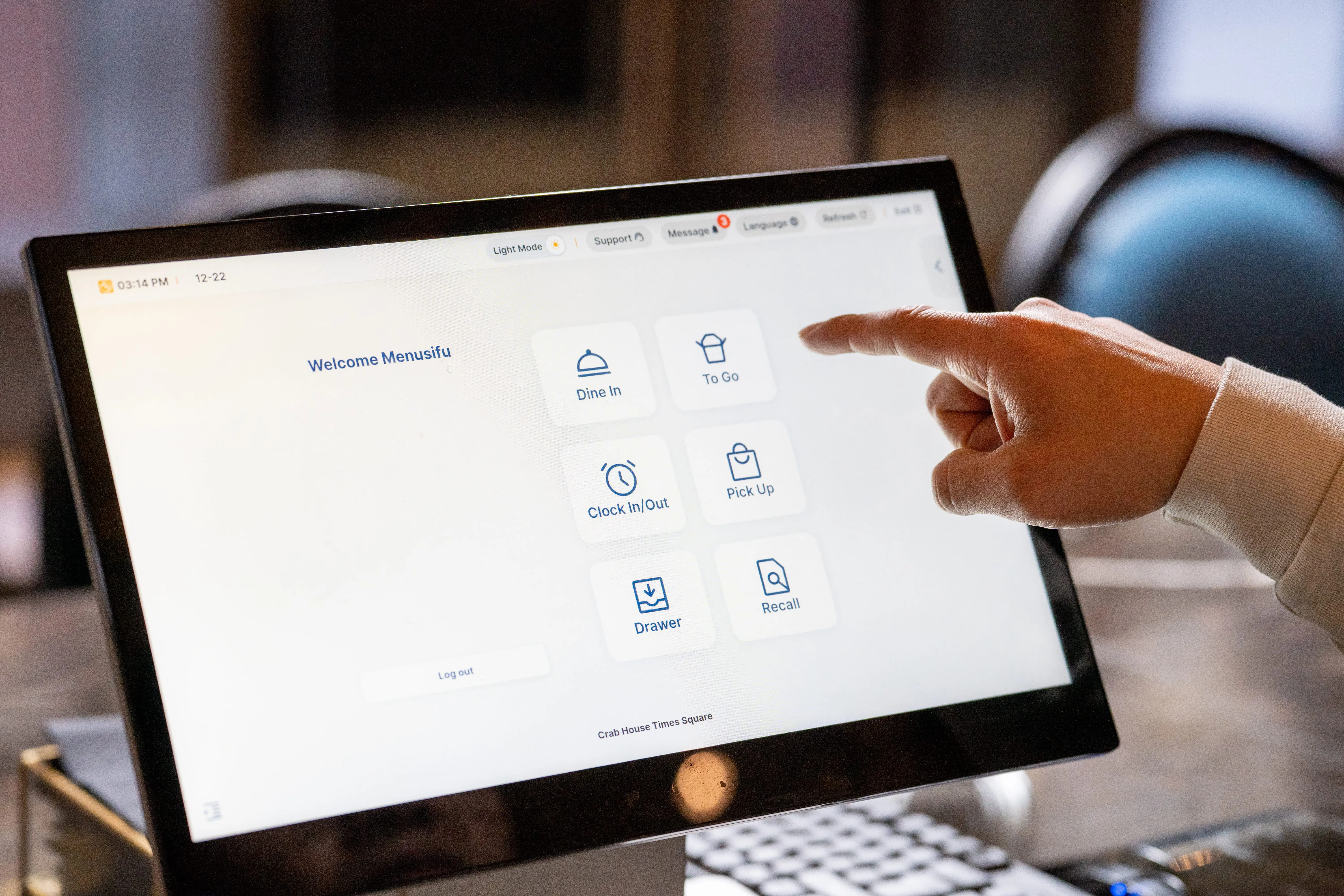
Digital orders. Staff turnover. Tight margins. Keeping everything moving smoothly behind the counter can feel overwhelming at times. A touch screen POS system helps simplify the process, so your team spends less time tapping through confusing menus and more time serving guests. If you're exploring tech that helps speed up ordering, tighten operations, and streamline reporting, you're in the right place.
This guide explains what a touch screen POS system is, what features to look for, how it helps, and how to choose the setup that fits your restaurant best.

A touch screen POS system is a restaurant point-of-sale solution that lets you take orders, process payments, manage tables, and track sales via a touchscreen device. Instead of typing commands on a keyboard or pressing physical buttons, your staff taps items directly on a digital menu displayed on a tablet or terminal.
Traditional POS systems rely on fixed hardware, layered menus, and manual input that can slow service during peak hours. A touch-based interface simplifies the workflow. Large, clearly labeled buttons guide staff through order entry step by step. That reduces input errors and shortens ticket times.
A touch screen POS system for restaurant operations also connects the front of house and back of house in real time. When a server taps in an order, it goes straight to the kitchen display or printer. When a guest pays, sales data updates instantly in your reports. You see what is selling, what is running low, and how each shift performs.
In short, a touch screen POS replaces manual steps with direct interaction. Your team moves faster, makes fewer mistakes, and spends more time focusing on guests instead of navigating complicated screens.
The right touch screen POS system should help your team move quickly, stay organized, and maintain consistent service across shifts and locations. Focus on features that support daily operations and long-term growth.
A responsive, well-organized interface allows staff to find items, modifiers, and combos in seconds. Clear category layouts and visual buttons reduce input errors and speed up order entry. During peak hours, every tap counts. A clean touch screen POS layout keeps lines moving and tickets accurate.
Busy dining rooms require flexibility. Your system should let servers split checks by seat, item, or equal share with just a few taps. Tableside ordering through handheld devices sends orders directly to the kitchen, shortens wait times, and improves accuracy. This setup helps your team turn tables efficiently and provide attentive service.
Your touch screen POS system for restaurant operations should connect seamlessly with kitchen printers or a kitchen display system. Orders must flow instantly from front of house to back of house. Strong integrations with online ordering platforms and loyalty programs keep in-store and digital sales aligned. For multi-location operations, centralized menu updates and synced promotions save time and lessen errors.
Modern restaurants benefit from flexible hardware. A touch screen POS that works on tablets and handheld devices gives you options for counter service, curbside pickup, food trucks, and pop-up concepts. Mobile compatibility also allows managers to monitor performance from anywhere.
Accurate data drives better decisions. Your POS should provide live sales dashboards, item-level reports, labor summaries, and multi-unit comparisons. With real-time insights, you can adjust staffing, track best sellers, and monitor performance across one location or several.
A well-built touchscreen POS system brings these features together into a single, connected platform. When your tools support both daily service and long-term planning, your operations stay efficient and scalable.
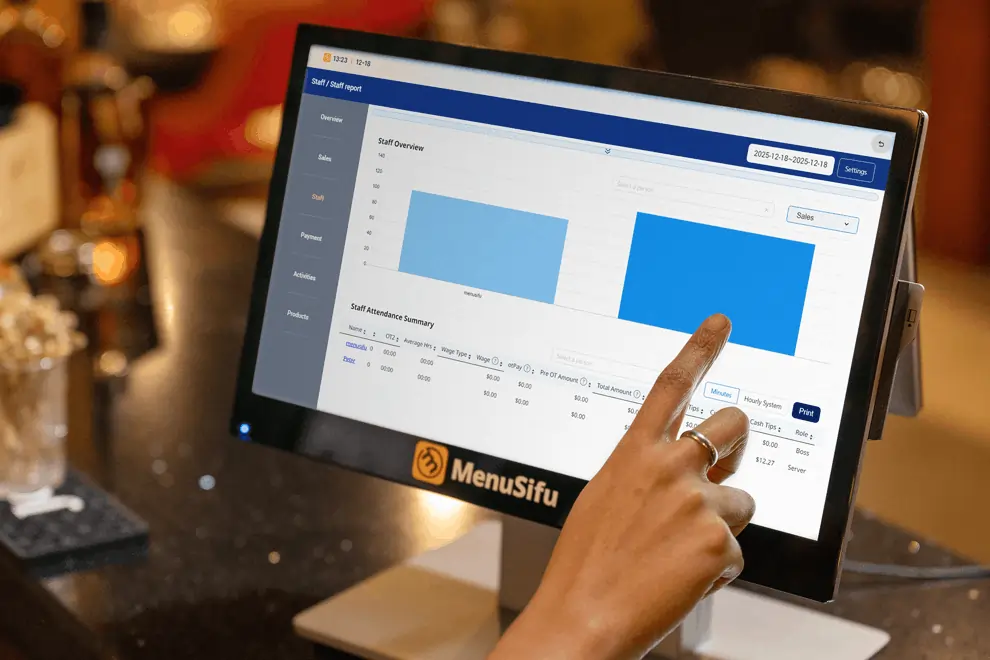
A touch screen POS supports your team during peak hours, busy weekends, and everyday service. Here is how it improves daily operations.
Speed matters during lunch rush and dinner service. A touch-based interface lets staff tap items, modifiers, and combos in seconds. Orders go straight to the kitchen display or printer, and payments process quickly with tap, dip, or mobile wallet options. Shorter lines mean more completed transactions and higher table turnover.
New hires can learn a touch screen POS system quickly because it works like the devices they use every day. Clear menu layouts and visual buttons guide them through each step. Managers spend less time explaining the system and more time coaching service and upselling.
Manual entry mistakes can lead to remakes, refunds, and wasted ingredients. A well-designed touch screen POS reduces errors with preset modifiers, forced prompts, and clear item categories. Orders route directly to the right station, which keeps tickets accurate and cuts down on miscommunication between front and back of house.
Guests notice when service moves smoothly. Faster checkout, accurate orders, and easy bill splitting create a more pleasant visit. Integrated loyalty programs and digital receipts also make it easier to bring guests back. When your system supports your staff, your guests feel the difference.
Real-time sales reports, inventory tracking, and centralized data help you stay on top of performance. You can review daily numbers, compare locations, adjust menus, and track labor from one dashboard. A reliable POS system touch screen setup keeps your operations aligned and gives you clear visibility into what drives profit.
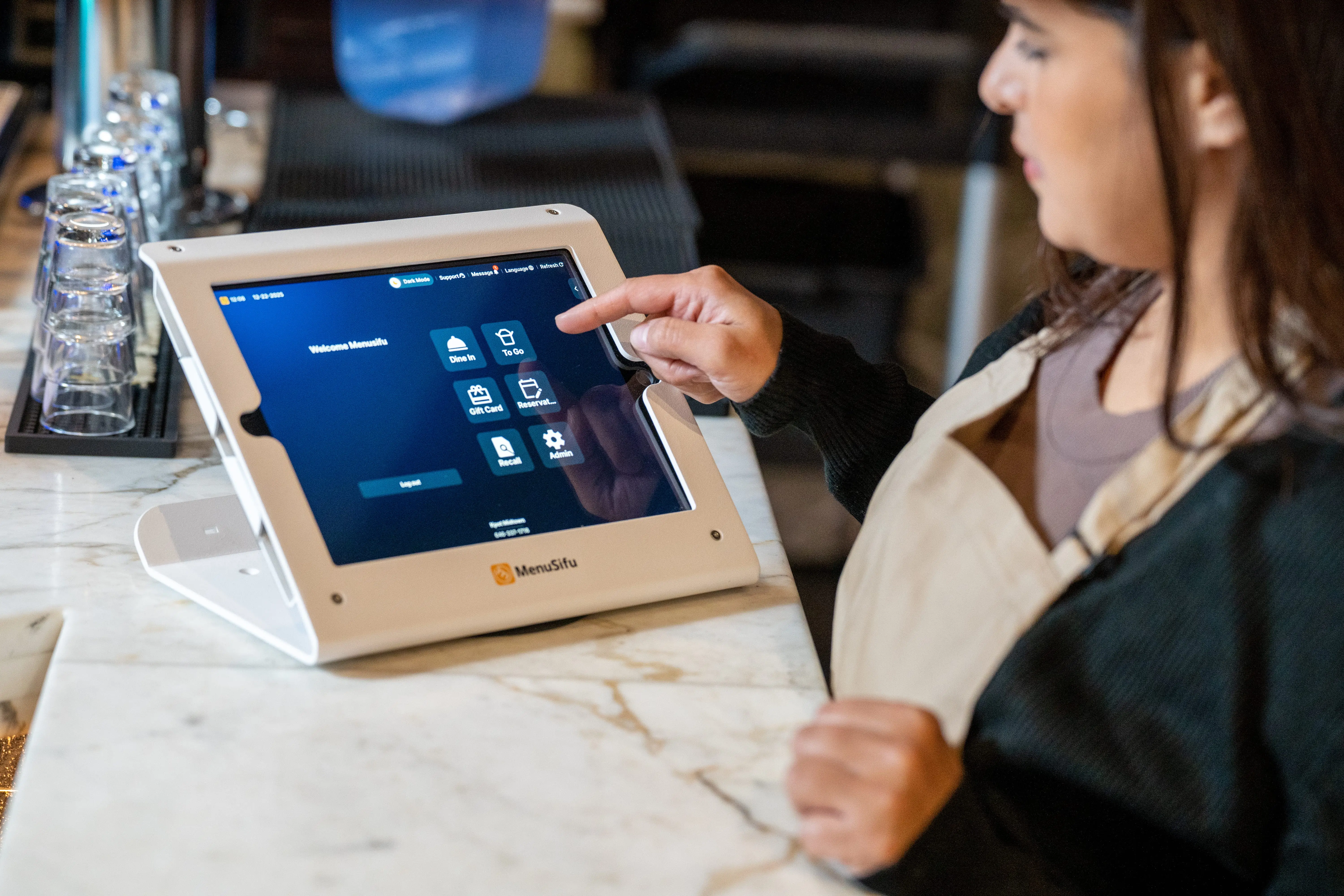
The right POS system touch screen setup should fit how your restaurant operates today and support where you want to go next. Focus on how you serve guests, how your team works, and how you plan to grow.
Start with your service model.
If you run a quick-service or fast casual concept, speed drives revenue. You may need counter-based terminals, self-service kiosks, or handheld devices that keep lines moving. A responsive touch screen POS system with large, customizable buttons helps staff enter orders quickly during rush hours.
If you operate a full-service or casual-dining restaurant, table management becomes even more important. Look for features such as tableside ordering, course-firing, seat-level tracking, and easy bill splitting. The right touch screen POS system for restaurant service should help servers manage multiple tables efficiently while keeping communication clear between front and back of house.
Match the setup to your flow of service. That alignment reduces stress during peak periods and keeps operations organized.
Restaurant environments can be tough on equipment. Heat, spills, grease, and constant tapping all take a toll. Choose hardware built for commercial use, not consumer-grade tablets that may struggle under daily pressure.
Look for:
Support also plays a key role. If your system goes down during dinner service, you need fast assistance. Look for providers that offer accessible customer support and clear onboarding. A dependable touch screen POS setup should keep your operations steady during busy hours.
The technology you choose affects how you access data and manage updates.
A cloud-based touch screen POS system lets you view sales reports, adjust menus, and monitor performance from anywhere. This setup works well if you want real-time visibility and automatic updates without managing servers on-site.
An on-premise system stores data locally and may appeal if you prefer in-house control. However, updates and maintenance often require more hands-on management.
Consider how often you review reports, adjust pricing, or track performance remotely. A cloud solution often offers greater flexibility and easier scalability.
If you manage more than one location or plan to expand, central control becomes essential.
Many modern touch screen POS systems allow you to:
This structure helps you maintain consistency while still allowing each location to operate efficiently. A scalable POS system touch screen setup supports growth and keeps reporting aligned across every unit.
Choosing the right configuration takes careful thought, but the payoff shows up in smoother service, clearer data, and stronger control over daily operations.
A well-designed POS system touch screen setup gives you tighter control over service, sales, and staff performance. It connects the front and back of house, delivers real-time data, and supports growth across a single location or many. When your technology aligns with your workflow, your team operates more efficiently, and your guests experience smoother service.
If you are evaluating your current system or planning an upgrade, take the time to see how a modern touch screen POS system can support your goals.
MenuSifu provides restaurant POS solutions built to simplify operations and scale with your business. Book a free demo with us today to explore how the right setup can support your day-to-day service and long-term growth.
Here are answers to common questions restaurant operators ask when evaluating a touch screen POS system.
Traditional POS systems rely on physical keyboards, keypads, or fixed-button terminals for order entry and payment processing. Staff often need to memorize codes or navigate layered menus.
Touch screen POS systems use interactive digital displays that allow staff to tap menu items directly on the screen. This visual interface speeds up order entry, reduces input errors, shortens training time, and integrates more easily with tools like online ordering, loyalty programs, and kitchen display systems.
Yes. A touch screen POS system works well for small restaurants and food trucks because it is compact, easy to learn, and cost-effective.
Many systems run on tablets or mobile devices, which saves counter space and support line-busting during busy hours. You can manage orders, accept card and mobile payments, track sales, and monitor inventory from one screen.
As your business grows, most touch screen POS systems allow you to add features like online ordering or loyalty programs without replacing your setup.
Most staff can learn a touch screen POS system within a few hours. The visual layout and tap-based interface feel similar to using a smartphone or tablet, which reduces the learning curve. Many restaurants complete basic training in one shift, then build speed and accuracy over the first few days of use. Clear menu organization and role-based permissions also help new hires get comfortable quickly.
Yes. Touch screen POS systems allow you to customize menus, pricing, floor plans, and workflows based on your service model. A quick-service restaurant can set up combo buttons and rapid checkout screens, while a full-service concept can enable table mapping, course pacing, and split checks.
You can also adjust user permissions, tax rules, and reports to match your operations. This flexibility helps your POS system support how your restaurant operates, rather than forcing you to change your processes.
Looking for more tips and tools to help your restaurant run better? Check out our blog section for updates, insights, and hands-on strategies.
Related Articles:







