
September 24, 2026
Looking at Apple POS and Android POS options? Compare features, hardware flexibility, and setup cost to pick the system that works best for your restaurant.
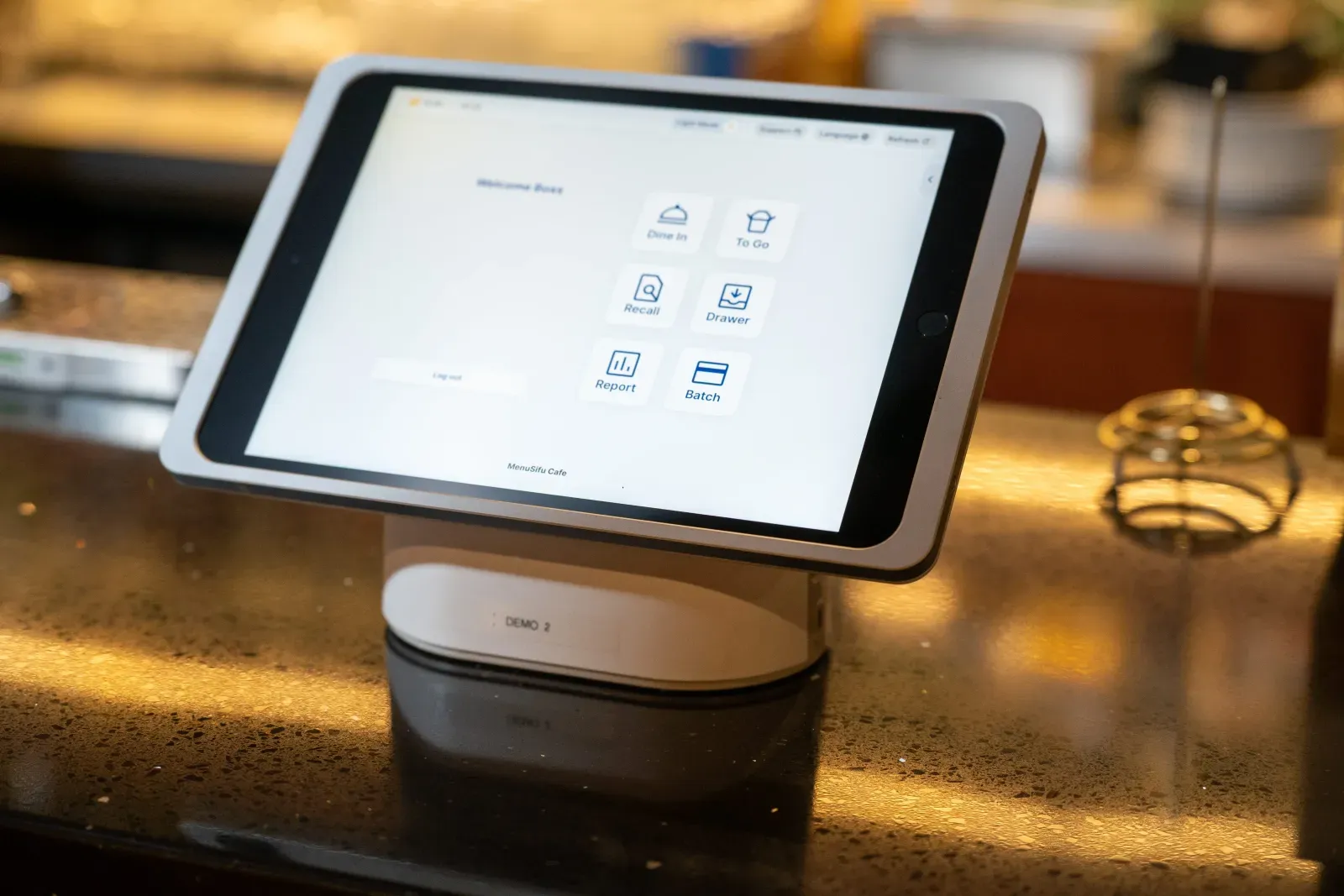
Choosing the right POS system shapes how smoothly your restaurant runs each day. From taking orders to tracking sales and managing staff, the system you choose affects speed, accuracy, and long-term growth. Many restaurant owners compare Apple POS and Android POS while searching for a reliable, flexible solution that fits their operation. Which one supports your goals, your budget, and your way of working?
This guide breaks down how each platform works, how they differ, and how to decide which option best aligns with your restaurant.

An Apple POS is a point-of-sale system designed to run on Apple devices such as iPads and iPhones. It combines hardware and software in a controlled environment that prioritizes reliability, performance, and ease of use. Most Apple POS setups rely on cloud-based apps from providers in the App Store, designed specifically for iOS.
You can process orders, handle payments, and manage your restaurant directly from an iPad. The interface is clean and responsive, which helps staff move quickly during peak hours. Navigation feels intuitive, even for teams new to digital POS systems.
Apple’s consistent update cycle and tight software controls help keep systems secure and stable. You also get access to a wide range of restaurant apps for inventory, loyalty, online ordering, and staff management, all built to work within the Apple ecosystem.
This setup works well if you want minimal setup time, a familiar interface, and reliable performance across devices.
An Android POS system is a point-of-sale solution built on Android operating systems. It powers a range of devices from standard tablets to purpose-built terminals used to manage orders, payments, and day-to-day operations in your restaurant.
Android POS platforms stand out for their flexibility. Unlike systems tied to a single device manufacturer, Android gives you access to a wide selection of hardware options. You can choose from:
This flexibility makes it easier to match your setup with your space, service style, and budget.
The open nature of Android also gives you more control over integrations. Many Android POS systems allow you to connect with third-party apps for inventory, delivery, loyalty programs, and reporting tools. That openness supports customization and makes it easier to adjust the system as your needs change.
Another key advantage is cost. Android hardware typically costs less than Apple devices. For restaurants looking to reduce upfront investment or equip multiple stations, Android POS solutions can offer more value.
If you want a system that adapts to your operation and gives you more freedom to choose hardware and software combinations, Android POS offers a practical, scalable option.
Both platforms support core restaurant operations, but they differ in structure, flexibility, and long-term planning. Here is how they compare across key decision areas.
Hardware plays a direct role in how reliable and efficient your POS setup feels during service. The experience can vary depending on whether you run your system on iOS or Android. Each option has strengths worth considering before making a long-term investment.
If you prefer to keep your tech stack clean and uniform, Apple delivers a consistent experience. If you’d rather choose from different screen sizes, casing types, and mounting options, Android gives you that flexibility.
The right choice depends on where and how you’ll be using the devices. Front-of-house tablets at a host stand have different durability needs than handhelds used for tableside ordering or food truck setups.
If you’re looking to use existing printers or card readers, compatibility will depend on your POS provider and the operating system it supports. Android gives you more room to mix and match.
Device longevity often ties back to usage habits and environment. It’s worth comparing warranty options, replacement availability, and service support when weighing long-term costs.
The software experience can shape how smoothly your restaurant runs during busy hours. Both Apple POS and Android POS platforms offer the tools you need, but they approach software, integrations, and updates differently.
Apple POS systems operate within Apple’s closed ecosystem. That means every app goes through a strict review process before it becomes available. This helps ensure better performance, fewer bugs, and more stable day-to-day use. If you’re using apps for online ordering, loyalty programs, inventory tracking, or kitchen display systems, you’ll often find that iOS-based tools feel polished and consistent across devices.
Android POS systems, by contrast, offer more flexibility. Android’s open platform supports a wider range of developers and apps. You might find more options to customize your workflows, especially if your operation has specific needs. Android also works well with purpose-built devices and industry-specific software, which can be helpful when looking for something tailored to your setup.
Both systems support essential third-party integrations:
Software updates also differ. On iOS, updates roll out from Apple, so devices receive them simultaneously. This consistency helps reduce the risk of version mismatches or unsupported features. Android updates, however, often depend on the hardware manufacturer or POS vendor. That adds flexibility but may require more oversight if you’re managing several devices.
When choosing between Apple POS and Android POS, consider the level of flexibility you want, how you plan to grow, and which integrations you expect to use regularly. A reliable software environment can reduce downtime, help your team stay productive, and support your service flow across locations or shifts.
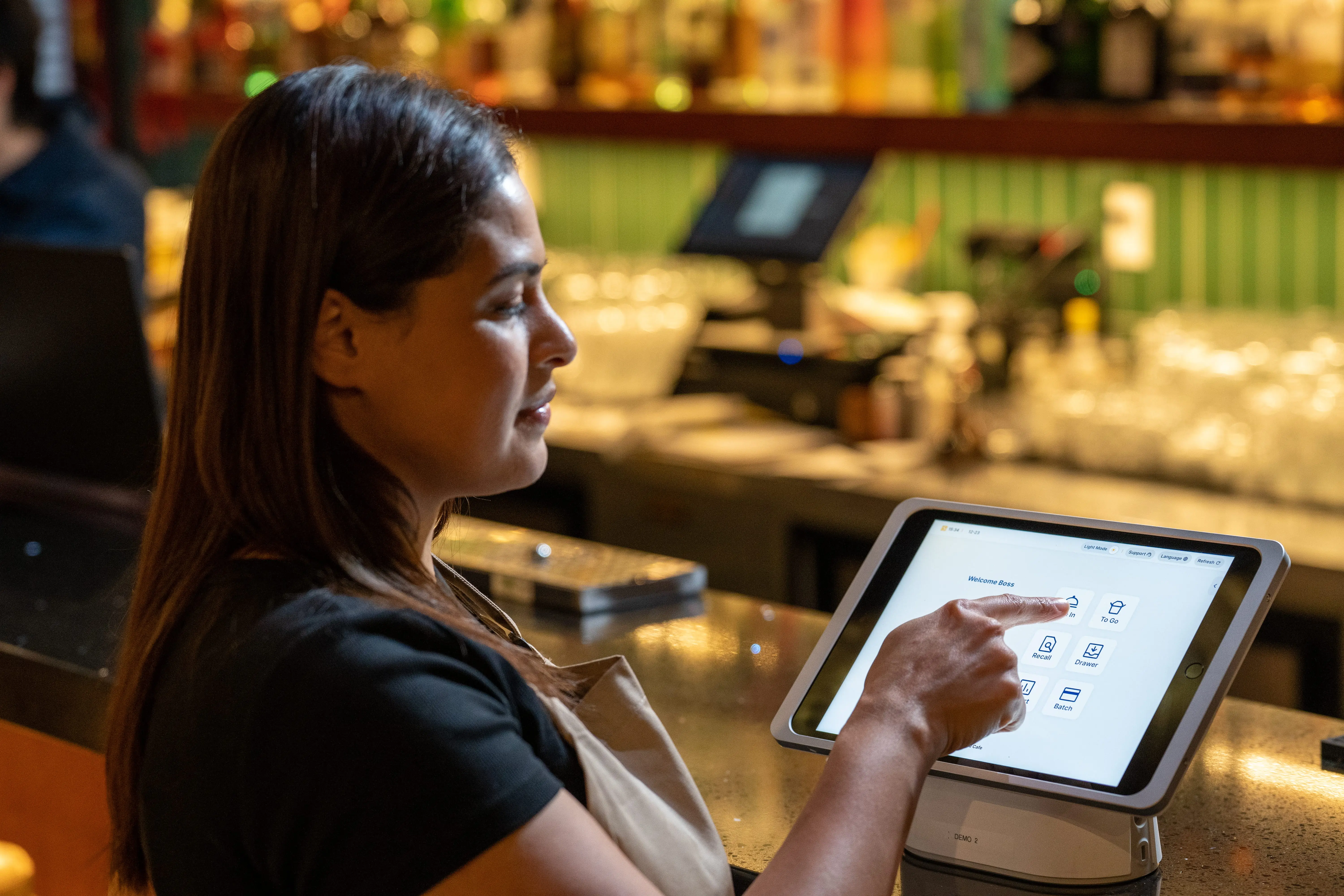
Comparing the cost and scalability of an Apple POS system and an Android POS setup often starts with hardware. Apple devices like iPads come with premium pricing, which can raise the initial investment. That cost, however, includes consistent build quality, longevity, and access to regular software updates that extend device usability.
Android POS systems usually offer more flexibility in hardware pricing. Multiple manufacturers provide a range of Android tablets and terminals, including budget-friendly and mid-range options. This gives you more room to align your hardware choices with available capital or site-specific needs.
Licensing or software subscription fees also vary depending on the POS provider and the platform they support. Some POS software is exclusive to Apple, while others work across both platforms. Be sure to factor in monthly or annual software fees, payment processing costs, and add-ons like loyalty or inventory modules. Providers may bundle hardware and software into one package or charge separately.
Here’s how the cost structure typically breaks down:
Scalability depends on your growth plans. Apple POS systems may suit operations aiming for consistency across all locations, with centralized control over hardware and updates. Android POS platforms allow more flexibility in scaling gradually, which can help when adding terminals or opening new sites with varying setup needs.
If you're managing one location, choosing between the two may come down to cost and ease of setup. If you're expanding or standardizing across multiple restaurants, think about long-term hardware support, onboarding speed, and the cost of maintaining uniform systems.
Both platforms can scale effectively. The difference lies in how you want to manage devices, control costs, and handle future upgrades.
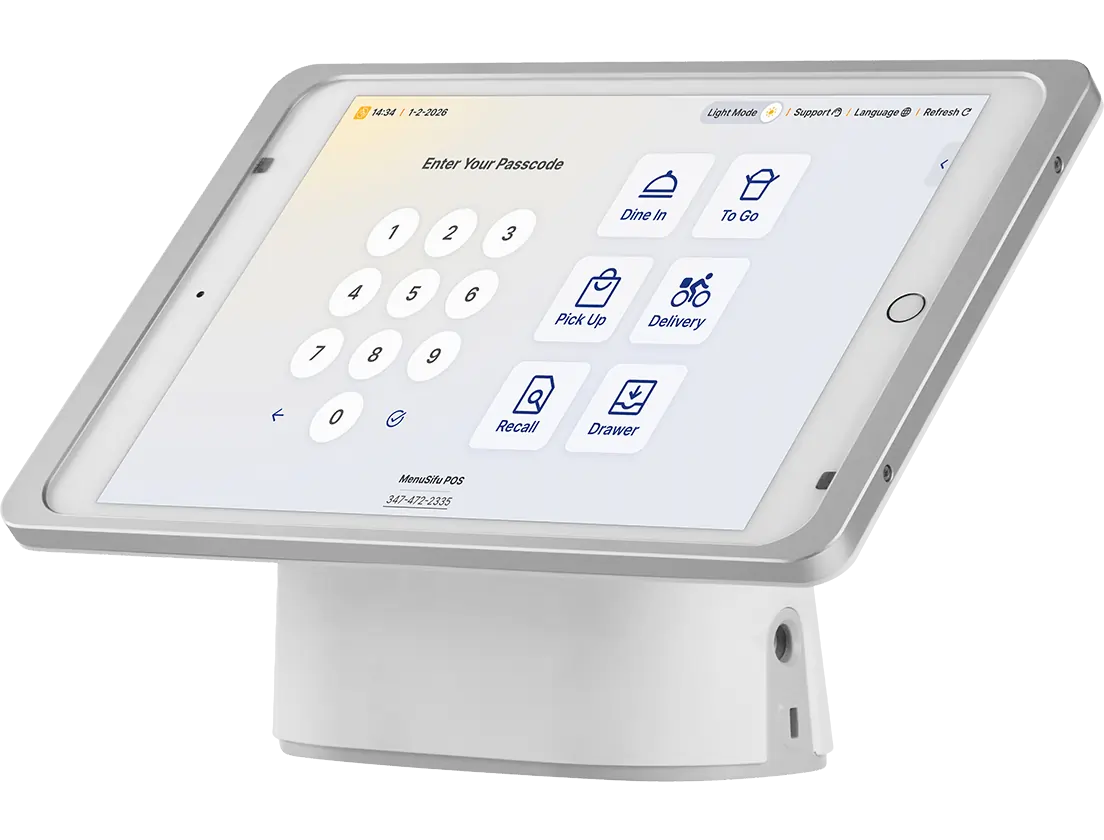
Switching to a new POS system shouldn't slow down service or create confusion for your team. How easily your staff can learn and use the system plays a major role in daily operations, especially during busy shifts or seasonal turnover.
Apple POS systems are known for their clean interface and consistent layout across devices. Many team members already feel comfortable with iPads, so the learning curve is short. Menus are typically easy to navigate, buttons are responsive, and transitions between screens feel natural. For new hires or seasonal staff, this can reduce training time and improve accuracy from the start.
Android POS systems vary slightly depending on the device and software provider, but many offer highly intuitive layouts. Larger screen options and customizable buttons can help create a setup that fits your flow. Some systems even let you tailor the interface by role or station, which can simplify onboarding.
When comparing both, consider the following:
Ease of use doesn’t stop after the first training session. Your POS system should continue to support your team with fast updates, responsive touchscreens, and clear workflows. Both Apple and Android options can deliver that experience, as long as the system matches your daily operation.
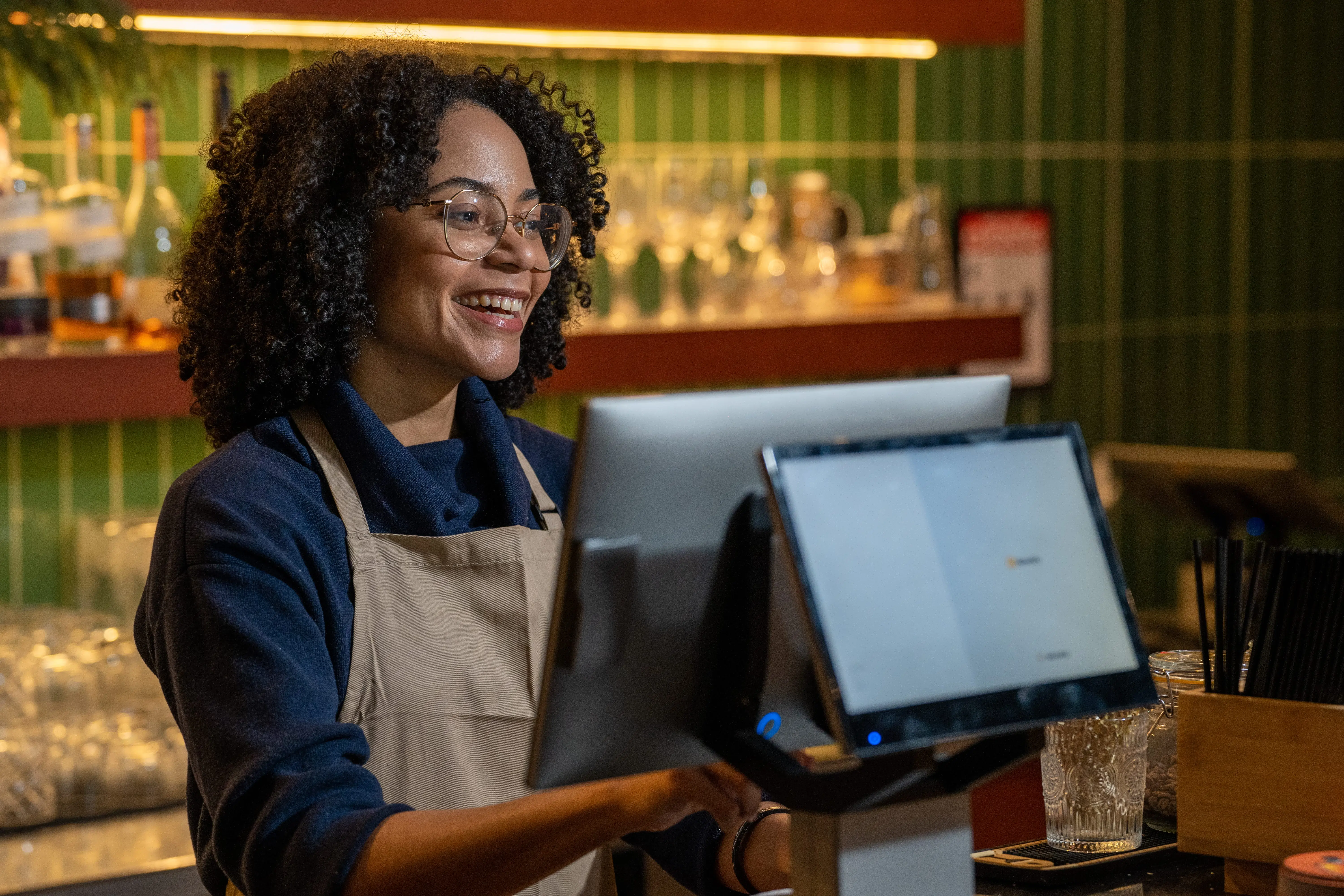
Choosing between an Apple POS system and an Android POS depends on how your restaurant operates and what you need from your tech setup. Here's a simple breakdown by common use cases:
If you run a single location, your focus is likely on cost, simplicity, and support.
For multi-location operations, consistency and scalability matter most.
If you're opening your first restaurant, it helps to keep the setup simple and costs predictable.
Speed and mobility play a big role in counter service or quick-order environments.
Both platforms support mobile payments, contactless checkout, and core restaurant functions. The right choice depends on how you prioritize hardware flexibility, user experience, and growth planning.
Choosing between an Apple POS system and an Android POS system often comes down to which features fit your restaurant’s daily operations and long-term goals. Here’s a quick comparison to help you weigh the pros and cons based on real priorities like cost, scalability, usability, and hardware flexibility.
Both platforms can support a single location or a growing chain. The better fit depends on what works for your workflow, setup preferences, and budget.
Choosing between an Apple POS system and an Android POS comes down to how you plan to run your restaurant today and how you want to grow over time. Apple offers consistency, a familiar interface, and a tightly managed environment. Android provides flexibility, a wider range of hardware options, and more control over setup and costs. Both platforms support core restaurant operations, mobile payments, and scalable growth when paired with the right POS provider.
The best fit is the one that aligns with your space, service style, budget, and plans for expansion.
At MenuSifu, we support both Apple and Android POS solutions and help you select a setup that works for your operation. If you’re comparing options and want a closer look at how each platform performs in real restaurant settings, book a free demo with MenuSifu today and explore what fits your needs best.
The following FAQs cover common considerations that often come up when comparing Apple POS systems and Android POS solutions.
Apple does not make its own POS system. However, many POS providers design software that runs on Apple devices like iPads and iPhones, allowing restaurants to use iOS-based hardware for order-taking, payments, and management.
Yes, an Apple POS system can manage multi-location restaurants. It supports centralized menu updates, real-time inventory tracking across sites, and consolidated reporting. Managers can access data for all locations from one dashboard, helping streamline operations and maintain consistency.
Yes, Android POS is a strong fit for new restaurants. It's affordable, easy to set up, and supports a wide range of hardware options. Many Android systems offer flexible payment processing, inventory management, and integrations with popular restaurant tools. It’s a practical choice for owners seeking lower upfront costs and scalability as their business grows.
Yes, both Apple and Android POS systems support contactless payments. They accept major contactless methods like NFC-enabled credit cards, digital wallets, and smart device payments. Your specific hardware must include an NFC reader to process these transactions.
Apple POS systems are generally easier to maintain due to consistent hardware, centralized updates, and tight control over software. Android POS systems vary by provider and hardware brand, which can require more oversight as your setup grows.
For more insights, comparisons, and restaurant technology updates, explore the rest of our blog section and stay informed on the tools shaping modern restaurant operations.
Related Articles:







