
October 11, 2026
A POS machine is essential for processing payments and managing orders. Understand how it works and learn how to choose the best one for your restaurant.
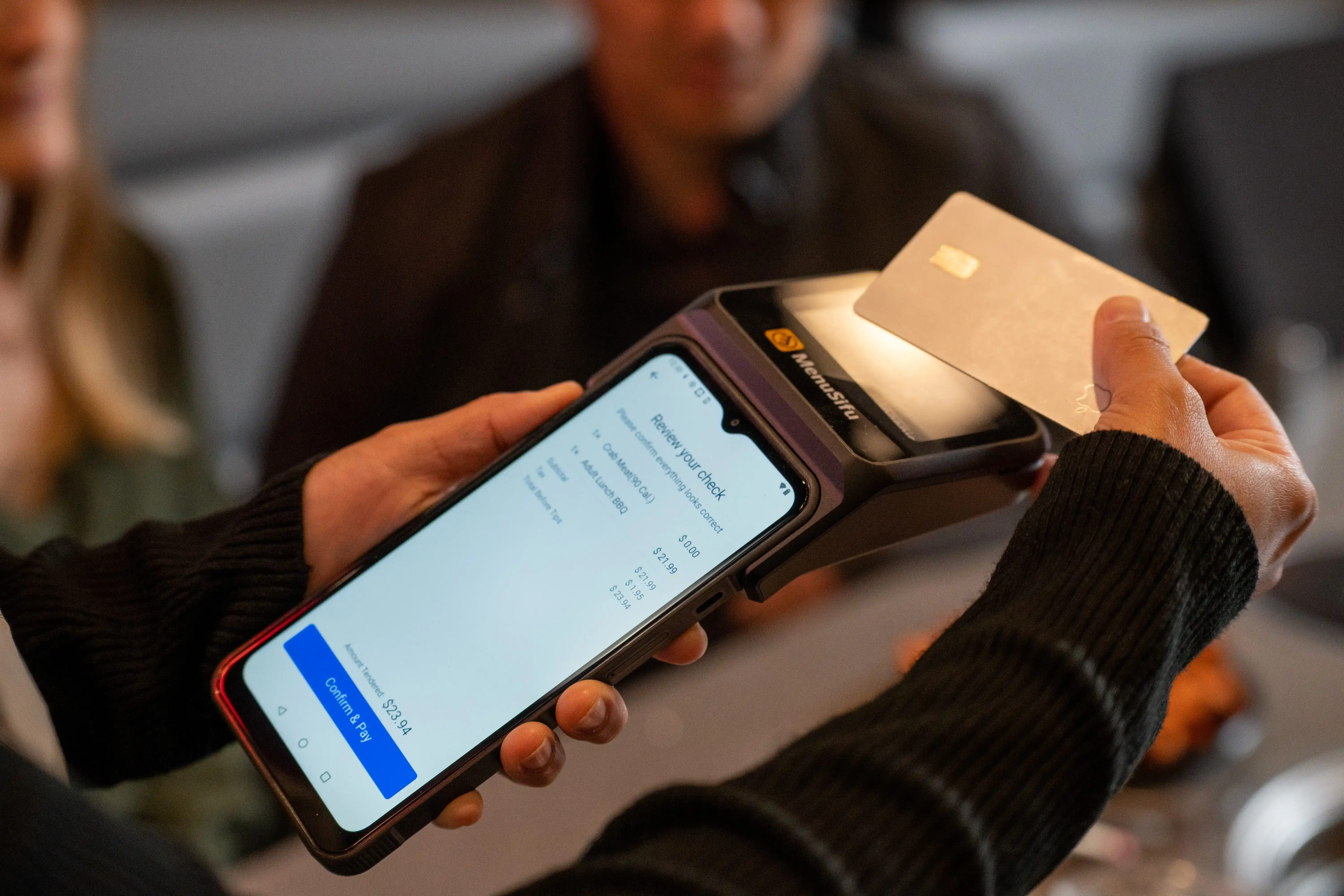
A POS machine is an essential tool for any restaurant looking to streamline operations and enhance the customer experience. This device handles everything from processing payments to managing orders and inventory.
But what exactly is a POS machine, how does it work, and how can you get one for your business?
In this post, we'll break down the core functions of a POS machine, explore how it integrates into your restaurant operations, and guide you through the options for acquiring one. Whether you're looking to replace an outdated system or set up a new restaurant, this guide will help you understand how a POS machine can improve your workflow and boost efficiency.

A POS machine, or point of sale machine, is the hardware component of a Point-of-Sale system. It’s the physical device your restaurant uses to process customer transactions. Typically, a POS machine consists of a terminal where orders are entered, payment is processed, and receipts are printed. This machine can also be equipped with additional tools like barcode scanners, cash drawers, and receipt printers to streamline the transaction process.
The key purpose of a POS machine is to handle payments, whether through cash, credit cards, or mobile wallets, while also helping with essential operations like order management and inventory tracking. It’s an indispensable tool for any restaurant aiming to improve operational efficiency and provide a seamless customer experience.
With a POS machine, you get much more than just a way to process payments. It’s your restaurant’s central hub for managing everything from customer orders to financial reporting. Simply put, it’s the device that ensures your transactions are accurate and your day-to-day operations run smoothly.
A POS machine is the hardware your staff uses at the counter or tables (the screen, card reader, and receipt printer) that connects to your POS software. On its own, it can’t run your restaurant, but it plays a key role in your daily operations by handling these core tasks:
1. Process Customer Payments
The POS machine is where your team collects payments. It lets you accept cash, cards, and mobile wallets (like Apple Pay) quickly and securely, helping you speed up checkout and reduce payment errors.
2. Capture and Send Orders
Servers use the POS machine to enter customer orders. Those orders are then sent to the kitchen or bar through the POS system, ensuring the back-of-house sees exactly what needs to be prepared, for which table, and in what sequence.
3. Record Sales at the Point of Transaction
Every payment that goes through the POS machine is recorded and passed to the POS software. This feeds your sales totals and lets you see how your restaurant is performing throughout the shift or day.
4. Provide Data for Reporting and Management
While the reporting itself comes from the POS software, the POS machine is where the raw data starts — each transaction, each order, each bill. That data is used for sales reports, basic inventory updates, and other operational insights.
In short, the POS machine is the physical touchpoint your staff uses to take orders and payments. The POS system behind it uses that information to handle the deeper work: reporting, inventory management, and overall restaurant analysis.
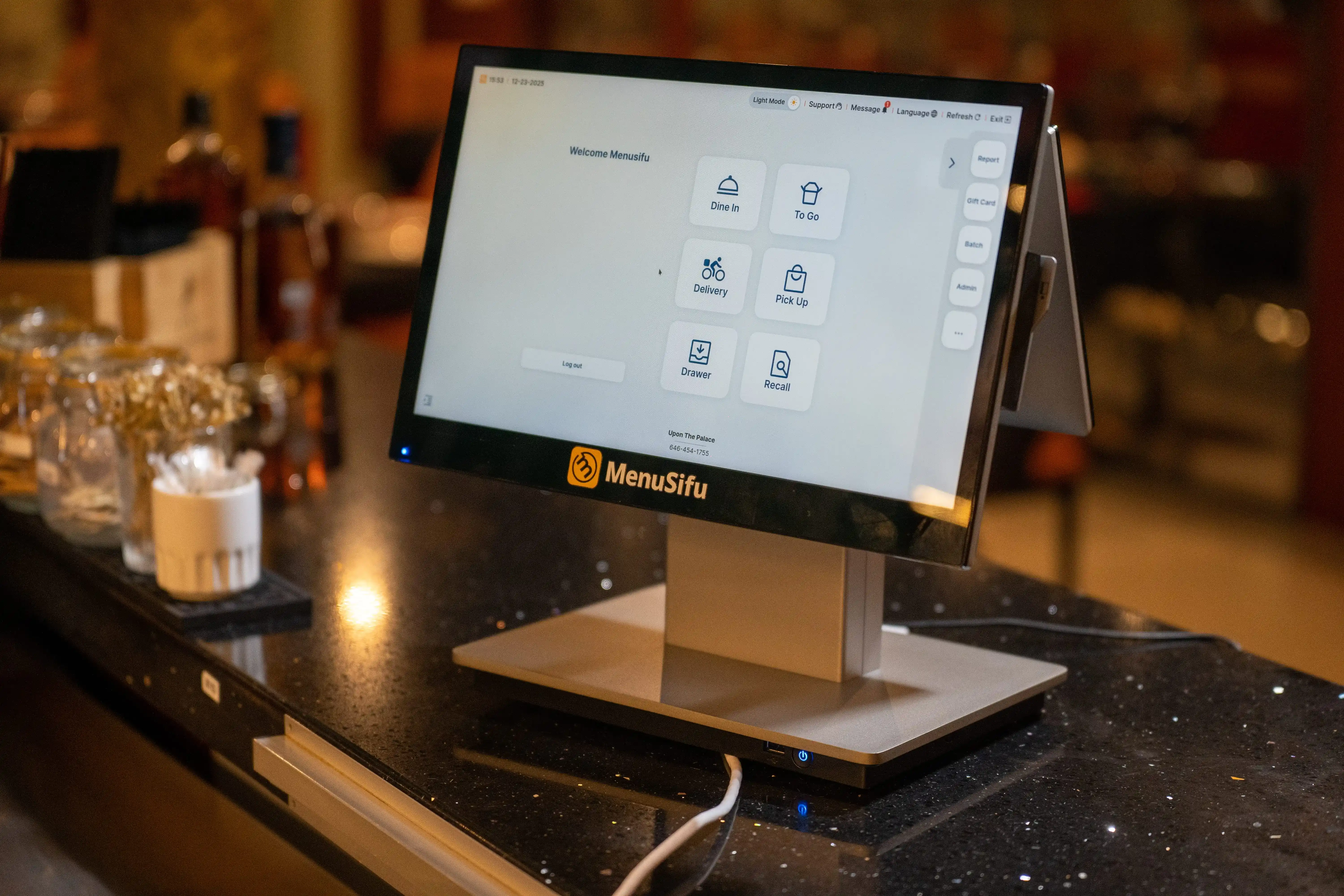
When selecting the right POS machine for your restaurant, it’s important to understand the different hardware options available. These machines are the physical components of your POS system and come in various forms, each suited to different business needs:
Each type of POS machine offers specific advantages based on your restaurant's setup and workflow. Selecting the right machine can help improve efficiency, reduce errors, and enhance the customer experience.

A POS machine is the physical device where customer transactions happen. It’s part of a larger POS system that integrates both hardware and software. Here’s how it works step by step:
Your staff enters the customer's order directly into the POS machine, which could be a touchscreen register, tablet, or terminal. This step captures the items being ordered, modifications, and payment details.
The POS machine handles payment transactions, accepting cash, credit/debit cards, and mobile payments like Apple Pay. The card reader or payment terminal within the machine processes the payment securely, ensuring the correct amount is charged.
Once the payment is processed, the POS machine sends the order details to the kitchen or bar, either through an integrated printer or kitchen display system. This helps ensure the correct food and drinks are prepared without confusion.
The POS machine, in conjunction with the software, automatically updates the inventory as items are sold. This real-time tracking keeps your stock levels accurate and alerts you when you're running low on key ingredients.
After the transaction is completed, the POS machine prints a receipt for the customer, confirming their purchase. This ensures a smooth checkout experience and provides proof of purchase.
The POS machine may also include functionality for managing employee logins, tracking hours worked, and assisting with tips and gratuities. This is essential for both operational efficiency and payroll processing.
While the POS machine handles the transaction hardware, it is connected to the POS software that manages reporting, sales tracking, customer data, and other back-end functions. The data flows from the machine into the software to generate reports and provide insights for better business decisions.
By combining the hardware and software, a POS machine makes each transaction smooth, accurate, and efficient, helping your restaurant run seamlessly day in and day out.
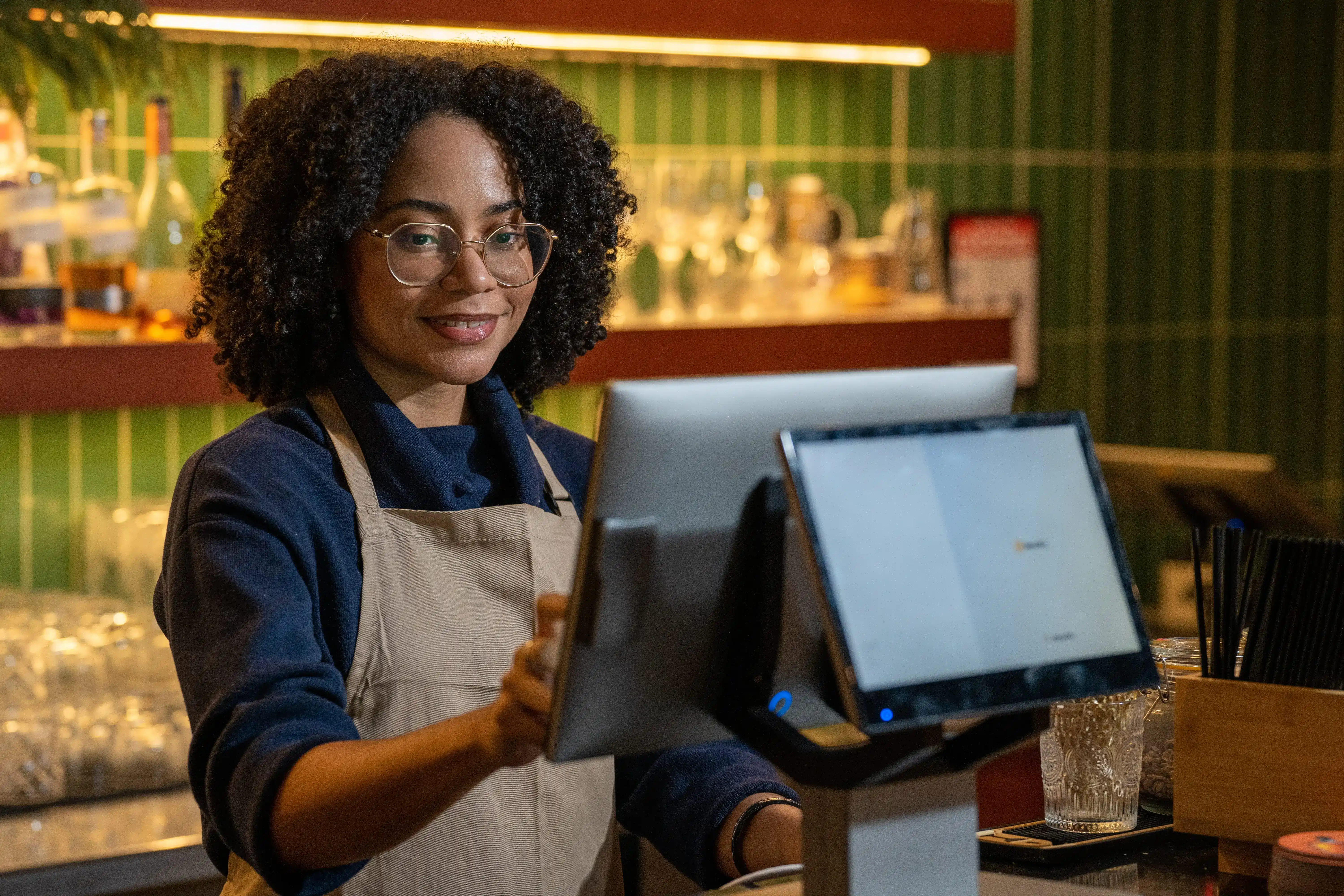
Using a POS machine efficiently can streamline your restaurant’s daily operations and enhance your staff's ability to serve customers quickly. Here’s how to get the most out of your POS machine:
By following these tips, your POS machine will help keep operations smooth, allowing your restaurant to deliver better service and stay organized throughout the day.
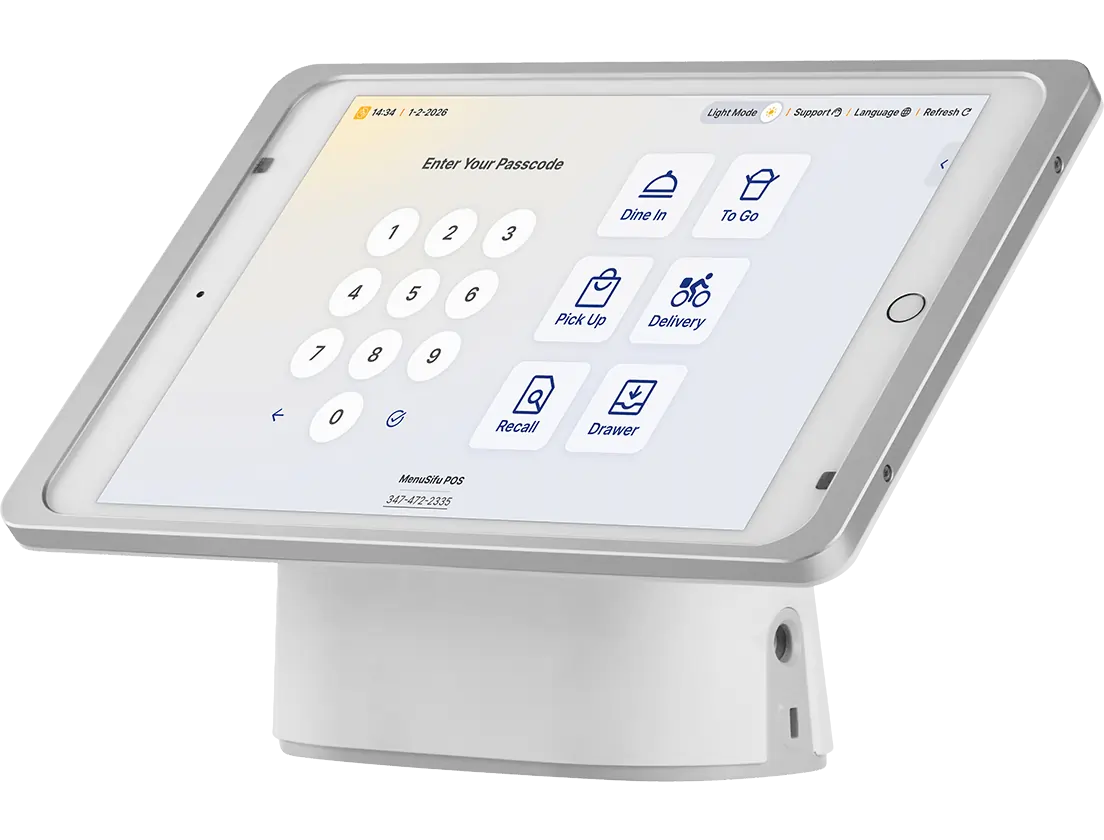
When planning your restaurant’s technology investment, it helps to separate the cost of the POS machine (the hardware) from the cost of the POS system (the complete package of hardware and software). Each impacts your budget differently.
A POS machine typically includes the physical devices you use at the point of sale, such as:
Prices for these hardware components can range widely:
The number and type of devices needed for your restaurant will influence the total hardware cost.
When you purchase a POS machine as part of a POS system, you buy both the hardware and the software that runs your operations. The software enables order management, payment processing, reporting, inventory tracking, and other functions.
Costs here can include:
For a full POS system package, many restaurants can expect:
By understanding the difference between a POS machine and the full POS system package, you can better estimate costs and choose the setup that fits your restaurant’s size, service style, and budget.
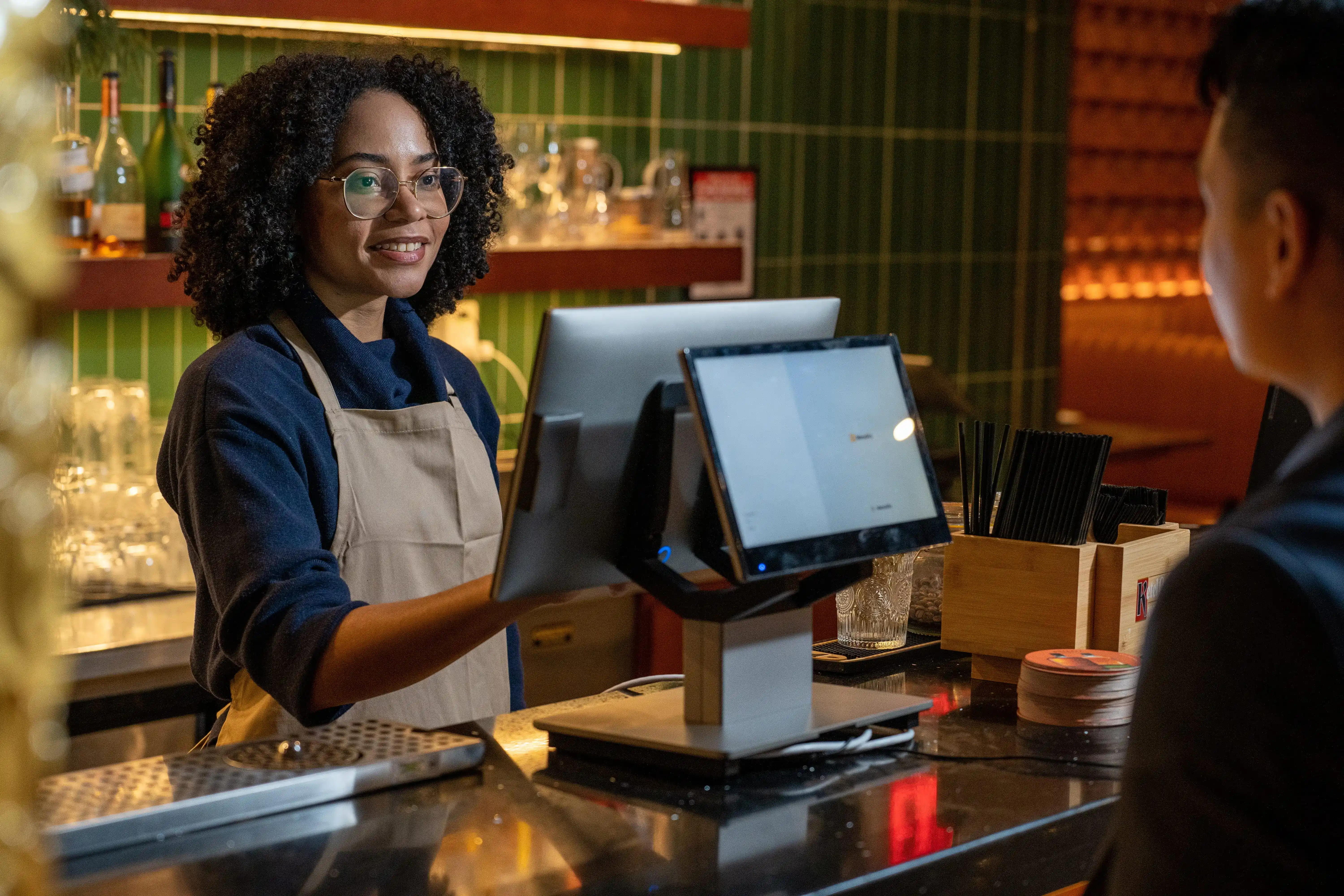
Getting a POS machine for your restaurant typically involves two routes: purchasing the hardware outright or leasing it through a POS provider. The process starts with choosing the right POS vendor, selecting the hardware and software package that fits your operations, and then deciding whether buying or leasing aligns better with your budget and long-term goals.
If you choose to purchase, you pay upfront for the POS hardware and own it immediately.
Why do restaurants choose this option:
Purchasing works best for established restaurants with available capital or operators who prioritize long-term savings.
Leasing allows you to acquire POS hardware with lower upfront costs, paying for it over time through monthly payments.
Why do restaurants choose this option:
Leasing is a good fit if you're launching a new location, scaling quickly, or want flexibility to upgrade equipment.
Compare the total cost over the expected lifespan of your system, consider your available capital, and think about how quickly your restaurant’s needs might change. The best choice is the one that supports your budget, operations, and long-term growth plans.
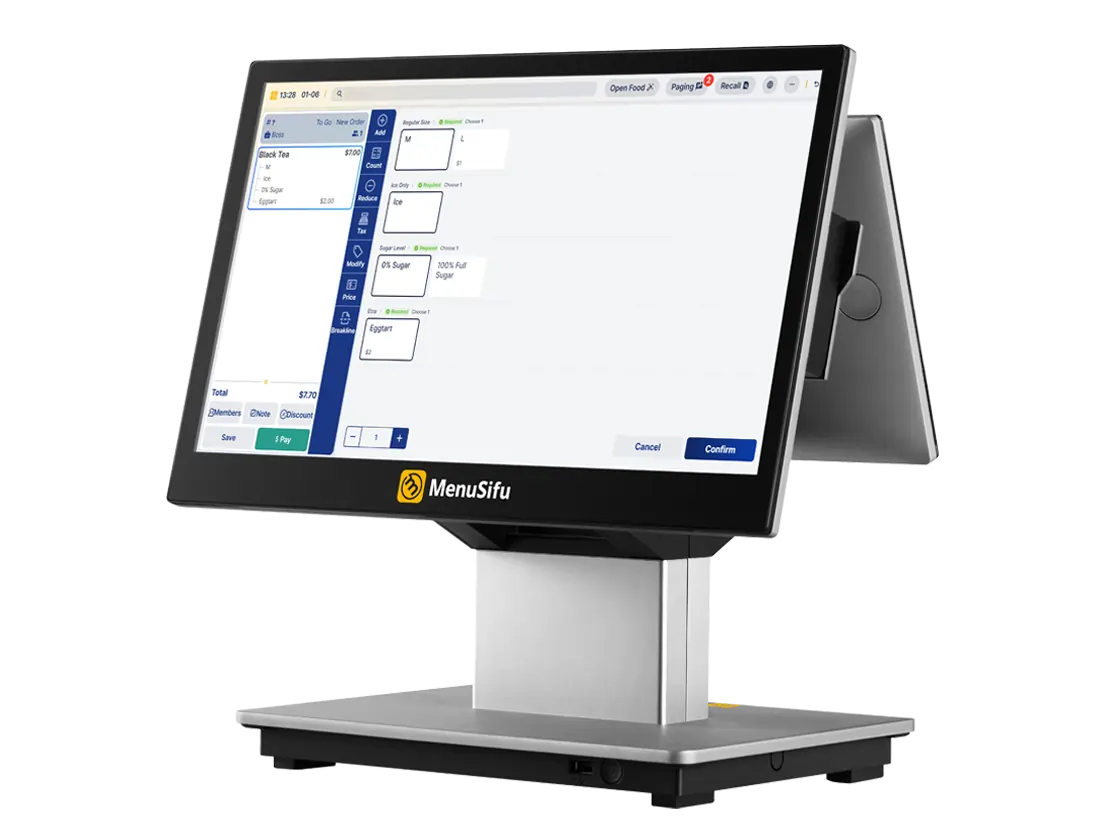
The best POS machine for your restaurant is the hardware that fits your service style (countertop, tablet, or handheld) and can handle daily restaurant conditions without slowing down operations. To choose the right one, prioritize:
Once you’ve narrowed down your options, research various POS machine providers and request demos to see how the hardware fits within your operational needs. This approach will help you make an informed decision that suits your restaurant’s requirements.
Installing a POS machine is a critical step toward optimizing your restaurant’s operations. Here’s a brief guide to help you through the process, ensuring a smooth setup and efficient use of the system.
By following these steps and providing proper training, your team will be ready to take full advantage of the new POS system, improving efficiency and customer satisfaction.
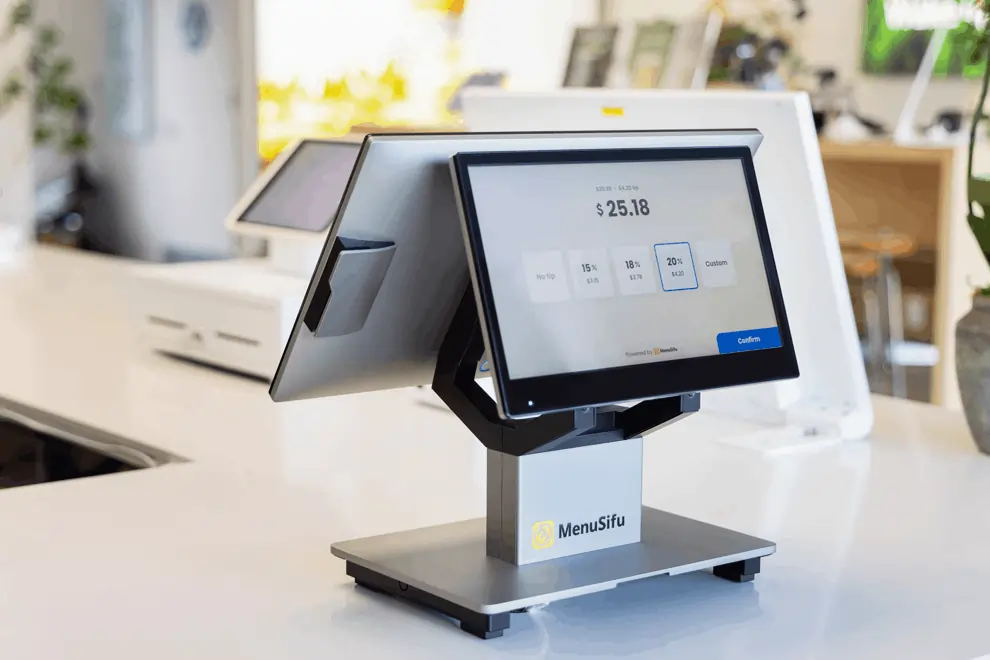
Selecting the right POS machine is essential for smooth and efficient restaurant operations. This machine not only handles customer payments but also plays a key role in managing orders and tracking inventory. By choosing the right hardware and integrating it effectively into your operations, you can optimize efficiency, reduce errors, and enhance the overall customer experience.
If you're ready to explore the right POS machine for your restaurant, book a Free Demo with us today! Let us show you how our POS hardware solutions can help you achieve your business goals.
In this section, we address common questions about POS machines to help you make informed decisions for your business. Whether you're looking to implement a new system or optimize your current setup, you'll find the answers you need to choose the right solution.
A POS machine is the hardware used to process sales transactions in businesses. It includes components like a terminal, card reader, receipt printer, and sometimes a cash drawer. The POS machine is part of a larger POS system, which also includes software to manage sales, inventory, and reporting. The machine allows businesses to accept payments, track orders, and complete transactions efficiently.
A POS machine generally requires an internet connection to process credit card payments and perform transactions. However, some POS machines may have limited offline capabilities, allowing basic functions like cash transactions. Once the machine reconnects to the internet, it will sync data and update records.
Yes, you can use your phone as a POS machine by installing POS software and connecting it to a card reader. Many POS providers offer mobile apps that turn your phone into a full-fledged payment processing tool. This setup is ideal for small businesses or restaurants with limited space, allowing you to process payments, track sales, and manage inventory on the go.
Some POS machines offer a one-time payment option with no monthly fee.
For example, MenuSifu offers $0 upfront costs, no monthly fees, and no hardware expenses. Advanced features are available on a pay-as-you-go basis, allowing businesses to avoid hidden fees.
This approach can be particularly helpful for new restaurants, providing robust tools, 24/7 support, and on-site installation and training, without the financial burden of upfront investments.
The lifespan of a POS machine typically ranges from 4 to 10 years, depending on the quality of the hardware and how well it is maintained. Regular updates, proper care, and avoiding overuse can help extend its functionality.
However, older machines may eventually need replacement due to wear or technological advancements that require newer hardware.
To get a POS machine for your business, start by researching different providers that offer hardware and software solutions tailored to your needs. You can choose to purchase a POS machine outright or lease it for a more flexible payment plan.
Once you select a provider, sign up for their service, and they will provide installation, setup, and training. Make sure to evaluate options based on features, pricing, and customer support before making your decision.
For more insights and updates on POS solutions, feel free to explore our blog section.
DISCLAIMER: The information provided in this blog is for general informational purposes only. While we strive to offer accurate and up-to-date content, we recommend consulting with a professional for personalized advice tailored to your specific business needs. MenuSifu’s products and services may vary depending on the plan selected. Terms and conditions apply.
Related Articles:







