October 2, 2026
Explore tableside ordering for restaurants, including how it works, key benefits, system features, and what to consider before choosing the right solution.

Long waits, order-entry errors, and repeated trips to a fixed POS terminal can make busy shifts harder to manage. When staff spend too much time moving between tables and terminals, communication can slow down and the guest experience can suffer.
Tableside ordering can give you a more efficient way to capture orders, send details to the kitchen, and manage payments from the table. By bringing digital ordering tools closer to guests, you can streamline the process from selection to checkout.
Tableside ordering is a digital ordering method that allows restaurants to capture guest orders directly at the table through mobile devices or online interfaces. Instead of recording selections manually and entering them into a POS terminal later, servers or guests can submit orders through tablets, handheld devices, or mobile ordering platforms.
Traditional ordering usually involves a server taking notes, returning to a fixed POS station, and entering the order details before the kitchen receives the information. Tableside ordering connects these steps through a digital system, allowing order details to move from the table to the restaurant’s POS and kitchen systems through an integrated workflow.
Restaurants use different types of tableside ordering solutions depending on their service model and technology setup. Common options include:
Each type of tableside ordering system uses digital tools to replace manual order entry with a more streamlined workflow. The specific setup depends on how your restaurant manages menus, payments, and communication between front-of-house and kitchen operations.

Tableside ordering connects menu selection, order submission, kitchen preparation, and payment through a digital workflow. The process allows servers or guests to enter orders digitally and send the information to the restaurant’s POS and kitchen systems.
The process begins when guests view menu selections through a tablet, handheld POS device, or QR-based menu interface. Digital menus display available items, descriptions, prices, modifiers, and other details that help guests select their orders.
After guests choose their items, servers or guests enter the selections into the ordering system. The platform records menu choices, modifiers, and special requests before sending the order information to connected restaurant software.
The ordering system transfers the submitted information to the restaurant’s POS and kitchen systems. The POS records the transaction details, while kitchen displays or printers receive the order information needed for preparation.
Kitchen staff review the submitted order details through connected systems. They access item selections, modifiers, and preparation instructions to complete each order according to the restaurant’s workflow.
After the meal, guests can complete payment through available options linked to the ordering system. These may include tableside card payments, contactless transactions, or other digital payment methods supported by the restaurant’s setup.
Tableside ordering creates a digital path from menu selection to payment, allowing each step of the ordering process to flow through integrated restaurant technology.
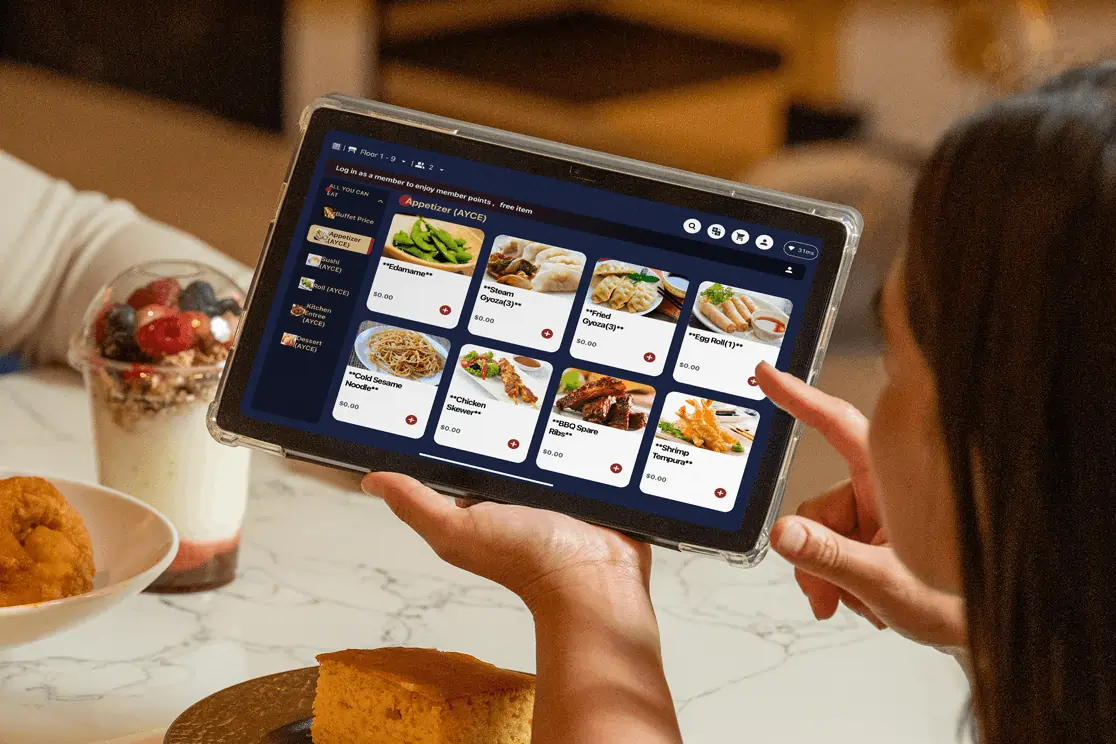
Tableside ordering can improve several parts of the ordering workflow, from sending orders to the kitchen to managing guest requests. Here are the main operational benefits to consider.
Tableside ordering helps shorten the time between taking an order and sending it to the kitchen. Servers can submit selections directly from the table, allowing kitchen teams to receive order details sooner and begin preparation based on the information provided.
During high-volume periods, a digital ordering workflow helps staff manage more guest requests with better organization. Instead of relying on multiple handoffs, teams can access updated order information through integrated systems.
Digital order entry helps capture menu selections, modifiers, and special requests in a consistent format. Servers can record details directly into the system, giving kitchen staff clearer information for preparation.
A tableside ordering system can help reduce issues linked to handwritten notes or verbal instructions, especially for orders with customizations. Accurate order details support a more consistent experience from selection to delivery.
Tableside ordering tools can help restaurants highlight menu options at the right point in the ordering process. Digital menus may feature recommendations, add-ons, upgrades, and promotional items that encourage guests to explore more choices.
Examples of upselling opportunities include:
These features give staff additional ways to present menu options while keeping the ordering process organized.
A tableside ordering system creates a shared flow of information between servers, POS systems, and kitchen teams. Everyone works from the same order details, helping departments stay aligned throughout the guest experience.
By reducing unnecessary trips between tables and fixed POS stations, servers have more time to assist guests and manage other service tasks. Kitchen teams also receive clearer order information, helping them prepare items according to the details entered at the table.
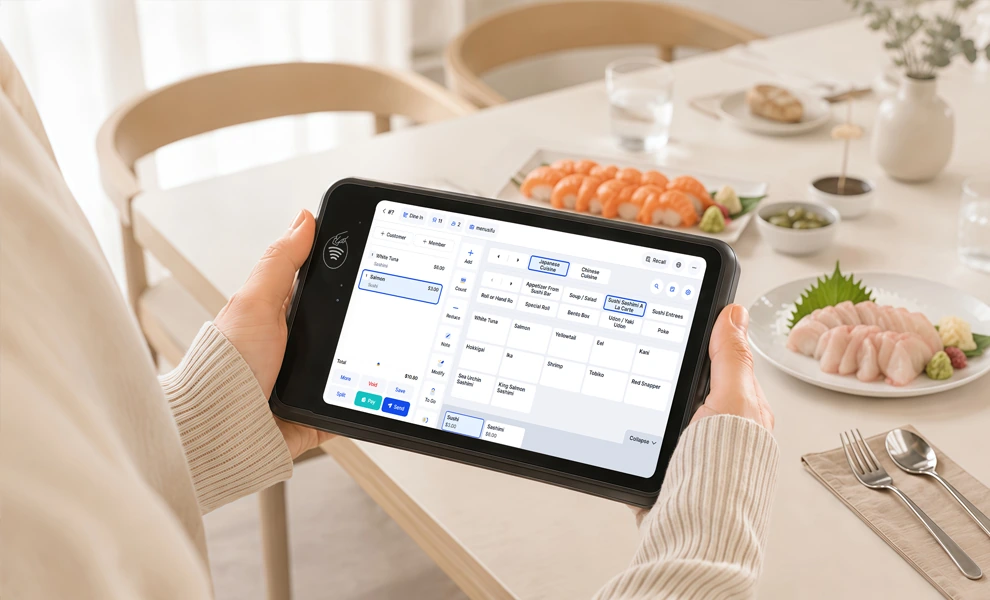
Restaurants have traditionally relied on servers taking orders manually and entering details into a fixed POS terminal. Tableside ordering changes this workflow by allowing orders to be captured and submitted digitally from the guest’s table.
Both approaches support the same goal: collecting accurate guest orders and sending information to the kitchen. The main difference lies in how information moves through the restaurant’s ordering process.
Tableside ordering uses digital devices such as handheld POS terminals, tablets, or mobile ordering interfaces to collect information closer to the point of interaction. The order details then connect with restaurant systems based on the available integrations.
When comparing these approaches, consider how each workflow aligns with your restaurant’s current processes, technology setup, and guest expectations. The right option depends on your menu structure, staff routines, and the type of dining experience you want to provide.
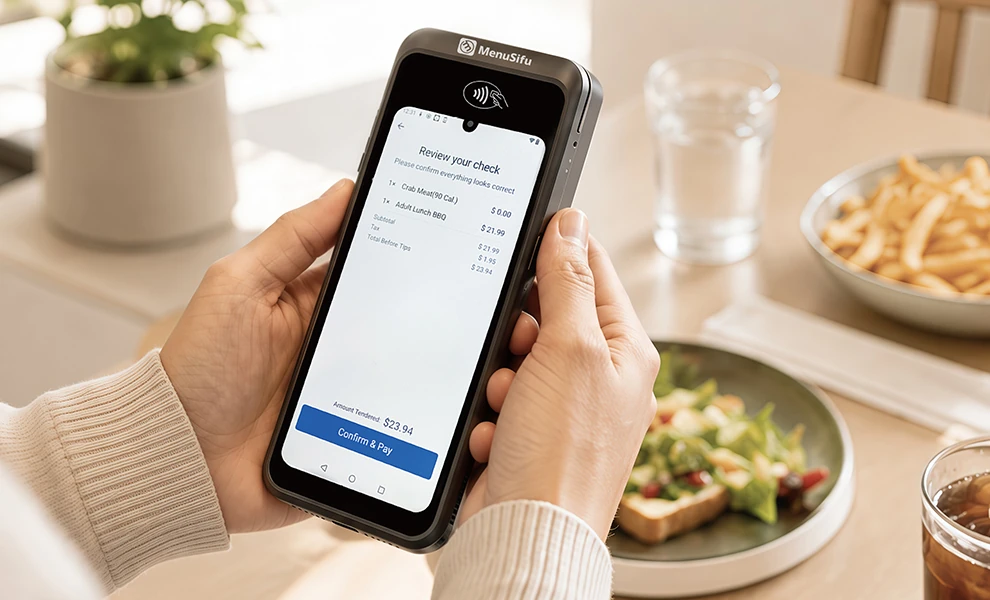
Choosing a tableside ordering system requires reviewing the tools that support your restaurant’s daily workflow. The right solution should bring ordering, payments, menu management, and reporting into one reliable platform.
A tableside ordering system should connect smoothly with your existing POS platform. Order syncing allows information from tablets or handheld devices to appear directly within your restaurant system. Integration can also keep menu updates and payment data consistent across the system.
Before choosing a system, check how it handles:
Portable devices give servers access to ordering tools from different areas of the restaurant. When evaluating device compatibility, consider usability, durability, battery performance, and how easily staff can operate the equipment.
A reliable handheld device should provide quick access to menus, modifiers, and ordering features while supporting regular restaurant use.
Menu management tools allow you to update items, prices, modifiers, and availability from one platform. This helps maintain accurate information across connected ordering channels.
Look for features such as:
These tools make it easier to keep digital menus aligned with your current offerings.
Payment capabilities play an important role in the overall ordering workflow. A tableside ordering system may support card payments, contactless transactions, and other digital payment methods.
Review available payment options to ensure they match the preferences of your guests and your current payment setup.
Reporting features provide visibility into sales activity, menu performance, and operational data. Inventory tools can help track item availability and support better menu management decisions.
Useful reporting capabilities include:
A system should be easy for employees to learn and use. An intuitive interface, clear navigation, and accessible training resources can help staff become comfortable with the technology.
When evaluating solutions, consider how the platform supports your current workflow and how quickly your team can adapt to using it.
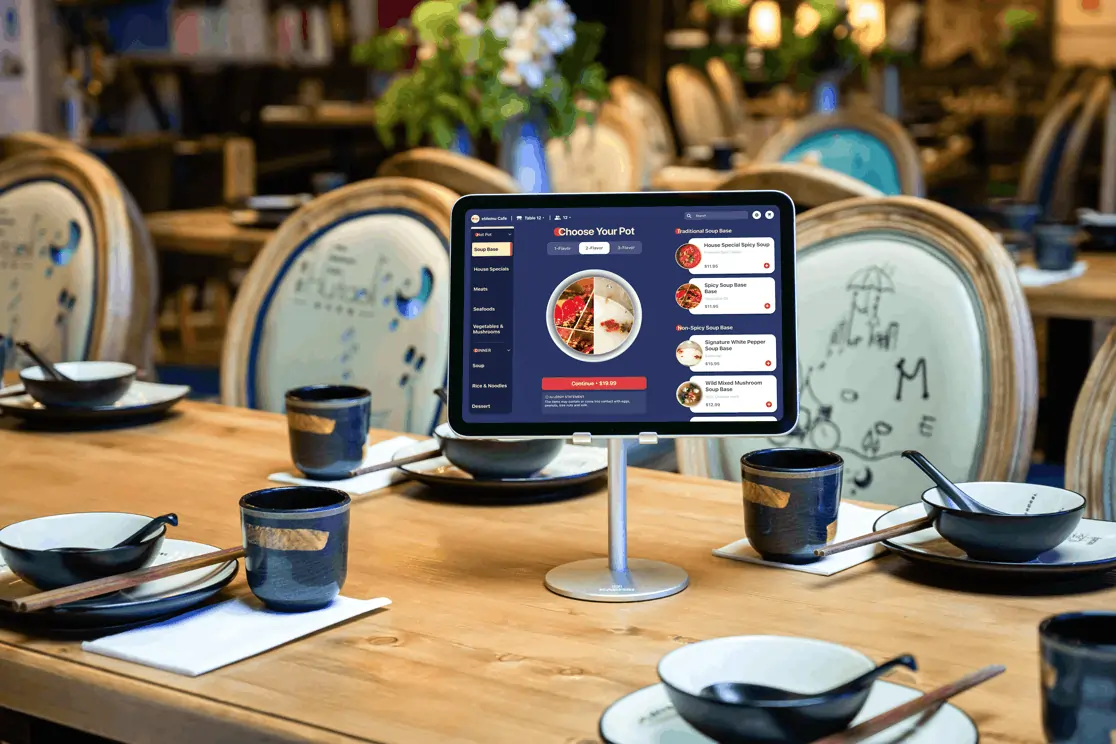
Tableside ordering can be useful when your current ordering process involves extra steps between the table, POS station, and kitchen. Before choosing a system, look at how your team takes orders, communicates with the kitchen, and handles payments.
Tableside ordering may be worth considering if your restaurant:
Your existing technology should also guide the decision. Check POS compatibility, menu management tools, payment support, device requirements, and staff training needs before selecting a platform.
The right tableside ordering setup should support your current service model while giving your team a more efficient way to manage orders from the table to the kitchen and checkout.
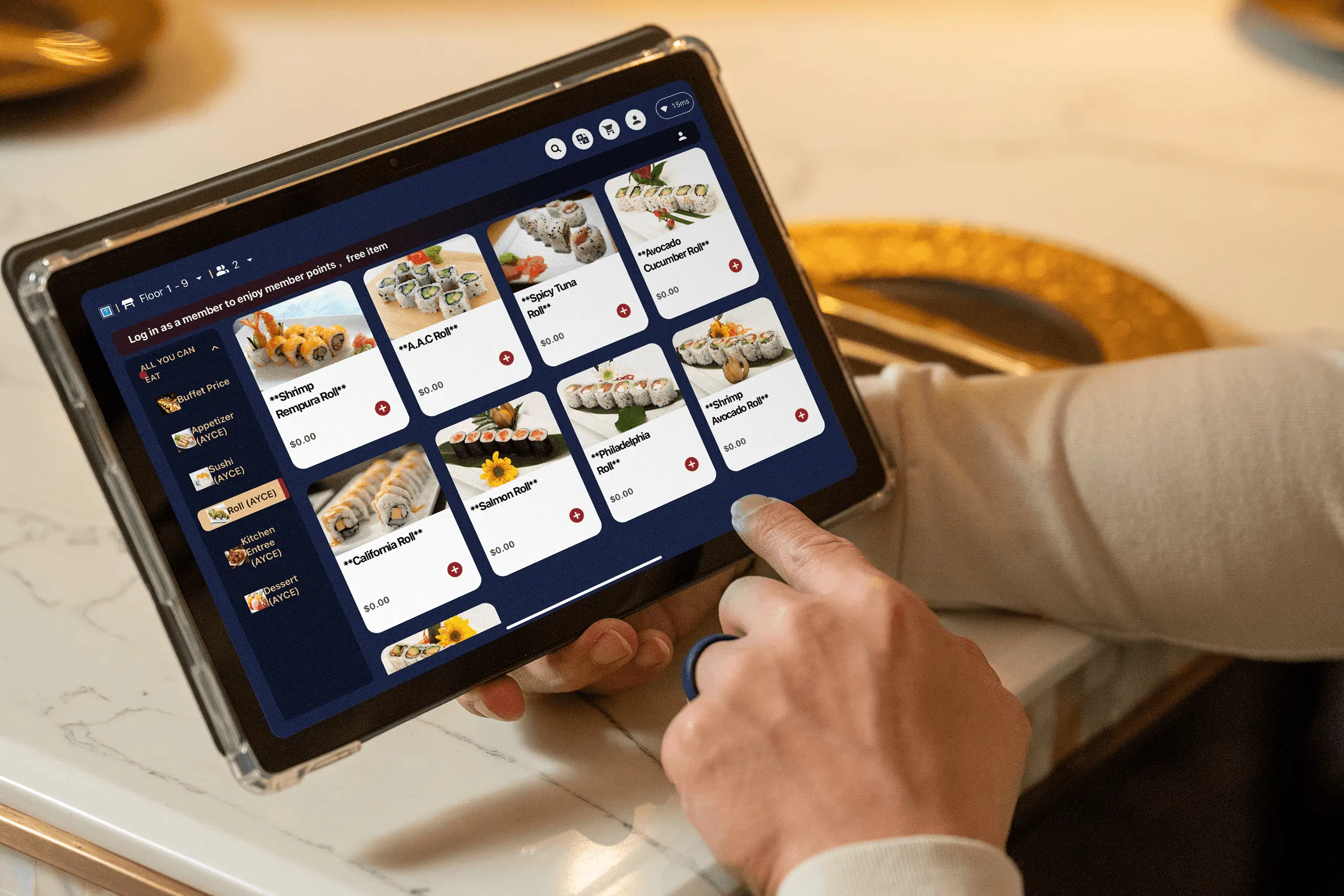
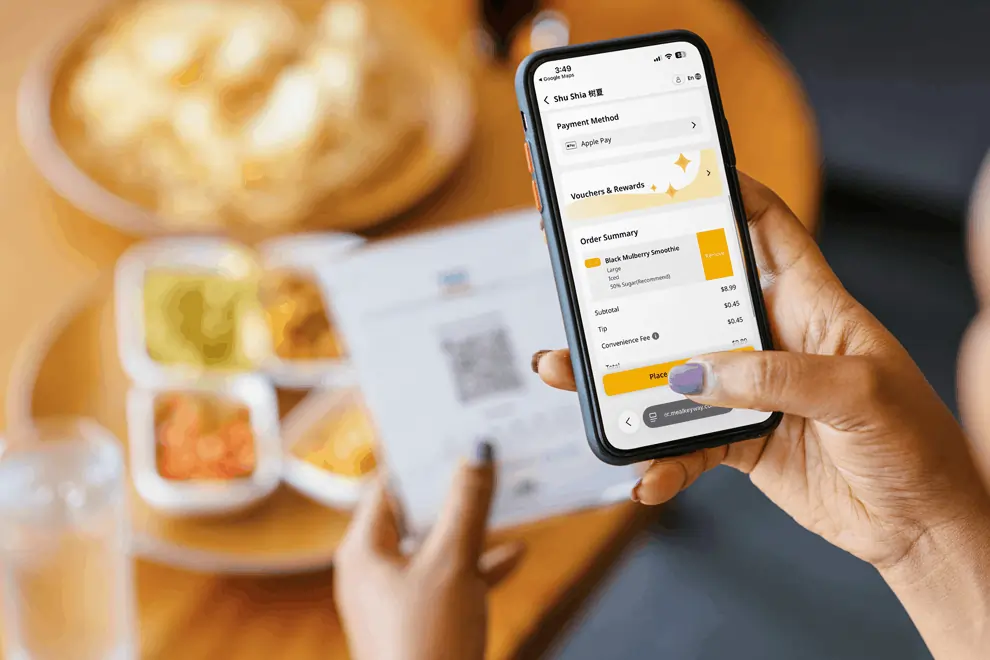
Tableside ordering can help create a smoother path from menu browsing to order submission, kitchen preparation, and payment. The right setup depends on how guests order, how staff manage tables, and how your POS connects each step.
MenuSifu offers several ways to support different tableside ordering workflows. E-Menu supports guest-led ordering through tableside tablets, while the Handheld POS gives staff a mobile tool for taking orders and processing tableside payments. Scan to Order adds a QR code ordering option that lets guests place orders from their own mobile devices.
These options can help you build an ordering experience that aligns with your restaurant’s service model and technology setup.
Ready to explore your options? Book a free demo with MenuSifu to see how its POS solutions can support tableside ordering across your restaurant.
Tableside ordering can raise practical questions about devices, POS compatibility, staff workflows, and system requirements. The answers below cover key points to help you evaluate how this technology may support your restaurant operations.
The best tablet systems for tableside restaurant ordering integrate smoothly with a restaurant POS, support efficient order entry, and maintain reliable connectivity. Common options include iPad-based systems and Android tablets paired with restaurant POS software that supports menu management, payment processing, and order tracking. Choose a system based on your menu requirements, service model, staff workflow, and POS needs.
Yes, tableside ordering can work with a restaurant POS system. Many tableside ordering solutions integrate with POS platforms to sync menu items, orders, payments, and sales data. Restaurants can connect handheld devices, tablets, or QR ordering tools with their POS setup to create a unified ordering workflow. If a restaurant does not have a POS system yet, some providers offer bundled POS and tableside ordering solutions.
A POS system is not always required for every tableside ordering setup, but many restaurant solutions work best when connected with a POS platform. A POS system helps manage orders, menu updates, payments, and reporting through one connected system. Restaurants starting from scratch can choose a combined POS and tableside ordering solution, while those with an existing POS can look for compatible integrations.
Restaurants do not need to choose between tableside ordering tablets and traditional servers. Many restaurants use tablets and handheld devices as tools that support staff by helping them capture orders, manage menu selections, and connect with POS systems. The best approach depends on your service style, guest preferences, and operational needs. Tableside ordering technology can complement personal service while giving staff more tools to manage orders efficiently.
Look for a system that supports the ordering, payment, and menu management tools your team needs. If you already use a POS, check integration compatibility; if you do not have one yet, consider a solution that combines POS and tableside ordering in the same platform.
For more restaurant technology insights, operational tips, and industry updates, explore the MenuSifu blog section.
Related Articles: