September 30, 2026
A portable POS system gives restaurants flexible options for ordering and payments. Learn how it works, compares with fixed terminals, and supports operations.
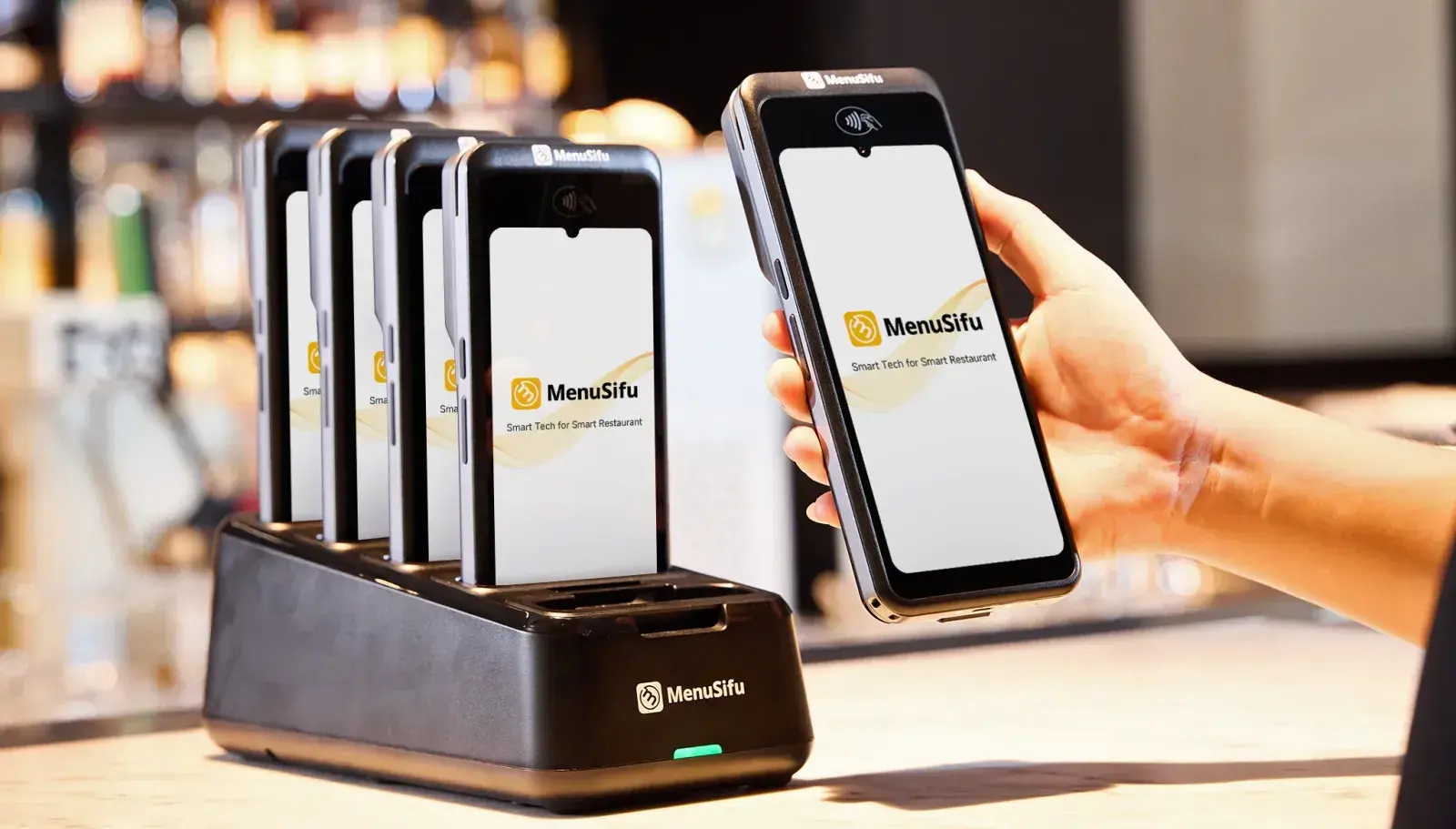
Managing orders and payments from a fixed POS terminal can create extra steps for restaurant teams. Staff may need to walk back and forth to enter orders, update checks, or process payments, especially across larger dining areas, patios, or multiple service sections.
A portable POS system gives restaurants a more flexible way to handle these tasks through handheld terminals, tablets, or mobile devices. It connects ordering, payments, and restaurant operations within one system while giving staff access to key POS functions closer to guests.
This guide explains how portable POS technology works, how it compares with traditional countertop terminals, and what to consider when choosing a setup.
A portable POS system is a point-of-sale solution that lets staff take orders, manage checks, and process payments from a mobile device. Unlike a fixed countertop terminal, a portable POS can move throughout the restaurant, giving staff access to key POS functions closer to where guests are seated.
Common devices include handheld POS terminals, tablets, and compatible mobile devices. These devices run POS software that connects with your restaurant’s menu, payment processing tools, and kitchen systems. Depending on the setup, orders entered on a portable device can reach a kitchen display system or printer while payment information stays connected to the same POS platform.
A portable restaurant POS can also become part of a larger POS setup. You can keep countertop terminals for central tasks while adding portable devices for tableside ordering and payments. Some restaurants may rely more heavily on mobile devices, while others use a combination of fixed and portable hardware based on their service model, floor plan, and operational needs.
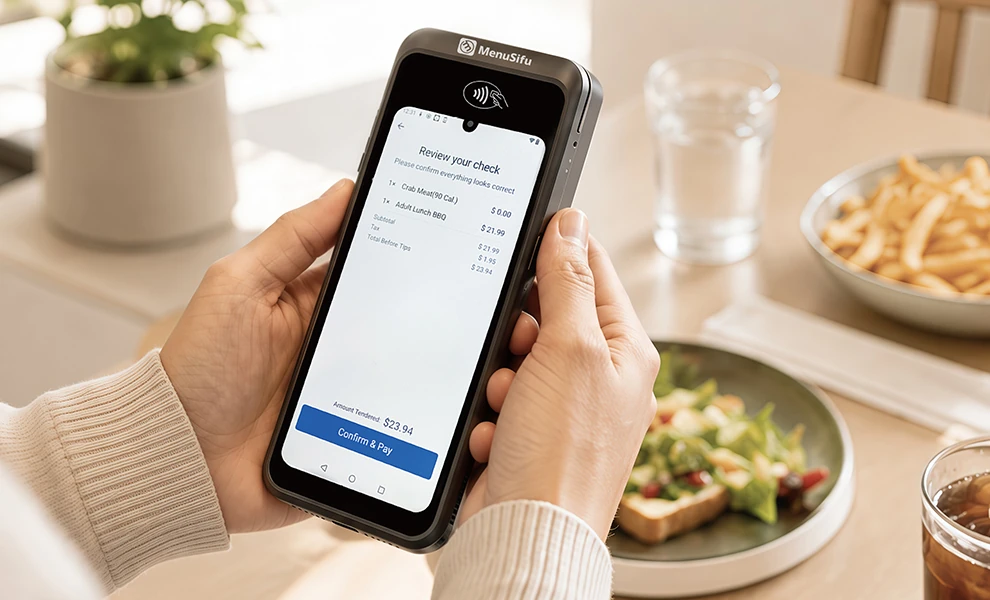
A portable restaurant POS system connects a handheld device or tablet to POS software, kitchen systems, and payment processing through Wi-Fi, cellular service, or another supported network. From there, the system follows a connected workflow:
The exact workflow and connectivity options vary by POS provider and hardware setup.
A traditional countertop POS keeps order entry and payment processing at a fixed station. A portable POS gives staff access to many of the same functions through a handheld terminal, tablet, or compatible mobile device.
The main difference is where staff can complete POS tasks:
If your restaurant currently relies on a countertop POS, adding portable devices does not require abandoning that setup. Many POS platforms support both device types within the same system.
A countertop terminal can remain a central station for selected tasks, while portable devices extend order entry and payment access throughout the restaurant. Your service model, floor plan, staff workflow, and payment process can help determine the right combination.
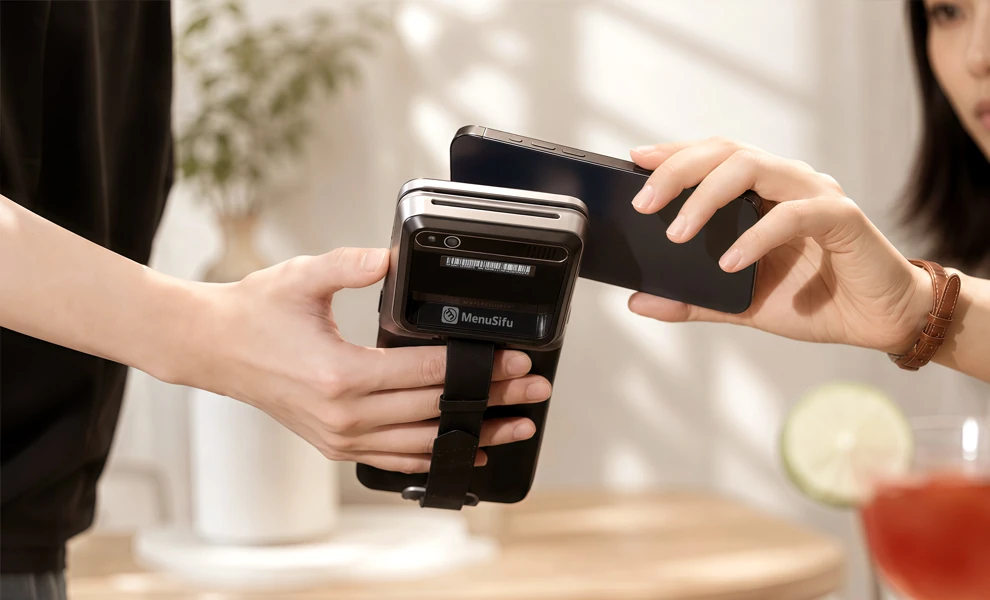
A portable POS system can improve how staff manage orders, payments, and daily tasks across different areas of the restaurant. Instead of tying key POS functions to one fixed station, you can give staff access to the system closer to the guest.
Staff can enter orders directly from the table, bar, counter, or patio instead of returning to a fixed terminal. The POS can then send those orders to the appropriate kitchen or bar station. This helps get orders into the system faster and keeps the ordering process moving.
Portable POS devices let staff enter menu items, modifiers, and special requests while speaking with guests. Direct entry reduces the need to write down an order and enter it again at another terminal. Clearer order details can also help the kitchen receive more accurate information.
When a portable POS supports integrated payments, staff can bring the payment device directly to the table. Guests can review their check, choose a payment method, add a tip, and complete the transaction in one place. This can shorten the time between requesting the check and completing payment.
Fixed terminals often require repeated trips across the dining room. Portable devices give staff access to common POS functions closer to the areas they serve. This can reduce unnecessary walking and help staff spend more time attending to guests.
Portable POS devices can extend ordering and payment capabilities beyond the main counter. Staff can use them in dining rooms, bars, patios, outdoor sections, counters, and event spaces. You can place POS access where staff need it instead of relying solely on stationary terminals.
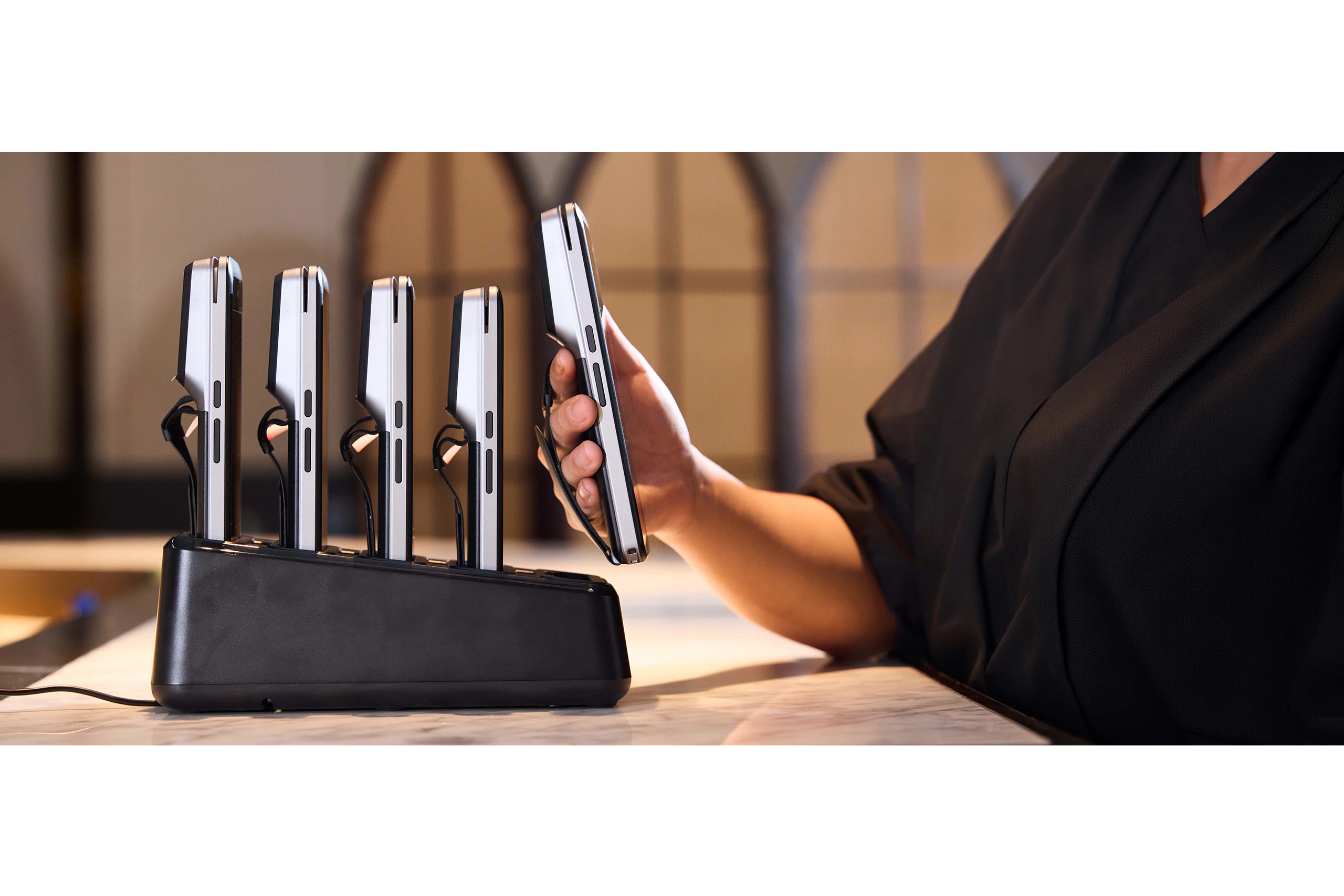
Start with the hardware and daily usability. Choose a handheld device that responds quickly, has a clear interface, and can handle frequent use around tables, counters, and patios. Check battery life, charging options, device weight, and durability so staff can use it comfortably across a full shift.
Focus your evaluation on the functions that connect ordering, payment, and kitchen workflows:
Finally, assess how the portable POS works with your current or planned setup. If you use a countertop terminal, confirm that handheld devices share menus, checks, payments, and reporting within the same POS platform. Clear compatibility between hardware, software, payment processing, and restaurant systems can make implementation easier and keep operations consistent across devices.

A portable POS may be worth considering if staff regularly leave tables to enter orders or process payments at a fixed terminal. Frequent trips across the dining room may indicate that your current setup limits where staff can access POS functions.
Consider your restaurant layout and order flow as well. Full-service restaurants, bars, high-volume locations, and restaurants with patios or multiple dining areas may need POS access across several service points. Portable devices can extend that access beyond a central counter or terminal.
Your current technology also plays a role. If you rely on handwritten tickets, a basic cash register, or separate payment terminals, a portable POS can bring ordering and payment functions into one connected system. Restaurants with countertop POS terminals can also add handheld devices instead of replacing the entire setup.
If you are opening a new restaurant, consider where staff will take orders, how guests will pay, and how many POS access points you expect to need. Those operational details can help determine the right mix of portable and countertop terminals.
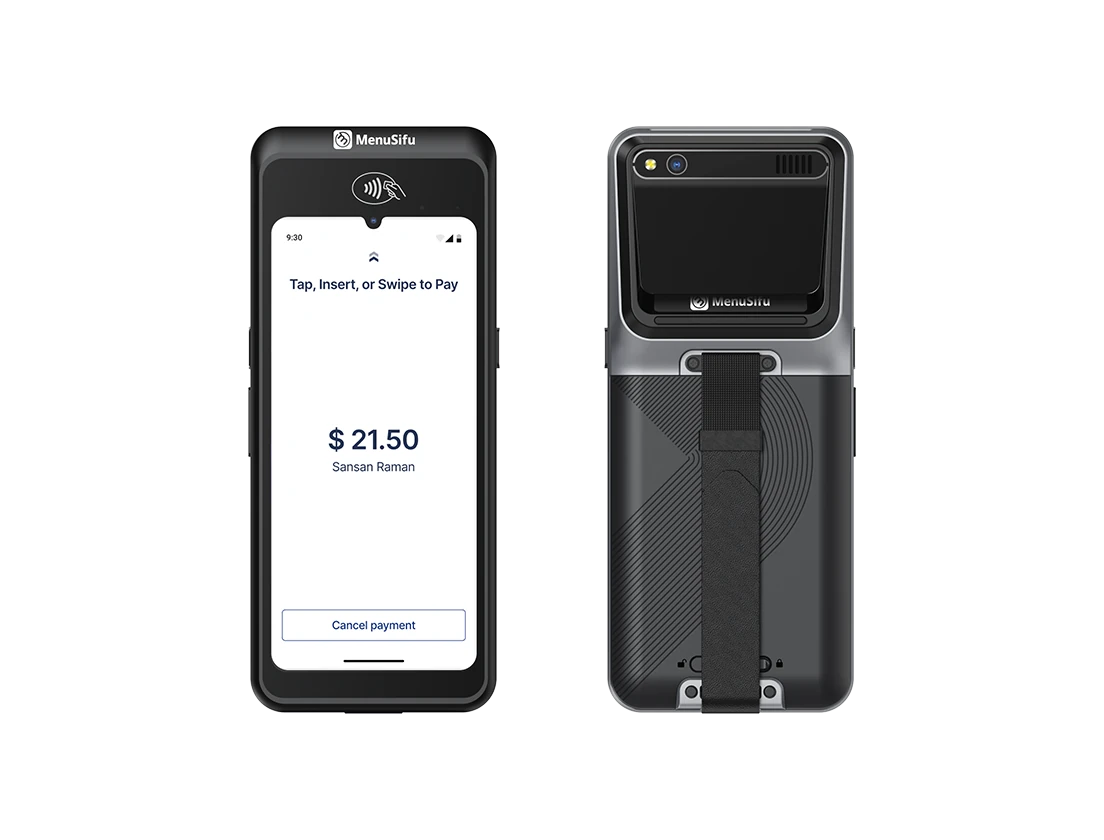
A portable POS system gives restaurants more options for managing orders, payments, and daily operations across different service areas. By connecting handheld devices, payment processing, and kitchen workflows within one POS ecosystem, teams can create a setup that supports the way guests are served.
The right POS approach depends on your restaurant’s layout, ordering process, and existing technology. Some restaurants may use handheld POS devices alongside countertop terminals, while others may combine different POS solutions to support both staff-assisted and guest-led ordering.
If you are exploring a more flexible restaurant technology solution, MenuSifu provides POS solutions designed to support ordering, payments, and connected restaurant operations. Handheld POS devices can help staff take orders and process tableside payments, while tablet-based ordering solutions can allow guests to browse menus and place orders directly.
Book a Free Demo with MenuSifu to see how a flexible POS setup can support your restaurant workflow.
Still comparing portable POS options? These answers cover some common questions about devices, pricing, connectivity, and compatibility.
Portable POS systems commonly use handheld POS terminals, tablets, and compatible mobile devices. Handheld terminals are often used for staff-assisted ordering and tableside payments, while tablets can support ordering, menu access, and other POS functions depending on the system setup. The best device depends on your restaurant’s workflow, required features, and existing POS environment.
Portable POS pricing varies based on the hardware, software plan, number of devices, payment processing, and any additional restaurant technology you choose. MenuSifu offers flexible pricing options based on your restaurant’s setup, including bundle options for handheld POS devices and other restaurant solutions. Contact MenuSifu to explore pricing based on the devices, features, and POS setup your restaurant needs.
Most portable restaurant POS systems use Wi-Fi to connect handheld devices with the main POS, kitchen systems, and payment processing. Some systems also support cellular connectivity or limited offline functions. Check the provider’s connectivity requirements and confirm which features remain available if the internet connection drops.
Yes. Many portable POS devices can connect with a countertop POS as part of the same restaurant system. Staff can use handheld devices for tableside ordering or payments while the countertop terminal handles central tasks such as checkout, reporting, or order management. Compatibility depends on the POS provider, hardware, software, and integrations.
Some restaurants use portable POS devices as their primary system, while others combine handheld devices with countertop terminals. The right setup depends on your restaurant layout, service style, and how staff handle ordering and payments.
Looking for more restaurant technology insights? Explore the MenuSifu blog for practical guides, POS updates, and ideas that can help you improve restaurant operations.
Related Articles: