September 18, 2026
Looking beyond Square? Compare four Square POS alternatives for restaurants, including MenuSifu, Toast, Clover, and Lightspeed, by cost, features, and support.
Square POS can be a practical starting point, but your restaurant may eventually need stronger menu controls, dependable offline service, clearer reporting, and better support across every order channel. When dine-in, takeout, delivery, and online orders become harder to manage in one place, your current setup may no longer meet your needs.
At that stage, comparing restaurant-focused systems can help you identify the features, support, and pricing structure that fit your operation.
This guide compares four Square POS alternatives: MenuSifu, Toast, Clover, and Lightspeed. You will see how each platform approaches restaurant operations, reliability, integrations, support, and pricing.
Square can serve restaurants well when ordering and payment needs remain simple. As your operation adds more sales channels, locations, and service requirements, you may need a POS with stronger restaurant-focused capabilities.
You may start comparing alternatives when:
These needs may indicate that your restaurant has outgrown its current POS setup and could benefit from a more connected platform.

Each provider was compared using publicly available information across six criteria that affect restaurant operations, staff management, reliability, and total cost.
We examined support for table service, counter service, takeout, delivery, kitchen routing, menu modifiers, split checks, coursing, and tip distribution. These functions influence order accuracy, service speed, and coordination between front-of-house and kitchen teams.
We reviewed offline capabilities, data storage, backup methods, hardware durability, and performance during busy service periods. We also considered which core functions remain available when the internet connection becomes unstable.
We compared online ordering, delivery connections, kiosks, handheld terminals, kitchen display systems, QR ordering, and third-party integrations. Each platform was also assessed on its ability to synchronize menus, prices, and order details across sales channels.
The comparison covered sales reports, menu-item performance, order-type data, labor tracking, staff permissions, timekeeping, payroll support, and mobile access. These tools can help you monitor performance and manage employees across one or several locations.
We reviewed menu setup, installation, data migration, employee training, support hours, response channels, and language availability. Guided onboarding and accessible technical assistance can reduce disruptions during implementation.
We compared software subscriptions, payment-processing rates, hardware costs, paid add-ons, installation, training, contract terms, and expansion expenses. The evaluation focuses on the total cost of operating each system rather than its advertised starting price.
Editorial note: Product, pricing, and service information is based on publicly available details and should be confirmed directly with each provider before purchase. “Best for” labels reflect MenuSifu’s editorial assessment using the criteria described above.
The table below highlights the main differences among MenuSifu, Toast, Clover, and Lightspeed. Use it to narrow your options based on your service model, operational needs, support preferences, and budget.
The sections below examine each provider’s restaurant capabilities, support model, reliability, and pricing structure in greater detail.
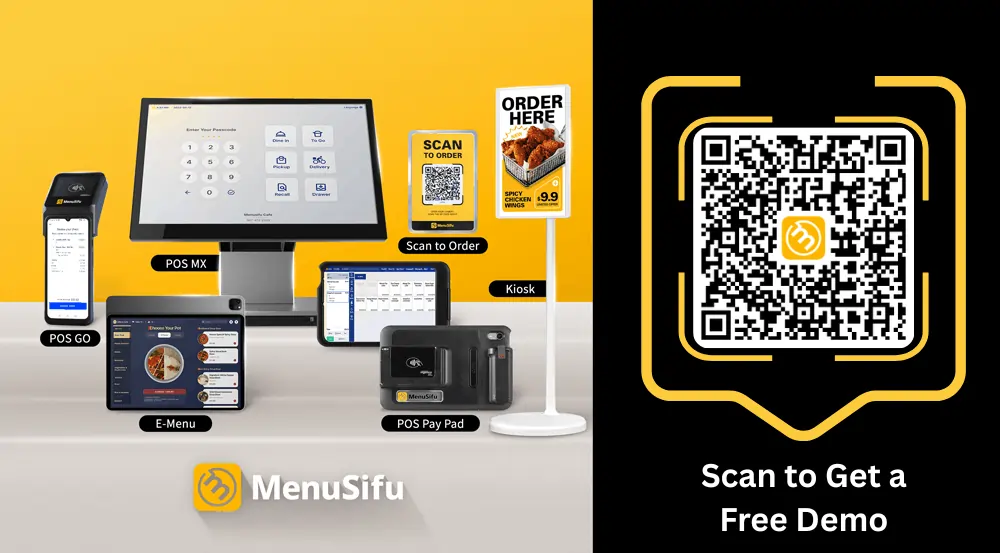
MenuSifu connects POS, ordering, payments, marketing, financing, consulting, and automation through one restaurant technology ecosystem. This setup lets you coordinate several areas of the business through one provider.
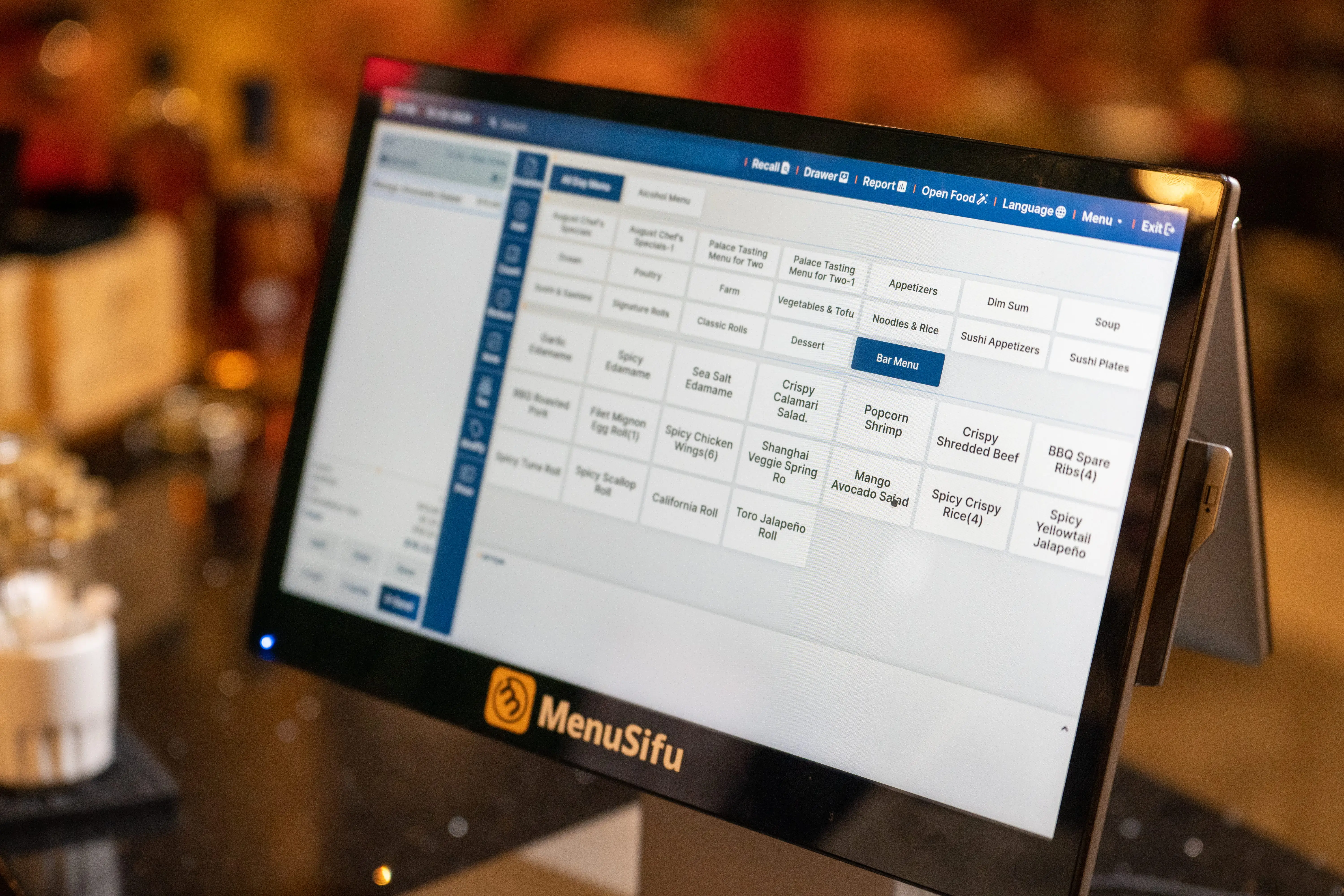
MenuSifu supports dine-in, takeout, phone, online, and delivery orders in one connected workflow. You can update menus across ordering channels, manage split checks and coursing, assign tip rules, and control staff access through secure permissions.
Kitchen display systems link front-of-house orders with back-of-house production. Staff can send items to the correct station, track order status, and keep service moving during busy periods.
MenuSifu also supports detailed menu configurations for Chinese restaurants, all-you-can-eat concepts, boba tea shops, high-volume dining rooms, quick-service businesses, and takeout-focused locations. The system can handle modifiers, timed ordering rules, quantity limits, and other service-specific settings.
MenuSifu’s local and cloud-supported setup is designed to keep core ordering, kitchen, and supported payment workflows operating during internet outages. Cloud access also lets you review reports and business data remotely when connectivity is available.
Because some external platforms depend on an internet connection, confirm how third-party delivery services, online ordering integrations, and other connected tools behave during an outage.
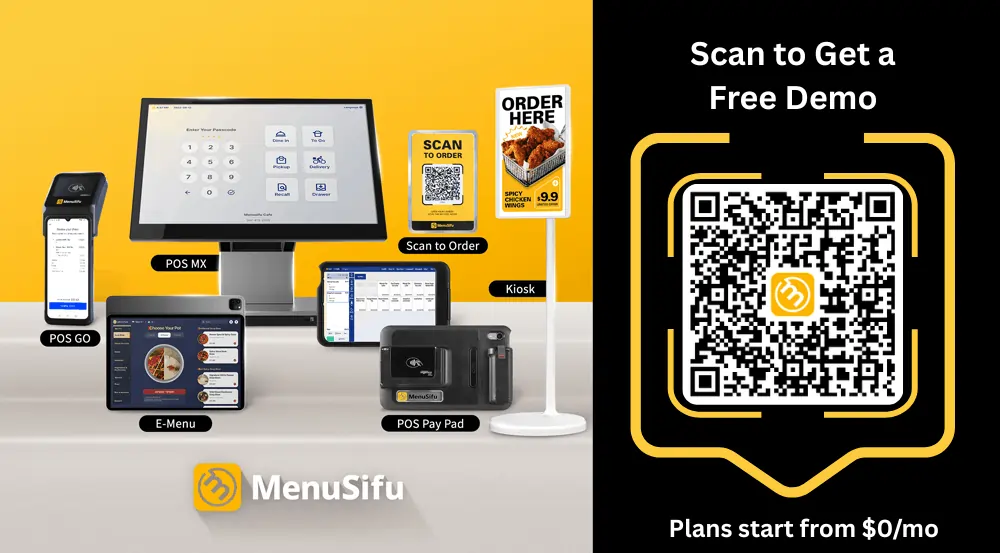
MenuSifu brings online ordering, delivery integrations, kiosks, QR ordering, electronic menus, waitlist tools, reservations, handheld devices, kitchen displays, and order-status screens into the same ecosystem.
Menus can appear in English, Spanish, Chinese, or French across POS terminals, KDS screens, and self-ordering displays. Centralized menu updates help keep item names, prices, modifiers, and availability consistent across channels.
You can review sales by order type, menu item, and employee through real-time reports. Mobile access lets you monitor performance away from the restaurant.
Employee tools include clock-ins, clock-outs, role-based permissions, overtime calculations, tip allocation, and payroll support. These features provide clearer visibility into labor activity and employee access.
MenuSifu provides menu setup, system configuration, on-site installation, and hands-on staff training. According to MenuSifu, most restaurants can complete this onboarding process in approximately three days.
Support includes 24/7 bilingual technical assistance and a dedicated hotline that connects you with trained technicians. This service model may suit operators who prefer direct help during installation and daily use.
MenuSifu offers equipment purchase and subscription options, financing, and feature-based pricing. Its plans include Pay-As-You-Grow, starting at $0 per month, along with Basic, Pro, and Premium options.
The $0 starting price may depend on eligibility, payment-processing requirements, hardware terms, and the products or premium features selected. Final pricing also varies based on the number of devices, locations, services, and support needs.
Request a written quote that separates software, hardware, payment processing, installation, menu programming, staff training, support, added devices, and contract terms. This will help you compare MenuSifu’s total cost with Square and other POS providers.
MenuSifu’s wider ecosystem includes USEZPAY for payment processing, EZ Capital for financing, MEALKEYWAY for marketing, WEFOOD for consulting, Showtop for in-store digital engagement, Oloso for automated boba preparation, and kitchen automation integrations.
This structure can help you coordinate POS technology and related restaurant services through one partner.
MenuSifu may suit your restaurant if you need detailed menu controls, multilingual interfaces, dependable offline operation, bilingual support, connected ordering channels, or access to payments, marketing, financing, and automation through one provider.
Toast offers POS, payments, digital ordering, kitchen tools, employee management, and guest engagement products for restaurants. Its broad product range can support front-of-house and back-of-house operations.
Toast supports table service, quick service, takeout, delivery, split checks, handheld ordering, kitchen routing, and tipping. Review how its workflows handle your menu structure, service sequence, and kitchen stations during a live demo.
Toast supports offline order entry and payment acceptance on supported configurations. However, some functions remain unavailable during an outage. Staff cannot create new card preauthorizations offline, and integrations that rely on an active internet connection may stop working until service returns.
Ask Toast to demonstrate how order entry, card payments, kitchen tickets, receipts, and queued transactions work during an outage. Also confirm how third-party delivery, loyalty, and other connected services respond when the restaurant loses internet access.
Toast offers online ordering, delivery tools, handheld devices, kitchen display systems, loyalty features, and third-party integrations. Check which products come with the selected package and which require separate subscriptions.
Toast provides sales reporting, labor tools, payroll options, employee permissions, and multi-location controls. Compare the depth of its menu reports, labor data, and mobile access with your current reporting needs.
Toast states that Toast Care is included with every software subscription and provides phone or web-messaging support 24 hours a day, 365 days a year. Toast also offers remote and on-site onboarding, depending on the implementation package purchased.
Review the selected package’s menu setup, hardware installation, employee training, activation support, and site-preparation requirements. Toast states that hardware and implementation costs vary according to the equipment package and installation needs.
Toast lists three main pricing options:
The Starter Kit’s $0 starting price applies to eligible new, single-location customers under specific account terms. Software, processing, additional hardware, and optional services may increase the total cost.
Hardware and implementation costs vary by configuration. Paid modules may include online ordering, payroll, scheduling, inventory, loyalty, marketing, gift cards, and other restaurant tools. Request a written quote that separates software, hardware, implementation, payment processing, optional modules, added devices, and contract terms.
Toast may suit restaurants seeking a broad restaurant software suite with integrated POS, kitchen tools, online ordering, employee management, guest engagement, payments, and 24/7 support. Review the full package cost if the restaurant needs several devices or paid modules.
Clover combines payment hardware, business software, and an application marketplace. You can choose from countertop terminals, customer-facing displays, and mobile devices based on your service setup.
Clover supports order entry, payments, employee tracking, tipping, table tools, and selected restaurant features. The available functions can vary by plan, device, and installed application, so test each required workflow during the sales process.
Offline performance can depend on the Clover device, software plan, processor, and installed apps. Confirm which tasks continue during an outage and how transactions synchronize once the connection returns.
Clover offers online ordering options, customer engagement apps, payroll connections, and access to an application marketplace. Review subscription fees, data sharing, and support responsibility for each added app.
Clover includes sales reports, employee permissions, shift tools, and customer data features across supported plans. Compare the included reporting depth with any paid applications needed for labor, payroll, or inventory.
Clover systems can be sold through Clover, banks, payment processors, and resellers. The seller may control installation, support, processing, and contract terms. Confirm which company handles each service before signing.
Your total cost can include hardware, software, payment processing, applications, support, and early-termination fees. Clover states that devices purchased or leased through another seller cannot be transferred to a different payment processor, so confirm hardware and processor restrictions before signing. Also review equipment ownership, application fees, contract terms, and device compatibility.
Clover may suit smaller restaurants that want recognizable hardware, flexible device choices, and access to a broad application marketplace.
Lightspeed focuses on restaurant reporting, inventory visibility, menu controls, payments, and centralized management across locations.
Lightspeed supports table and floor-plan tools, coursing, modifiers, takeout, delivery, and menu management. Review how the system handles service areas, kitchen routing, and location-specific menus.
Lightspeed includes offline mode in its listed Starter, Essential, and Premium restaurant plans. Confirm which cloud-based functions and integrations remain unavailable during an outage, how data syncs later, and which tools still require an internet connection.
Lightspeed supports online ordering, delivery connections, kitchen display systems, contactless ordering, and third-party integrations. Some products may require higher-tier plans or paid add-ons.
Lightspeed provides sales reports, menu analysis, inventory tools, customer profiles, employee permissions, and multi-location access. Its reporting focus can help you compare performance across items, shifts, and locations.
Lightspeed provides 24/7 support across its listed restaurant plans. Onboarding, implementation assistance, and dedicated services may vary by plan and account setup. Review installation, menu migration, staff training, response channels, and support coverage before choosing a package.
Lightspeed uses tiered software plans with possible costs for hardware, payments, extra locations, inventory tools, delivery connections, KDS screens, and onboarding. Build a complete cost estimate based on every location and required feature.
Lightspeed may fit established restaurants and growing groups that prioritize detailed reporting, inventory oversight, and centralized access across several locations.
The monthly subscription shows only one part of the total cost. Your final expense can also include hardware, payment processing, online ordering, loyalty tools, integrations, installation, training, support, and added locations.
Use the table below as a starting point, then request a detailed quote from each provider.
A low advertised price can lead to a higher total spend after you add the tools your restaurant needs. One provider may include online ordering, training, and support, while another may charge for each service separately.
Calculate the full cost over the proposed contract term. Include software, hardware, payment fees, integrations, support, training, repairs, extra devices, and additional locations. This approach gives you a clearer comparison and helps you choose a system that fits both your operations and budget.
Use this checklist during product demos and proposal reviews. Test each platform against your daily workflow, operating costs, and support needs before you sign an agreement.
Focus first on the operational gaps you want the new POS system to solve. Review order management, menu controls, offline access, payment terms, reporting, integrations, onboarding, and support. Rank each area by priority before comparing providers.
Choose MenuSifu if you need specialized restaurant workflows, multilingual menus, reliable offline operation, direct onboarding, bilingual support, and connected services across payments, marketing, financing, and automation.
Choose Toast if you prefer a broad restaurant software suite that combines POS, kitchen tools, digital ordering, employee management, and guest engagement.
Choose Clover if flexible hardware and access to a large application marketplace suit a smaller operation. Review the processor, reseller terms, support channel, and monthly application fees before signing.
Choose Lightspeed if detailed reporting, inventory oversight, configurable menus, and multi-location management lead your evaluation.
Request a customized quote and live demonstration from your top two providers. Test each system with your actual menu, order channels, payment flow, staff permissions, and reporting needs. A side-by-side review can reveal which platform best supports your daily operations, growth plans, and budget.
The right Square alternative should address the gaps that led you to consider a new system, such as disconnected order channels, limited menu controls, unreliable support, or rising add-on costs. MenuSifu, Toast, Clover, and Lightspeed each offer different strengths, so compare total cost, offline performance, integrations, onboarding, and support before making a final decision.
If MenuSifu matches your priorities, book a free demo today. The team can review your current setup, test the platform with your menu and service flow, and help you identify the tools that fit your operation.
Choosing a new POS system often raises questions about pricing, features, setup, and long-term costs. The answers below address key points to consider when comparing Square POS alternatives for your restaurant.
Square POS is a point-of-sale system that helps businesses accept payments, track sales, manage inventory, and handle daily operations. Square, a Block, Inc. brand, offers software and hardware for restaurants, retailers, and service businesses.
For some restaurants, yes. Square can work well for restaurants with simpler ordering and payment requirements, but another POS system may fit better if you need advanced menu controls, dependable offline capabilities, multi-location reporting, or more direct support. MenuSifu, Toast, Clover, and Lightspeed each offer different strengths, so compare their features, total costs, integrations, and support before choosing.
Square competes with several restaurant POS providers, including Toast, Clover, Lightspeed, and MenuSifu. The closest competitor depends on the restaurant type and features being compared. Toast has broad restaurant software coverage, while MenuSifu emphasizes specialized workflows and an integrated restaurant-services ecosystem.
MenuSifu is a strong Square alternative for restaurants that need specialized POS features, multilingual menus, reliable offline operation, direct support, and connected tools for payments, ordering, marketing, and business growth. Toast, Clover, and Lightspeed may also be suitable, depending on your service model, budget, reporting needs, and preferred pricing structure.
Not always. Some Square POS alternatives charge higher monthly fees, while others use custom or bundled pricing. Compare software, hardware, payment processing, add-ons, training, support, and contract terms to calculate the total cost. A higher subscription may still cost less overall if it includes tools that another provider charges for separately.
A restaurant POS may have a lower total cost than Square even when its monthly subscription is higher. Processing rates, hardware, online ordering, add-ons, support, and contract terms all affect the final expense. Compare projected annual costs using your actual sales volume and required features.
A POS migration can take several days or longer, depending on menu size, hardware delivery, payment approval, data migration, staff training, and location count. Ask each provider for a written implementation schedule based on your setup.
For more restaurant technology insights, operational guides, and POS updates, visit the MenuSifu blog.