September 18, 2026
Find out what is the best POS system for Cafes based on your menu, service model, order volume, payments, inventory, reporting, and long-term growth plans.
Choosing a cafe POS can feel harder than it should. You need a system that handles detailed drink customizations, accepts popular payment methods, supports staff, tracks inventory, and helps encourage repeat visits.
With so many options available, finding the best POS system for cafe operations depends on what your business actually needs. So, what is the best POS system for a cafe? The right choice depends on your service model, menu, transaction volume, budget, and growth plans. Start by looking at the capabilities a cafe POS should handle every day.
A cafe POS should help you keep orders moving, capture detailed drink requests, accept popular payment methods, and keep the menu accurate throughout the day. Before comparing providers, focus on how easily each system handles the tasks your staff performs most often.
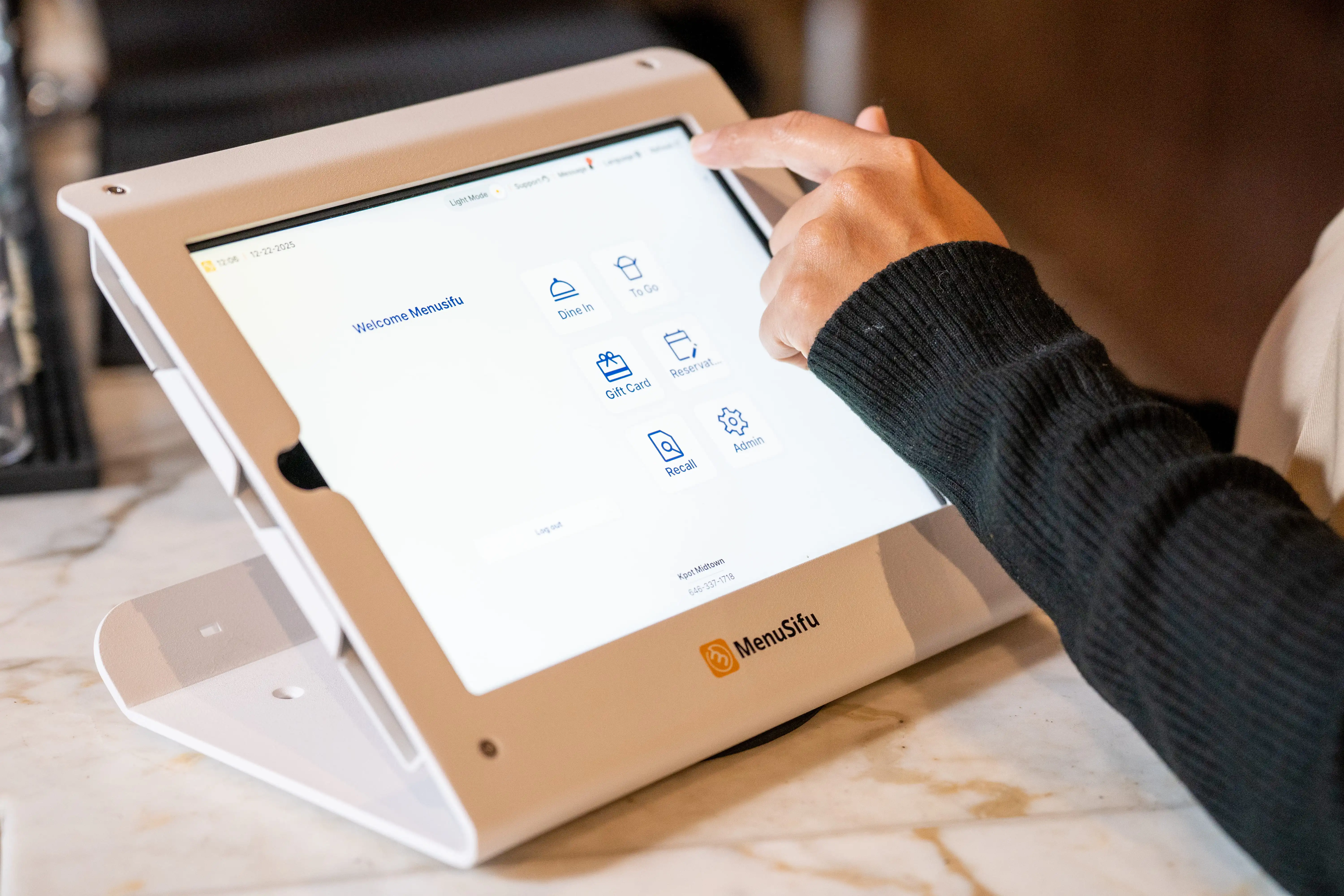
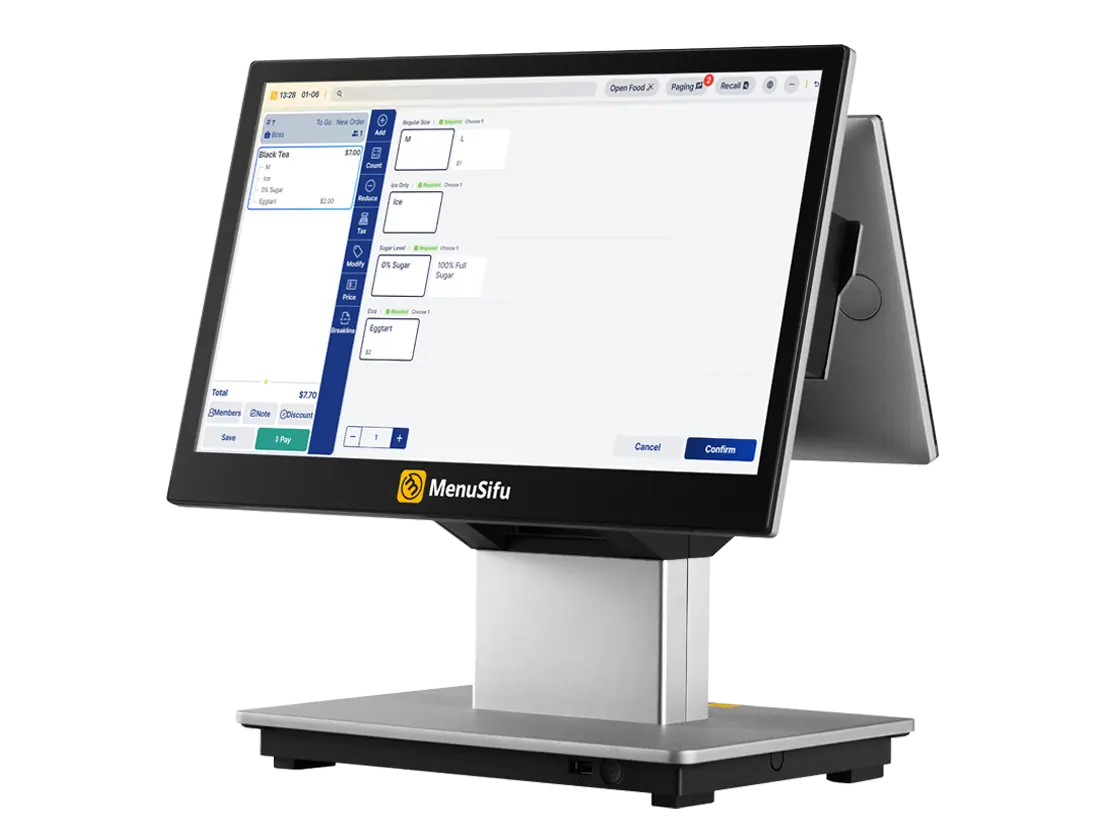
During a morning or lunch rush, every extra tap at the register can add time to the line. Look for a POS with an intuitive touchscreen layout that lets staff find items, add modifiers, and send orders quickly.
Drink customization should feel easy to enter and easy to read once the order reaches the barista. The system should organize options such as:
A clear modifier flow can help staff capture detailed requests accurately, even when several customized drinks arrive at once. It can also reduce corrections caused by missed or unclear selections.
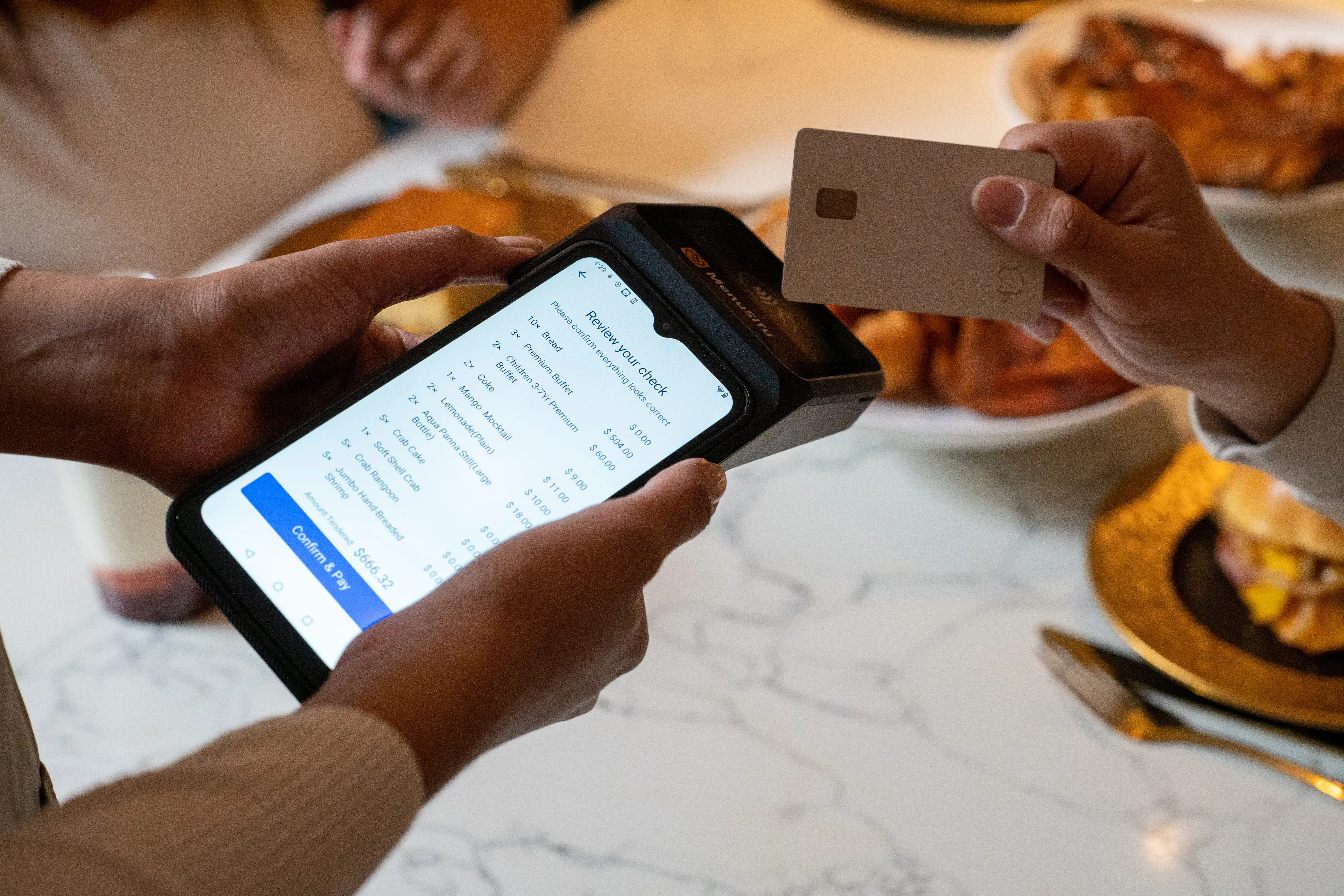
Customers may reach for a card, phone, mobile wallet, or another digital payment method at checkout. Your POS should let staff accept credit and debit cards, contactless payments, and mobile wallets through a simple checkout process.
Payment tools should also support tipping, split payments, and receipt options that fit different customer preferences. Printed, text, and email receipts give customers flexibility while keeping transaction records connected to the sale.
Cafe menus can change throughout the week and across seasons, so updates should take minutes instead of becoming a lengthy back-office task. The best cafe POS software should let you edit items, adjust prices, update modifiers, and add seasonal drinks from an easy-to-manage dashboard.
You should also be able to pause sold-out items quickly and restore them once stock becomes available. If you operate more than one location, look for controls that let you manage location-specific menus or pricing while keeping updates organized.
Once a POS handles ordering, payments, and menu management effectively, compare the features that can improve customer retention, digital sales, inventory visibility, employee oversight, and business reporting. These tools can help you distinguish one cafe POS system from another as you narrow your options.
A built-in loyalty program can give customers a reason to visit more often while helping you learn more about their purchasing habits. Look for a POS that connects rewards directly with customer profiles and transactions, so staff can enroll customers and redeem offers easily at checkout.
Useful capabilities may include:
These tools can also help you create promotions based on actual buying behavior. For example, purchase history may help you identify regular customers or promote relevant drinks and food items to specific customer groups.
Online ordering gives customers another convenient way to buy from your cafe before they arrive. A connected system should send direct online orders into the POS automatically, keeping digital and counter orders within the same workflow.
Look for features such as scheduled pickup, drink modifiers, digital payments, and order status updates. Direct POS synchronization also reduces manual order entry, which can help employees keep order details accurate during busy periods.
Cafe inventory can change quickly throughout the day, especially with milk, coffee beans, syrups, pastries, and other frequently used items. A POS with useful inventory tools can help you see what is available and respond sooner when stock levels change.
Depending on your menu, consider tracking:
The system should also make it easy to pause sold-out products and restore them after restocking. If you sell through several ordering channels, synchronized availability can help keep menus consistent across the cafe and online ordering.
Employee management tools can bring scheduling and sales activity closer to the POS. Staff can clock in and out through the system, while managers can review shift records, employee sales, and labor data from one place.
Role-based permissions can also control access to refunds, discounts, reports, and system settings. This gives you clearer oversight while allowing each employee to access the functions required for their role.
Your POS captures valuable sales data with every transaction, so reporting should turn that information into useful business insights. The best cafe POS system should give you clear information without requiring hours of manual reporting.
Look for reporting that shows:
These reports can help you spot sales patterns and make informed decisions about staffing, menu offerings, and promotions. Easy access to current performance can also help you react more quickly when sales patterns shift.
A long feature list can make several POS platforms look equally capable. Narrow your options by comparing each system with the way you serve customers, process orders, manage your menu, and plan to expand.
Your service model shapes how employees interact with the POS throughout the day. A traditional coffee shop may prioritize rapid counter ordering, while a bakery-cafe may need stronger baked-goods tracking and a grab-and-go cafe may rely more heavily on order-ahead and pickup tools.
Tea and boba shops often need detailed drink modifiers for sweetness levels, ice levels, toppings, and sizes. Cafes with dine-in service may also need open checks or table-service functions, so focus on a system that supports the way customers place and receive orders.
Daily transaction volume can help you determine how much hardware you need. A smaller cafe may work well with one terminal, while a high-volume location may benefit from multiple registers, customer-facing displays, kiosks, or dedicated pickup screens.
Pay close attention to your busiest periods rather than your daily average alone. Review how many employees take orders at once, how quickly payments process, and how orders move from the register to the barista or kitchen station.
Your menu can reveal how easy a POS will be to use during service. Test how quickly employees can enter multiple sizes, milk substitutions, extra shots, flavors, toppings, add-ons, and bundles.
Ask the provider to demonstrate several real orders from your menu during a product demo. This gives you a clear view of how many taps each order requires and how the final ticket appears to the employee preparing it.
The advertised software subscription represents only one part of your POS expense. When comparing options for the best point of sale system for cafe operations, review the combined cost of software, hardware, payment processing, installation, optional modules, and support.
Request a detailed pricing breakdown before comparing providers. Review recurring charges, processing rates, contract terms, required hardware, cancellation policies, and fees tied to features such as loyalty or online ordering.
Your POS should make it easy to add capabilities as your business expands. Check how the provider handles additional terminals, new locations, centralized reporting, synchronized menus, online ordering channels, and third-party integrations.
Pay particular attention to what changes when you open a second location. A system that lets you manage menus, pricing, reports, and store settings across locations can save administrative time as your operation gets larger.
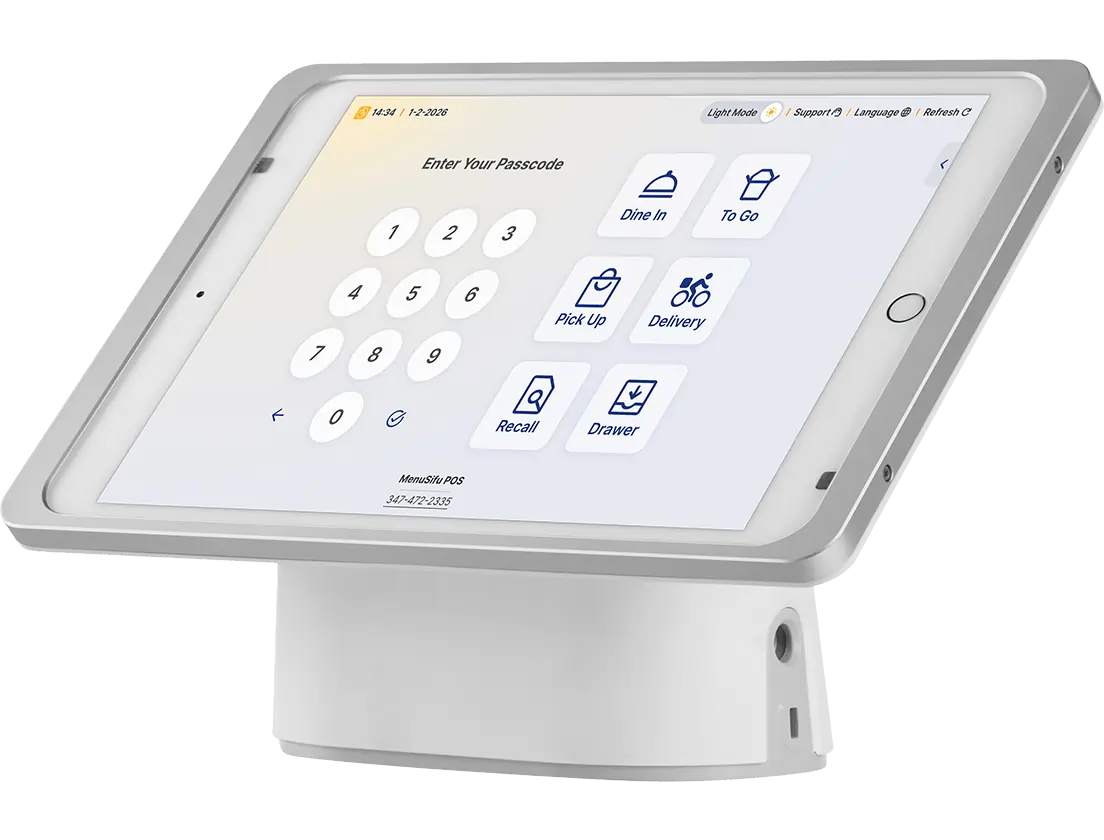
Choosing between a cloud-based and traditional POS affects how you access business data, manage updates, and maintain your system. The better fit depends on how you prefer to manage your cafe and its technology day to day.
A cloud-based cafe POS lets you check sales reports and manage settings from compatible devices, even when you are away from the cafe. Providers typically handle software updates remotely, and the cloud setup can make it easier to keep multiple terminals or devices connected to the same system.
A traditional POS usually installs software and stores business data on equipment located at the cafe. This setup can rely more heavily on specific hardware and may require on-site software updates, server upkeep, or technician support.
A cloud-based system may suit you if remote reporting, automatic updates, and easier device management are priorities. A locally hosted setup may fit better if you prefer on-site infrastructure and have the resources to maintain it, so compare internet reliability, technical support, hardware requirements, and daily management needs before choosing.
Before you choose a cafe POS provider, use the demo or sales conversation to see how the system will support your daily operations. These questions can help you compare providers more effectively:
Use the answers to compare usability, pricing, support, and operational fit across the providers on your shortlist. Pay close attention to how clearly each provider demonstrates the system, explains its fees, and answers questions about support after installation.
For most independent cafes, the best fit is a cafe-focused POS that supports quick counter ordering, flexible beverage modifiers, integrated payments, online ordering, loyalty, useful reporting, and room to expand. The specific provider should then be chosen based on your menu structure, sales volume, budget, service model, and growth plans.
Pay close attention to how the system performs during your busiest periods. Staff should be able to enter customized drinks accurately, keep counter and online orders organized, process payments efficiently, and update item availability as products sell out or return to stock.
So, what is the best cafe POS system? It is the platform that fits your daily workflow while giving you flexibility to add capabilities such as customer-facing displays, self-service ordering, loyalty programs, additional ordering channels, or new locations as your business grows. Testing real menu items and order scenarios during a product demo can help you determine which system fits your operation best.
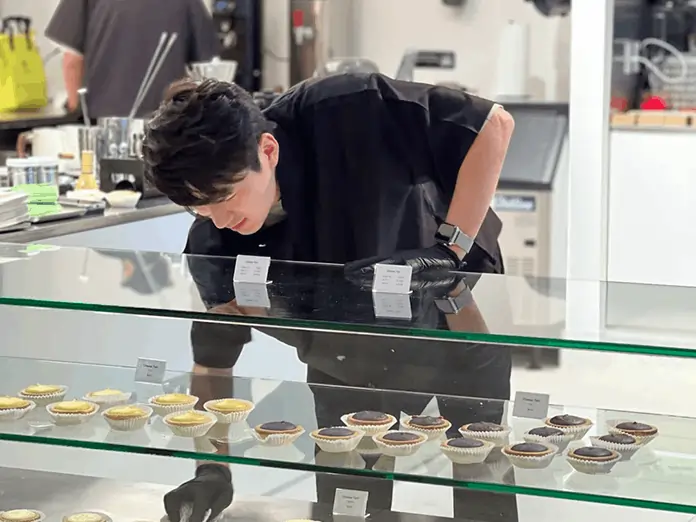
After identifying what you need from a cafe POS, you can evaluate MenuSifu alongside other providers. MenuSifu offers Bakery & Cafe POS solutions designed to support ordering, payments, pickup, inventory, loyalty, and reporting.
MenuSifu helps staff process coffee, pastry, and customized drink orders efficiently. You can create preset coffee-and-pastry combinations for frequently purchased items, giving employees quicker access to popular orders.
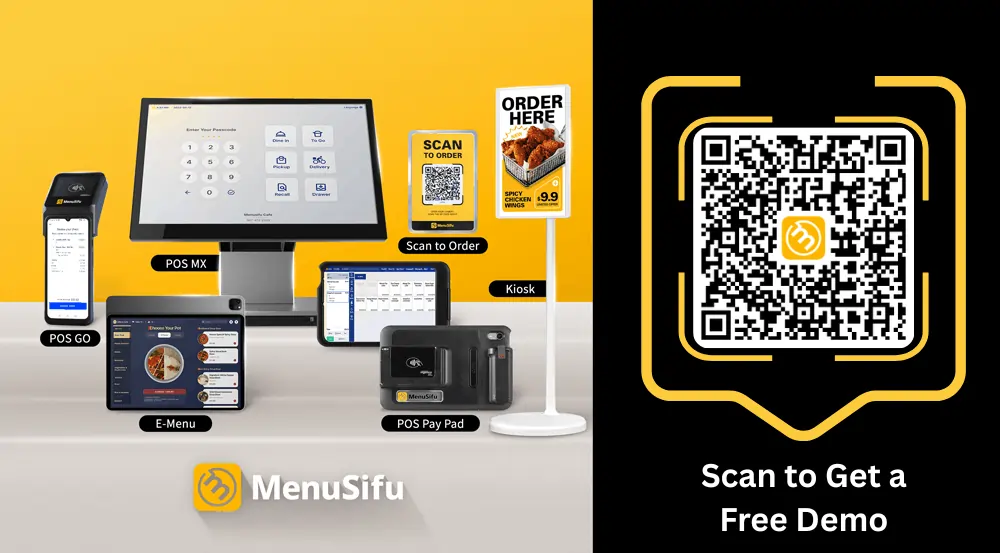
Customers can also order ahead, while order status displays and QR-based pickup tools help organize handoff. Cafes with higher transaction volumes can combine the MenuSifu POS MX with customer displays, self-service kiosks, and online ordering based on their service setup.
Cafe and bakery menus can change throughout the day as pastries sell out or new batches become available. MenuSifu supports inventory synchronization, batch tracking, and quick item availability updates.
Staff can pause unavailable products, restore them after restocking, and apply scheduled discounts to selected items later in the day. These tools can help keep digital menus aligned with current availability.
MenuSifu combines POS technology with integrated payment processing and customer engagement tools. Loyalty programs can let customers earn and redeem points, receive birthday rewards, use gift cards, and participate in promotional point offers.
Connecting these functions with the POS gives you a more unified view of transactions and repeat customer activity.
Reporting tools give you access to sales and operational data that can help you review business performance. If you add terminals, digital ordering channels, or another location, MenuSifu also offers technology that can support a larger setup.
MenuSifu provides configurable POS options, all-in-one packages, and integrated payment processing, so you can compare pricing based on the hardware and features your cafe actually needs.
If you are currently comparing cafe POS systems, a product demo can help you see how the software handles your menu, drink modifiers, payments, pickup process, inventory, and loyalty program in practice.
Book a Free Demo with MenuSifu to see how the system handles your menu, ordering workflow, payments, pickup, loyalty, and other cafe-specific needs.
Use these frequently asked questions to compare cafe POS features, pricing, and overall fit.
MenuSifu can be considered one of the best options when choosing the best POS system for a cafe. It supports fast order entry, custom drink modifiers, integrated payments, online ordering, loyalty programs, inventory management, and sales reporting to help streamline daily operations and support future growth.
Look for the best cafe POS software with fast order entry, flexible drink modifiers, integrated payments, online ordering, loyalty tools, inventory tracking, employee management, and clear sales reporting. Choose a system that is easy for staff to learn, supports daily cafe workflows, offers reliable customer support, and can scale as the business grows.
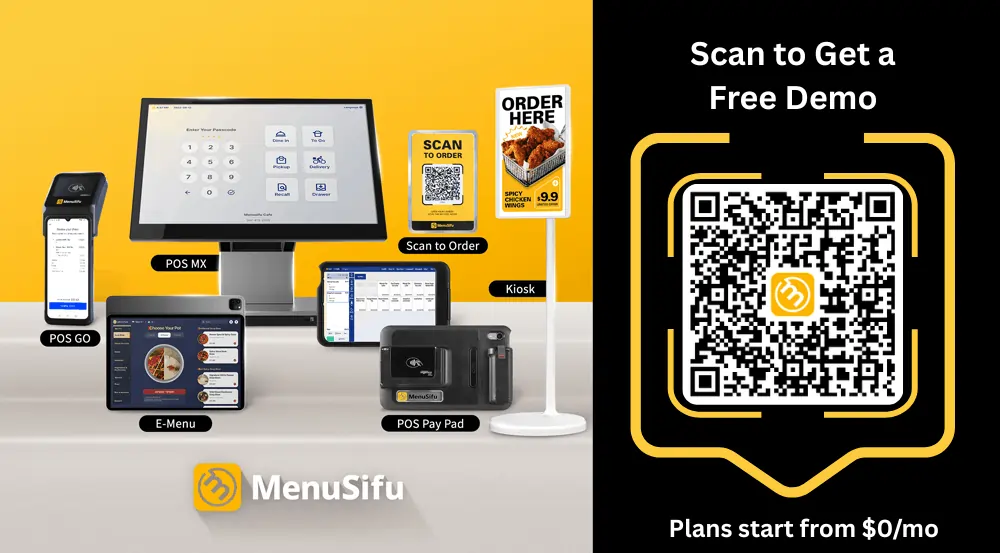
Cafe POS costs vary based on software, hardware, payment processing, installation, and optional features such as online ordering or loyalty programs. MenuSifu offers a Pay-As-You-Grow plan starting at $0/month for eligible new restaurants, along with other plans based on selected features and business needs. When comparing POS providers, review both upfront and ongoing costs to get a clearer picture of the total price.
MenuSifu is a strong choice if you are looking for the best POS system for small cafes. It supports fast order entry, flexible drink modifiers, integrated payments, inventory management, loyalty programs, and sales reporting, helping you manage daily service efficiently while leaving room to grow.
Choosing a POS is easier when you evaluate the system against real cafe operations instead of relying on feature lists alone. If you want more practical guidance on restaurant technology, payments, operations, customer engagement, and POS selection, visit the MenuSifu blog for additional insights and updates.