October 12, 2026
Learn what is POS experience and how a better POS setup can speed orders, simplify payments, reduce errors, and improve staff and customer interactions daily.
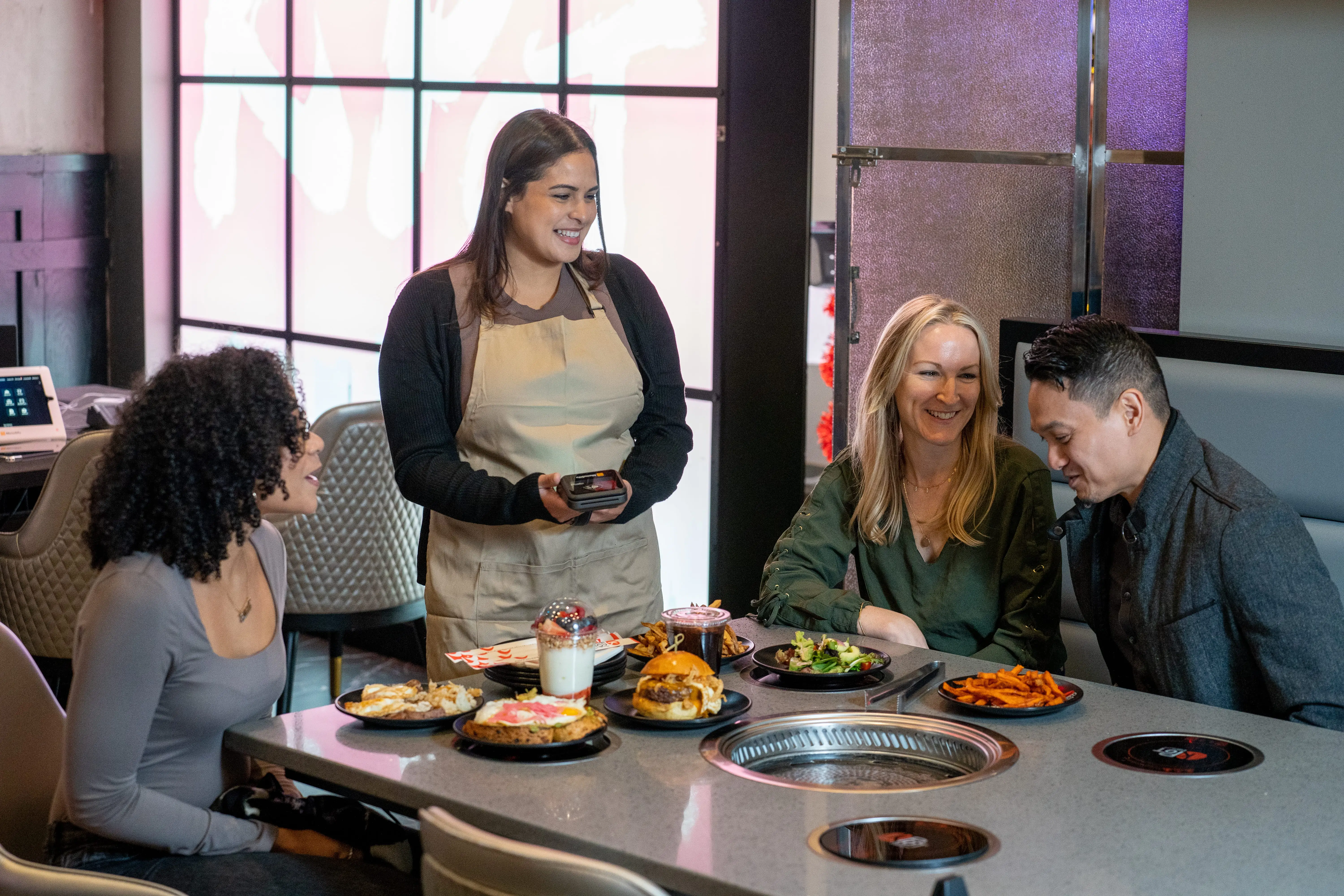
Every order, payment, and receipt depends on how well your POS system supports your team. When screens feel confusing, payments lag, or reports take too long to find, service can slow down, and customers notice.
The right POS setup should make each shift easier, not add more pressure to your team.
A better POS experience helps staff work with confidence, keeps checkout smoother, and gives you clearer control over daily operations. In this guide, you will learn what POS experience means, which parts shape it, how to spot weak points, and practical ways to improve it.

POS experience, or point-of-sale experience, refers to the overall experience your staff, managers, and customers have when using or interacting with a point-of-sale system.
It covers how easy the system feels to use, how quickly it processes orders and payments, how reliable it stays during busy hours, and how well it connects with reports, integrations, and customer-facing features.
For restaurants, POS experience goes beyond software usability. It affects how fast your team serves guests, how accurately orders reach the kitchen, and how smoothly customers complete checkout. When the experience feels clear and efficient, your staff can work better, and your customers leave with a stronger impression.
A strong POS experience should help your team move from order taking to checkout with speed and accuracy. The system should be easy to use, support daily operations, and provide the information you need to manage the business more effectively.
Your staff should be able to take orders, split checks, apply discounts, add modifiers, and process payments with clear steps. If the screen layout feels cluttered or hard to follow, mistakes can happen quickly.
A simple interface helps new employees learn faster and helps experienced staff work more efficiently. Clear buttons, organized menus, and easy access to common actions can reduce training time and improve order accuracy.
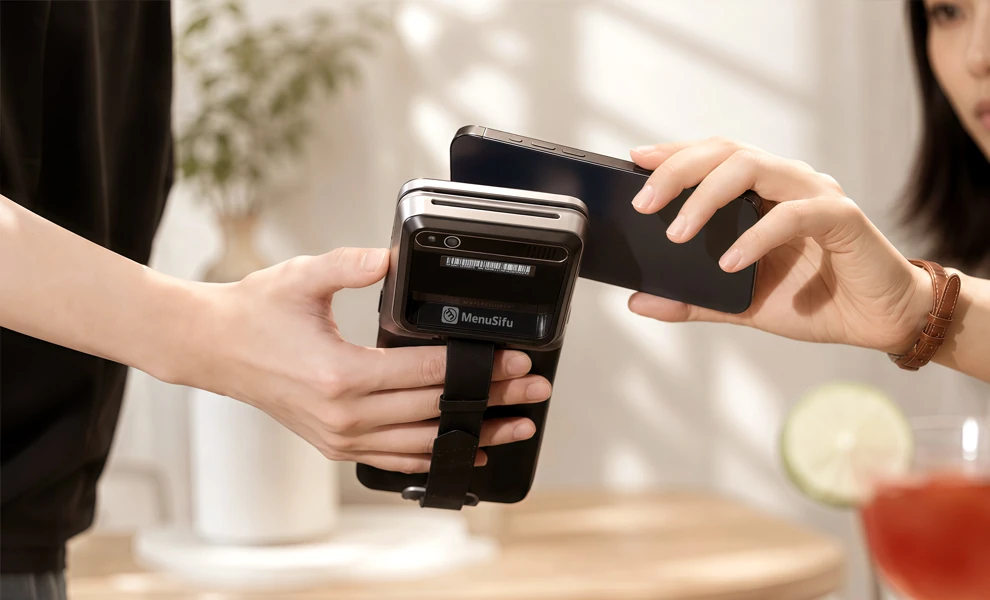
Speed plays a big role in the POS experience. A good POS system helps staff enter orders, send tickets to the kitchen, and complete payments quickly during peak hours.
Faster workflows can help improve table turnover, shorten lines, and create a better customer experience. When staff can complete each step with fewer taps, service feels smoother from start to finish.
Your POS system should work consistently during busy shifts. Delays, frozen screens, connection issues, or failed payments can disrupt service and affect sales.
Reliable performance helps your team stay focused on guests instead of system problems. A dependable POS setup also supports smoother service across dine-in, takeout, delivery, and online ordering.
Your POS should fit the way your restaurant operates. A café, bar, quick service restaurant, and full service restaurant may all need different workflows, screen layouts, and payment options.
Clear workflows help staff move from order entry to kitchen communication and checkout with fewer extra steps. This can reduce delays, improve accuracy, and make daily tasks easier to manage.
Checkout should feel quick and convenient for customers. They may pay at the counter, at the table, through a kiosk, or online, so your POS should support flexible payment options.
A smooth checkout process can leave a better final impression. Mobile wallets, card payments, gift cards, digital receipts, and loyalty rewards can all help make payment easier.
A strong POS experience also gives you clear access to business data. Sales reports, staff performance, menu trends, voids, refunds, and inventory data can help you spot what works and what needs improvement.
Easy-to-read reports help you make better decisions about staffing, menu pricing, promotions, and purchasing. Instead of digging through separate systems, you can review key numbers in one place.
A modern POS system should connect with the tools you use across daily operations. This can include online ordering, delivery platforms, loyalty programs, inventory management, accounting software, and customer relationship management tools.
Strong integrations reduce manual work and keep data consistent. When your systems work together, your team can spend less time fixing errors and more time serving customers.
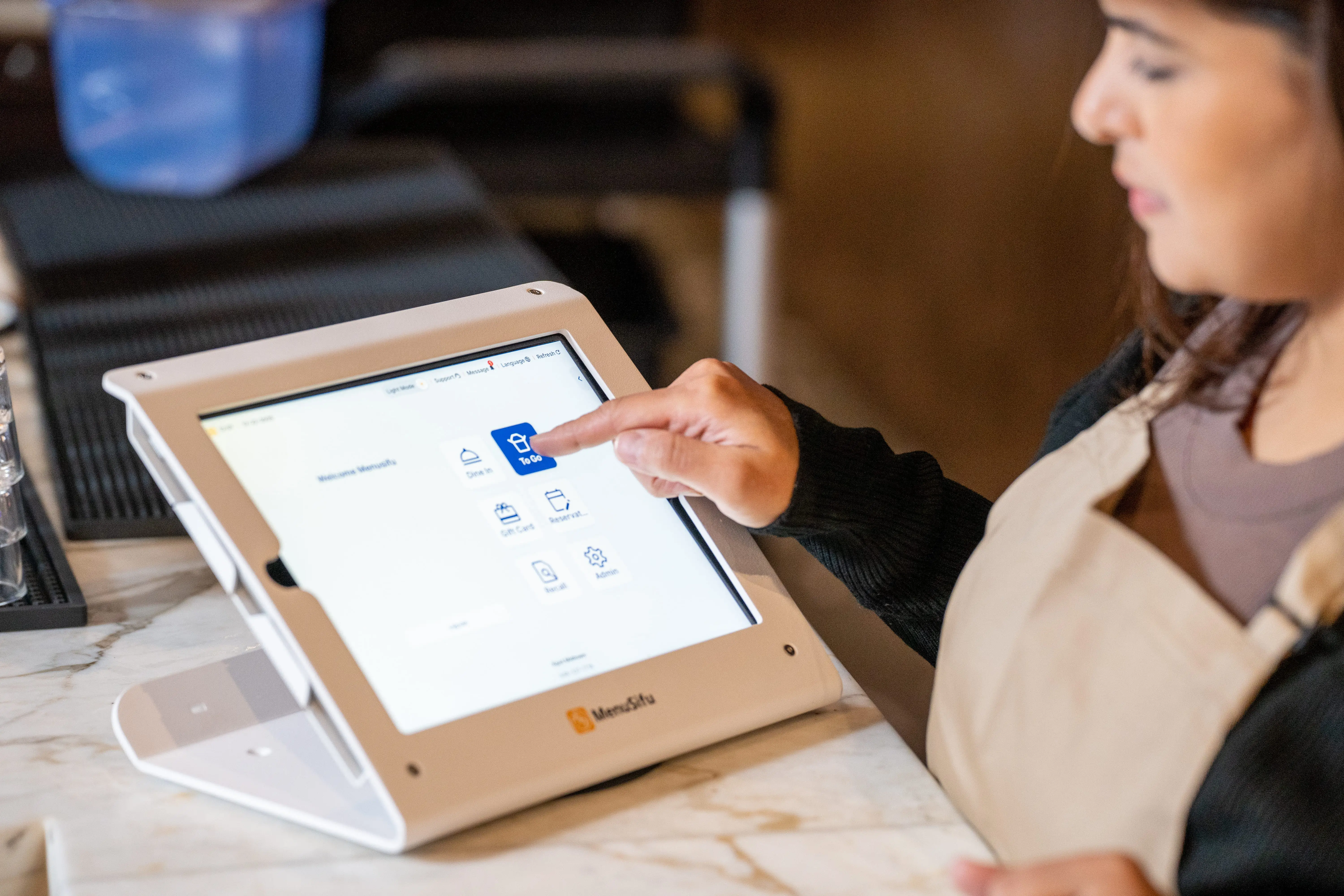
A weak POS experience often shows up during the busiest parts of service. Small issues can slow your team, affect order accuracy, and make checkout less convenient for customers. Here are common signs that your POS system may need improvement.
POS experience check: If several of these issues sound familiar, your POS system may be creating more work than it solves. Reviewing your current setup can help you see where a better solution may improve service, payments, and daily management.
When these signs appear often, they can affect both staff productivity and customer satisfaction.
A better POS experience helps each shift run with fewer delays, fewer mistakes, and less stress on your team. When the system is easy to use, staff can move through orders, payments, and daily tasks with more speed and accuracy.
Helps staff work faster and make fewer errors
Your team handles many small tasks during service, from entering modifiers to splitting checks and sending tickets to the kitchen. A clear POS layout helps staff complete these steps quickly. It also reduces missed items, wrong orders, and payment mistakes.
Improves the customer experience from ordering to payment
Customers notice slow service, incorrect orders, and long checkout times. A smoother POS experience helps your team take orders accurately, send them to the right station, and process payments with less delay. This creates a better experience from the first order to the final receipt.
Reduces training time for new employees
New staff learn faster when the POS system uses simple menus, clear buttons, and logical workflows. Instead of spending too much time figuring out the system, they can focus on service, menu knowledge, and customer needs.
Gives you better visibility into sales and performance
A strong POS system helps you track sales, best-selling items, voids, discounts, payment types, and staff performance. These insights help you spot trends, adjust menu items, plan staffing, and make better daily decisions.
Supports smoother service during rush hours
Busy shifts leave little room for slow screens, confusing buttons, or payment delays. A better POS experience helps staff move orders from the counter, table, or online channel to the kitchen with fewer interruptions. This keeps service organized when demand rises.
Makes it easier to manage dine-in, takeout, delivery, and online ordering
Modern restaurants often handle orders from several channels at once. A connected POS system brings these orders into one place, so your team can manage them more easily. This helps reduce manual entry, missed tickets, and order mix-ups.
A better POS experience supports both sides of your operation. Your staff can work with less stress, and customers can enjoy faster, more accurate service. Once you know how it affects daily operations, the next step is to improve the areas that slow your team down.
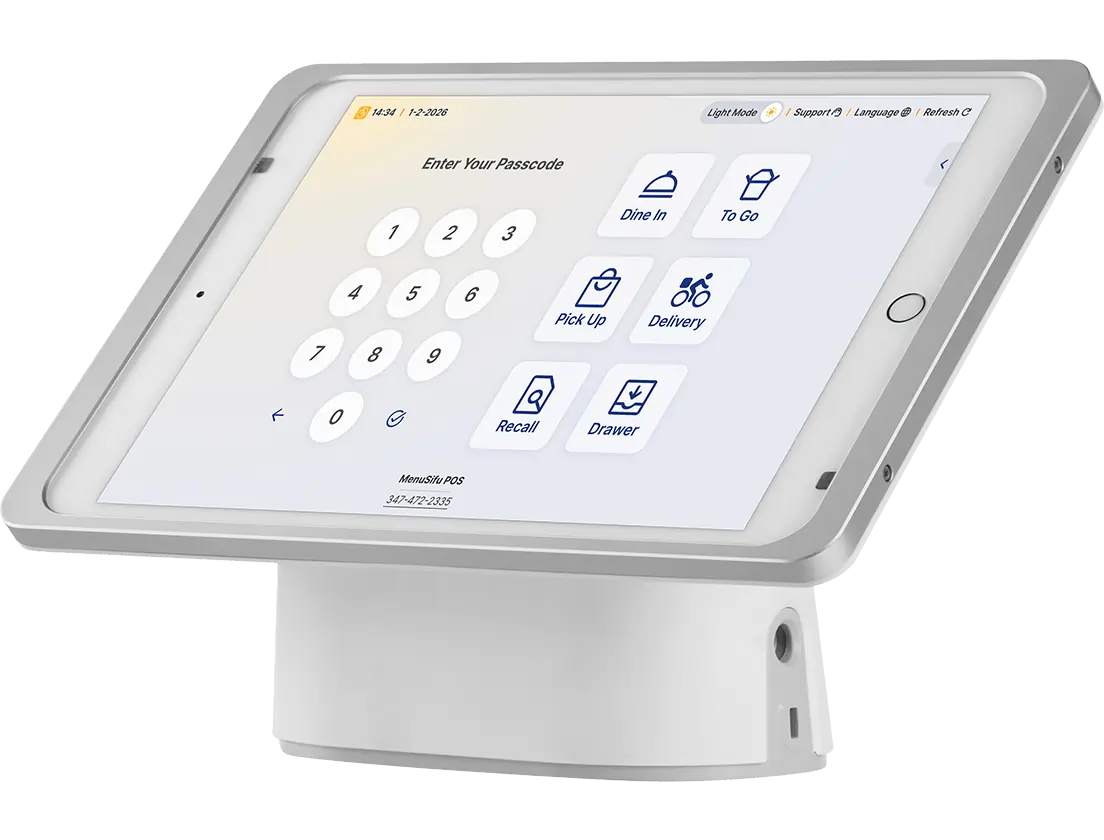
Improving your POS experience starts with the daily tasks your team handles most. Look at how orders move from entry to kitchen, how payments get processed, and how managers review sales at the end of the day. Small changes in these areas can help your staff work faster and give customers a smoother visit.
Start by watching how your team uses the POS during regular service and peak hours. Pay attention to where delays happen, which screens cause confusion, and which tasks take too many steps.
Review common tasks such as:
This helps you see which parts of the system help your team and which parts slow them down.
Your staff use the POS every shift, so their feedback can reveal issues you may not see right away. Ask servers, cashiers, bartenders, managers, and kitchen staff what feels slow, unclear, or repetitive.
Keep the conversation practical. Focus on the tasks they perform most often. For example, they may point out that modifiers take too long to find, payment screens feel cluttered, or kitchen tickets need clearer details.
Their input can help you fix the right problems first.
A cluttered POS screen can slow service and lead to order mistakes. Organize menu items, modifiers, discounts, and payment options in a way that matches how your team works.
Place popular items where staff can find them quickly. Remove outdated buttons. Group modifiers clearly. Keep discount and payment options easy to access.
A cleaner layout helps staff complete orders faster and reduces errors during busy shifts.
Good training helps your team get more value from the POS system. Keep sessions short, hands-on, and focused on real tasks.
Train each role based on what they need to do most:
Refresh training when you add new menu items, features, or payment options. This keeps your team aligned and reduces mistakes.
Your POS should support how your restaurant serves customers. A quick-service setup may need fast counter checkout, self-ordering kiosks, and kitchen display screens. A full-service setup may need table management, tableside ordering, and bill splitting. A café or bar may need quick item lookup, tipping options, loyalty tools, and easy repeat orders.
Choose features that solve daily service problems. Avoid adding tools that your team will rarely use.
A connected POS system helps reduce manual work. Link it with tools such as online ordering, delivery platforms, inventory management, loyalty programs, accounting software, and customer management tools.
When these systems work together, orders, payments, customer data, and sales reports stay easier to manage. Your team spends less time switching between platforms and more time serving customers.
A better POS experience needs regular review. Track order errors, payment speed, voids, refunds, staff feedback, and customer complaints.
Use POS reports to spot patterns. If certain menu items often get entered incorrectly, update the layout or modifier options. If payment delays happen during peak hours, review your payment setup. If managers struggle with reports, simplify access to the data they need.
Regular checks help you keep the system useful as your operations change.
Your POS should support your next stage of growth. If it slows service, lacks key integrations, causes frequent issues, or cannot support new locations and sales channels, it may be time to switch.
Look for a POS solution that can support your current needs and future plans. The right system should help your staff serve customers smoothly, give you clearer data, and make daily operations easier to manage.
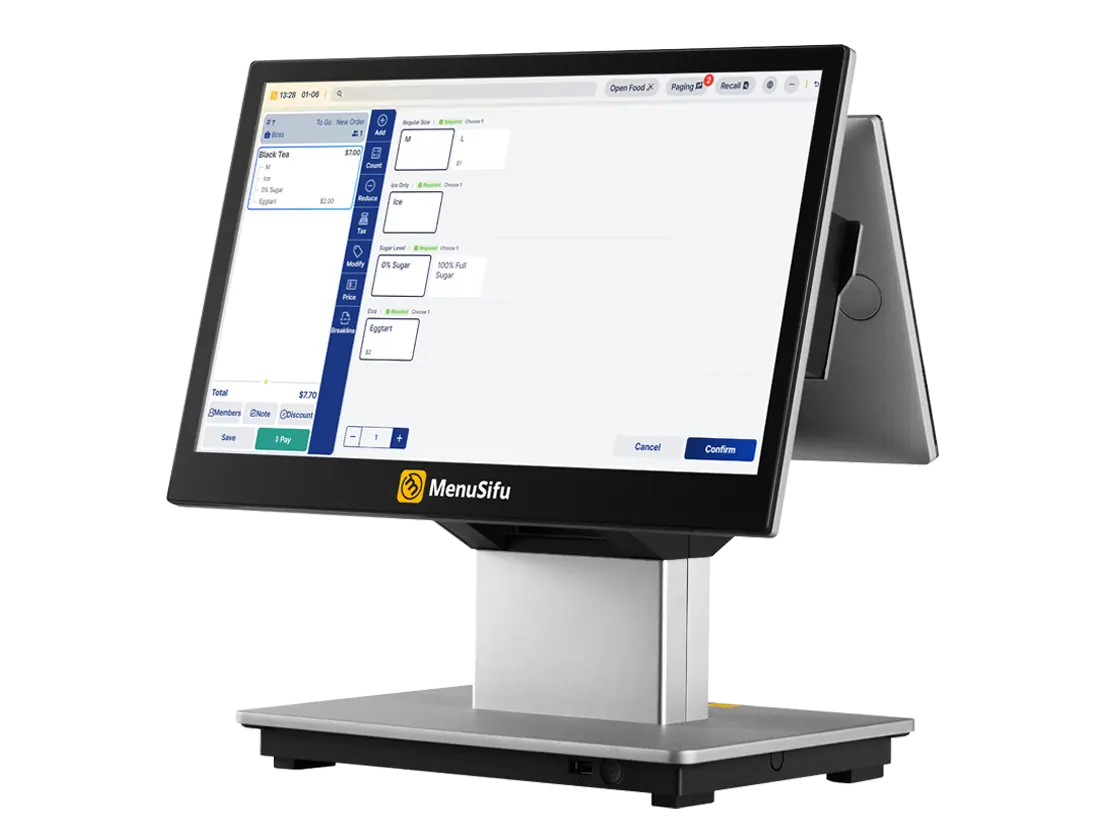
A better POS experience helps your staff work with more confidence, serve customers faster, and manage daily tasks with greater accuracy. When your system supports clear order entry, reliable payments, useful reports, and connected tools, each shift becomes easier to manage.
If your current POS setup creates delays, order issues, or extra manual work, it may be time to review a solution that fits the way your restaurant operates. MenuSifu provides restaurant POS systems and POS solutions designed to support smoother service, better visibility, and a more efficient customer experience.
Book a Free Demo with MenuSifu today to see how the right POS solution can create a better experience for your team and customers.
These FAQs cover common search terms related to POS experience and how it affects restaurant service, operations, and customer satisfaction.
POS experience means the overall experience staff, managers, and customers have when they use or interact with a point-of-sale system. It covers order entry, payment processing, system speed, reliability, reporting, integrations, and the overall service flow.
POS systems can improve customer experience across the full customer journey by making ordering, payments, loyalty rewards, and receipts easier to manage. With features like online ordering, flexible payment options, digital receipts, and customer profiles, a POS system helps create a smoother experience before, during, and after the visit.
A POS can improve guest experience during the actual restaurant visit by helping staff take accurate orders, manage special requests, send items to the kitchen quickly, and process payments at the table or counter. This helps guests receive the right order faster and complete checkout with less delay.
For more restaurant technology tips, POS guides, and operational updates, visit our blog section.
Related Articles: