
June 11, 2026
Kiosk machines help improve order accuracy, speed up service, and optimize staff. See how they work and the benefits they bring to your restaurant operations.
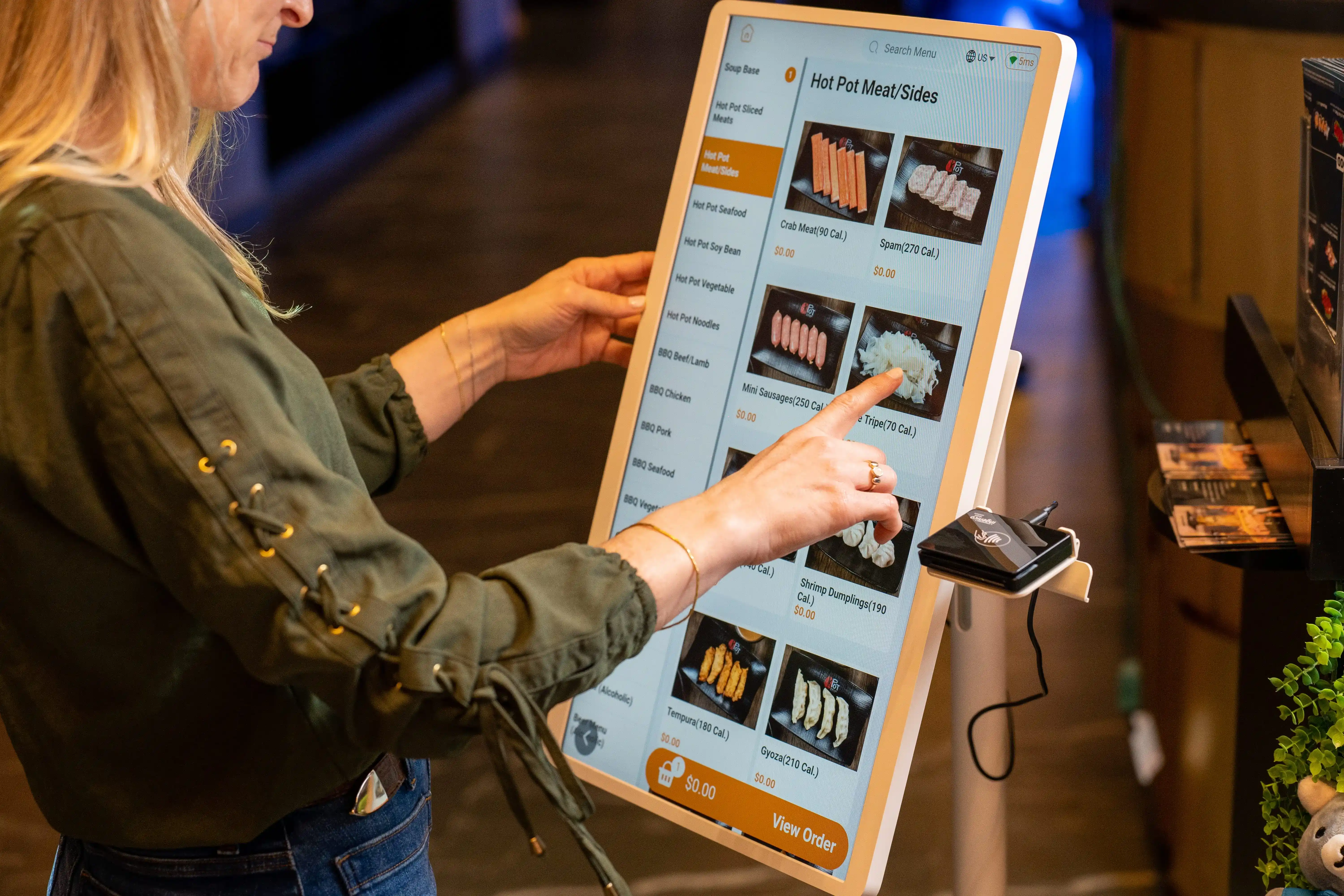
As consumer preferences shift toward self-service options, more restaurants are turning to kiosk machines to modernize their ordering process. With 68% of all adults and even higher percentages of younger generations like Gen Z (81%) and Millennials (78%) willing to use kiosks to order and pay, it’s clear that kiosks are no longer just a novelty.
But how does a kiosk machine work, and can it truly streamline your operations? In this post, we'll explore the benefits of kiosk machines, how they work, and how they can help you manage long lines, improve order accuracy, and enhance guest experience.

A kiosk machine is a self-ordering digital station that lets guests browse your menu, customize items, place an order, and pay on the screen instead of ordering at the counter.
In restaurants, it creates a guided ordering flow that helps guests move through menu categories, modifiers, combos, and payment with less staff assistance. Orders are then sent directly into your POS and kitchen workflow for preparation.
Unlike a generic kiosk used for check-in, ticketing, or information display, a restaurant kiosk is built specifically for food ordering. It supports menu browsing, item customization, payment processing, and order routing in one system.
For QSR and fast-casual operators, kiosk machines can help reduce lines, improve order accuracy, ease front-counter pressure, and create more consistent upselling during busy periods.
A kiosk machine guides each order from menu selection to kitchen production in a few simple steps. For your team, the value goes beyond the screen. A good kiosk setup keeps menu data aligned, sends orders to the right place, and gives you better visibility into sales and order flow.
Here is how it works:
The kiosk displays your menu in clear categories, often with item images, combo options, and featured offers. This helps customers find what they want quickly and keeps ordering consistent across every shift.
After selecting an item, the kiosk walks the customer through modifiers such as size, toppings, sides, add-ons, or combo upgrades. This step helps capture order details clearly before the order reaches your team.
The system updates the total instantly as customers make selections. It can apply item modifiers, combo pricing, discounts, and limited-time promotions based on the rules set in your menu.
The customer reviews the cart and pays on the screen using the supported payment methods. Once payment goes through, the order is confirmed and ready for processing.
This is where integration plays a big role. A connected kiosk sends the order directly into your POS, then routes it to the kitchen display system or printer. That helps reduce manual entry, keeps menu sync tighter, and supports a cleaner front-of-house workflow.
Your kitchen team prepares the order based on the ticket details, and front-of-house staff hands it off for pickup, dine-in, or takeaway.
From an operations standpoint, a kiosk machine works best when it connects smoothly with your restaurant systems. Menu updates should sync across channels, payment data should flow into the POS, and reporting should help you track order volume, item performance, and kiosk usage over time. That connection helps you run a more organized ordering process with fewer gaps between the front counter and the kitchen.
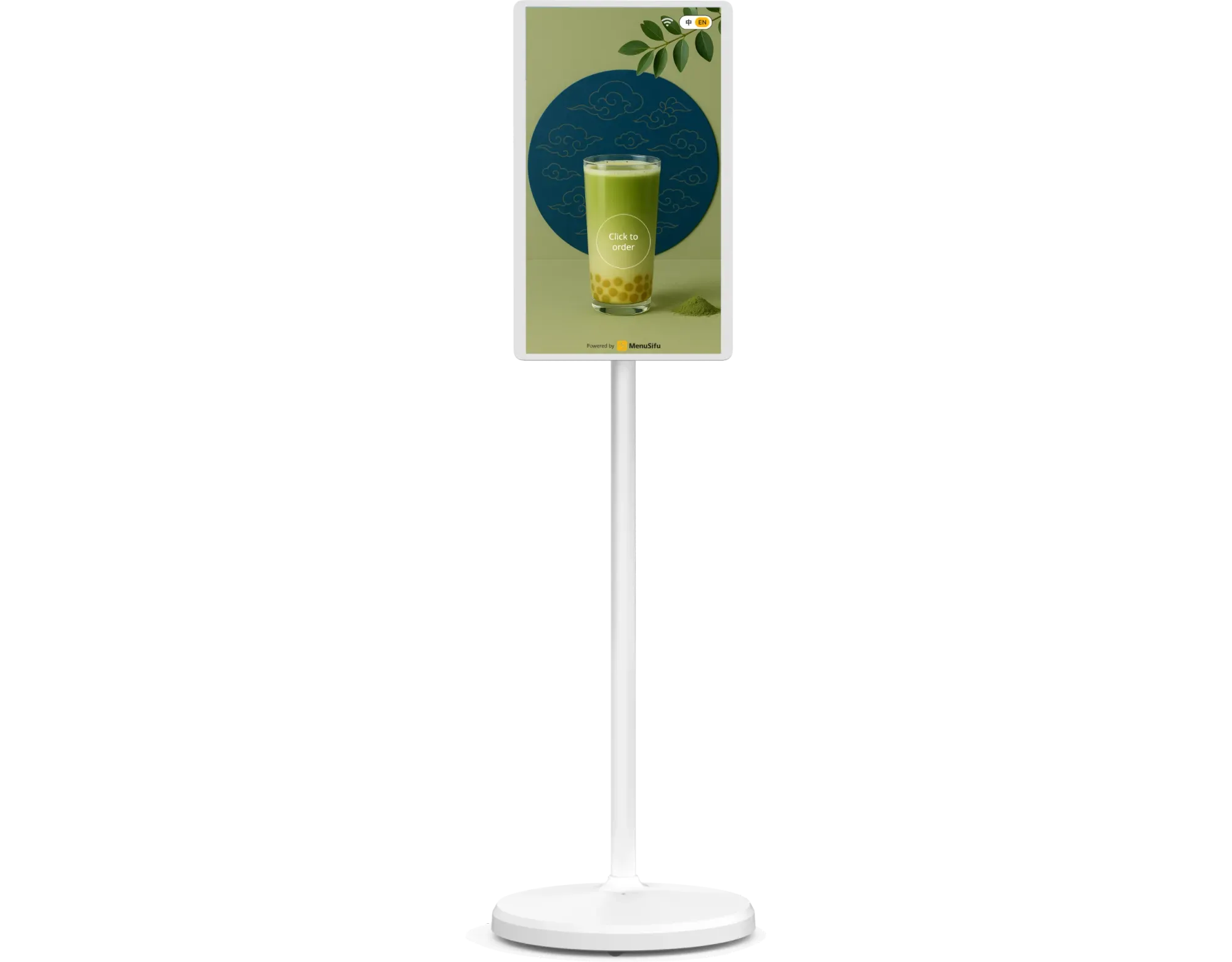
Using a kiosk machine in your restaurant should feel simple for guests and easy for staff to manage. For customers, the experience is straightforward: browse the menu, customize items, review the order, and pay at the screen. For your team, the real work happens in keeping the system accurate, connected, and efficient during service.
Most guests use a kiosk in a few simple steps:
Start the order
The guest taps the screen and opens the digital menu.
Browse and select items
They choose meals, drinks, sides, and add-ons from clearly organized categories.
Customize the order
The kiosk prompts them to select sizes, toppings, combo options, or other modifiers.
Review the cart
Before checkout, the guest checks the order and makes any changes.
Complete payment
They pay at the kiosk and receive an order confirmation for pickup, dine-in, or takeaway.
This self-service flow helps guests order at their own pace and can reduce pressure at the counter during peak periods.
While guests place orders on the front end, your staff manages the workflow behind the scenes. That usually includes:
For restaurant operators, kiosk success is not just about the screen. It depends on whether the kiosk fits smoothly into your POS and kitchen workflow. When menu data stays synced and orders flow directly into production, your team can spend less time on manual entry and more time on fulfillment and guest support.
To get the most value from a kiosk machine, keep the menu clear, maintain accurate availability, and train staff to support guests quickly when needed. That way, the kiosk becomes part of a faster, more organized ordering process rather than a standalone device.
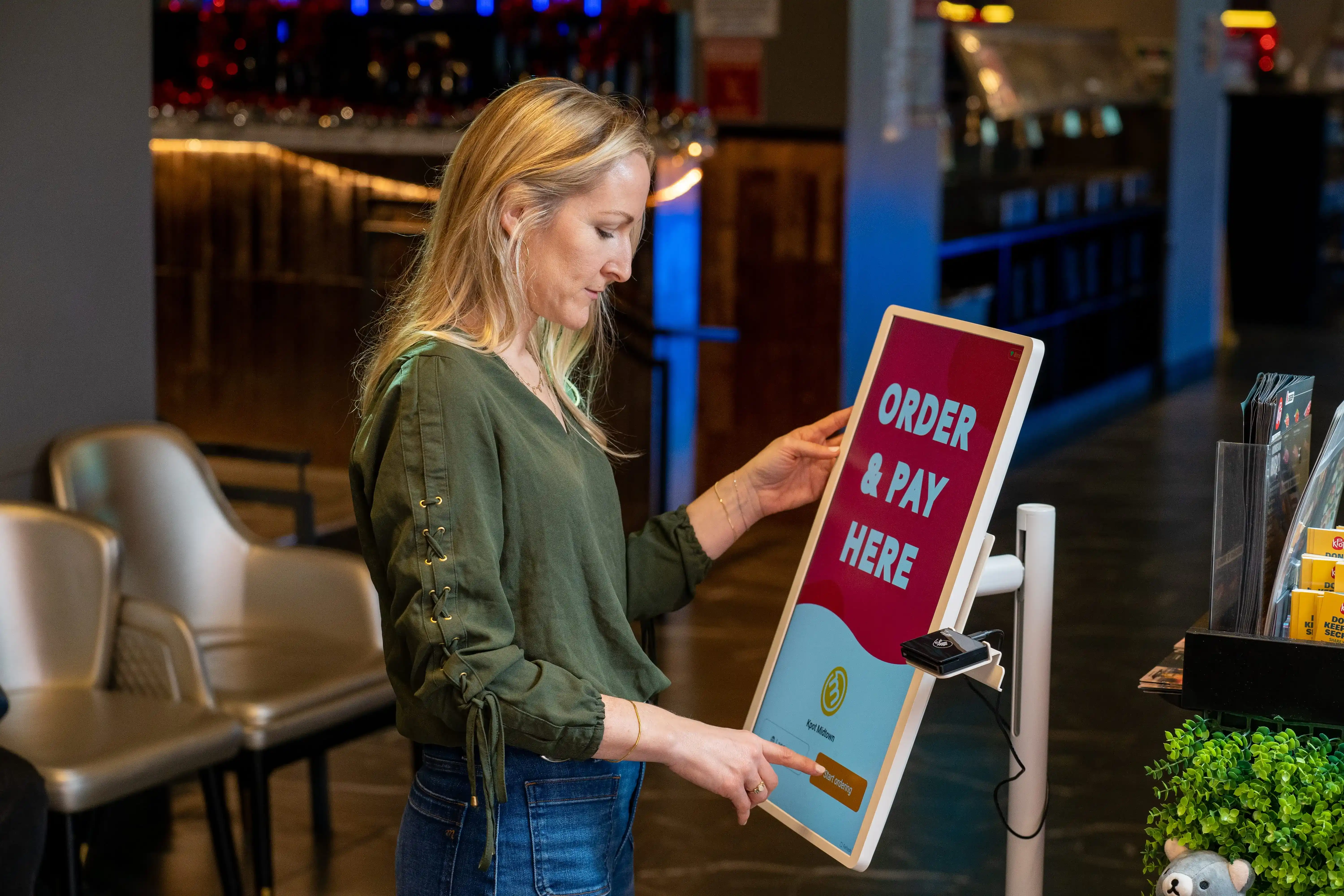
A kiosk machine can help you improve ordering flow at the front counter and create a smoother experience for both guests and staff. Here are some of the biggest benefits.
When guests can place orders on their own, your counter team can handle fewer line backups during busy periods. This helps move orders along faster and keeps the front of house more organized.
Guests enter their own selections, modifiers, and add-ons directly into the system. That can cut down on misheard items, missed customizations, and manual entry errors.
A kiosk can prompt guests to add drinks, sides, desserts, or combo upgrades during checkout. Since those prompts appear every time, you create more chances to grow each order.
Self-ordering can take pressure off cashiers and free up staff for food prep, handoff, guest support, and other tasks that need attention during rush periods.
A kiosk presents the same menu, prompts, and ordering steps to every guest. This helps keep the ordering process clear and consistent across shifts and locations.
During lunch, dinner, and other high-traffic periods, kiosks can help you handle more orders at once. That can improve throughput and help your team stay on top of volume.
For many restaurants, the biggest value is simple: a kiosk helps you take orders more efficiently while keeping your POS and kitchen workflow aligned.

If you plan to add a kiosk machine to your store, focus on the features that support smooth ordering and strong day-to-day operations. A good kiosk should help guests order with ease while keeping your front counter, POS, and kitchen flow aligned.
Here are the key features to look for:
When comparing kiosk options, consider how each feature supports your full ordering flow. The best fit should work well for your guests, your staff, and your store operations from order entry to kitchen handoff.
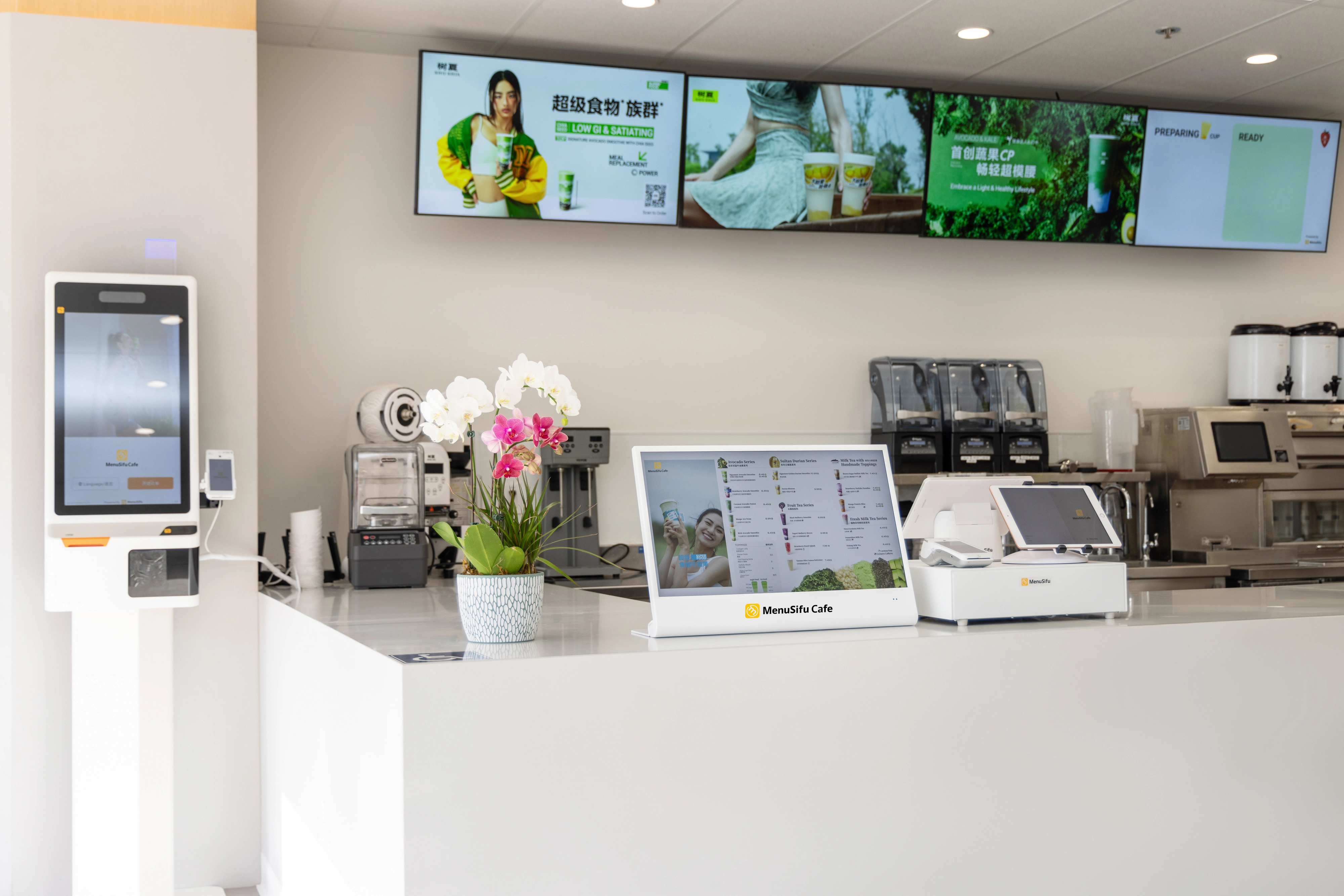
The cost of a kiosk machine can vary quite a bit. Your total price depends on the setup you choose and the tools you want the kiosk to connect with.
A basic setup may cost less upfront, but a more complete system can do much more for your ordering flow. That is why it helps to look at the full cost, not only the starting price.
Here are the main factors that affect price:
It also helps to separate one-time costs from recurring costs.
These often include:
These may include:
When you compare options, look at the total cost of ownership. That gives you a better view of what you will spend over time, not just on day one.
You should also weigh the return on investment. A kiosk can help you move lines faster, improve order accuracy, support upsells, and reduce pressure at the counter. Those gains can have a bigger impact on your store than the upfront price alone.
A lower-cost kiosk may seem appealing at first, but if it lacks reliable hardware or smooth POS and kitchen integration, it can create more work for your team later. A stronger fit often gives you better value over time.
To better understand how pricing works with our kiosks, check out our offerings and the features included in each package. Find out more about pricing here.
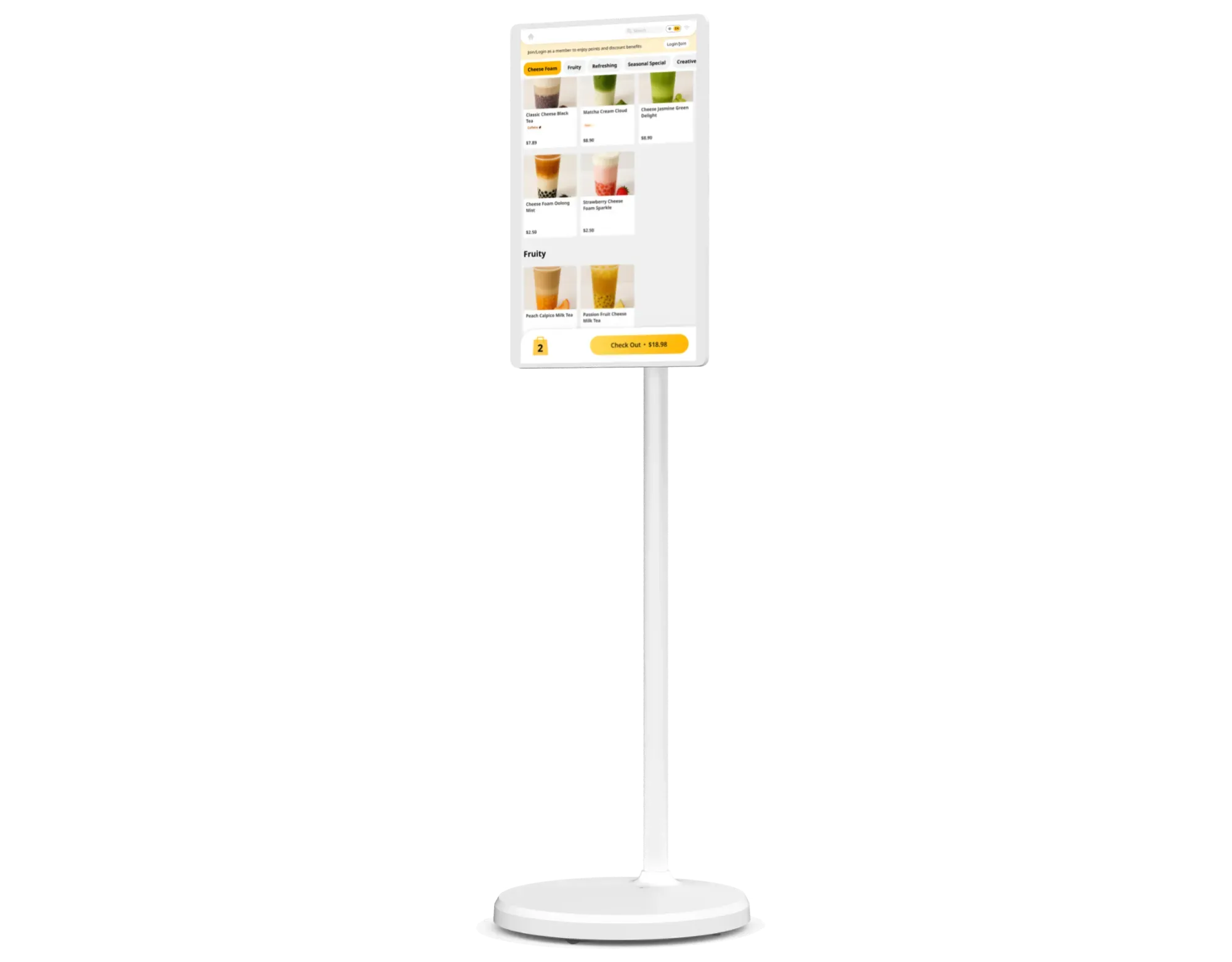
You can find a kiosk machine through restaurant technology companies, POS providers, and kiosk hardware suppliers. Start with vendors that focus on restaurants, not general self-service hardware. A restaurant kiosk needs to do more than display a menu and take payment. It should support your ordering flow from the front counter to the kitchen.
Restaurant-focused providers usually understand menu modifiers, combo logic, kitchen routing, and peak-hour order volume better than generic kiosk suppliers. That can save you time during setup and help you avoid gaps later.
When you compare vendors, look at four areas first:
Before you buy, ask a few direct questions:
A good vendor should help you see how the kiosk fits into your day-to-day operations, not just show hardware specs. That gives you a better view of how the system will perform in your store.
A kiosk machine can be the right choice if your restaurant needs to streamline ordering, especially in high-traffic environments like QSR and fast-casual concepts. Kiosks are ideal for handling peak hours, reducing front-counter pressure, and creating a consistent ordering flow for guests. They are particularly helpful if your restaurant experiences:
Kiosks not only help reduce bottlenecks but also provide an efficient way to manage upsell opportunities and order routing. By automating these aspects, you free up your team to focus on food prep and customer service. A kiosk is a solid solution if you want smoother, faster service with a direct connection to your POS and kitchen systems, especially if you are looking to scale efficiently across multiple locations.

Self-ordering kiosks can significantly improve your restaurant's efficiency by speeding up ordering, enhancing order accuracy, and easing labor pressure, especially during peak hours. By integrating with your POS and kitchen systems, kiosks help create a more seamless workflow and a better overall guest experience.
If you are exploring how kiosk machines can help modernize your restaurant's operations, consider a solution that fits your unique needs. At MenuSifu, we provide POS systems and self-ordering kiosks that integrate seamlessly with your existing setup, ensuring a smoother, more efficient ordering process.
Book a Free Demo with us today to see how our integrated kiosks can help streamline your restaurant operations and improve guest experience.
Explore answers to some of the most common questions about kiosk machines. These insights can help you make informed decisions and improve your restaurant's operations.
Kiosks can bring a few challenges for restaurants. They require upfront investment, ongoing maintenance, and staff support when technical issues happen. Some guests may still prefer ordering with a cashier, especially during busy periods or when they need help.
If the kiosk does not sync well with your POS and kitchen systems, it can also create order flow issues. The best way to reduce these drawbacks is to choose a reliable system with strong integration, simple design, and dependable support.
Common problems with kiosks include screen freezes, payment issues, menu sync errors, and poor user flow. Some restaurants also face hardware wear, printer or kitchen routing issues, and low guest adoption if the interface feels unclear.
You can reduce these issues by choosing reliable hardware, keeping menu data updated, and using a kiosk that connects smoothly with your POS and kitchen systems.
Kiosks typically last 5 to 7 years, though the lifespan depends on hardware quality, daily usage, placement, and maintenance. In high-traffic restaurant settings, durable commercial-grade kiosks tend to hold up better than consumer devices. Regular cleaning, software updates, and timely part replacement can also help extend kiosk life.
Restaurants can choose from several kiosk types based on space, traffic, and ordering needs. The most common options include countertop, freestanding, wall-mounted, self-checkout, and mobile or tablet-based kiosks.
In restaurant settings, self-ordering kiosks are the most popular because they help guests browse the menu, customize items, and pay in one place. The right type depends on your store layout, order volume, and how you want guests to move through the ordering process.
For more practical insights on restaurant technology, operations, and growth, check out our blog section for more updates and new guides.
Related Articles:







