November 10, 2026
Learn how to use QR codes for restaurant menus with six practical ideas for tableside menu browsing, self-ordering, payments, promotions, and POS integration.
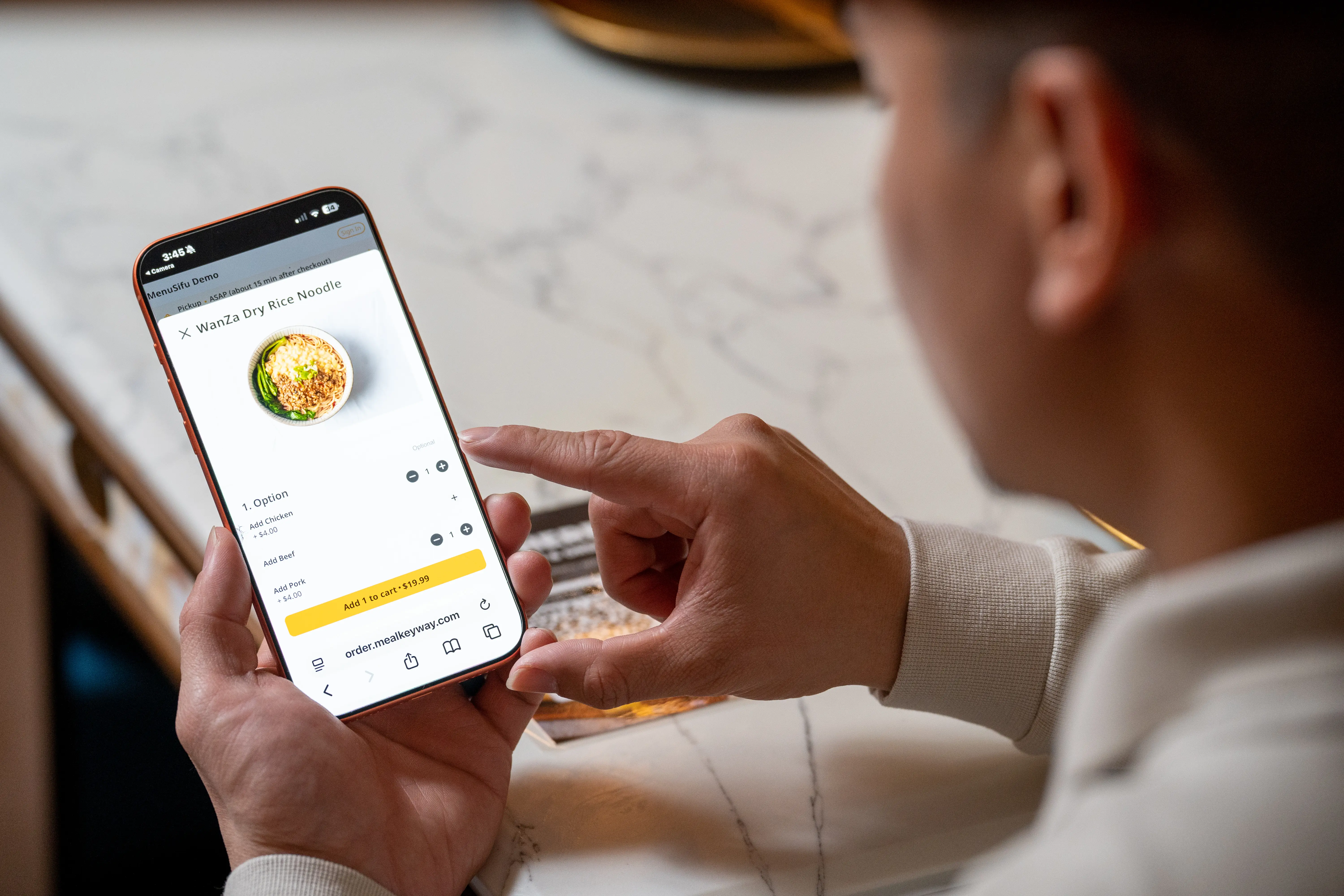
Handing out menus, taking orders, and processing payments can take up valuable staff time, especially during busy hours. Learning how to use QR codes for restaurant menus can help you give customers easier menu access, enable self-ordering, and offer convenient payment options.
From tableside browsing to POS-integrated ordering, QR code menus offer practical ways to improve the customer experience and streamline your restaurant's daily operations.
QR code menus can support different stages of the dining experience, from menu browsing to ordering and payments. Here are six practical ways to use QR code menus in your restaurant's daily operations.
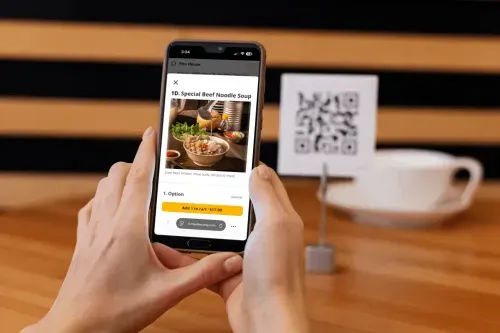
QR codes let customers access your digital menu as soon as they sit down. By scanning a QR code displayed on the table with their smartphone camera, guests can open your menu in a mobile browser. If you haven't set one up yet, check out our guide on how to create a QR code menu for restaurants.
Your digital menu can display food categories, dish photos, descriptions, prices, and available options. Customers can review these details at their own pace, while your staff spends less time distributing and collecting printed menus.
You can also keep traditional table service with a menu-only QR code. Customers browse the menu on their phones, then place their orders through a server who can answer inquiries, recommend dishes, and assist with special requests.
If you want customers to order directly from their phones, you can use a QR code ordering system that supports mobile order placement.
After scanning the code, guests can browse your menu, select dishes, customize available options, and submit their orders digitally. With table-specific QR codes, compatible systems can identify which table placed each order.
Self-ordering can reduce the need for staff to take every order manually, especially when multiple tables need attention. This can give employees more time to deliver food, assist guests, and handle other tasks.
Keep in mind that basic QR code menus and QR code ordering systems serve different purposes. A basic QR code menu displays your offerings, while a QR code ordering system also lets customers submit orders through their phones.
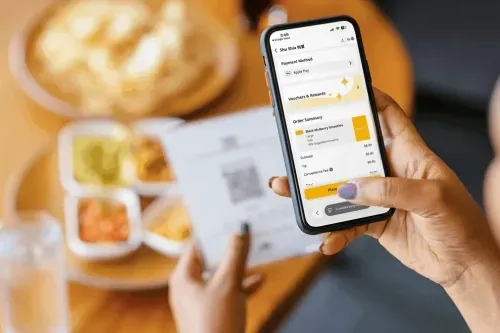
You can extend QR code ordering to checkout by using a system that supports contactless payments.
With QR-enabled payment functionality, customers can review their bills and complete transactions through their smartphones. Depending on your provider, supported payment methods may include credit cards, debit cards, and digital wallets such as Apple Pay.
For example, guests can settle their bills at the table after finishing their meals, reducing the need to wait for a server to bring the check or a payment terminal. Your staff can then focus on clearing tables and assisting incoming customers.
However, a QR code menu does not automatically support payments. You need a compatible ordering or payment platform with this feature enabled.
Your QR code menu can also serve as a place to highlight promotions and encourage customers to engage with your restaurant's loyalty program.
Instead of relying entirely on servers to mention current offers, you can feature lunch specials, limited-time discounts, or buy-one-get-one deals directly on your digital menu. Customers can see these promotions while browsing and deciding what to order.
If your QR menu platform supports loyalty features, you can also invite guests to sign up for membership programs or redeem available reward points.
For example, MenuSifu Scan to Order supports customizable promotion templates, membership sign-ups, and point redemption through its digital menu. This allows you to present relevant offers as part of the customer's ordering experience.
The way you use QR code menus can vary based on how your restaurant handles customer orders. Here are some practical applications across different service models.
Place QR codes on dining tables so guests can browse dishes while waiting for their servers. You can maintain traditional waiter-assisted ordering or provide optional self-ordering for customers who prefer using their phones. This gives guests flexibility while preserving personal service.
Display QR codes near entrances, waiting areas, or dining tables so customers can review menu options before ordering. If you support QR code self-ordering, guests can submit orders digitally, helping reduce counter queues during peak hours.
Use QR code menus to display available drinks, pastries, and food selections. Customers can check beverage sizes, flavors, and add-ons before placing their orders. Cafés with mobile ordering can also let seated guests order directly from their tables.
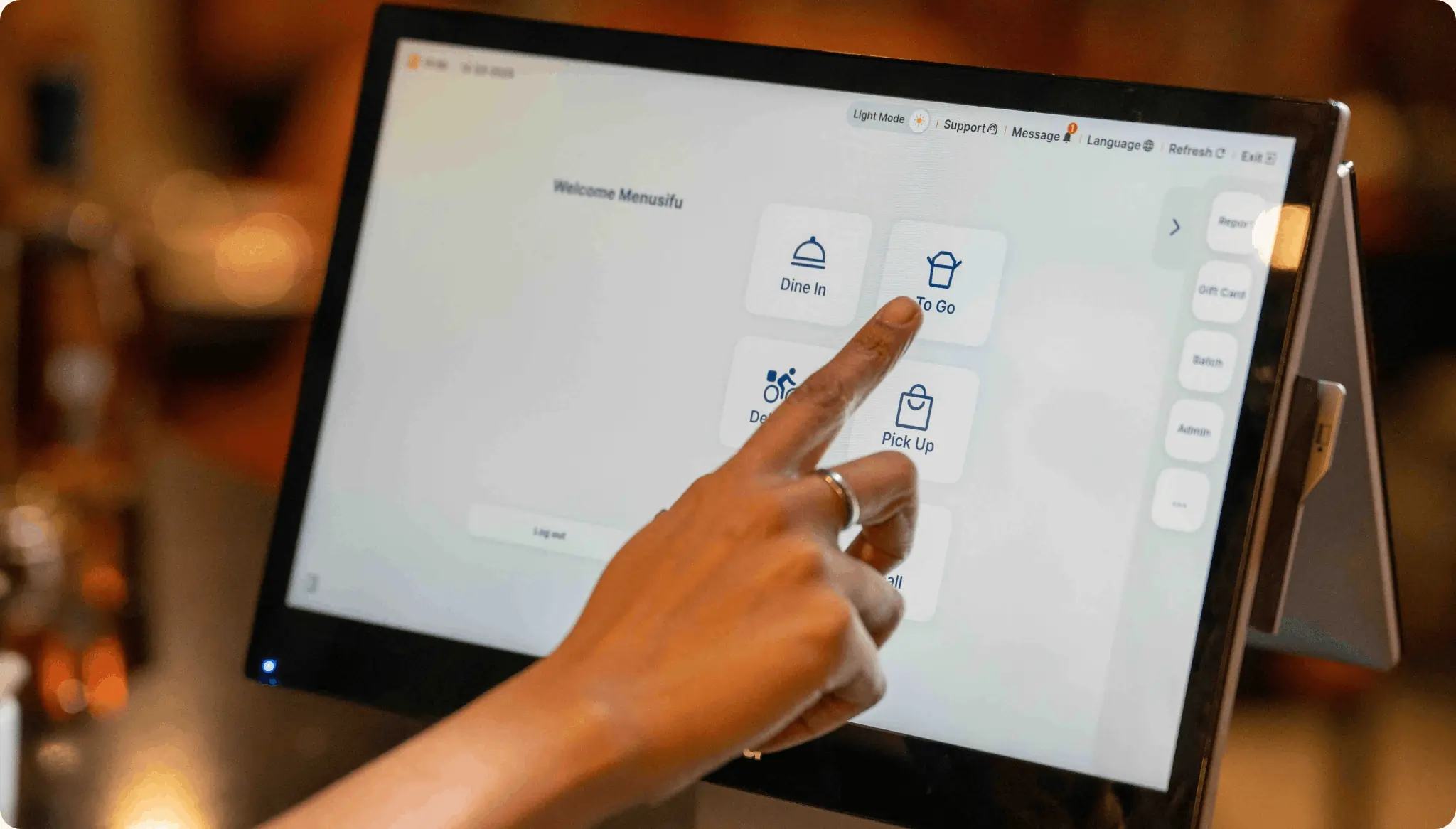
If you use a restaurant point-of-sale (POS) system, connecting it with QR code ordering can help you manage digital orders alongside other transactions.
With a compatible integration, orders submitted through customers' phones can flow directly into your POS and reach the kitchen for preparation. This helps reduce manual order entry and keeps incoming requests organized.
A standalone QR code menu simply provides access to your menu. A POS-integrated QR code ordering system, on the other hand, can connect customer orders with your restaurant's order management and kitchen workflows.
For example, MenuSifu Scan to Order integrates with MenuSifu POS and offers three operating modes:
With MenuSifu's Order Only or Order + Pay mode, orders submitted through customers' phones flow into MenuSifu POS and are sent to the kitchen for preparation. You can also update digital menu information and mark sold-out items in real time, helping customers see current availability.
This integration can help you coordinate customer ordering, kitchen preparation, and menu management through a connected restaurant system.
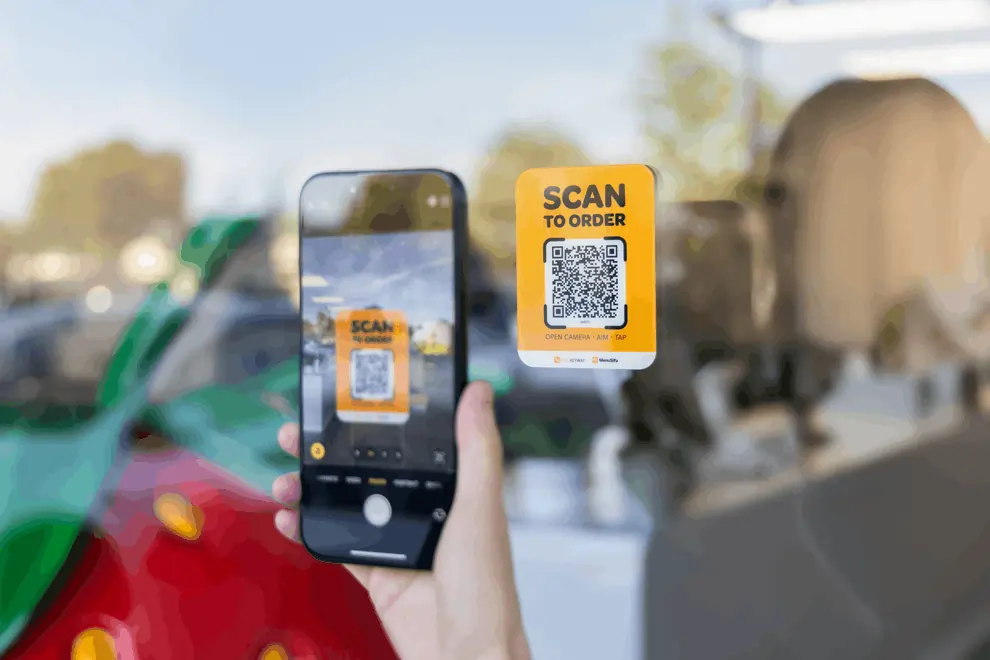
Using QR code menus effectively requires clear menu information, accessible QR codes, and a reliable ordering process. Follow these practices to help customers use your digital menu while keeping daily operations organized.
1. Keep QR Codes Easy to Access
Place QR codes in visible, convenient locations, such as table tents, countertops, or menu holders. Make sure customers can scan them comfortably from their seats. Check QR codes regularly to confirm they remain readable and direct customers to the correct menu.
2. Train Your Restaurant Staff
Show your staff how to access the QR code menu, guide customers through ordering, and assist with payment features when available. Make sure employees know how to handle customer requests and resolve basic scanning or ordering issues.
3. Offer Alternative Menu and Ordering Options
Keep printed menus available for customers who prefer traditional ordering or cannot access the digital menu. Allow guests to place orders through your staff so everyone can order comfortably.
4. Keep Your Digital Menu Accurate
Update menu prices, descriptions, promotions, and item availability whenever changes occur. Remove unavailable items or mark them as sold out to prevent customers from ordering dishes your kitchen cannot prepare.
5. Maintain a Reliable Ordering Process
If you use QR code ordering, check that submitted orders reach the appropriate staff or kitchen system, especially before peak hours. Establish a backup process for internet outages or technical issues so staff can continue taking and processing orders manually.
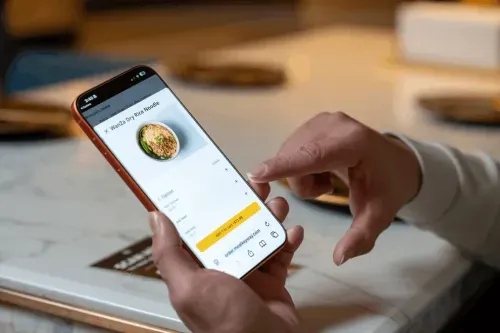
Using QR code menus can help you provide convenient menu access, simplify ordering, and give customers more payment options. The key is to choose features that support your restaurant's existing operations while keeping the ordering experience easy for guests and staff.
If you're interested in a connected QR code ordering and POS solution, MenuSifu Scan to Order offers flexible options for menu browsing, self-ordering, and integrated payments.
Book a Free Demo with MenuSifu to see how these features can support your restaurant's ordering process and daily operations.
MenuSifu's 2026 year-end offer also includes Scan to Order and POS among its eligible core software with no monthly software subscription fee through December 31, 2026. Required hardware is sold separately, and other fees and eligibility terms apply. You can ask about the offer when booking your demo.
Before using QR code menus in your restaurant, you may want to clarify a few details about how they work, their ordering features, and POS compatibility.
Yes. You can use a QR code to link customers to a digital menu on your website or another online platform without a POS system. Customers can browse your offerings and place orders through staff. If you want digital ordering or integrated payments, you'll need a solution that supports those features.
Yes. Customers can scan a QR code to browse your digital menu on their smartphones and place orders directly with your servers. This lets you offer convenient menu access while maintaining traditional table service.
Yes. A QR code ordering system with integrated payment features lets customers browse the menu, place orders, and pay directly from their smartphones using the same QR code. For example, MenuSifu's Scan to Order supports ordering and payment through its Order + Pay mode.
No additional customer-facing ordering hardware is required. Guests use their smartphones to scan QR codes and place orders, which flow directly into your MenuSifu POS for kitchen preparation. Your restaurant still needs a compatible MenuSifu POS setup.
Yes, if your QR code menu platform supports integration with your existing POS system. Compatible systems can send customer orders directly to your POS, helping streamline order management and kitchen operations. Check with your POS provider to confirm compatibility.
For more practical tips, restaurant technology insights, and updates, explore the MenuSifu Blog.
Related Articles: