October 24, 2026
Considering a different POS provider? Just how difficult is it to switch POS systems? See what to expect from hardware changes, data migration, and training.
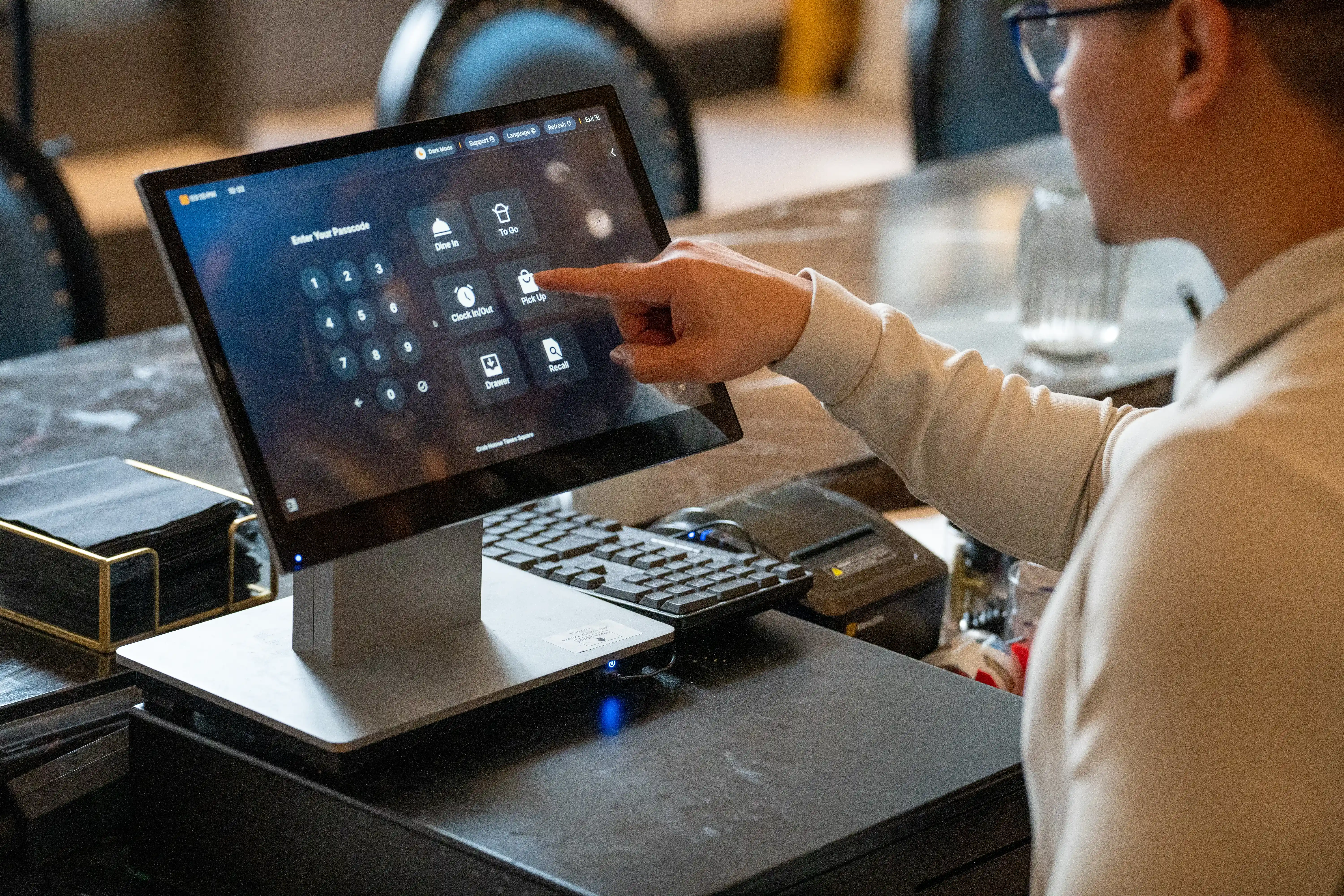
Your current POS system may no longer meet your restaurant's needs, but switching providers can raise concerns about data migration, hardware costs, and disruptions to daily operations. So, how difficult is it to switch POS systems?
The process depends on your existing setup and how well you prepare. Here's what to expect, from potential difficulties and migration steps to timelines, costs, and deciding if switching is the right move.
Switching restaurant POS systems can be relatively easy with proper planning and support from your new provider. However, the effort required depends on your existing setup, the data you need to transfer, and the equipment or integrations you rely on.
If your restaurant uses a basic POS system with a simple menu and a few terminals, the switch may only involve setting up software, connecting devices, and training staff. However, if you manage multiple locations or use integrations for online ordering, inventory, and payment processing, you may need additional time for data migration, system configuration, and testing.
The transition will vary based on your restaurant's specific requirements. Reviewing your current setup and confirming the migration support your new provider offers can help you prepare and minimize disruptions to daily operations.
The difficulty of switching POS providers often depends on your existing data, hardware requirements, and number of restaurant locations. Reviewing these areas early can help you identify potential costs, technical requirements, and additional setup work.
Your new POS system needs accurate menu items, pricing, modifiers, tax settings, and relevant business records. Before switching, check which data your current provider allows you to export and which formats your new system supports.
Some POS providers restrict access to historical sales or customer records, while others require manual menu configuration. Confirm these limitations early and verify transferred information to prevent errors in pricing, orders, and reporting.
Your existing POS terminals, receipt printers, cash drawers, and payment devices may not work with the new system. Check hardware compatibility with your new provider to determine which devices you can keep and which ones need replacement.
You should also review integrations with online ordering platforms, accounting software, and inventory management tools. Switching providers may require you to reconnect these services, update settings, or replace unsupported integrations.
Switching POS systems at a single restaurant typically requires less coordination because you have fewer devices, menus, and employees to manage. Multiple locations may need separate pricing configurations, tax settings, staff permissions, and reporting setups.
If you operate several locations, consider testing the new POS at one restaurant before expanding the rollout. This allows you to resolve configuration issues and refine the transition process before implementing the system across your other locations.
Switching to a new restaurant POS system requires careful preparation to keep daily operations on track. Follow these five steps to organize the transition and minimize potential disruptions.
Start by listing your existing POS hardware, software features, and connected services, including payment terminals, receipt printers, online ordering platforms, and inventory tools. Identify which equipment you can reuse and which features you need to retain.
Next, review your current provider's contract for cancellation fees, notice periods, renewal dates, and equipment return requirements. Check how long you can access historical sales reports and other records after canceling your service.
Before finalizing your new POS agreement, confirm which data the provider can transfer, including menu items, pricing, customer records, and sales history. Some information may require manual entry if the two systems use different formats.
Clarify who will handle hardware installation, software configuration, and third-party integrations. Request an implementation schedule and confirm the technical support available throughout the transition.
Once your new POS is installed, configure your menu items, modifiers, prices, tax settings, payment methods, and integrations.
Before going live, test essential functions to verify that everything works correctly:
Resolve any issues before switching daily operations to the new system.
Give employees hands-on training based on their responsibilities. Cashiers and servers should practice entering orders, applying discounts, and processing payments. Kitchen staff should learn how to receive and manage incoming orders, while managers should review reporting and end-of-day procedures.
Provide quick-reference guides for frequently used functions and assign a team member to handle basic troubleshooting. This helps employees become comfortable with the new system before launch.
Plan your POS launch during a lower-traffic period, ideally after completing system testing and staff training. Coordinate with your new provider to ensure technical assistance is available if problems arise.
Prepare a backup process for taking orders and accepting payments in case of unexpected technical issues. Keep your previous POS accessible until you've confirmed that the new system works properly and saved all essential records. Then, complete the cancellation process according to your existing provider's contract terms.
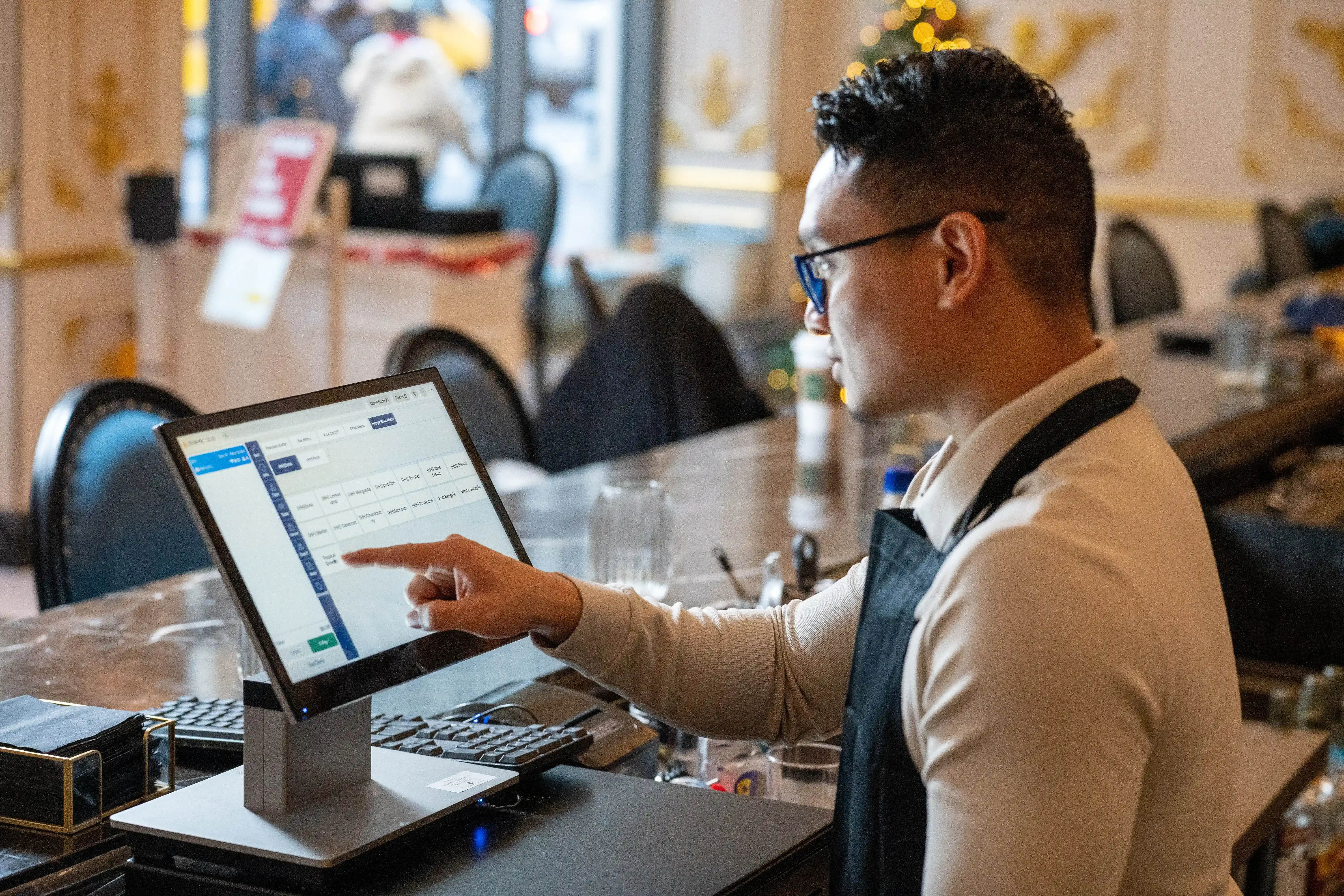
Switching restaurant POS systems may take a few days to several weeks, depending on your restaurant's size, system configuration, data migration requirements, and the support your new provider offers.
If you operate a single location with a simple menu and limited integrations, you may complete the transition in a few days once your equipment and data are ready. However, larger restaurants with multiple locations, extensive menus, or connections to delivery and accounting platforms may need several weeks to complete the process.
The timeline also depends on how quickly you can prepare and test the new system. You need time to transfer data, configure settings, verify payment processing and order management functions, and train employees before launch.
To avoid unnecessary delays, ask your new POS provider to establish a clear implementation schedule. Confirm the expected completion dates for installation, testing, and training so you can plan the switch around your restaurant's operating hours.
The cost of switching restaurant POS systems depends on your new provider's pricing, hardware requirements, and existing contract. Before making the switch, consider both upfront expenses and recurring charges.
Here are the main costs to account for:
To evaluate the total cost of switching, calculate your one-time expenses alongside ongoing software, payment processing, and maintenance fees. Request an itemized quote from your new provider to compare the overall investment against your current POS expenses.
Switching POS providers may be worthwhile if your current system creates recurring problems or limits your restaurant's efficiency. Start by evaluating how well it handles order processing, payments, reporting, and integrations. Identify specific issues, such as outdated features, frequent technical problems, or slow customer support.
A new POS system could offer several benefits, including:
Before deciding, compare these potential benefits with the costs of switching, including equipment purchases, migration fees, and staff training.
If a new POS system addresses your current limitations and offers enough long-term value to justify the investment, switching could be a practical decision. However, if your existing system still meets your operational needs, replacing it may be less urgent.
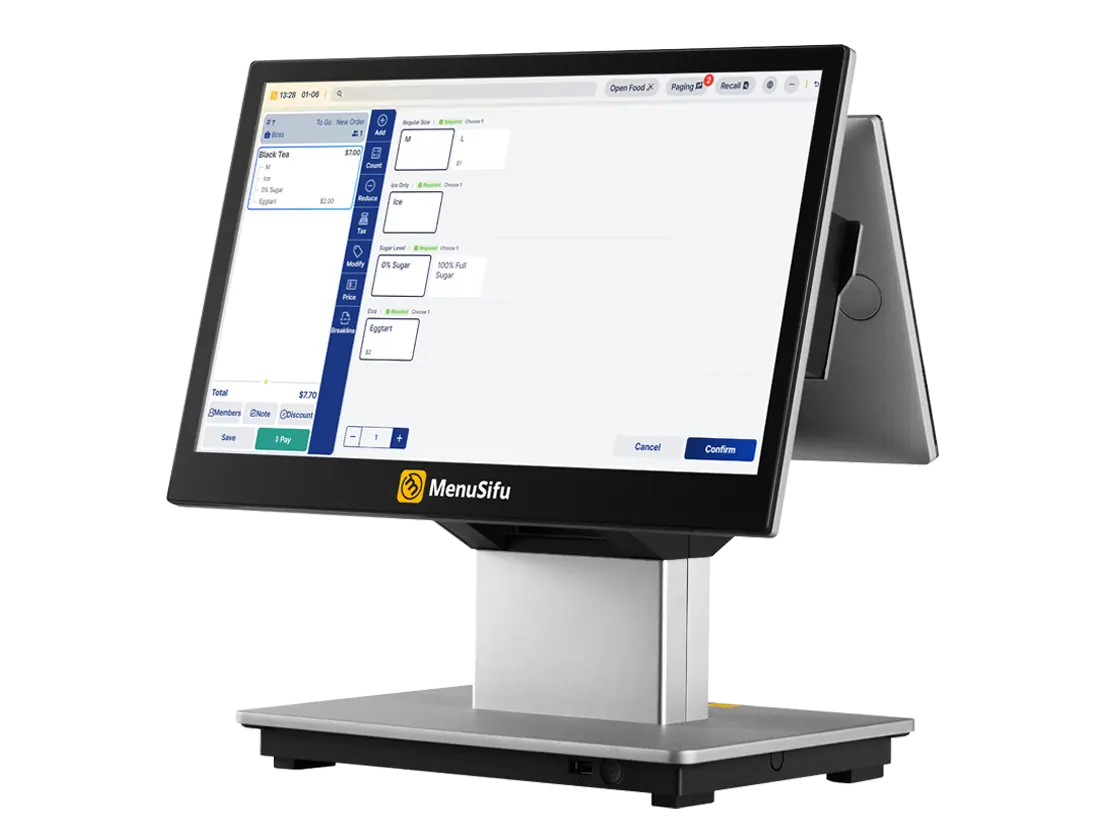
Changing your restaurant POS system becomes more manageable when you have a clear transition plan and reliable support. Taking the time to evaluate your options can help you choose a provider that addresses your current needs while keeping costs and operational disruptions under control.
If upfront expenses are a concern, MenuSifu's 2026 Year-End Promotions may help make the switch more affordable. Through December 31, 2026, eligible customers can receive MenuSifu-developed core software with no monthly software subscription fees, along with 50% off POS GO 2 and PayPad 2 handheld hardware. Required hardware must be purchased separately, and additional fees may apply.
Book a Free Demo with MenuSifu to explore its restaurant POS solutions, discuss your current setup, and learn more about your options for making the transition.
Here are answers to a few additional questions you may have before switching to a new restaurant POS provider.
You may be able to transfer sales history if your current POS system supports data exports and your new provider can import those records. If a direct transfer isn't possible, download and save your sales reports before canceling your existing POS service.
It depends on your new POS provider. Some systems support multiple payment processors, while others require specific processing services. Before switching, confirm compatibility and check if you need to update your payment terminals or merchant account.
Your new POS provider may support transferring gift card balances, loyalty points, and customer records. However, migration options vary by system. Before switching, confirm which data you can transfer, back up existing records, and test gift card redemption and loyalty rewards to ensure customers can continue using their benefits.
No. First, confirm that your new POS system works properly, including order processing, payments, and reporting. Back up important data, verify any outstanding transactions, and review your existing contract for cancellation terms or fees before closing your old POS account.
For more practical tips and updates on restaurant technology, explore the MenuSifu blog to learn about POS systems, restaurant operations, and tools that can help you manage your business more efficiently.
Related Articles: