September 18, 2026
Learn what a fine dining POS does, which features to prioritize, and how it helps manage reservations, course timing, payments, reporting, and guest service.
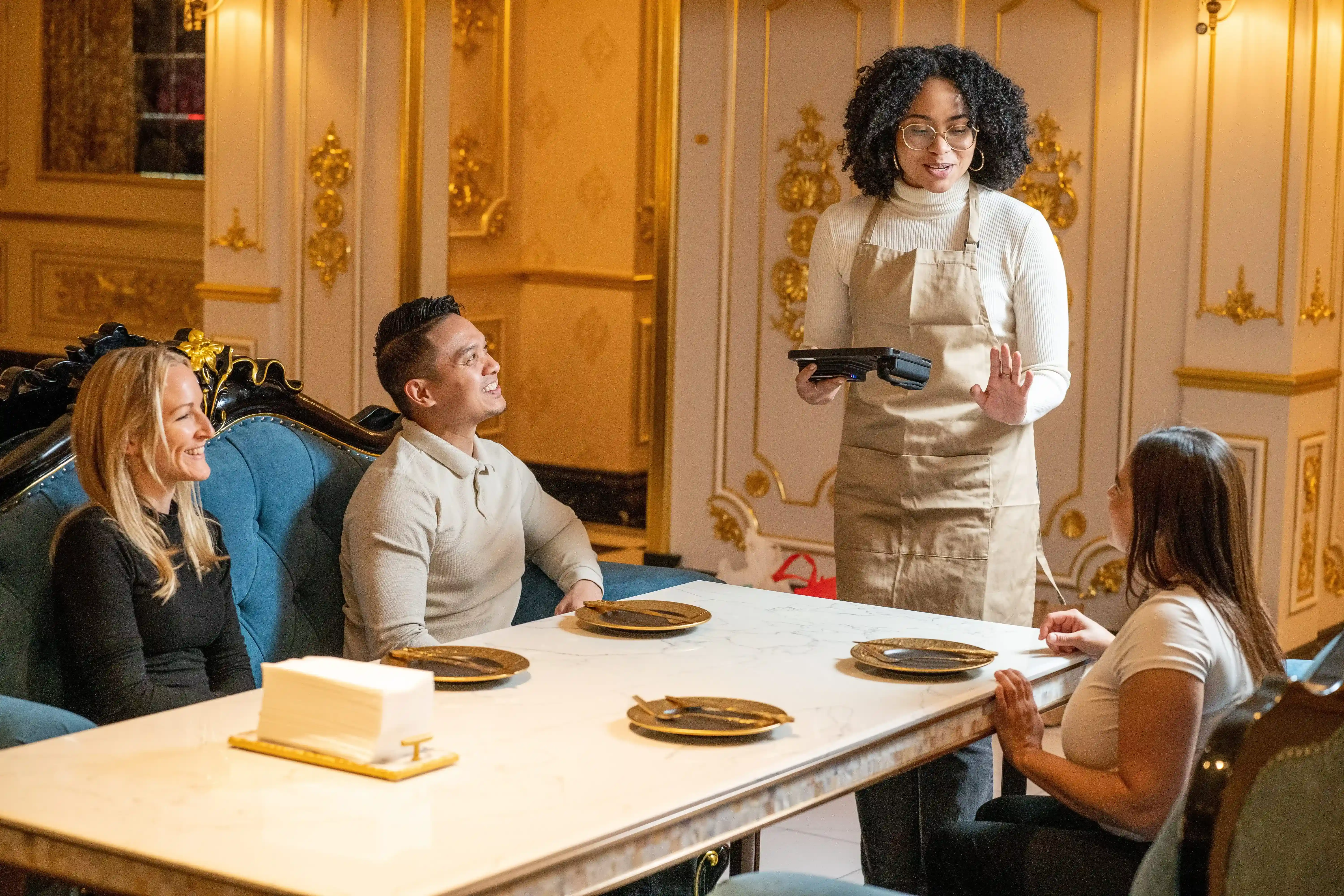
Fine dining guests notice every detail. A delayed course, missed modifier, slow payment, or unclear table status can affect the entire visit. Your team needs clear communication between the dining room, kitchen, and management to keep service consistent.
A fine dining POS helps your team manage orders, reservations, course timing, guest notes, payments, and reporting in one connected system. This guide covers what a fine dining POS does, which features to prioritize, and how it differs from a fast food POS.
A fine dining POS is a point-of-sale system designed for upscale, full-service restaurants with detailed service needs. It helps you manage the dining experience from the moment guests are seated to the moment they pay.
Unlike a basic restaurant POS, a fine dining POS supports the flow of table service. Servers can take orders by seat, send items to the kitchen by course, add menu modifications, note allergies, and update checks as the meal progresses.
It also connects key parts of daily operations. You can manage reservations, track table status, store guest preferences, process payments, review performance reports, and monitor staff activity from one system.
This gives your restaurant better control over service timing, order accuracy, and guest details. Instead of treating each order as a simple transaction, a fine dining POS helps your team manage the full guest experience with care and consistency.
Fine dining service depends on timing, accuracy, and personal attention. When your staff can manage orders, courses, tables, and payments from a single connected system, each shift becomes easier to control.
A fine dining POS improves communication between servers and the kitchen. Servers can send orders, modifiers, allergy notes, and special requests directly to the right station, giving kitchen staff clear details as soon as an order is placed.
It also helps improve order accuracy. Servers can enter items by seat, add preparation notes, apply modifiers, and review details before sending them to the kitchen. This helps reduce missed requests, incorrect dishes, and service delays.
Table turnover becomes easier to manage when dining room activity appears in real time. Your POS can show which tables are seated, which courses are in progress, which checks are open, and which guests are close to finishing. This visibility helps you plan seating, assign staff, and prepare tables at the right time.
Multi-course meals also become easier to coordinate. With course controls, your team can hold appetizers, fire entrées, and time desserts based on each table’s pace. This helps the kitchen prepare dishes in sequence while servers maintain attentive service.
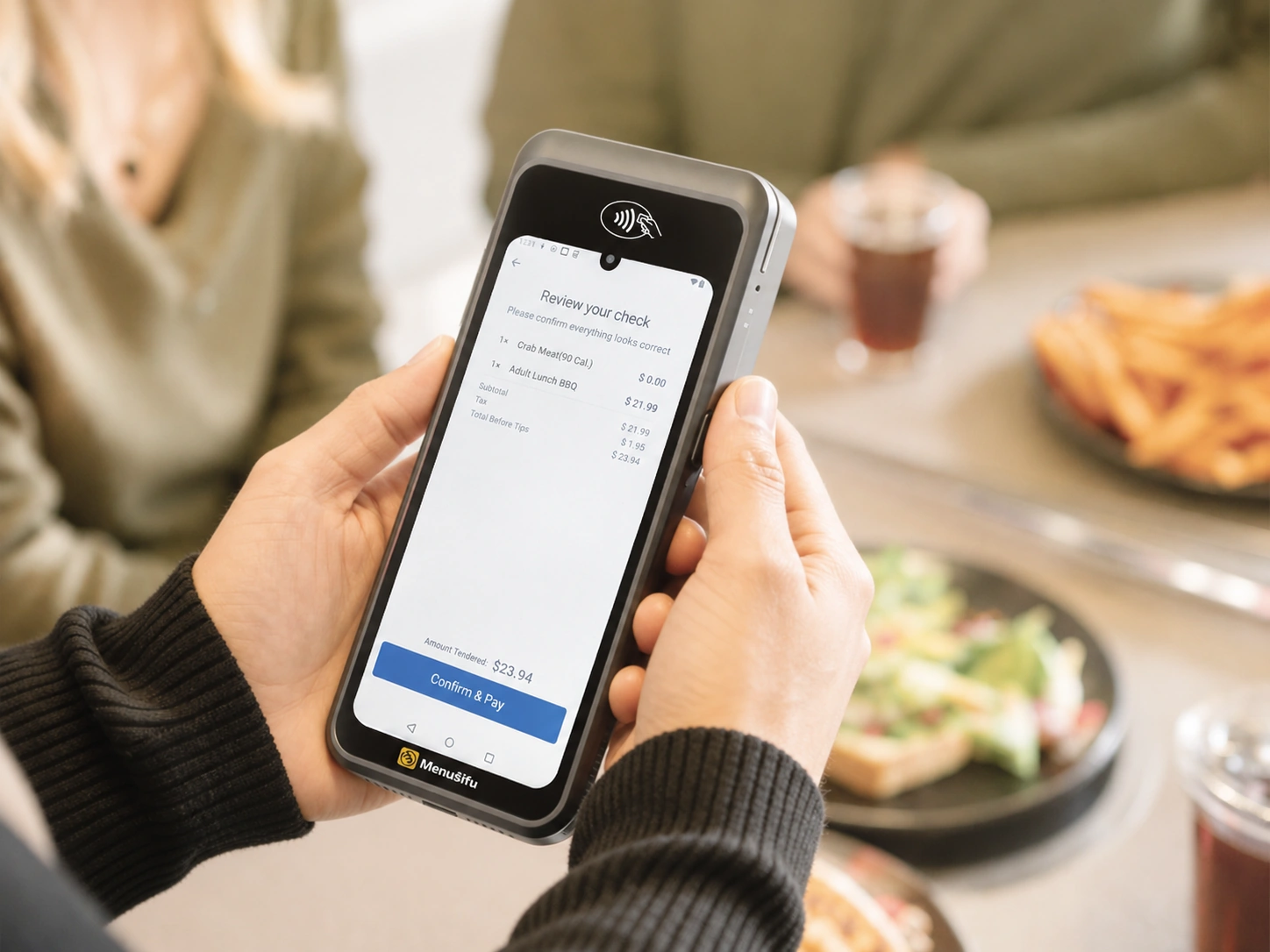
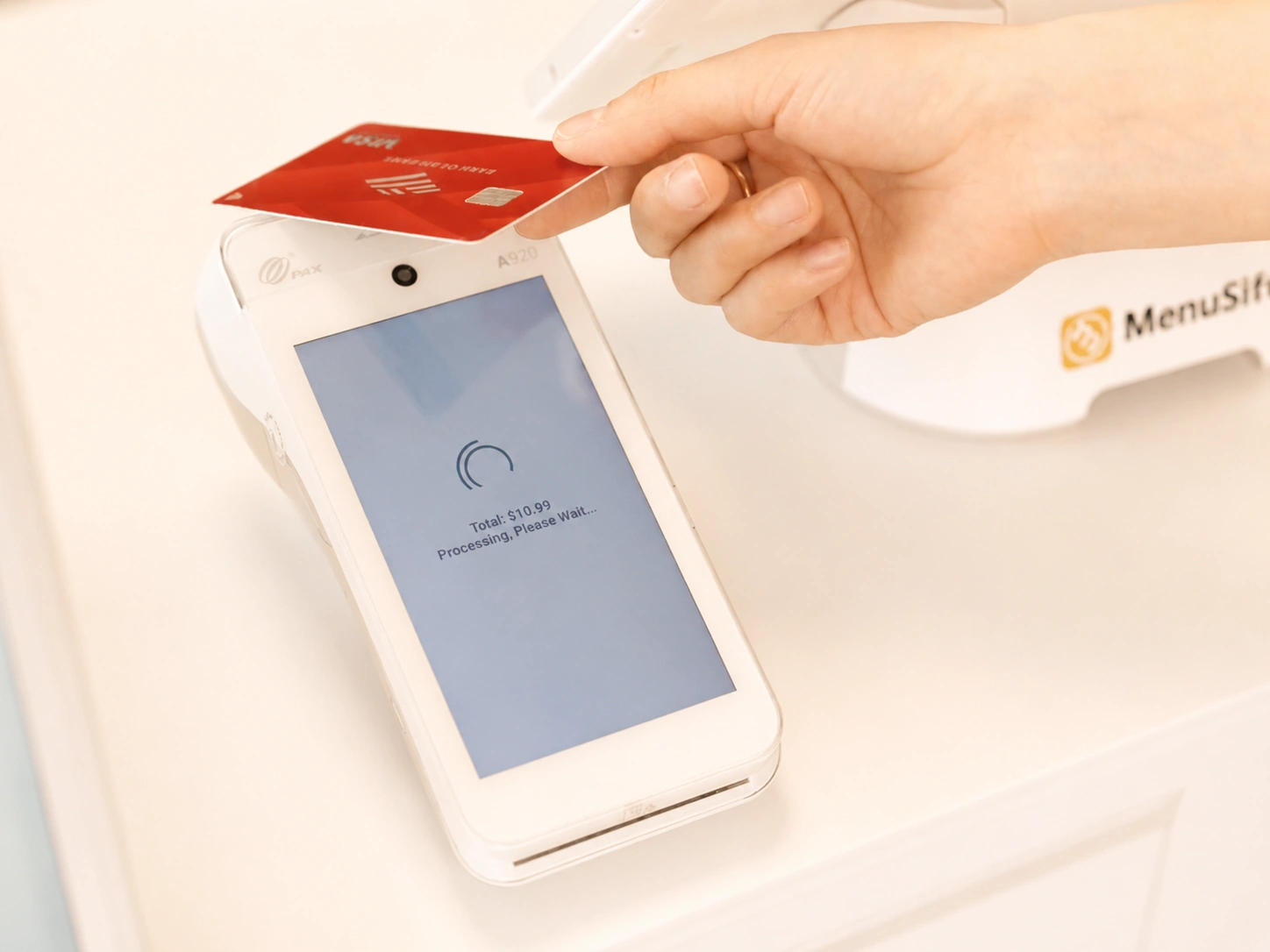
Payments should feel polished at the end of the meal. A fine dining POS can support split checks, tips, gift cards, deposits, and tableside payments, helping guests pay with less waiting while your staff closes checks efficiently.
A POS for fine dining restaurants should support the way your dining room, kitchen, and service staff work together. The right features help you serve guests with accuracy, pace each course properly, and keep daily operations organized.
Here are the core features to look for in a fine dining point of sale system.
Table management gives you a live view of your dining room. You can see which tables are seated, open, reserved, waiting for food, or ready for payment.
With table mapping, seating status, and server assignments, you can track activity as service moves. This helps you manage sections, seat guests more efficiently, and keep staff aligned during busy shifts.
Reservation integration connects booking details with your POS. When a guest arrives, your staff can see the reservation time, party size, notes, and special requests in one place.
This helps you prepare before service begins. Your team can plan seating, reduce wait times, and create a clearer handoff from host stand to table.
Fine dining often relies on precise timing. Your POS should let servers send orders by course, hold dishes, and fire items when the table is ready.
This keeps appetizers, mains, desserts, and drinks paced properly. It also helps the kitchen prepare each course with clearer timing and fewer rushed tickets.
Guest profiles help you personalize service. Your POS can store allergies, favorite dishes, wine preferences, seating notes, birthdays, anniversaries, and VIP details.
When staff can access these details, they can create a more personal visit. Small touches, like noting a preferred wine or allergy, can help guests feel recognized and cared for.
Fine dining menus often change based on seasons, ingredients, tasting menus, chef specials, and private events. Your POS should make those updates easy.
Flexible menu and modifier tools help you manage substitutions, add-ons, preparation notes, limited items, and special requests. Clear menu setup also helps servers enter orders accurately and helps the kitchen read each ticket with ease.
Fine dining payments often need more options than a simple checkout. Your POS should support split checks, tableside payments, tips, deposits, gift cards, tabs, and multiple payment methods.
Tableside payments help servers close checks at the table. Guests get a smoother ending to their visit, and staff can move through service with fewer trips to a fixed terminal.
Reporting helps you see what happens across your restaurant each day. Your POS should show revenue, best-selling items, average check size, labor performance, server sales, table turnover, and profit margins.
These insights help you adjust staffing, refine the menu, track costs, and make better business decisions. With clear reports, you can spot trends faster and act with better information.
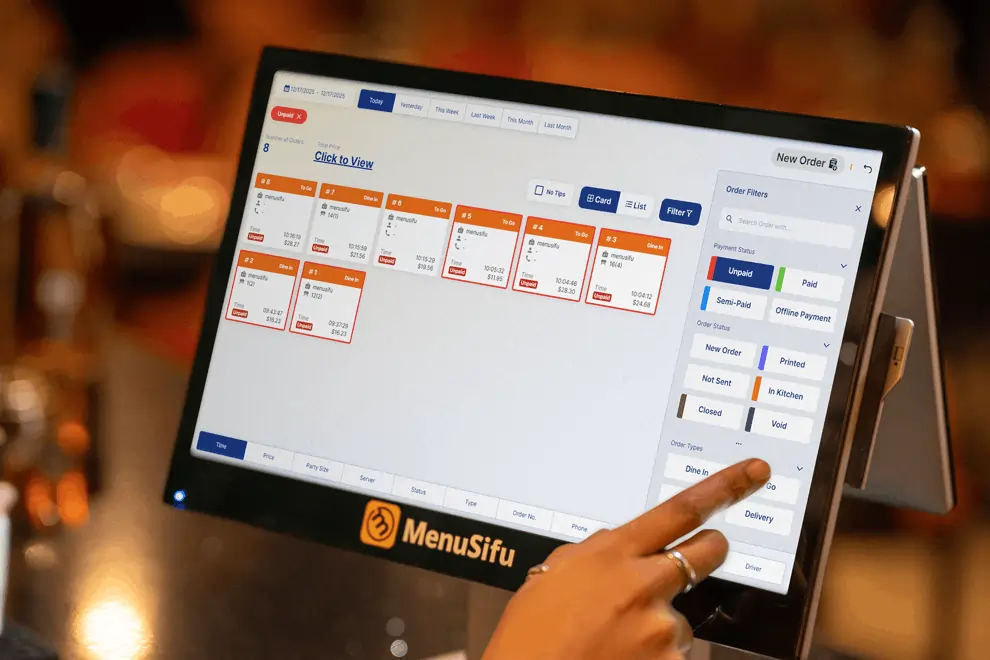
A fine dining POS system helps improve the areas of your business that influence service quality, profitability, and guest loyalty. It gives your staff better tools during each shift and gives you clearer data after service ends.
1. More Efficient Service
Servers can take orders, send tickets to the kitchen, update checks, and process payments faster. This helps each table move through service at a smoother pace.
2. Fewer Order Errors
Seat-level ordering, clear modifiers, allergy notes, and course timing help staff enter details correctly. The kitchen receives cleaner tickets, which helps reduce mistakes.
3. Better Guest Experiences
Your staff can view reservation notes, guest preferences, special requests, and past visit details. This helps them deliver more personal service from seating to payment.
4. Stronger Staff Accountability
POS reports can show server sales, voids, comps, table activity, and open checks. You can use this data to spot patterns, coach staff, and recognize strong performance.
5. Improved Table Turnover
Managers can track table status, course progress, and payment activity in real time. This helps your team seat guests more efficiently while keeping service polished.
6. Easier Menu Management
You can update dishes, prices, modifiers, and item availability from the POS. This helps when you adjust seasonal menus, tasting menus, chef specials, or limited items.
7. Better Visibility Into Revenue and Costs
A fine dining POS system shows sales trends, labor costs, menu performance, average check size, and profit margins. These insights help you see which items drive profit and which areas need attention.
8. More Informed Business Decisions
With clear data, you can plan staffing, adjust pricing, refine the menu, and improve service based on actual performance. This turns your POS into a practical tool for better daily decisions.
Fast food POS systems prioritize speed, volume, and quick checkout. A fine dining POS focuses on service quality, table coordination, guest details, and course timing.
That difference shapes how each system supports orders, payments, kitchen communication, and the overall guest visit.
A fast food POS helps staff take orders quickly, move lines, process payments, and route tickets to the kitchen. It fits short visits, simple menus, combo meals, and high daily transaction counts.
A fine dining POS supports a longer and more detailed dining experience. Your staff can assign orders by seat, pace each course, track allergies, save VIP notes, split checks, and process payments at the table.
If your restaurant offers reservations, multi-course meals, personalized service, or detailed table management, a fine dining POS gives your team the tools to serve guests with more accuracy and consistency.
Choosing the best POS for fine dining starts with how your restaurant serves guests. Look for a system that supports seated service, reservations, coursing, payments, and reporting, rather than basic order entry alone.
A generic POS can cover basic orders and payments, but fine dining needs a system that fits a more detailed style of service. Your staff manages reservations, table timing, course pacing, guest preferences, special requests, and payments across every shift.
A specialized fine dining POS solution supports that level of service. It helps your team work with more accuracy, keep guests happier, and give you clearer insight into revenue, labor, menu performance, and daily operations.
The right system also helps you protect profitability. You can see which dishes perform well, which shifts need staffing changes, and where costs affect margins. That data helps you make better decisions instead of relying on assumptions.
A solution like MenuSifu can support this with restaurant-focused POS tools, tableside ordering and payments, real-time reporting, smooth integrations, and dedicated support. It gives your team practical tools for polished service while helping you run the business with better visibility.
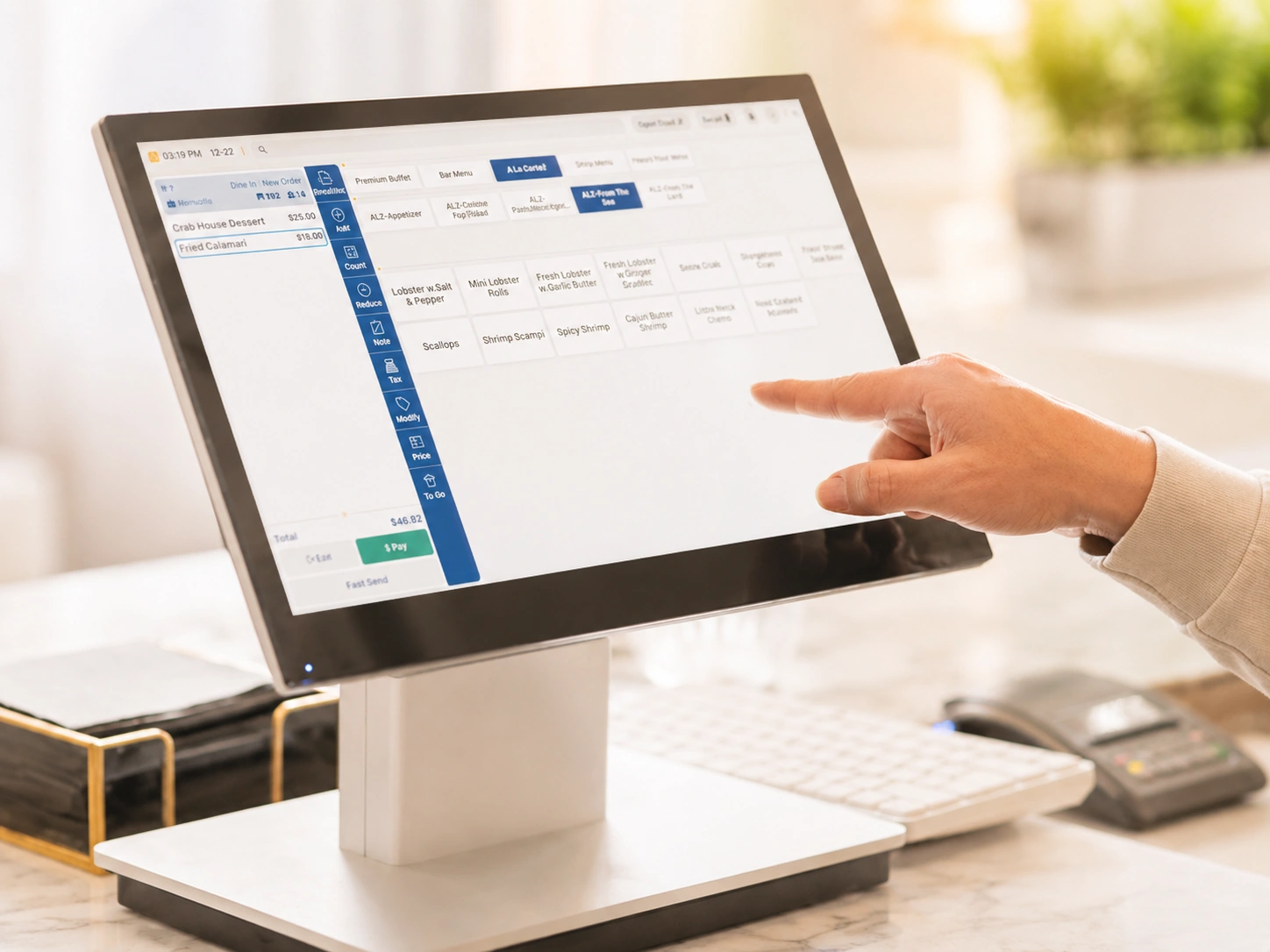
A fine dining POS helps your team manage the details that shape each guest visit. From reservations and table status to course timing, order notes, payments, and reporting, the right system keeps service organized and gives you clearer insight into daily performance.
MenuSifu offers a full-service restaurant POS system built to support refined dining operations. With handheld ordering, tableside payments, kitchen display tools, reservation and waitlist support, real-time reporting, multilingual menus, loyalty tools, and dedicated setup support, MenuSifu helps your team serve with more accuracy and confidence.
Book a Free Demo with MenuSifu today to see how the right POS solution can support more organized service from seating to final payment.
Here are quick answers to help you compare fine dining POS features and choose a system that fits your service style.
A fine dining POS supports detailed table service, course timing, guest preferences, reservations, and split payments. A regular restaurant POS usually focuses on basic order entry, payment processing, and sales tracking. Fine dining restaurants need deeper service tools because guests expect accurate pacing, personalized service, and smooth coordination between servers and the kitchen.
Yes. A fine dining POS helps improve the guest experience by giving staff quick access to table details, order notes, allergies, preferences, and payment options. It helps servers time courses properly, reduce order errors, personalize service, and close checks smoothly at the table.
A fast food POS may process orders and payments, but it may lack the table, course, guest, and reservation features that fine dining restaurants need. A fine dining POS system fits full-service operations better.
A fine dining POS can improve restaurant profitability by helping you reduce order errors, track best-selling menu items, manage labor costs, and speed up table turnover. It also gives you clear sales and performance reports, so you can adjust pricing, staffing, promotions, and menu decisions based on real data.
For more restaurant technology tips, POS insights, and operational updates, visit our blog section.
Related Articles: