November 6, 2026
Compare five providers to find the best QR code menu for restaurants. Review QR ordering features, POS integrations, pricing, and limitations before choosing.
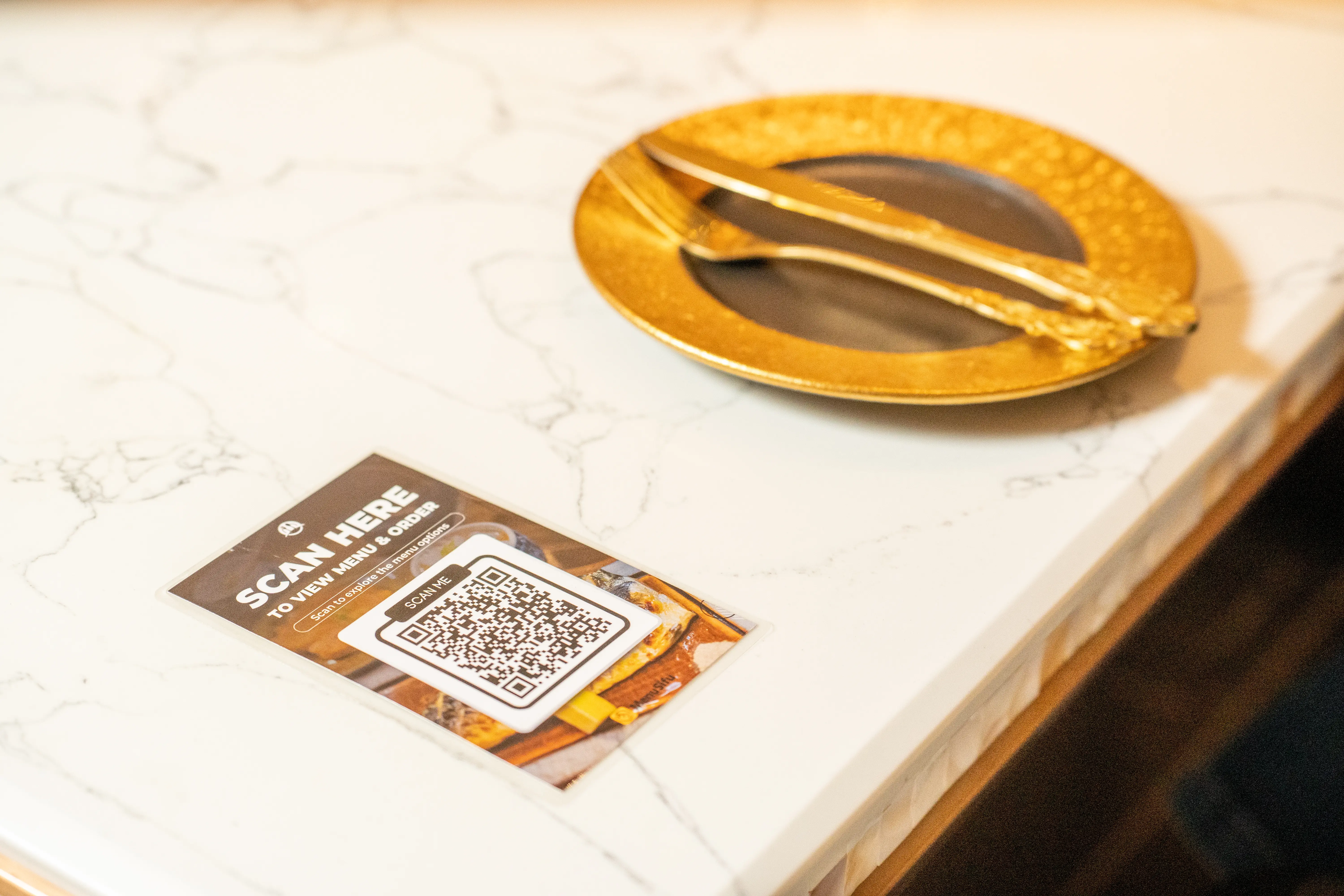
Long waits to view menus or place orders can delay service and increase your staff's workload. QR code menus can help improve ordering efficiency, but solutions vary from basic digital menus to integrated ordering, payment, and POS systems.
To help you find the best QR code menu for restaurants, we've compared five providers: MenuSifu, MENU TIGER, FineDine, UpMenu, and Menubly. We'll cover their key features, POS integrations, pricing, and limitations to help you evaluate your options.
Each QR code menu provider offers a different combination of ordering, payment, and POS capabilities. Here's how five solutions compare across restaurant suitability, features, integrations, and pricing.
Pricing reflects publicly available US-dollar rates as of November 2026. Promotions, billing terms, additional modules, and payment processing fees may affect actual costs. Starting prices reflect different feature packages and may not represent equivalent ordering or POS capabilities.
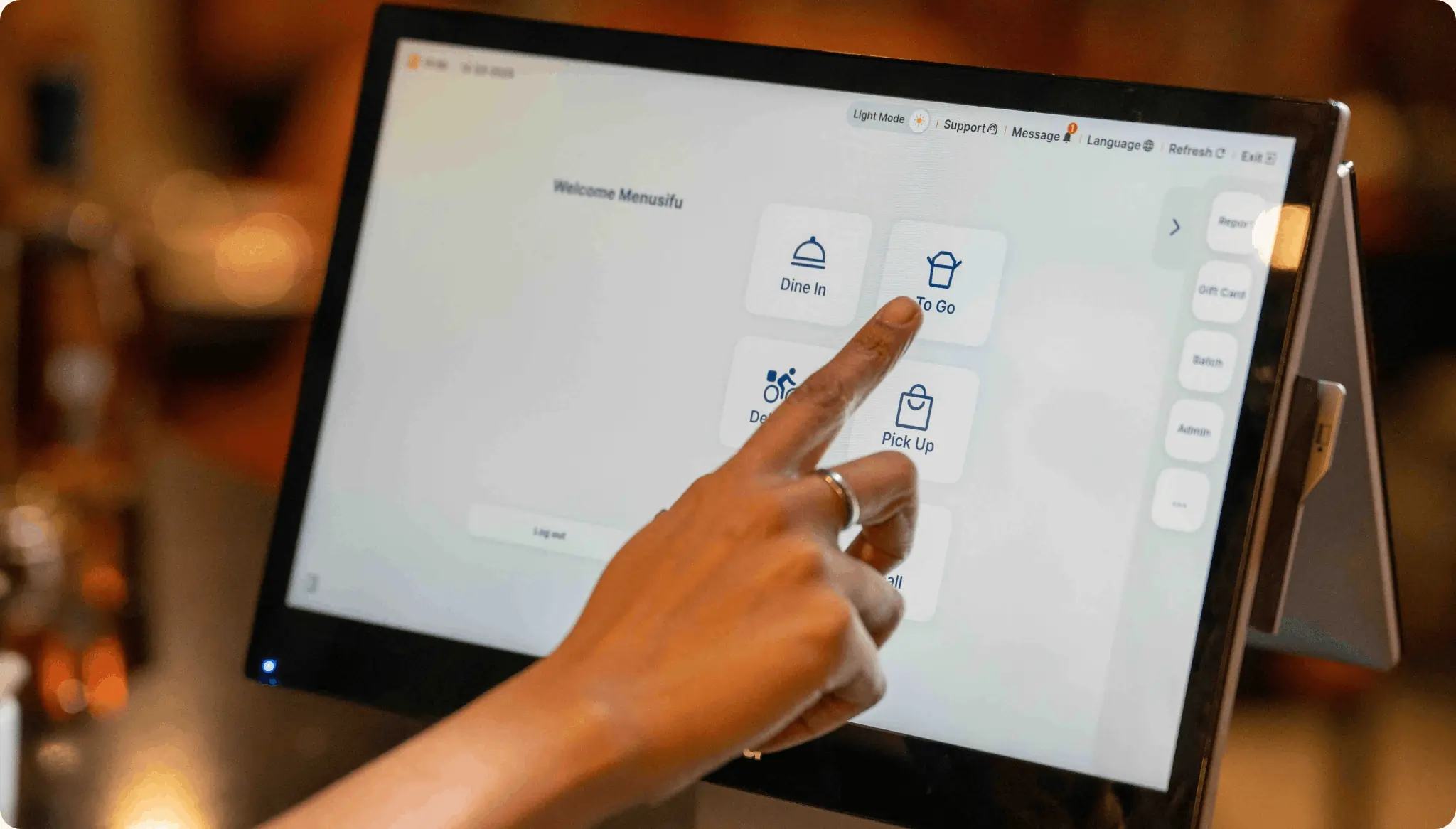
MenuSifu offers a QR code ordering solution that connects digital menus, customer orders, and payments with its restaurant POS system. It is particularly suitable for full-service restaurants, quick-service establishments, and multi-location businesses seeking a connected ordering process.
Its Scan-to-Order solution allows guests to browse menus and place orders using their smartphones while giving you control over how ordering and payment work within your restaurant.
Key Features
MenuSifu supports three QR code menu modes that accommodate different service styles:
Its digital menus display dish photos, descriptions, and prices, helping customers review their options before ordering. You can update items, adjust availability, and mark dishes sold out in real time without reprinting menus.
MenuSifu also supports customizable promotions, including limited-time offers and special deals. You can encourage membership sign-ups and loyalty point redemption directly through the digital menu.
For dine-in service, unique table QR codes help associate orders with the correct tables. Guests use their own smartphones, eliminating the need for additional customer-facing ordering devices.
POS Integration
MenuSifu Scan-to-Order integrates directly with MenuSifu POS, allowing customer orders to enter the POS system and proceed to the kitchen.
This connection reduces duplicate order entry and helps coordinate front-of-house and kitchen operations. Your staff can spend less time manually transferring orders and more time assisting guests, preparing tables, and managing restaurant service.
MenuSifu's broader restaurant technology ecosystem also includes kitchen display systems, online ordering, payment processing, and restaurant management tools.
Pricing
According to MenuSifu's pricing page, its Pay-As-You-Grow core POS plan starts at $0/month for eligible new restaurants. Scan-to-Order is listed under the Basic package, which does not have a publicly listed fixed monthly price.
Contact MenuSifu for a quote covering your selected software features, hardware requirements, payment processing, and implementation needs.
Potential Limitations
MenuSifu Scan-to-Order operates within the MenuSifu POS ecosystem. If you currently use another POS provider, review the requirements, implementation process, and costs associated with switching systems.
MENU TIGER provides QR code menus and self-ordering software that lets customers browse dishes, customize items, and place orders through their smartphones.
It suits cafés, casual dining restaurants, and self-service establishments looking to simplify customer ordering and manage incoming orders through a centralized platform.
MENU TIGER combines digital menu creation, customer ordering, and restaurant management tools, with different subscription tiers based on order volumes and required capabilities.
Key Features
MENU TIGER allows you to create digital menus with item descriptions, food photos, categories, and modifiers. Customers can scan table-specific QR codes, select their meals, add extras, and pay using supported payment methods.
Its ordering system also offers the following capabilities:
POS Integration
MENU TIGER offers its own cloud-based POS system, allowing restaurants to manage orders, transactions, and other operational activities within the platform.
The POS module is available as a paid add-on under its Regular and Advanced plans and is included in the Premium subscription.
For external POS compatibility, MENU TIGER documents integrations with Loyverse and Square POS. Supported functionality and setup requirements may vary by integration, so confirm compatibility with your existing system before subscribing.
Pricing
According to MENU TIGER's pricing page, the platform offers four monthly plans:
The cloud POS module costs an additional $30/month under the Regular and Advanced plans. Kitchen and receipt printer management is available as a $20/month add-on on those tiers. Premium includes both modules.
Potential Limitations
Lower-tier plans impose monthly order limits, which may require subscription upgrades as order volumes increase.
Some advanced POS, kitchen, and table management features also depend on the selected package. If you rely on an established third-party POS, verify integration compatibility and any additional setup costs.
FineDine combines interactive digital menus with tableside ordering and guest engagement tools. It serves full-service restaurants, hotels, cafés, and other dining establishments that place particular emphasis on menu presentation and customer interaction.
FineDine supports QR code menus and tablet-based menus, giving customers different ways to explore dishes and submit orders.
Key Features
FineDine lets you create visually detailed digital menus featuring food photos, videos, ingredient information, allergen details, and multiple language options.
You can also customize menu branding, update item availability, and manage menu information through a centralized dashboard.
Its additional capabilities include:
FineDine supports different dine-in ordering approaches. Its quick-service mode creates separate tickets for incoming orders, while its full-service mode can keep customer tickets open until checkout.
The platform also includes reservation management, payment capabilities, and additional digital tools, depending on the subscription tier.
POS Integration
FineDine supports third-party integrations with several restaurant POS systems, including Clover, Revel, Foodics, Simphony, and EPOS Now.
These integrations can transfer customer orders to the POS and synchronize selected menu information, including item names, prices, and modifiers.
For restaurants already using a compatible POS, this can help connect FineDine's digital menus with existing order management processes.
Check the activation requirements, supported capabilities, and any additional fees before implementing a POS integration.
Pricing
According to FineDine's pricing page, its standard annual-billing rates are:
FineDine also advertises limited-time first-year discounts. Confirm the applicable promotional rate and renewal price before subscribing.
Potential Limitations
FineDine's Starter and Growth plans impose limits on monthly orders, dine-in tables, and certain operational capabilities.
Advanced features and third-party POS integrations may also increase subscription costs. Review the plan's included functionality carefully, especially if you operate multiple locations or require extensive system integrations.
UpMenu combines QR code menus with online ordering, payment processing, and restaurant marketing tools. It is suitable for restaurants that want to manage dine-in ordering alongside pickup, delivery, and direct website sales.
The platform offers a modular approach, allowing you to select ordering and management tools based on the channels your restaurant uses.
Key Features
UpMenu's QR code menu lets customers access your menu through their smartphones, browse dishes, select modifiers, and submit orders from their tables.
You can create branded digital menus, update prices and availability, add product variations, and display menu recommendations.
The platform also includes several capabilities beyond dine-in QR ordering:
UpMenu also offers integrations with food delivery services and ordering marketplaces, making it relevant if your restaurant manages orders from several sales channels.
Its centralized ordering tools can help your team monitor incoming orders from different sources rather than relying on separate systems.
POS Integration
UpMenu integrates with several restaurant POS systems, including Square, Toast, Clover, and selected Lightspeed products.
These integrations help send customer orders from UpMenu into existing POS environments, reducing the need to manually reenter order information.
UpMenu's pricing page currently lists POS integrations as a free module. However, supported functions and any provider-side charges should be confirmed for the selected integration.
UpMenu also advertises its own POS product, but its pricing page currently labels that module as coming soon.
Pricing
According to UpMenu's QR code menu page, its QR menu solution starts at $49/month per location.
Its modular pricing also lists:
Your total subscription depends on the selected base package and additional modules. Confirm the complete cost of QR ordering, tableside ordering, and any required integrations.
Potential Limitations
UpMenu's modular pricing can increase monthly expenses when you add ordering channels, loyalty programs, delivery services, or additional locations.
Some advertised products are also still under development. Before subscribing, confirm the availability of specific features and the services included in your chosen package.
Menubly provides QR code menus, online ordering, and restaurant mini websites through an accessible digital platform.
It is particularly suitable for independent restaurants, cafés, bakeries, and food trucks that want to publish menus online and accept basic customer orders without investing in an extensive restaurant management platform.
Menubly emphasizes simple menu creation, easy online access, and affordable subscription options.
Key Features
Menubly offers mobile-friendly digital menus and online ordering tools that help you manage menu information and accept customer orders through a single platform.
Its main capabilities include:
Menubly's Pro plan also supports custom domains, additional design customization, and PDF-to-digital-menu conversion.
POS Integration
Menubly provides built-in online ordering functionality, but its publicly available documentation does not clearly establish native integration with major restaurant POS systems.
If your current operations require automatic POS synchronization, kitchen ticket routing, or connected payment terminals, contact Menubly to verify its available options.
For restaurants that need basic QR menus and online ordering, its existing features may be sufficient. More advanced operational requirements may call for additional restaurant technology.
Pricing
According to Menubly's pricing page, the platform offers three plans:
The low starting cost makes Menubly an accessible option if you primarily need digital menu publishing and basic ordering capabilities.
Potential Limitations
Menubly offers fewer publicly documented POS and kitchen integration capabilities than platforms built around comprehensive restaurant operations.
If you require automated kitchen workflows, advanced reporting, or centralized multi-location controls, verify the available functionality before committing to the platform.
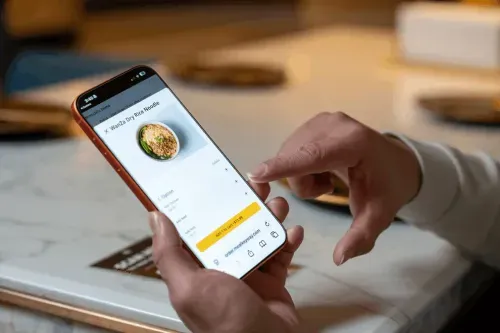
The best QR code menu should support your ordering process, work with your existing technology, and remain easy to manage as your business expands. Before selecting a provider, consider these three factors.
Your service model determines how customers interact with a QR code menu. Full-service restaurants may prefer digital menus that support both staff-assisted and tableside ordering, while quick-service restaurants often benefit from self-ordering and mobile payments to reduce queues.
Cafés may prioritize simple menu updates and easy access to daily specials. Multi-location establishments, meanwhile, may need centralized controls to maintain consistent menus and pricing across branches.
Identify how you want customers to browse, order, and pay, then select a platform that supports those workflows.
A QR code menu should connect efficiently with your POS system, payment processor, and kitchen operations.
Basic digital menus typically display items and prices, leaving staff to process orders separately. Integrated QR ordering systems can send customer orders directly to the POS and kitchen, reducing duplicate data entry and improving order accuracy.
Before committing to a provider, verify:
These checks can help you identify potential operational gaps and avoid unexpected expenses.
Consider how easily your staff can set up and manage the platform. Look for an intuitive dashboard that allows quick updates to menu items, prices, availability, and promotions.
Review the provider's onboarding process, employee training resources, and technical support options. Reliable assistance can help your team resolve issues and maintain consistent operations.
If you plan to open additional locations or expand ordering channels, check that the platform supports centralized menu management, additional users, and higher order volumes. Compare subscription limits and upgrade costs to determine the long-term value of each solution.
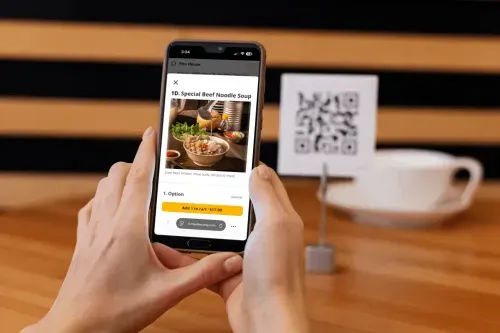
The best QR code menu depends on what you want to improve.
Menubly offers accessible digital menu creation, while MENU TIGER emphasizes customer self-ordering. FineDine provides interactive menu presentation and guest engagement features, and UpMenu combines QR ordering with broader online sales capabilities.
If your priority is connecting digital ordering with your POS and kitchen operations, MenuSifu provides an integrated solution worth exploring.
With MenuSifu Scan-to-Order, guests can browse menus, place orders, and pay through their phones, while orders flow directly into your MenuSifu POS and kitchen.
To see how this could support your restaurant's ordering process, Book a Free Demo with MenuSifu and explore its Scan-to-Order capabilities with the team.
Customers who sign an eligible contract by December 31, 2026 can also receive MenuSifu's core software, including Scan-to-Order and POS, with no monthly software subscription fees. Required hardware must be purchased separately, and other fees may apply. Ask our team about the year-end offer when booking your demo.
Here are answers to frequently asked questions about QR code menus to help you evaluate your options and choose the right solution for your restaurant.
The best QR code menu for a restaurant depends on its ordering needs, service style, and POS compatibility. MenuSifu is a strong choice for integrated QR code ordering, payments, and POS management. Other providers, including MENU TIGER, FineDine, UpMenu, and Menubly, offer alternatives for self-ordering, interactive digital menus, and online ordering.
No. Most QR code menu systems allow customers to scan a QR code with their smartphone camera and access the menu directly through a web browser. Depending on the system, customers can also place orders and make payments without downloading an app.
Yes. Most QR code menu platforms let you update menu items, prices, descriptions, and availability through an online dashboard. As long as the QR code links to the same menu URL, customers can access the updated menu without requiring newly printed QR codes.
For more restaurant technology insights, POS comparisons, and ordering tips, explore the MenuSifu Blog for additional guides and updates.
Related Articles: