November 11, 2026
Explore 8 QR code menu benefits that help you cut printing costs, update menus quickly, and give customers an easier way to browse your menu on their phones.
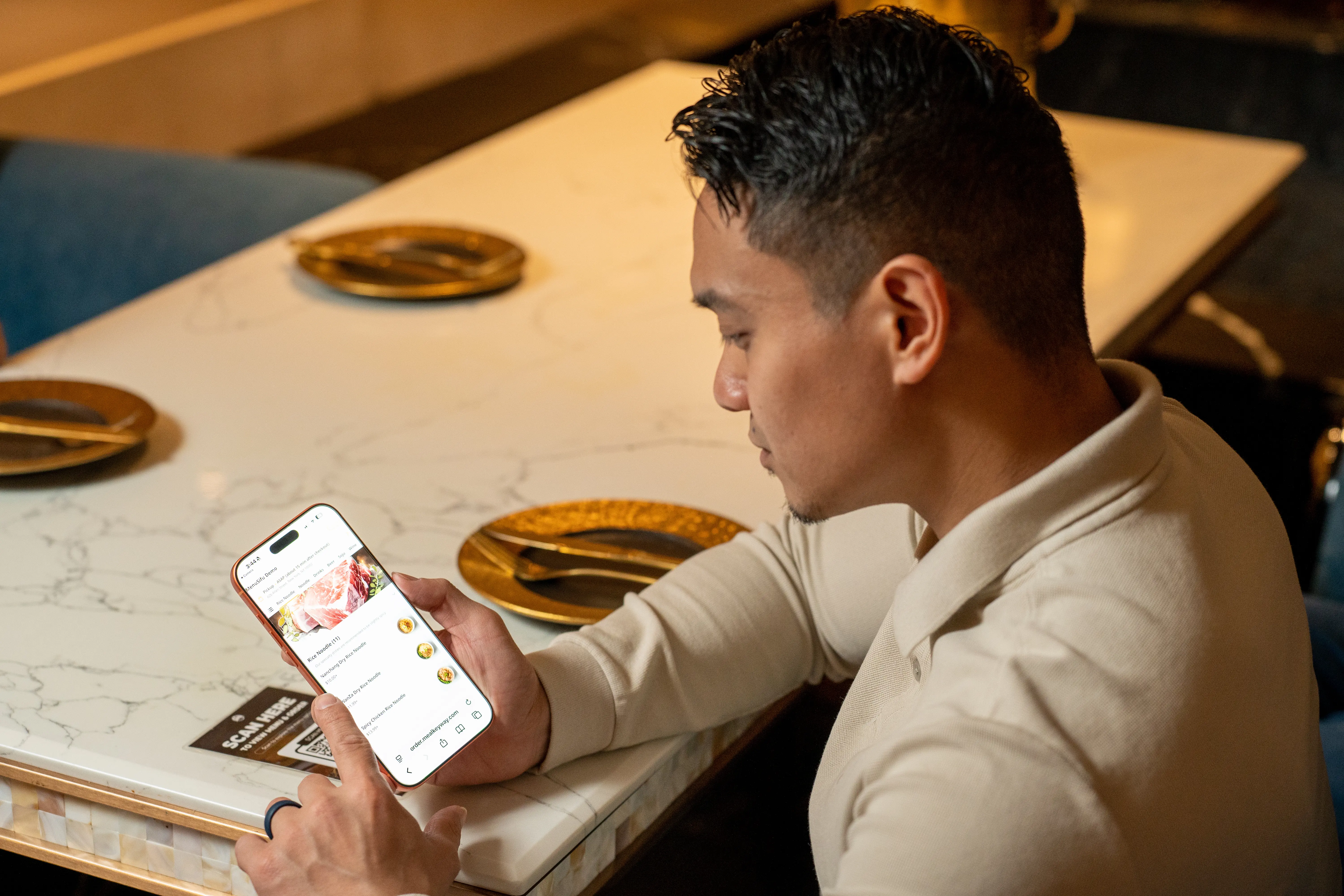
Every price change, new dish, or worn-out menu can lead to another printing expense. Plus, limited space on printed menus makes it harder to showcase food photos and detailed descriptions.
QR code menus offer a practical alternative, allowing you to update your offerings digitally while giving customers easy access to your menu on their smartphones. Here are eight QR code menu benefits that can help you reduce costs, simplify menu management, and improve the customer experience.
Printed menus bring ongoing expenses beyond the initial printing cost. Replacing outdated, stained, or damaged copies can add up, especially when you need multiple menus across your tables.
With a QR code menu, you can update information digitally while keeping the same QR codes on your tables or counters. This reduces the need to reprint menus whenever prices, descriptions, or available dishes change.
Over time, fewer print orders can help you lower menu-related expenses and allocate more of your budget to other operational needs.

Changing a printed menu often involves editing the design, arranging printing, and replacing existing copies. A QR code menu simplifies this process by allowing you to manage menu information digitally.
Through a digital menu platform, you can:
For example, if a popular dish sells out or you introduce a seasonal special, you can update your digital menu immediately. Once you publish the changes, customers can access the latest version through the existing QR code.
This flexibility helps you keep your offerings current while reducing the time spent managing menu changes.
Customers can access your menu directly from their smartphones by scanning a QR code. This lets guests begin browsing as soon as they are seated, rather than waiting for staff to distribute physical menus.
You can place QR codes on table tents, counters, or display signs to make your menu easy to find. Multiple customers at the same table can also view the menu simultaneously instead of sharing printed copies.
With menus readily accessible, your staff can spend less time distributing them and more time answering questions, offering recommendations, and assisting customers who need help.
Printed menus have limited space for food photos and descriptions, which can make it difficult to present every dish effectively.
QR code menus offer more flexibility in how you showcase your offerings. Depending on your digital menu platform, you can include high-quality food photos, highlight key ingredients, and provide detailed descriptions of preparation methods or available options.
For example, a customer unfamiliar with a particular dish can view its appearance, read its description, and check its ingredients before deciding.
Clear visuals and informative descriptions help customers make informed choices while giving featured dishes greater visibility.
Outdated printed menus can create confusion when customers see different prices, descriptions, or available items across tables.
With a QR code menu, you can manage information through a central digital platform. When you update a price, edit a description, or mark an item unavailable, customers accessing the same menu can see the latest published information.
If you operate multiple locations, platforms that support location-based menu management can also help you maintain consistent information while adjusting offerings for individual branches.
This gives you greater control over menu accuracy and helps prevent misunderstandings caused by outdated information.
Seasonal dishes, daily specials, and limited-time promotions can attract customer interest, but updating printed menus for every offer takes additional time and resources.
A QR code menu lets you add featured items, update promotional details, and remove expired offers digitally. You can also use dedicated menu sections or prominent placements to draw attention to new dishes.
For example, you can feature lunch specials during the day or highlight seasonal beverages when they become available.
This flexibility helps you keep your menu relevant while making it easier for customers to discover your latest offerings.
Physical menus require regular cleaning, storage, and replacement. Frequent updates and everyday wear can also lead to unnecessary paper consumption.
QR code menus help reduce your dependence on printed materials by allowing customers to access menu information through reusable QR code displays. You can change menu content without discarding old copies or producing new ones.
Although QR code displays still require occasional maintenance, durable displays can remain in place through multiple menu updates.
Your staff can also spend less time collecting, cleaning, and organizing physical menus, helping reduce routine upkeep while supporting efforts to minimize paper waste.
Customers often want time to explore different dishes, compare prices, and review ingredients before making their selections.
With a QR code menu, guests can browse menu categories at their own pace using their smartphones. They can revisit descriptions, compare available options, and take a closer look at food photos without requesting another physical menu.
If you have an extensive menu, a well-organized, mobile-friendly layout can also make it easier for customers to find specific dishes and explore different categories.
This flexibility gives customers more control over their browsing experience and helps them make informed dining choices before communicating their selections to your staff.
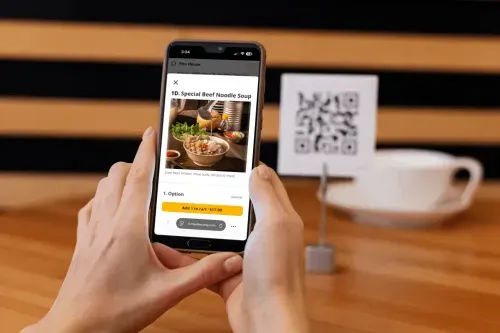
QR code menus and printed menus both help customers explore your food and drink options, but each offers different advantages. QR code menus make it easier to update information, display dishes, and reduce printing expenses, while printed menus give customers a familiar way to browse without using a smartphone.
Here's how they compare:
QR code menus offer greater flexibility in updating and presenting your offerings, while printed menus remain a convenient option for customers who prefer physical copies. Using both allows you to accommodate different browsing preferences.
QR code menus are particularly useful if you frequently update prices, introduce seasonal dishes, or adjust item availability. Instead of reprinting menus for every change, you can update your offerings digitally and keep information current across your tables.
They can also help you reduce printing expenses and improve menu presentation. With food photos, detailed descriptions, and organized categories, you can give customers a clearer view of your offerings while allowing them to browse at their own pace.
Before making the switch, consider your customers' preferences and access to smartphones and the internet. Keep printed menus available for guests who prefer physical copies or cannot access the digital version. By offering both options, you can simplify menu management while giving every customer a convenient way to explore your dishes.
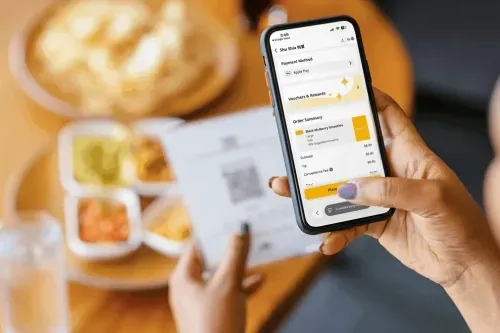
QR code menus offer a practical way to reduce printing costs, keep menu information accurate, and give customers convenient access to your offerings. By making menu updates easier and presenting dishes with clear photos and descriptions, you can improve menu management and the customer browsing experience.
With MenuSifu's Scan to Order, you can start with Browse Only mode, allowing customers to scan a QR code and view your digital menu while your staff continues taking orders. If you decide to expand your capabilities later, MenuSifu also offers Order Only and Order + Pay modes to support mobile ordering and payments.
Want to see how MenuSifu can simplify menu management at your restaurant? Book a Free Demo with MenuSifu to explore its digital menu features and see how they can support your operations.
You can also take advantage of MenuSifu's 2026 Year-End Promotion, available through December 31, 2026. Eligible customers can get core software, including Scan to Order and E-Menu, with no monthly software subscription fee. Required hardware must be purchased separately, with approved installment payment options available. Other applicable fees may apply.
Still have questions about QR code menus? Find answers to common questions about menu access, updates, and features.
Usually, no. Most QR code menus open directly in a web browser. Customers can simply scan the QR code with their smartphone camera to view your menu without downloading a separate app.
Yes. If your QR code links to an editable digital menu, you can update prices, descriptions, and available items through your menu platform while keeping the same code. Customers can scan it to access the latest published menu information.
Most QR code menus require an internet connection to load and display menu information. Providing reliable Wi-Fi helps customers access your digital menu. You can also keep printed menus available as a backup when internet access is limited.
Yes, you can use QR code menus alongside printed menus. QR code menus let customers browse dishes on their smartphones, while printed menus provide an alternative for guests who prefer physical copies or have limited access to digital devices. Offering both options helps you accommodate different customer preferences.
Only if the QR code menu includes ordering functionality. A basic QR code menu lets customers view dishes, prices, and descriptions on their smartphones. To place orders directly, customers need a QR code ordering system, such as MenuSifu's Scan to Order, which allows them to browse the menu and submit orders from their devices.
For more restaurant technology tips, practical guides, and industry updates, visit the MenuSifu Blog.
Related Articles: