September 24, 2026
Need clarity on restaurant POS systems? Find out what they do, how they support your workflow, and how to choose one that fits your service and budget.

Running a restaurant means handling orders, payments, and staff while keeping costs under control. If you are looking into restaurant POS systems, you may be trying to replace manual processes or set things up right from the start. How do these systems actually work, and how can they simplify daily service?
This article explains what a POS system is, how it works, and what to expect when using one in your restaurant.

A POS system, or Point of Sale system, is the tool your restaurant uses to take orders, accept payments, and track sales. It acts as the central hub for your front-of-house and back-of-house operations.
Instead of writing down orders on paper or entering totals into a calculator, a POS system lets you tap menu items on a screen, send the order directly to the kitchen, and process the payment at the table or counter. It replaces:
Modern POS systems run on tablets or touch-screen terminals and connect to printers, kitchen displays, and payment devices. Most also store your sales and reports in the cloud, so you can access them from anywhere.
A restaurant POS system isn’t just for payments. It helps manage menus, track inventory, split checks, calculate taxes, and see which dishes are selling the most—all in one place. This saves time, reduces errors, and helps you focus on running your service rather than chasing numbers.
By using a POS, your daily tasks become faster and more accurate, and your staff can spend less time on manual work and more time serving guests.
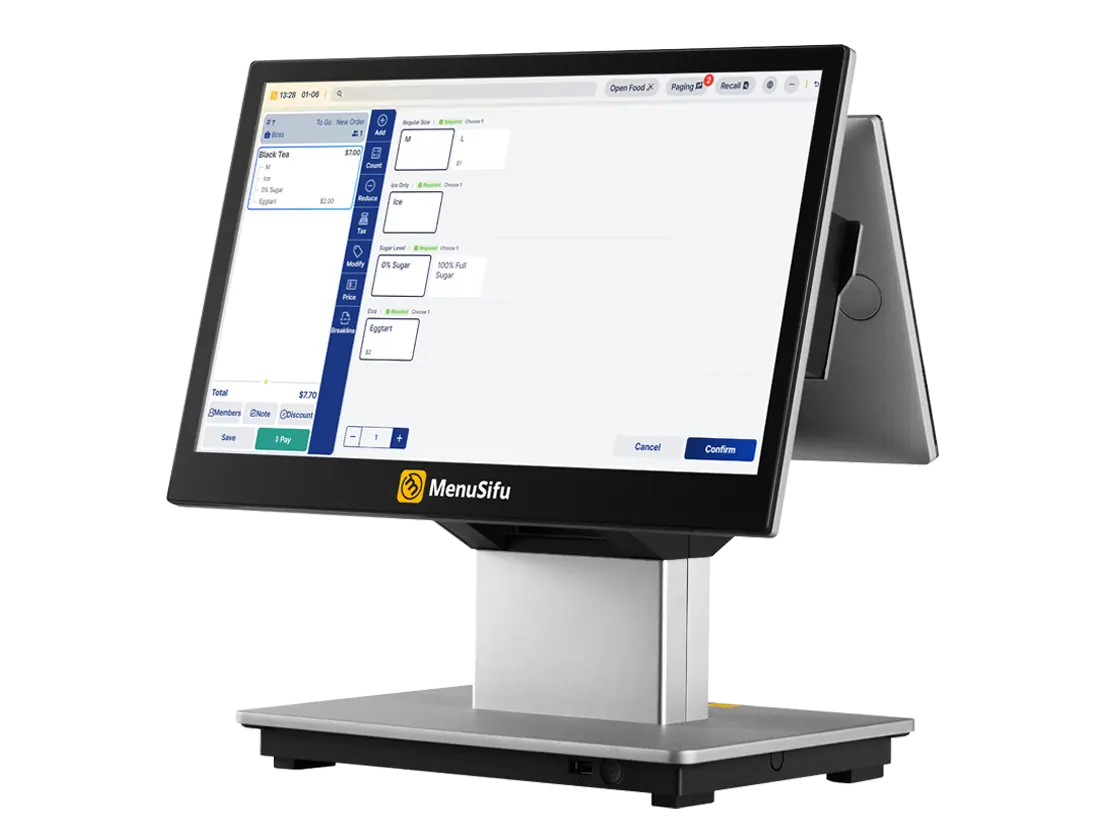
A restaurant POS system connects the front of house, back of house, and payment processing into one simple flow. Instead of bouncing between handwritten tickets and separate tools, everything runs through the POS.
Here’s how it works:
Use Cases by Service Type
Every service type flows through the same system, giving you a consistent and reliable process every time.
A well-chosen POS system helps run daily operations with more control and less manual effort. Here are the biggest day-to-day benefits:
1. Speed Up Service
Orders go from table to kitchen or counter in seconds. No handwritten tickets. Fewer delays. That means faster table turnover, shorter lines, and less time correcting mistakes.
2. Simplify Staff Training
New team members can learn the system in minutes. Touchscreens, intuitive layouts, and clear menus reduce training time. That helps staff focus more on guests and less on figuring out buttons.
3. Track Sales Automatically
Know what sells best, when it sells, and who is selling it. Daily and hourly sales reports help with planning, menu adjustments, and promotions. All the data stays in one place and updates in real time.
4. Manage Inventory in Real Time
Connect inventory tracking to every sale. You can spot when ingredients are low, see which items move fastest, and cut down on waste. No more relying on rough estimates or last-minute orders.
5. Accept More Payment Types
Offer guests more ways to pay: tap, chip, mobile wallets, and online. A flexible payment setup keeps lines moving and improves the experience for dine-in, takeout, or delivery.
Each of these features supports daily service, reduces extra steps, and helps run operations more efficiently.
Getting started with a restaurant POS system doesn’t need to feel overwhelming. Most modern systems are designed to be quick to learn and simple to operate. Once set up, using a POS becomes a natural part of daily service. Here's how the basic workflow typically looks:
1. Log In Securely
Staff use a unique PIN, swipe card, or login to access the system. This keeps roles clear and tracks actions by user. You can set different permissions for managers, servers, and kitchen staff.
2. Take an Order
Select the table or order type (dine-in, takeout, or delivery). Tap on menu items to add them to the ticket. You can customize orders by modifying ingredients or adding notes. The system calculates prices, taxes, and applicable discounts automatically.
3. Send to the Kitchen
Once the order is confirmed, it routes instantly to the kitchen printer or display screen. This helps reduce errors and maintain consistent communication between the front and back of house.
4. Accept Payment
When the customer is ready to pay, choose the payment type: card, tap, mobile wallet, or cash. Most systems accept split payments, tips, and partial transactions. Once payment is complete, the receipt is printed or sent via email/text.
5. Track and Review Orders
Throughout the shift, you can review current orders, make adjustments, and monitor activity. At closing, the system generates sales summaries, staff reports, and shift breakdowns.
Tips for Everyday Use:
If possible, add a short explainer video or screen recording to your training materials. A visual walkthrough makes onboarding easier and builds confidence for new users. Once familiar, staff can move through tasks quickly and spend more time serving customers.
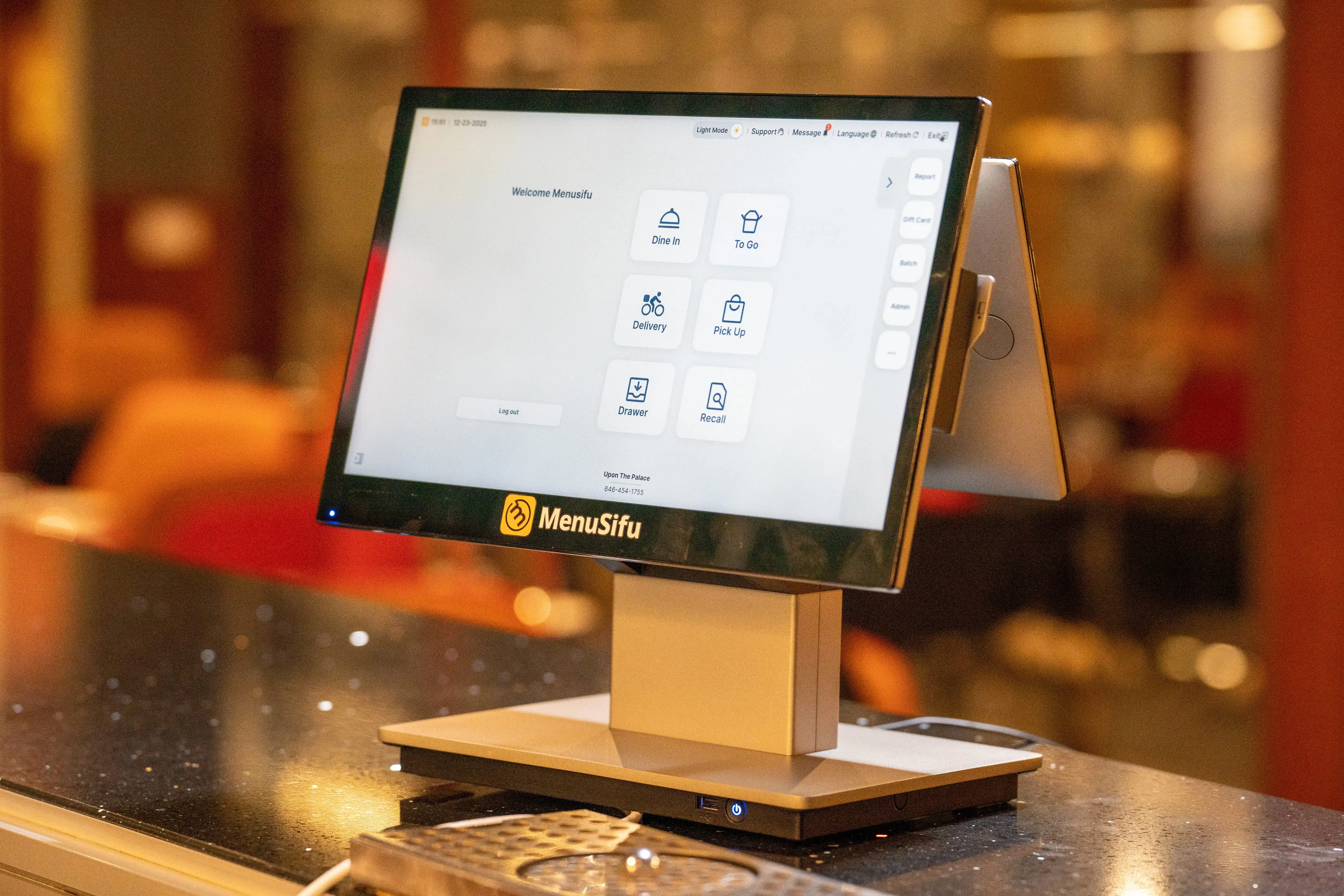
The right POS system should support how you run your restaurant, not complicate it. Before you commit, focus on tools that fit your workflow, service style, and future plans.
Here’s how to narrow it down:
1. Start with your service model
Do you run quick-service, full-service, or a mix? Choose a POS that supports your ordering flow—whether that’s counter, tableside, or online. Look for flexibility if you offer takeout, delivery, or reservations.
2. Keep the interface simple
Your team should learn the system quickly. A clean, intuitive layout speeds up training and reduces mistakes during peak hours.
3. Check for reliable support
If something breaks, help should be easy to reach. Look for a provider with live support, fast response times, and setup guidance.
4. Look at payment options
Make sure the system accepts cards, mobile wallets, and contactless payments. The easier you make it for guests to pay, the smoother the experience.
5. Consider reporting and insights
Good data helps you plan. Choose a POS that tracks sales, staff performance, and best-selling items in real time.
6. Think about integrations
If you use tools for accounting, delivery, or scheduling, find a POS that integrates easily with them. This keeps everything running in sync.
7. Watch for hidden fees
Ask about contract terms, hardware costs, software updates, and payment processing rates. Look for clear pricing and month-to-month options if possible.
Focus on what supports your daily flow and makes your job easier. A good POS system should help you serve guests faster, reduce manual tasks, and give you clear insights so you can focus on running the business, not the tech.
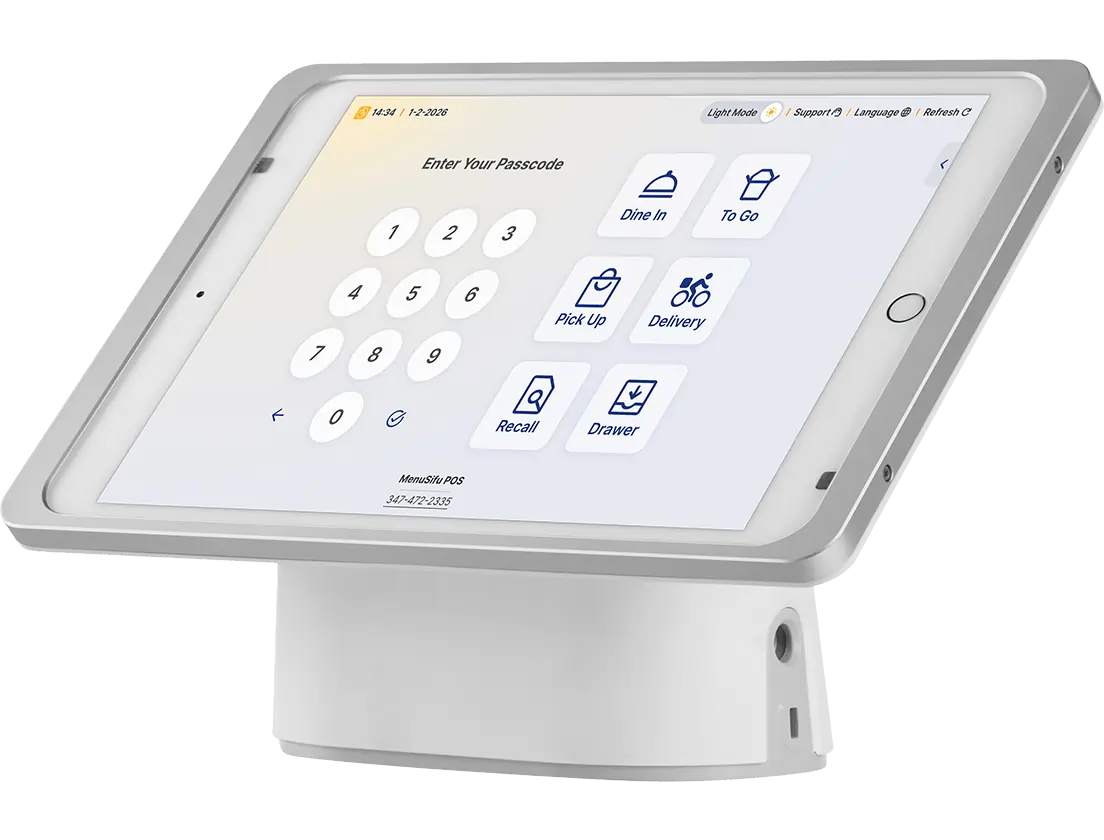
A POS system helps you keep orders, payments, and reporting in one place so your service runs smoother and your team stays on track. It reduces manual tasks, speeds up every shift, and gives you a clearer view of what’s working so you can make better decisions, save time, and focus on the day-to-day of running your restaurant.
MenuSifu offers point-of-sale solutions built for daily restaurant operations. With durable hardware, reliable software, and tools to manage orders, payments, and staff in one place, everything works together to support your workflow. From syncing dine-in and delivery orders to tracking tips and real-time sales, your team stays in control even during peak hours or internet outages.
Book a Free Demo with MenuSifu today and see how it fits into your service.
Get quick answers to common questions about choosing and using a restaurant POS system. These FAQs cover what you need to know to simplify decisions and start strong.
No. Most modern restaurant POS systems are designed to be easy to learn. Staff can usually pick up basic tasks like taking orders and processing payments after short training. Clear menus, touch-based screens, and simple workflows help teams get comfortable quickly and work efficiently during service.
Yes, you can use a tablet as a POS system. Modern POS software runs on tablets like iPads or Android devices. This approach offers mobility for tableside ordering and payment processing. It often lowers initial costs compared to traditional terminals. To function fully, you typically need a card reader, a secure stand, and a receipt printer.
Start by identifying your restaurant’s size, service style, and specific needs like table management, online ordering, or inventory tracking. Look for a system that integrates smoothly with your current tools, offers 24/7 support, and provides real-time reporting. Prioritize ease of use, mobile compatibility, and transparent pricing. Test demos and read user reviews to compare reliability and features before making a decision.
For more insights and updates on restaurant technology and operations, check out our blog section regularly.
Related Articles: