November 13, 2026
Compare 6 of the best QR code ordering platforms for restaurants in 2026. Review pricing, POS integrations, key features, and pros and cons before you decide.
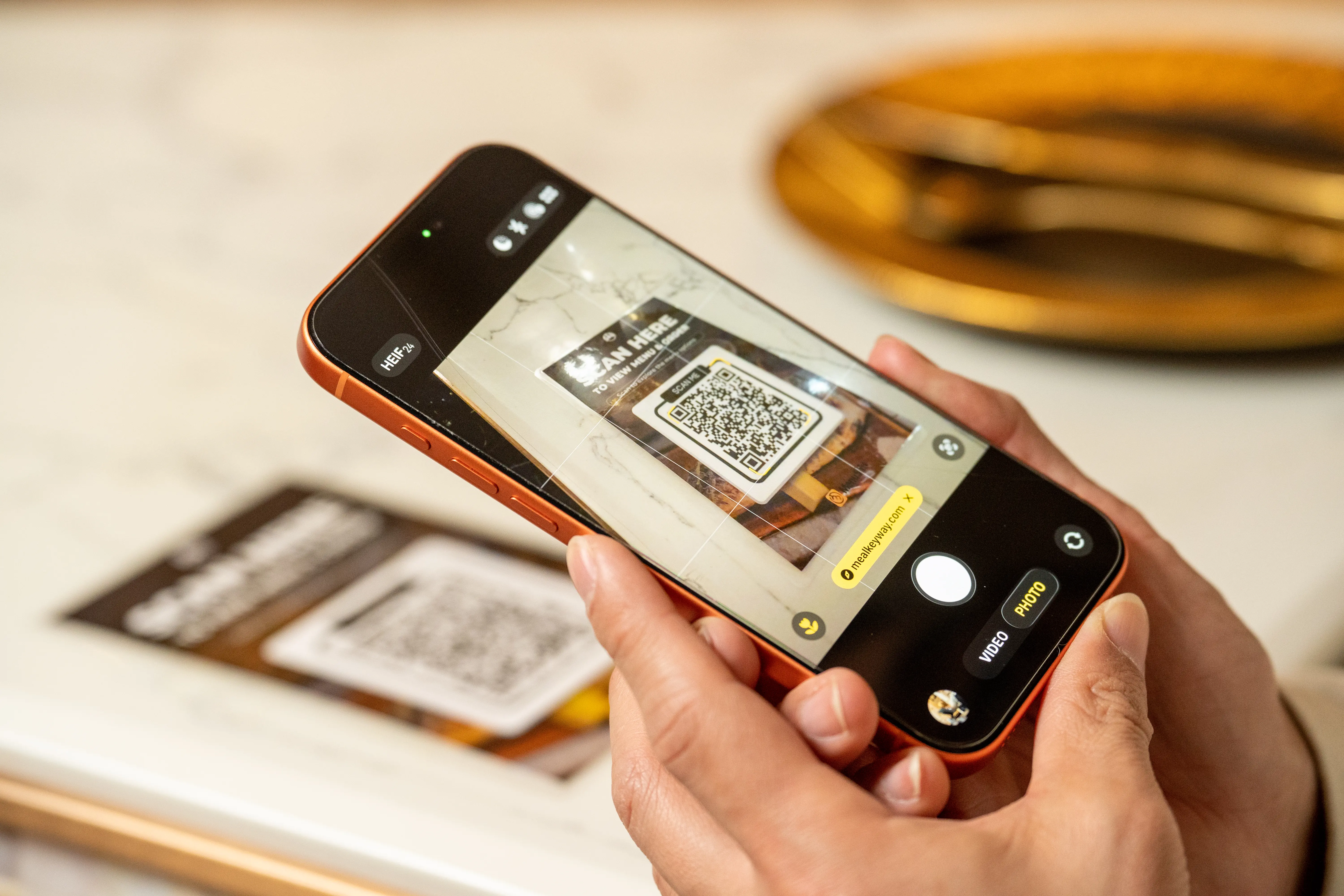
Slow order-taking, overwhelmed staff, and delayed checkouts can affect your restaurant's efficiency and customer experience. QR code ordering helps address these issues by letting guests browse menus, place orders, and pay directly from their smartphones.
But with so many options available, how do you find the best QR code ordering system for restaurants? To help you decide, we've compared six of the best QR code ordering platforms for restaurants in 2026, covering their features, pricing, POS integrations, and pros and cons so you can choose a solution that meets your operational needs.
The table below compares six QR code ordering platforms based on their key features, ideal use cases, and pricing.
Note: Pricing reflects publicly available U.S. rates as of November 2026. Payment processing fees, hardware costs, and additional charges may apply. Contact each provider to confirm current pricing and availability.
Each platform takes a different approach to QR code ordering. Some offer it as part of a broader restaurant POS system, while others focus on mobile ordering, payments, and guest convenience.
Here's a closer look at what each solution offers and how it could support your operations.
These six platforms were selected based on their QR code ordering capabilities, POS integration options, payment features, and suitability for different restaurant service models.
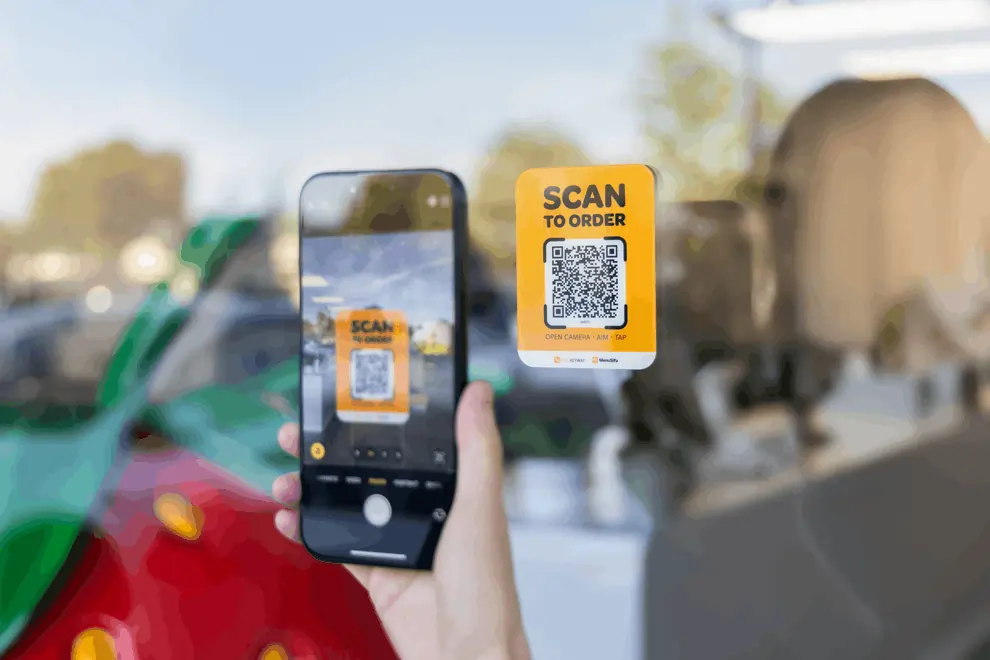
MenuSifu Scan-to-Order is a QR code ordering solution integrated with MenuSifu's restaurant POS system. It allows guests to scan a QR code, browse a digital menu, place orders, and pay directly from their smartphones.
The platform supports different restaurant service models through three ordering modes: Browse Only, Order Only, and Order + Pay. This flexibility lets you offer digital menus, customer self-ordering, or a complete mobile ordering and payment experience based on your preferred workflow.
MenuSifu also connects customer orders with kitchen operations, helping reduce manual order entry and improve order processing.
Key Features
Unlike standalone QR menu tools, MenuSifu connects mobile ordering with its broader restaurant technology system. Guests use their own smartphones, so you don't need separate customer-facing ordering devices at each table.
Pricing
According to MenuSifu's pricing page, its Basic POS package includes Scan-to-Order functionality. The company also offers Pay-As-You-Grow, Pro, and Premium packages.
MenuSifu does not publish a separate fixed price for Scan-to-Order. Contact its sales team to confirm software subscription costs, payment processing rates, and any applicable implementation fees.
Pros
Cons
Best For: Quick-service, fast-casual, and full-service restaurants seeking an integrated QR code ordering and POS solution with flexible customer ordering options.
Toast Mobile Order & Pay is a QR code ordering solution that lets customers browse menus, place orders, and pay from their smartphones. It operates within the Toast POS ecosystem, connecting mobile orders with the restaurant's kitchen and payment workflows.
Toast supports two primary ordering experiences: pay-as-you-go and tabs. Customers can pay after each order or keep a tab open to add food and drinks throughout their visit.
This makes the platform useful for restaurants offering multiple ordering rounds, shared dining, or a combination of self-ordering and staff-assisted service.
Key Features
Toast also lets restaurants configure menu visibility, payment timing, and ordering options. These settings support different experiences across casual dining, full-service restaurants, and bars.
Pricing
Toast Mobile Order & Pay is a paid add-on that requires an active Toast POS account.
Toast does not publish a universal subscription price for this feature. You can purchase the module through Toast Shop or contact Toast for a quote.
Additional POS subscription fees, payment processing charges, and hardware costs may apply.
Pros
Cons
Best For: Full-service restaurants, bars, breweries, and casual dining establishments using Toast POS that want to combine QR code ordering with group tabs and mobile payments.
GoTab is a restaurant ordering and payment platform that allows guests to scan QR codes, browse menus, place orders, and manage tabs through their smartphones.
One of GoTab's distinguishing features is its guest-based tab management. Customers can move between different areas of a venue while keeping the same open tab.
For example, a guest can start ordering at the bar, move to an outdoor table, and continue purchasing food or drinks using the same tab. This flexibility supports venues with multiple service areas and frequent repeat orders.
Key Features
GoTab also offers kitchen order routing, configurable ordering zones, and additional integrations. These capabilities help coordinate orders across different service areas.
Pricing
GoTab's published pricing includes three plans:
All three plans include QR and online ordering. However, Easy Tab costs an additional $25/month on the Basic plan, while Multiple Zones is available with Pro and Sync.
GoTab also lists card-present processing rates starting at 2.40% + $0.15 per transaction for eligible businesses. QR payment processing rates, setup fees, additional hardware, and optional features may affect the final cost.
Pros
Cons
Best For: Bars, breweries, food halls, entertainment venues, and restaurants with multiple service areas that need flexible mobile ordering and tab management.
Square QR Code Ordering allows customers to scan QR codes, browse online menus, submit orders, and pay directly from their smartphones.
The platform connects with Square's restaurant POS and online ordering tools, helping you manage digital orders alongside other transactions.
Square also supports location-specific QR codes. You can assign them to tables, pickup counters, walk-up windows, or other ordering points, making the system useful for restaurants with different order fulfillment setups.
Key Features
Square also supports open tabs on eligible plans, allowing customers to place multiple QR code orders throughout their visit and complete payment at the end.
Pricing
Square offers Free, Plus, and Premium subscription plans.
According to Square's published pricing:
QR code ordering is available with eligible paid plans. Confirm current plan eligibility, payment processing rates, and optional software charges before subscribing.
Pros
Cons
Best For: Cafés, small restaurants, quick-service establishments, and fast-casual businesses using Square POS that want QR ordering connected to their existing order management tools.
sunday is a restaurant ordering and payment platform that lets guests scan QR codes, browse menus, order food and drinks, and pay directly from their smartphones.
The platform emphasizes hybrid ordering, allowing customers to place orders through staff and add items independently through a QR code. Both ordering methods can contribute to the same bill.
For restaurants that want to maintain traditional table service while offering convenient reordering and checkout, sunday provides a way to combine both experiences.
Key Features
sunday also offers customer engagement features, including online review collection, guest data tools, and performance reporting. These capabilities provide additional insights beyond ordering and payment transactions.
Pricing
According to sunday's pricing page, the platform offers two published plans:
Both plans include ordering and payment capabilities. Premium adds advanced loyalty and enterprise features.
Additional published charges include optional physical onboarding at $299 and QR codes at $5 per code. Contact sunday to confirm payment processing rates and any other applicable fees.
Pros
Cons
Best For: Full-service restaurants, casual dining establishments, and restaurant groups seeking QR code ordering with flexible checkout, POS integrations, and customer engagement features.
Clover Scan to Order allows customers to scan a QR code, browse a digital menu, place orders, and pay through their smartphones.
The solution operates within Clover's restaurant POS ecosystem and works with Clover Online Ordering. Restaurants can generate QR codes containing table information, helping staff identify incoming orders and deliver food to the correct location.
Clover also provides restaurant management tools such as table mapping, order tracking, payment processing, and sales reporting, allowing QR ordering to function alongside broader POS operations.
Key Features
Clover also supports contactless checkout and server tip attribution through its QR ordering workflow.
Pricing
Clover offers Starter, Standard, and Advanced restaurant system configurations. Its restaurant pricing page directs businesses to contact sales for current package prices.
Clover lists contactless QR ordering among the included Restaurant Growth plan capabilities and advertises no additional Scan-to-Order feature fee for compatible setups.
However, Scan to Order requires eligible Clover software and a compatible POS device connected to a printer. Hardware, subscription, and payment processing costs still apply.
Pros
Cons
Best For: Small to medium-sized restaurants, cafés, and casual dining establishments using Clover POS that want to introduce customer self-ordering through the same technology ecosystem.
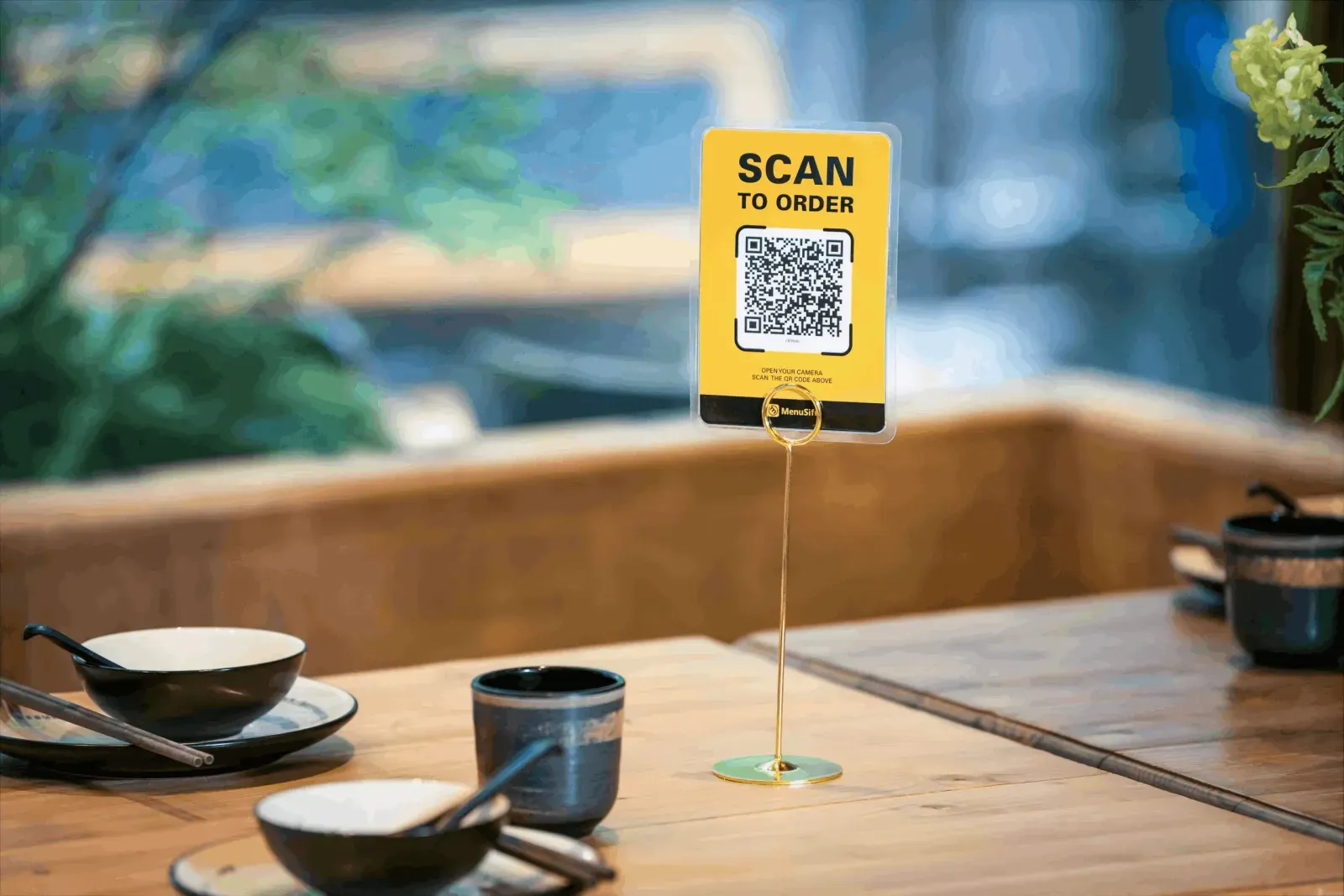
The best QR code ordering system depends on your restaurant's service style, operational needs, and budget. As you compare these six platforms, consider how each handles customer orders, integrates with POS systems, and supports payments. Choosing a solution that connects these processes can help reduce manual work, improve order accuracy, and speed up service.
If you're investing in your first POS system or considering replacing one that lacks QR code ordering, it's worth exploring a solution that offers both. MenuSifu combines its restaurant POS with Scan-to-Order, allowing guests to browse menus, place orders, and pay from their smartphones while sending orders directly to the kitchen.
To explore how these capabilities can support your operations, visit MenuSifu's Scan-to-Order solution and book a free demo to see its features and discuss your restaurant's needs.
Before choosing a QR code ordering system, you may have additional questions about its features, costs, and compatibility with your existing POS. The answers below address key considerations to help you make an informed decision.
MenuSifu is one of the best QR code ordering platforms for restaurants seeking an integrated ordering and POS solution. Its Scan-to-Order system allows customers to browse digital menus, place orders, and pay directly from their smartphones. With flexible ordering modes, real-time menu updates, and direct integration with MenuSifu POS, the platform helps streamline order processing and reduce manual work.
Free QR code menu tools are available, but complete QR ordering systems that support order placement, payment processing, and POS integration may require a paid subscription or transaction fees. Some providers offer free basic POS software while reserving QR ordering for paid plans. Check which features are included before comparing costs.
Yes. Many QR code ordering systems integrate with restaurant POS systems, allowing customers to place orders from their phones and automatically send them to the POS and kitchen. Integration options vary by provider, so check compatibility with your existing POS before choosing a platform.
Yes. Restaurants can use QR code ordering alongside traditional table service. Customers can scan a QR code to browse menus and place orders, while servers continue taking orders and assisting guests who prefer personal service. This flexible approach helps reduce staff workload while giving customers more control over their dining experience.
Yes. QR code ordering systems with integrated payment features allow customers to scan a QR code, browse the digital menu, place orders, and pay directly from their smartphones. Depending on the platform, customers can pay using credit or debit cards, Apple Pay, or other supported digital payment methods.
Want more insights on restaurant POS technology, digital ordering, and operational efficiency? Visit the MenuSifu Blog for more restaurant technology guides, comparisons, and industry updates.
DISCLAIMER: Product features, pricing, and availability are subject to change. Information is based on publicly available sources as of November 2026. Please verify the latest details with each provider before making a purchasing decision.
Related Articles: