September 22, 2026

Cheapest POS System for Restaurants: Is Low Cost Worth It?

Is the cheapest POS system for restaurants worth it? See the real costs, essential features, tradeoffs, and scalability factors to review before choosing.

Choosing the cheapest POS system for restaurants can feel like an easy way to control costs, especially when you are opening a location, replacing old hardware, or trying to cut a monthly software bill that keeps climbing.

The lowest advertised price, however, rarely tells the full story. Software fees, payment processing, hardware, add-ons, and support can all change what you spend over the course of a year.

A better approach is to look at the full cost of ownership alongside the day-to-day functions your restaurant relies on. Before looking at individual costs, it helps to define what a “cheap” restaurant POS actually means.

What Does a Cheap Restaurant POS System Actually Mean?

A “cheap” restaurant POS can take several forms. Some providers offer free software plans. Others charge a low monthly fee, reduce the initial hardware expense, or let you start with basic equipment and add more later.

You may also see systems promoted around:

  • Free POS software
  • Low monthly subscription fees
  • Low upfront hardware costs
  • Month-to-month service
  • Low initial investment

Each model can lower the barrier to getting started, but the price you see first is only one part of the total expense.

Low Upfront Cost vs. Low Ongoing Cost

Upfront cost covers what you pay to get the system in place. That may include a terminal, tablet, card reader, receipt printer, installation, or setup.

Ongoing cost covers the expenses that continue after launch. These can include software subscriptions, payment processing, support, add-ons, extra terminals, and location fees.

A POS with a small initial bill can become expensive over time if processing rates are high or key features require paid upgrades. On the other hand, a system with a higher starting price may deliver better long-term value if more features are included and recurring fees stay predictable.

A 12-month cost estimate gives you a more realistic view of what the POS will actually cost.

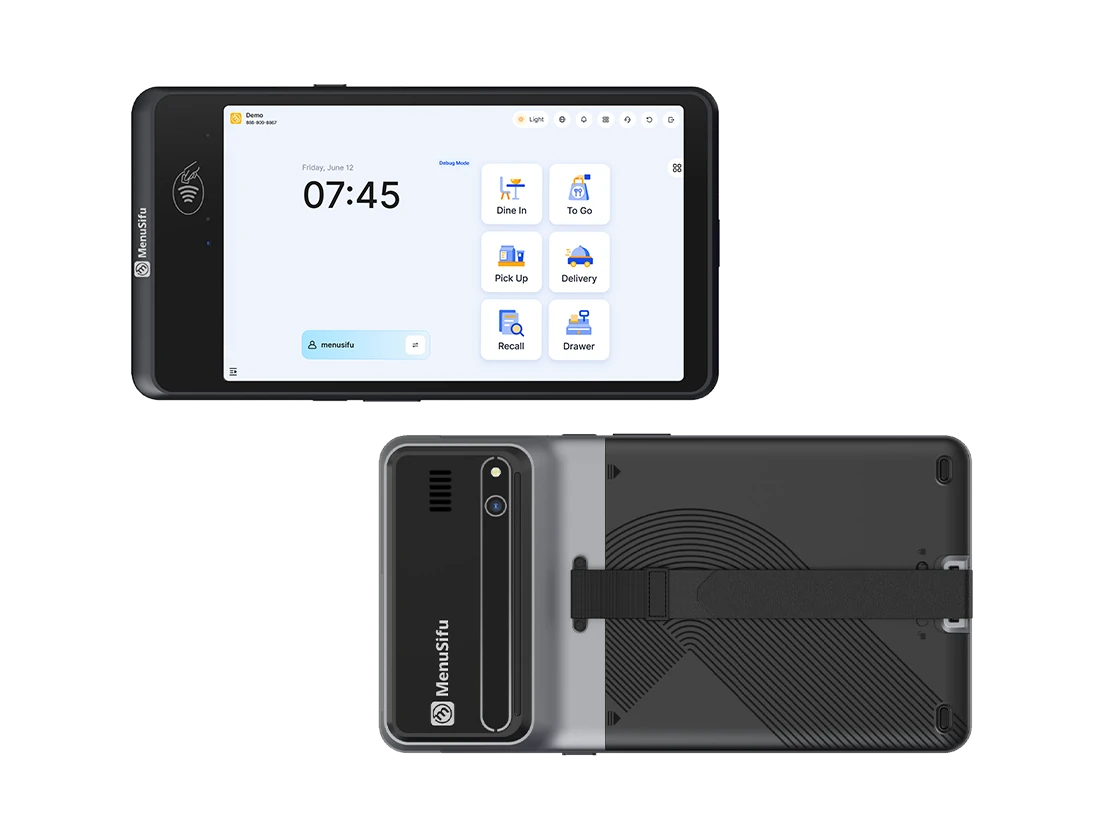
MenuSifu Pay Pad handheld POS system, front and back view

What Does a Low-Cost Restaurant POS Cost?

Your POS expenses can extend beyond the software subscription. To build an accurate budget, account for software, hardware, payment processing, add-ons, setup, and contract-related expenses.

Software Fees

POS software may come with a free entry plan or a monthly subscription charged per terminal, location, or service tier. Check what the base plan includes and how the subscription changes as you add registers, locations, or restaurant management tools.

Hardware Costs

Your initial setup may require several pieces of equipment, depending on how customers order and how your kitchen receives tickets:

Some providers bundle hardware with their software, while others charge separately or offer financing and leasing. Compare the total hardware expense and confirm which devices you can keep if you switch POS providers later.

Payment Processing Fees

Card processing can represent a significant share of your ongoing POS expense. Providers may charge a percentage of each sale, a fixed amount per transaction, or both, and some require you to use their payment processing service.

Small differences in rates become more noticeable as card volume rises. Compare processing costs using your typical monthly sales instead of judging a system by its software subscription alone.

Add-Ons and Integrations

Entry-level plans often cover core POS functions, while additional restaurant tools may carry separate monthly fees. Review the cost of features you expect to use, including:

Pricing these tools from the start gives you a more accurate view of your monthly POS expense and reduces the risk of unexpected charges after setup.

Setup, Support, and Contract Fees

Installation, menu configuration, staff training, premium support, and equipment setup may add to the initial cost. Contract terms can also affect your total expense through cancellation charges, minimum commitments, hardware financing, or equipment leases.

Before signing, review which services are included, which require an added fee, and how much you would owe if you end the agreement early. This gives you a clearer basis for estimating the true cost of the POS over its first year.

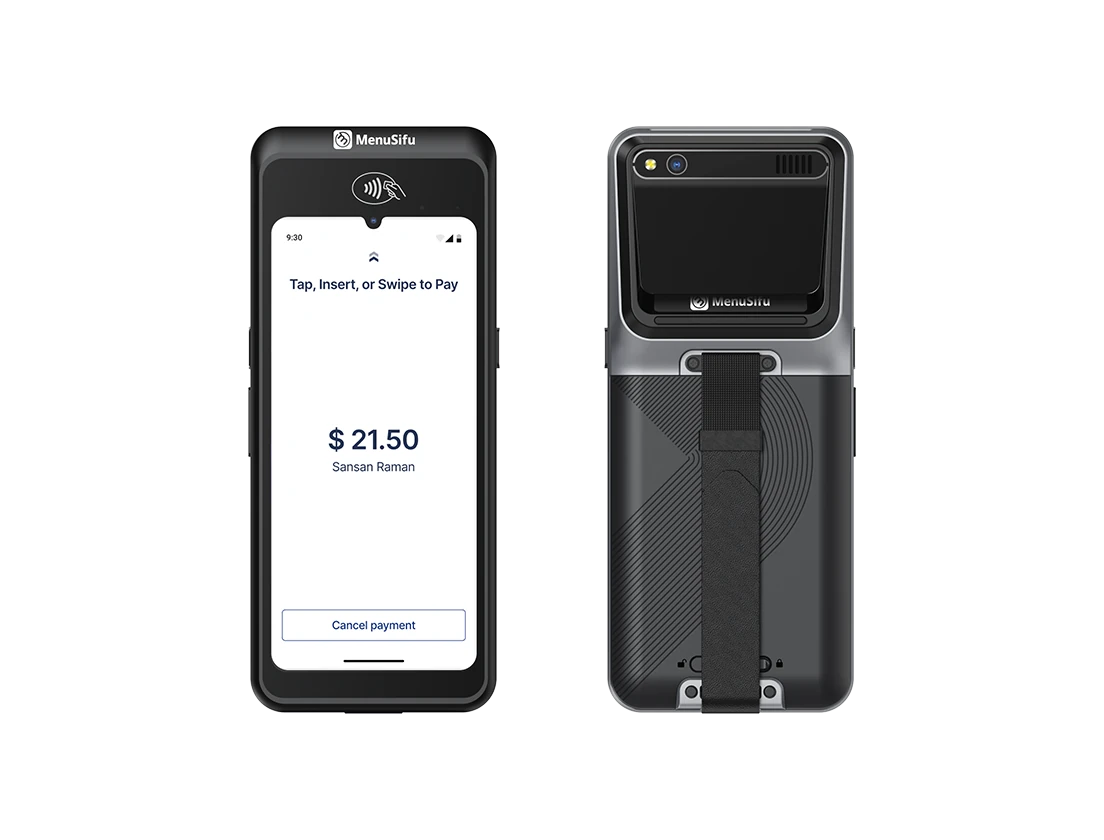
MenuSifu POS GO handheld payment terminal, front and back view

What Should a Low-Cost Restaurant POS Still Be Able to Do?

A lower-priced POS should still cover the daily functions your restaurant depends on. Saving on software loses its value if staff struggle to take orders, payments fail during service, or managers cannot access useful sales data. Focus on capabilities that support how your restaurant operates.

Handle Orders and Menu Changes

Your POS should let staff enter orders quickly, apply modifiers and special instructions, and manage dine-in and takeout orders in as few steps as possible.

You should also be able to update prices, add or remove menu items, edit modifiers, and mark sold-out items unavailable as needed. These basic controls help keep the menu accurate during service.

Process Payments Reliably

A restaurant POS should support common payment methods and routine transaction tasks, including:

  • Credit and debit cards
  • Contactless payments
  • Mobile wallets
  • Tips and tip adjustments
  • Refunds and voids
  • Split payments and split checks

Pay attention to how easily staff can complete these tasks during service, especially if customers frequently split checks or use different payment methods.

Support Kitchen Operations

Orders should move accurately from the front of house to the correct preparation area.

Depending on your setup, look for support for kitchen printers, kitchen display systems, modifiers, and order routing. For example, drinks may need to route to the bar while food items go to specific kitchen stations.

The goal is simple: staff should be able to send clear, accurate orders from the POS to the team preparing them.

Provide Useful Sales Reporting

A lower-cost POS should still provide enough information to review daily restaurant performance.

Useful reports may include:

  • Daily and weekly sales
  • Best-selling menu items
  • Sales by hour or day
  • Payment method breakdowns
  • Sales by employee
  • Refunds and voids

You should be able to access these reports easily so you can review sales activity, menu performance, and staffing patterns.

Manage Employee Access

Individual staff logins and role-based permissions help control who can access specific POS functions.

For example, servers may need access to order entry and payments, while managers may need approval rights for refunds, discounts, reports, and system settings.

Time tracking can also be useful if you prefer to manage employee hours through the same system.

Provide Reliable Customer Support

Technical issues can affect orders and payments, so check when support is available and how you can contact the provider.

Support channels may include:

  • Phone
  • Live chat
  • Email
  • Remote assistance

Pay particular attention to support coverage during your operating hours. If an issue affects payments or order entry during service, your team needs a practical way to get help.

A low-cost POS does not need every advanced feature on the market. It should, however, handle the restaurant functions you use every day reliably and give you enough control to manage orders, payments, kitchen activity, staff access, and sales data.

What Are the Tradeoffs of Choosing a Cheaper POS?

Lower-priced POS systems often focus on essential restaurant functions, which can work well when your operation has simple requirements. The tradeoff is that some platforms become more limiting once you need advanced tools, broader integrations, or tighter operational control.

  • Fewer advanced features. Entry-level systems may cover core functions such as ordering, payments, and menu management but leave out tools such as advanced inventory tracking, labor management, loyalty programs, customer management, or detailed analytics.
  • Limited integrations. Some low-cost platforms connect with a smaller range of accounting, delivery, payroll, reservation, and marketing software. This can become restrictive if several systems need to share data.
  • Basic reporting. You may get daily sales totals and item-level reports but lack deeper insights into labor, inventory, customer behavior, or performance across several locations.
  • Less customization. A cheaper POS may provide fewer options for adjusting menus, permissions, workflows, reports, and kitchen routing to match specific operating needs.
  • Limited support access. Some providers reserve phone support, onboarding help, or extended service hours for higher-tier plans. Check how quickly you can reach support during operating hours.
  • Limited support for advanced operations. A basic POS may work well for a single location with simple service needs but become restrictive when you manage several locations, route orders across multiple kitchen stations, handle several ordering channels, or need centralized control over menus, staff, and reporting.

These limitations do not make a lower-cost POS a poor choice by default. The key is deciding which capabilities you need and which you can give up to save money.

Server taking a tableside order on a handheld POS system

Can a Cheap POS Grow With Your Restaurant?

A low-cost POS may serve one location well today, but adding registers, employees, digital orders, or another location can change what you need from the system. Before committing, check how well the POS can support a larger operation as your restaurant expands. 

Adding More Terminals

Adding more registers increases the number of devices, employees, and transactions your POS needs to manage. Check device requirements and any limits on terminal access or reporting.

Also confirm that sales, orders, and employee activity stay connected across every register. Separate or limited reporting can make oversight harder as the number of terminals increases.

Hiring More Employees

A larger staff usually requires stronger access controls and labor tools. Your POS should let you assign permissions, manage individual accounts, and control which employees can issue refunds, apply discounts, or view sensitive reports.

If you use scheduling or time tracking, check how well those tools support a larger team and multiple manager roles.

Expanding Online Ordering

More digital orders place greater demands on order management. Your POS should keep menus, prices, and item availability consistent across ordering channels while sending orders to the correct kitchen station.

Check how the system handles higher order volume, menu syncing, and routing as digital sales increase.

Opening Another Location

A second location changes how you manage menus, staff, reporting, and access across the business. Look for centralized tools that let you review performance across locations while still viewing each restaurant separately.

Key capabilities include:

  • Multi-location sales reporting
  • Centralized menu and price updates
  • Employee permissions by location
  • Location-level performance reports
  • Shared customer or loyalty data, if needed

Handling More Advanced Operations

As sales and locations increase, you may need stronger inventory controls, kitchen routing, reporting, labor tools, and integrations. A basic POS may handle daily transactions well but provide limited support for broader operational needs.

Check how the system handles these added demands before they exceed what the platform can support effectively.

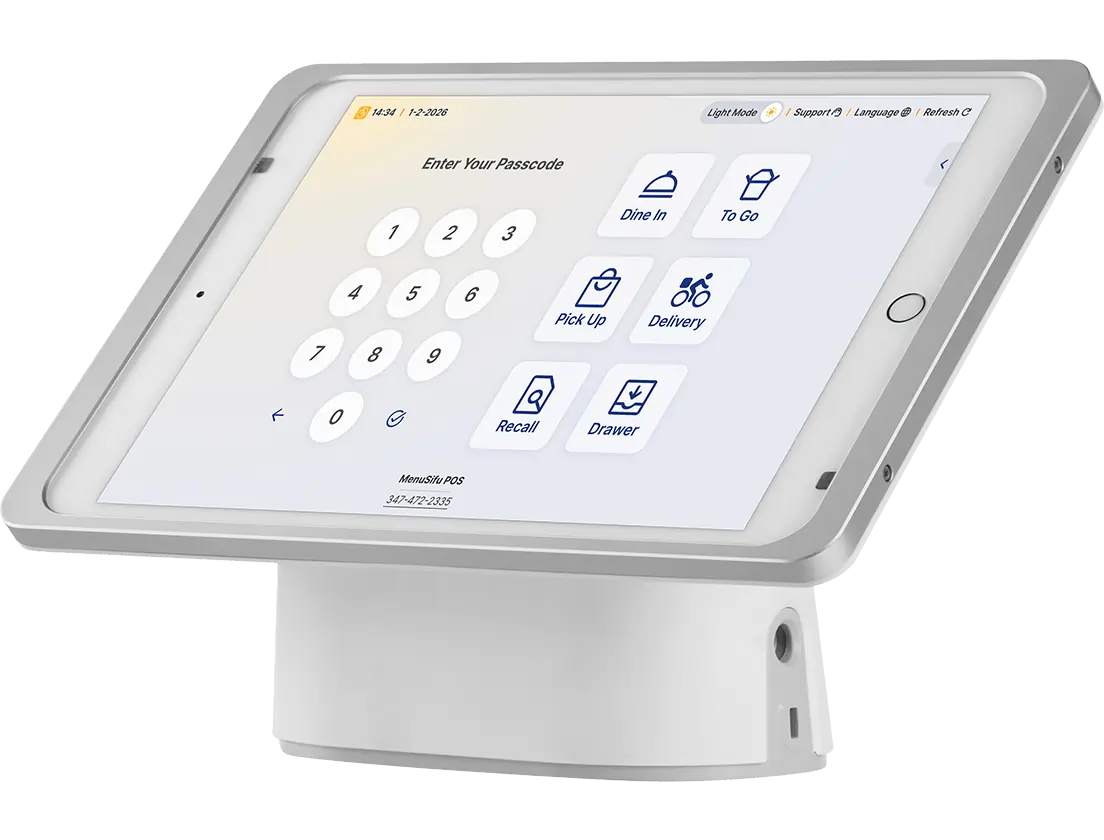
Menusifu iPad POS login screen with options for dine-in, to-go, pickup, delivery, recall, and drawer access.

How to Choose an Affordable Restaurant POS

A low price has value only when the POS supports the tasks your restaurant handles every day. Evaluate each option based on the features you need, the full cost of ownership, contract terms, and how the system performs during actual service tasks.

1. Identify the Features Your Restaurant Actually Needs

Start with the functions your staff relies on daily, such as order entry, menu management, payments, kitchen communication, reporting, and employee access. Separate those essential capabilities from secondary features you may use occasionally so you avoid paying for tools that add little operational value.

2. Calculate the Total Cost

Look beyond the advertised monthly subscription and calculate what the system will cost under your actual setup. Use this formula as a starting point:

Software + hardware + payment processing + required add-ons + other recurring fees

Use your expected sales volume, number of terminals, and required services when estimating the total.

3. Estimate the First-Year Cost

A first-year calculation captures expenses that a monthly price can hide. Add hardware, setup, software fees, estimated payment processing, and required add-ons to see how much you are likely to spend during the first 12 months.

4. Check the Cost of Adding Terminals or Locations

Review how pricing changes if you add another register or open another location. Check additional software fees, hardware requirements, user charges, and location-level costs so you can see how the total changes as your operation expands.

5. Review Contract Terms

Read the agreement before committing, especially if the provider bundles software, hardware, and payment processing. Focus on:

  • Contract length and renewal terms
  • Cancellation fees
  • Hardware ownership or leasing terms
  • Device restrictions
  • Required payment processor
  • Fees tied to added terminals or locations

These details can affect your total expense and your ability to switch providers later.

6. Test Real Restaurant Workflows

Use a demo or trial to test the tasks your staff performs during a normal shift. Enter an order, add modifiers, split a check, issue a refund, send an order to the kitchen, update a menu item, and complete end-of-day closing.

Pay attention to the number of steps each task requires, how quickly staff can learn the system, and how clearly information moves between the front of house, kitchen, and management. A lower-priced POS delivers greater value when it handles these routine tasks efficiently and consistently.

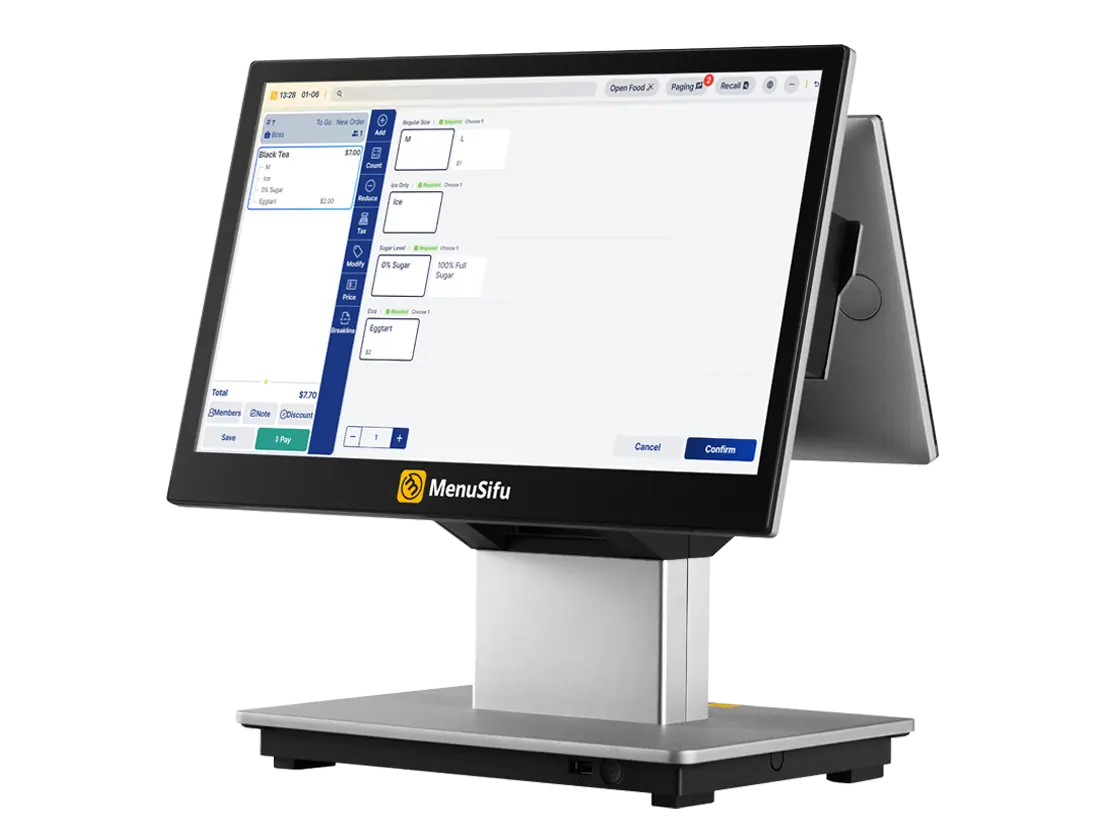
Menusifu POS MX terminal displays order input screen for a tea shop with customization options.

Are the Cheapest POS Systems for Restaurants Worth It?

A low-cost POS can be worth it when it handles your restaurant operations reliably and keeps the overall expense manageable. The lowest starting price should not be the deciding factor. Consider the complete cost alongside the capabilities your restaurant relies on today and may need as the business expands.

The better choice is a POS that gives you the capabilities you need at a price you can sustain, rather than one that simply advertises the lowest monthly fee.

If you want to see how MenuSifu could support your restaurant, Book a Free Demo with MenuSifu to review the available POS features, setup options, and pricing based on your current operation.

Frequently Asked Questions About the Cheapest POS System for Restaurants

Choosing a low-cost POS often brings up questions about pricing, monthly fees, free plans, and what is included. These answers cover some of the most common concerns restaurant owners have when comparing affordable POS options.

What is the Cheapest POS System for Restaurants?

MenuSifu is one of the cheapest POS systems for restaurants, with a Pay-As-You-Grow plan starting at $0 per month for eligible new restaurants. The plan includes core POS features for orders, payments, and reporting. Total costs can vary based on payment processing, hardware, add-ons, and the restaurant’s selected plan.

How Much Do Restaurants Pay for POS Systems?

Restaurants can pay anywhere from $0 to several hundred dollars per month for POS software, depending on the provider, number of terminals, locations, and included features. Total costs may also include hardware, payment processing, setup, support, and add-ons such as online ordering or employee management.

Which POS Systems Have No Monthly Fees?

MenuSifu offers a $0/month POS option for eligible new restaurants through its Pay-As-You-Grow plan. The offer includes essential POS software, and qualifying businesses may also receive hardware with no upfront equipment fees when using integrated payment processing. Processing charges and optional upgrades may still apply, so review the full pricing terms before signing up.

Pricing, eligibility, features, and promotional offers are subject to change. Contact MenuSifu for current plan details and terms.

What is the Best Free POS System for Restaurants?

The best free POS system for restaurants should cover essential needs such as order management, payment processing, menu updates, sales reporting, and employee access while keeping other costs manageable. Compare processing fees, hardware costs, feature limits, and paid add-ons because a $0 monthly software fee can still come with other expenses.

For more practical guides on restaurant POS systems, payments, operations, and restaurant technology, visit the MenuSifu blog for more insights and updates.

想把餐厅越开越好?
免费订阅,持续获取行业报告、经营洞察与实用工具。