September 17, 2026
Choosing among full service restaurant POS systems? Learn which features to prioritize for table service, kitchen flow, payments, staff, and clearer reports.

Every full-service shift depends on timing. Tables need attention, servers need clear orders, the kitchen needs accurate tickets, and guests expect a smooth checkout. When any part of that flow breaks, service slows and your team feels it quickly.
That is why choosing among full service restaurant POS systems takes more than comparing price or hardware. The best system should help your restaurant manage tables, orders, payments, menus, staff activity, kitchen communication, and reports from one connected setup. In this guide, we’ll walk through the key features to look for and how to choose a POS that fits daily dine-in service.
A full-service restaurant POS system refers to the software and hardware you use to manage dine-in service. It supports restaurants where guests sit at tables, place orders through servers, and usually pay after the meal.
The system connects the main parts of service in one place. Your staff can enter orders, assign tables, send tickets to the kitchen, split checks, process payments, update menus, track staff activity, and review sales reports.
A good POS also links with tools such as kitchen display systems, online ordering, reservations, loyalty programs, accounting, and payment processors. This gives you a clearer view of daily operations and helps your team serve guests with more accuracy from seating to checkout.
A full-service restaurant has different needs from a quick-service restaurant, café, or retail business. Your team manages seated guests, server sections, table status, course timing, open tabs, split checks, and tips throughout each shift.
A specialized POS helps keep those steps connected. Servers can take orders by table or seat, send them to the kitchen, manage changes, split bills, and close checks with less back-and-forth. Managers can also track table flow, staff activity, and sales from one system.
The right POS also supports kitchen coordination. When servers enter orders, the kitchen receives clear tickets with modifiers, timing notes, and updates. If you use reservations or a waitlist, connected tools can help your team seat guests faster and keep service organized from arrival to payment.
The best full-service restaurant POS should support the way your dining room, servers, kitchen, and payment process work each day. Look for features that help your staff take orders accurately, serve guests faster, manage tables clearly, and track performance with less back-and-forth.
A good POS should give you a clear view of your dining room. Digital floor plans, table status updates, seat numbers, and check transfers help your staff see which tables are open, occupied, waiting on food, or ready to pay.
This helps reduce confusion during busy shifts. Servers can manage sections more easily, managers can track table turnover, and guests get a smoother dining experience from seating to checkout.
Your servers need a POS that feels easy to use during service. Handheld ordering, quick modifiers, menu customization, and fast order entry help staff take orders accurately at the table.
When servers can send orders directly to the kitchen, they spend less time walking between tables and terminals. This can reduce order errors, speed up service, and provide guests with more attentive support.
A POS that connects with a kitchen display system helps your front-of-house and back-of-house teams stay aligned. Orders, modifiers, item notes, and changes can appear on kitchen screens in real time.
This helps the kitchen organize tickets by station, track prep status, and respond quickly when servers update an order. Clear communication can improve timing, accuracy, and overall service quality.
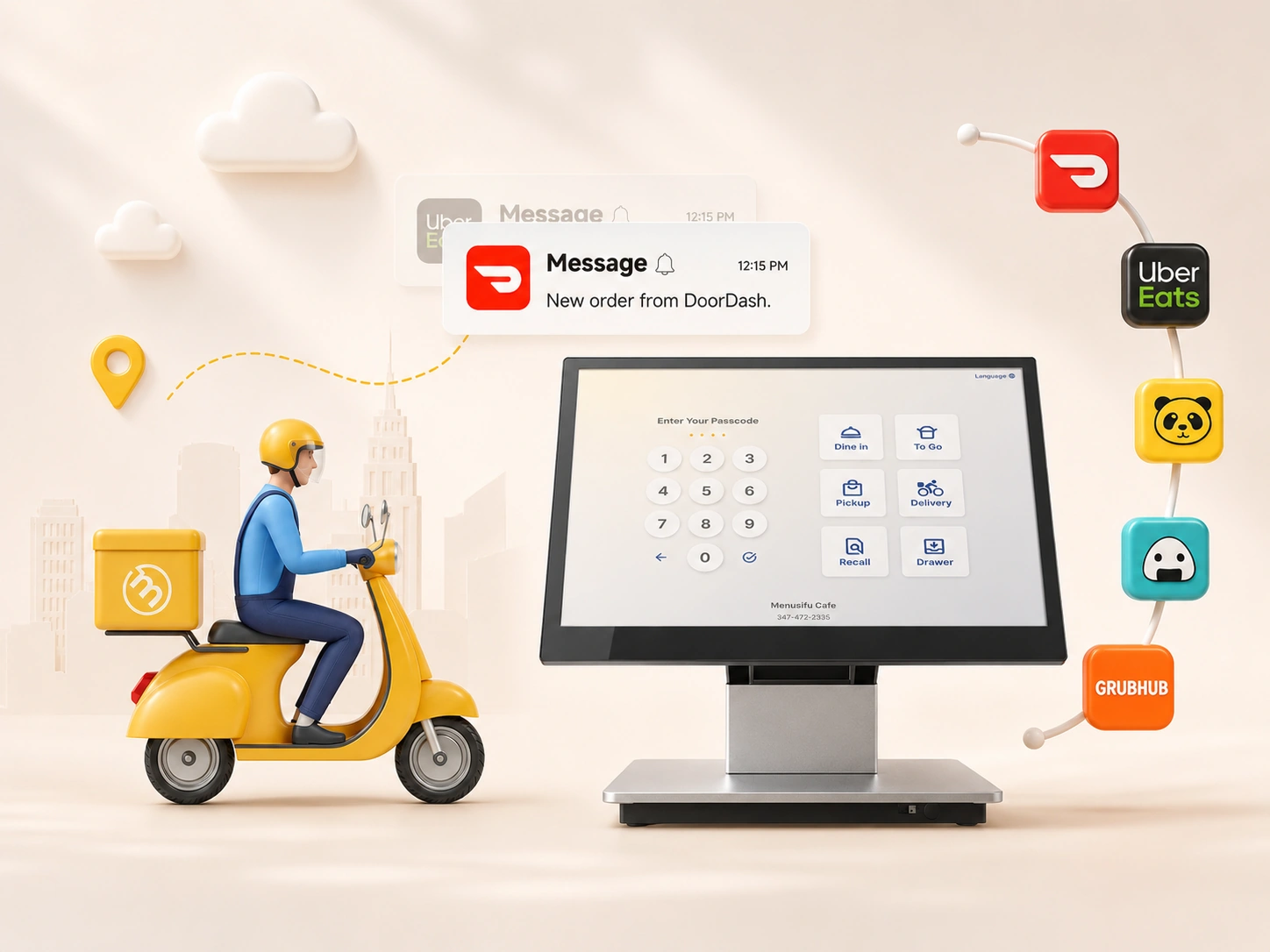
Your POS should make checkout easy for guests and staff. Look for split checks, contactless payments, tableside payments, gift cards, open tabs, tip adjustments, and multiple payment methods.
Split checks should be simple to manage by item, seat, or amount. Tableside payments also help guests close out faster, which can improve table turnover and the final part of the dining experience.
A full-service restaurant POS should make menu updates easy. You need to manage items, substitutions, add-ons, specials, pricing, and availability with minimal effort.
This feature helps when your menu changes often, runs seasonal items, offers daily specials, or includes dishes with many modifiers. Accurate menus also help servers avoid selling unavailable items.
Strong reporting helps you see what happens across your restaurant. Your POS should provide sales reports, labor reports, menu performance, server performance, peak hours, and profitability insights.
These reports help you identify top-selling items, track staff performance, review labor costs, and spot trends. Clear data can guide better decisions on scheduling, menu pricing, promotions, and daily operations.
Your POS should help you manage staff activity with time tracking, permissions, shift reports, tip tracking, and role-based access.
Permissions let you control what each role can view or edit. Time and tip tools can also simplify shift closeout and give managers a clearer view of labor activity.
Inventory tools help you monitor ingredients, reduce waste, and manage food costs. A POS with inventory support can connect item sales with stock usage, helping you see which menu items affect your margins.
This helps you catch low stock earlier, review high-cost dishes, and make smarter purchasing decisions. Better inventory visibility can also help prevent last-minute menu issues during service.
Your POS should connect with the tools that support your restaurant operations. Useful integrations include accounting, payroll, reservations, waitlists, online ordering, loyalty programs, marketing tools, delivery platforms, and payment processing.
When these systems work together, your staff can manage more tasks from one connected setup. Orders, payments, reports, and guest data can flow more cleanly across your operation.
Start with how service works in your restaurant each day. A POS may look impressive in a demo, but it needs to fit your dining room, staff workflow, menu, kitchen setup, and payment process.
Use these factors to narrow your options.
Once you review these areas, focus on systems that fit your daily service flow, help your team work faster, and give you clear control over sales, staff, menus, and payments.
The best POS depends on how your restaurant runs day to day. Start with reliability. Your system should keep orders, payments, and kitchen communication steady during peak service, power issues, and internet outages.
Next, look at ease of use. Servers should be able to enter orders, add modifiers, split checks, manage tabs, and take payments with minimal training. Managers should be able to update menus, review reports, and adjust staff access quickly.
Table service features should also sit high on your list. Floor plans, table status, seat-level ordering, check transfers, coursing, and tableside payments help your team serve guests with better timing and accuracy.
Strong reporting gives you a clearer view of sales, labor, menu performance, and staff activity. Use those insights to make smarter decisions about staffing, pricing, promotions, and daily operations.
Responsive support should also guide your choice. Choose a POS provider that can help during service hours, not only during setup. The right system should make daily work easier, help your team stay organized, and support a smoother guest experience.
A POS decision affects daily service, staff workflow, reporting, and long-term costs. Before you choose a system, watch out for these common mistakes.
Before choosing a POS, use these questions to check how well the system fits your service flow, staff needs, kitchen setup, payment process, and growth plans.
These questions help you compare POS systems based on real daily use, not surface-level features.
The best restaurant POS for full-service dining is the system that fits the way your restaurant works every day. It should help your team manage tables, take accurate orders, send clear tickets to the kitchen, split checks, process payments, update menus, and review performance with ease.
Look for a POS that supports dine-in service from seating to checkout. Prioritize reliable performance, simple staff training, tableside ordering, kitchen display system integration, flexible payments, clear reporting, and support that helps when service is active.
MenuSifu offers full-service restaurant POS solutions that bring these tools together in one connected setup. With handheld POS devices, KDS integration, QR and eMenu ordering, delivery order integration, online ordering, reporting tools, and 24/7 support, MenuSifu helps your team serve guests faster and keep daily operations organized.
Book a Free Demo with MenuSifu today to see how the right POS system can support smoother full-service dining.
Still comparing full service restaurant POS systems? These quick answers can help you review key features, costs, and setup considerations before choosing a system.
A POS system works best for full-service restaurants when it supports table management, server ordering, kitchen communication, split checks, tableside payments, menu updates, staff controls, and clear reporting. It should help your team serve guests faster, reduce order errors, and manage daily operations through a single connected system.
Full-service restaurants do not always need handheld POS devices, but they can make table service much easier. Servers can take orders, send tickets to the kitchen, manage tabs, split checks, and process payments at the table. These tools help speed up service, reduce errors, and improve the guest experience.
The cost of a full-service restaurant POS system depends on your restaurant size, hardware setup, software features, payment processing, installation, and support needs. A small restaurant may need a few terminals and basic tools, while a larger operation may need handheld devices, kitchen display screens, online ordering, delivery integrations, and advanced reporting.
MenuSifu offers flexible pricing based on the tools you need, with bundle options available to help reduce costs. Its in-house payment service also helps keep processing rates competitive. Contact MenuSifu to get a custom quote based on your restaurant setup.
Yes. A full-service POS can handle online ordering and delivery when it connects dine-in, takeout, direct online orders, and third-party delivery orders in one system. This helps your staff send orders to the kitchen faster, reduce manual entry, track sales by channel, and manage menus from a single place.
A full service restaurant POS should provide reports on sales, labor, menu performance, inventory, table turnover, payment types, voids, discounts, refunds, and employee activity. These reports help managers track revenue, control costs, spot top-selling items, reduce waste, monitor staff performance, and make better daily decisions.
Explore our blog for more insights and updates on restaurant POS systems, service technology, and tools that help restaurants operate more efficiently.