May 13, 2026
Handle walk-ins and preorders in one place. Learn key features of a bakery POS system, from deposits and custom notes to online ordering, KDS, and inventory.

When you’re juggling orders, preorders, custom cakes, and daily prep, staying organized can feel like a challenge. A bakery POS system does more than just ring up sales; it streamlines your entire workflow from the front counter to the kitchen.
It ensures that custom orders, pickup dates, and inventory updates are aligned, so your team stays on track, and your customers receive their orders on time. If you’re looking for a solution that connects all the dots for you, a bakery point of sale system is exactly what you need.
Ready to simplify your operations and reduce those last-minute mix-ups? Here’s what to look for.

A bakery POS system is a system that lets you take orders, accept payments, and keep your daily workflow organized in one place. It rings up walk-in items like pastries and bread, then handles bakery-specific tasks like preorders, pickup dates, deposits, and custom cake details.
Instead of juggling notes, messages, and separate spreadsheets, your bakery POS keeps everything tied to the order. Staff can see the exact flavor, size, icing, and inscription, along with the pickup time, so the kitchen and front counter stay aligned. Many systems also track ingredients, flag low stock, and sync online orders with in-store sales so your menu stays accurate throughout the day.
A normal POS can ring up items and take payments. A bakery POS goes further by supporting how orders are planned, prepped, and picked up. Here’s where the gap usually shows up.
If your shop relies on preorders, custom work, or batch production, a bakery-focused setup usually feels smoother from the first order to the final pickup.
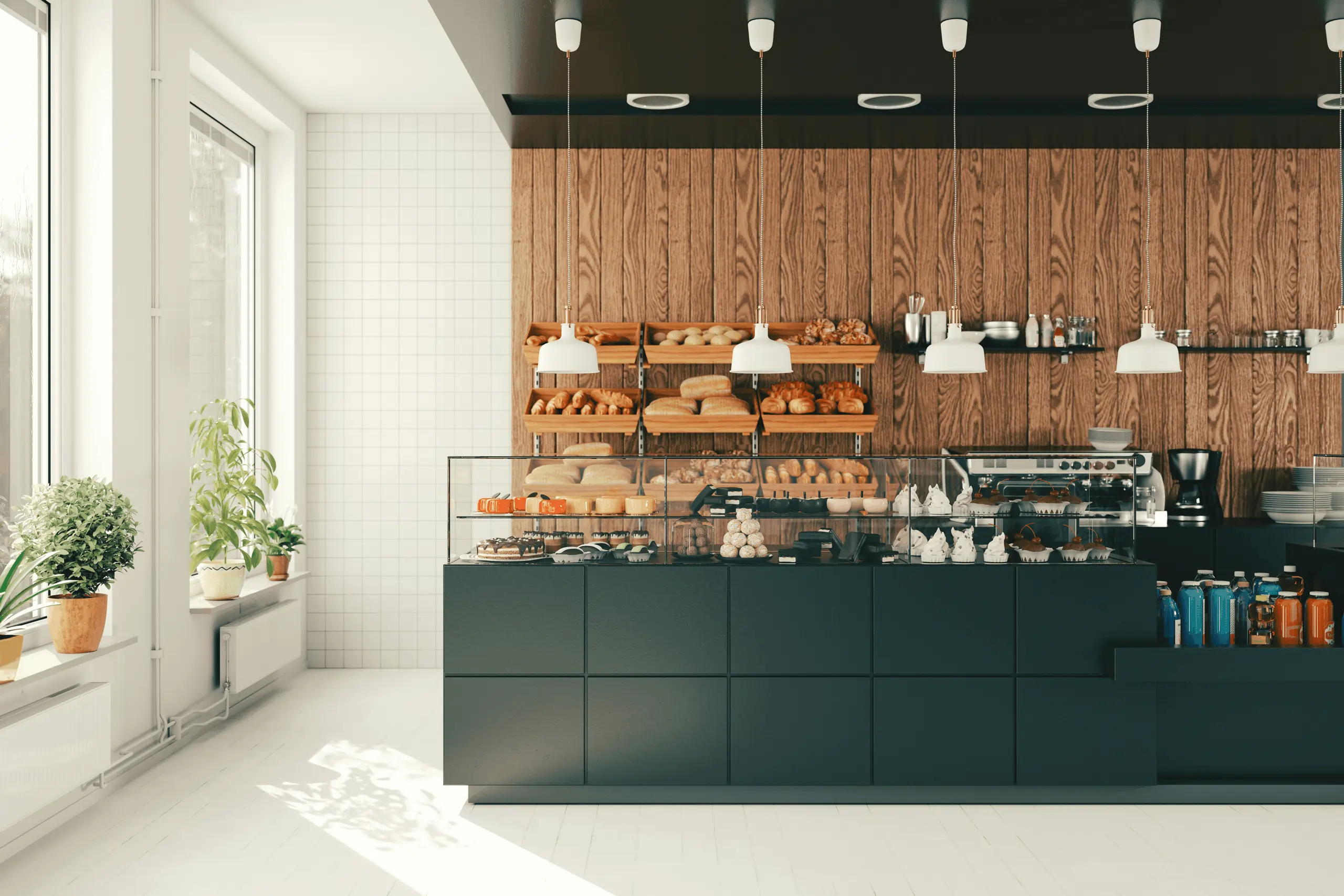
A bakery POS system should do more than ring up a sale. It should help you manage preorders, keep custom details clear from counter to kitchen, and keep inventory aligned with what you bake each day. Here are the features that tend to make the biggest difference in day-to-day operations.
Preorders keep sales steady, but they also stack pressure onto your production schedule. Look for tools that let you take orders in-store and online, then place them on a shared calendar your team can follow.
A solid setup lets you:
This feature pays off quickly on weekends and holidays, when a single crowded pickup window can throw off the whole shift.
Custom cakes and made-to-order pastries live or die by details. Your bakery POS software should capture every choice cleanly, then display them clearly to anyone preparing the order.
Aim for a system that lets your team:
Clarity here reduces remake risk. It also helps new staff follow the same process as experienced team members.
Finished-item inventory helps, but ingredients drive your real capacity. A strong bakery POS tracks what goes into your products so you can stay ahead of shortages and reduce waste.
Look for ingredient-level tools that:
Cloud-based access also helps here. When inventory runs low or items near expiry, alerts can reach the right person quickly so you can restock, pause items, or adjust production plans.

Repeat customers carry a bakery. Customer profiles help you serve them better and sell more consistently, especially for custom orders and frequent pickups.
Customer tools work best when they:
These features help your team personalize service without digging through old notes or messages.
Online ordering should feel like one system, not two separate workflows. When your POS connects to your website and third-party platforms, orders flow straight into production with the details intact.
A strong point of sale system for bakery supports:
MenuSifu, for example, offers direct integrations with Google Reservations and popular delivery platforms, so online orders and in-store production stay organized in a single dashboard.
Paper tickets can work, but a KDS helps you sort work by priority and keep order status visible. It also reduces missed notes and “Which order is next?” moments during busy pickup windows.
A bakery KDS can:
This is especially helpful when your production team handles many preorders alongside walk-in sales.
Clear communication keeps orders accurate, especially when staff and customers speak different languages. Multi-language support can also shorten training time for new hires as they learn the register flow.
Useful multi-language features include:
MenuSifu offers 80+ language options, including English and Chinese, to help teams operate smoothly in multilingual neighborhoods.
Bakeries often need flexible payments. Custom orders may require deposits, larger catering orders may need partial payments, and regular customers may prefer tap-to-pay or gift cards.
Multi-payment support should cover:
This setup reduces no-shows, improves cash flow planning, and keeps pickup day smoother for your team and your customers.
Picking a POS feels easier after you map out your daily service and test a few real order scenarios. Focus on fit first, then compare cost and support so you know what you’re paying for and what you’re getting.
Start with what you sell and how you fulfill orders.
Tip: Write down your top 10 items and your top 5 customizations. If the POS handles those smoothly, the rest gets easier.
Ask the provider to run through real tasks, live, using your menu examples. Keep it practical and move step by step.
If the demo feels clunky on these four workflows, daily use will feel worse.
Lock down the total cost and support details before you sign. Small line items add up.
Close with a simple scorecard: workflow fit, demo performance, total monthly cost, and support quality. The best option will stand out quickly.
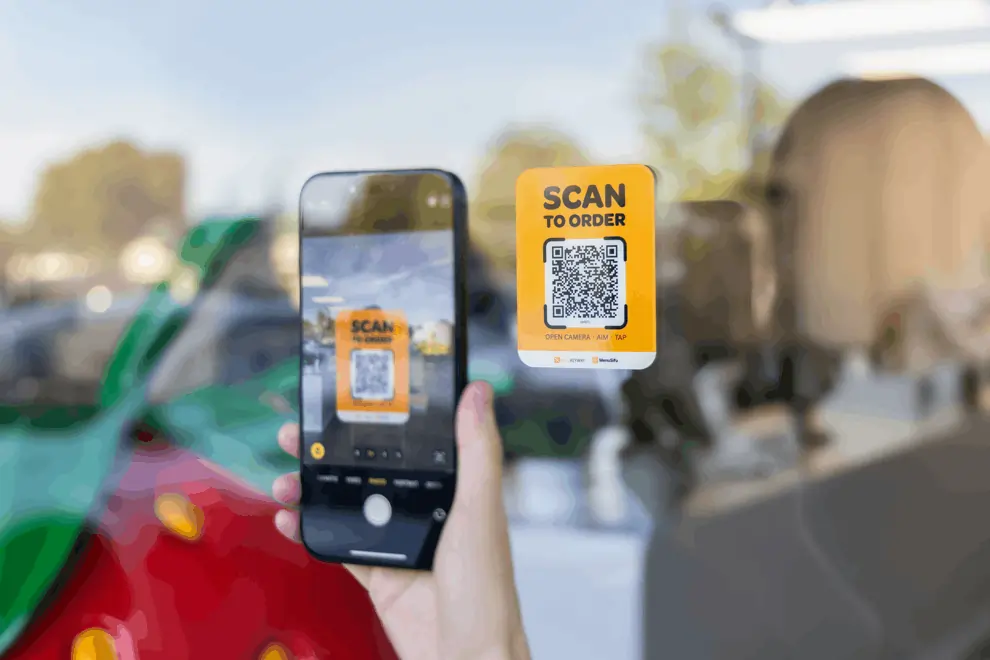
A bakery POS system is more than just a register. It’s an essential tool to streamline your orders, manage preorders, handle custom cake details, and stay on top of inventory. With the right bakery point of sale, you can reduce mistakes, stay organized, and ensure your team works efficiently, especially during busy periods.
If you're ready to see how the right system can simplify your operations, improve accuracy, and enhance the customer experience, consider exploring one of the best bakery POS solutions available. MenuSifu's bakery POS offers a seamless integration of ordering, production, and inventory management to help keep your bakery running smoothly.
Book a free demo with MenuSifu today and discover how our system can help you manage your bakery more effectively!
Here’s a quick explanation of common concerns about bakery POS systems to help you make the best choice for your business.
A bakery POS tracks more than sales. It records preorders and pickup times, captures detailed custom cake notes, takes deposits or partial payments, and can track ingredients by recipe. A standard register mainly rings up items and processes payments, with fewer tools for production planning and order fulfillment.
Yes. A point-of-sale system for a bakery can manage custom cakes and catering when it supports custom order forms, detailed modifiers (size, flavor, fillings, icing, message), pickup dates, and deposits or partial payments. Look for clear kitchen tickets or KDS routing, plus customer profiles and order history for repeat catering orders.
Yes, if you want faster checkout, cleaner item tracking, and better sales reports. Bakery POS software also helps you manage sell-outs, update menus quickly, and track inventory for high-volume staples like flour, yeast, and butter. If you take preorders or plan holiday specials, it becomes even more useful.
Prioritize a POS with fast checkout buttons, simple training, and clear custom order notes that print or display correctly for the kitchen. Choose built-in preorder and pickup scheduling, deposits or partial payments, and easy item pausing for sell-outs. Add role-based permissions and practical reports (top sellers, peak hours, discounts) to keep operations tight with a small staff.
Compare bakery POS options fast by listing your top needs first (counter speed, custom orders, inventory, loyalty, online ordering, and multi-location). Shortlist 3–5 systems, then test each with a quick demo using a real order flow: ring up items, handle modifiers, apply discounts, process split payments, and print labels. Confirm monthly fees, payment rates, hardware costs, contract terms, support hours, and key integrations, then pick the system that meets your must-haves with the lowest total cost and simplest workflow.
A POS built for both cafe and bakery service works best, such as the MenuSifu Bakery & Cafe POS System. It should support quick coffee modifiers, preset drink-and-pastry combos, preorder and pickup scheduling, clear kitchen routing, and ingredient tracking tied to batches. It should also sync online and in-store orders and support tips, gift cards, and loyalty.
Check out our blog for more insights, tips, and updates on bakery POS systems and how they can help improve your business.
Releated Blog: