October 29, 2026
Learn how restaurant QR code ordering works, from scanning a QR code to sending orders to the kitchen, and see how it can simplify your daily operations.
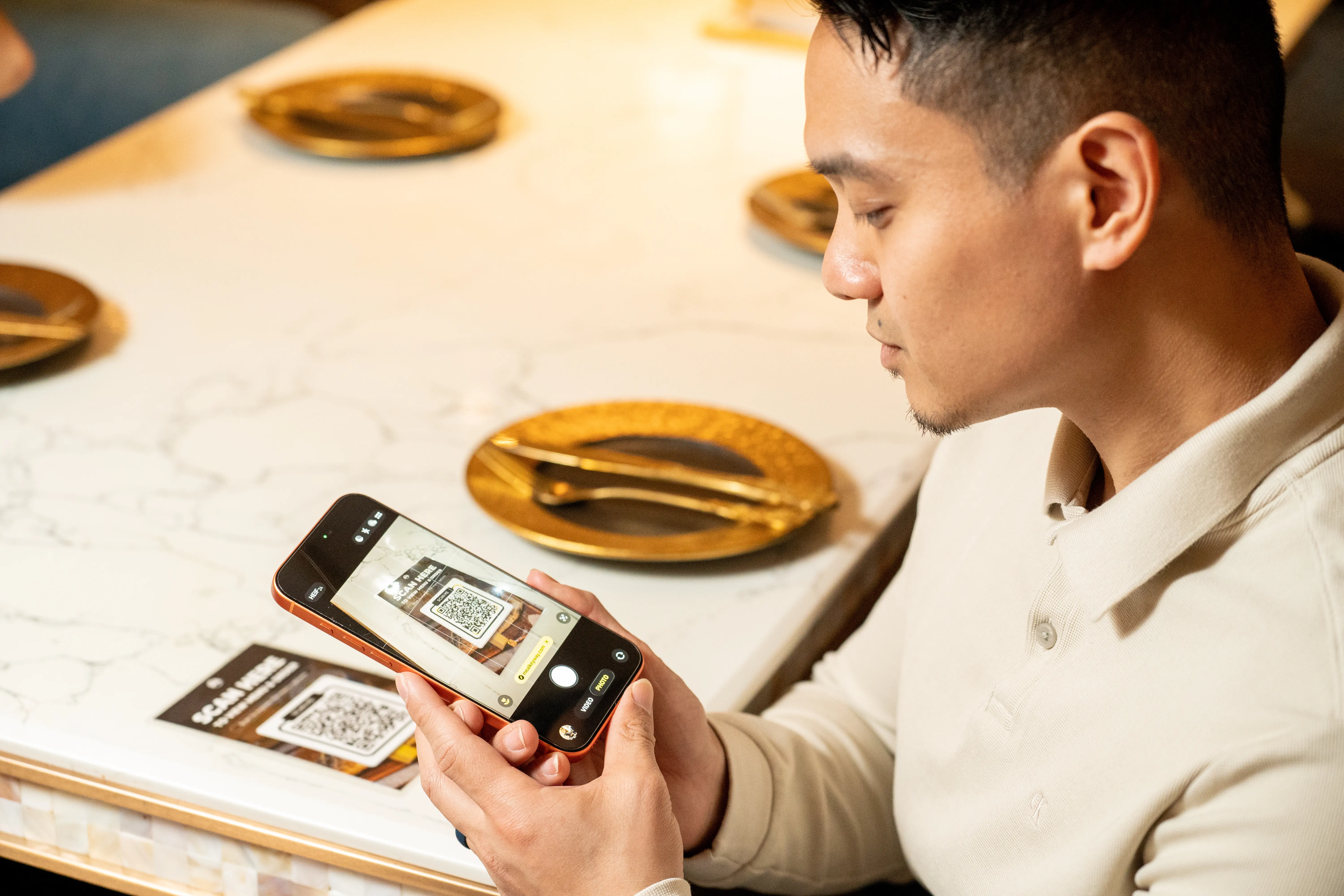
Long wait times, manual order-taking, and managing multiple customer orders can put extra pressure on your staff, especially during busy hours. With restaurant QR code ordering, customers can browse menus and place orders directly from their smartphones, helping simplify the ordering process.
But what exactly is QR code ordering, and how does it work in a restaurant? Let's explore the process, from scanning a QR code to receiving a prepared order.
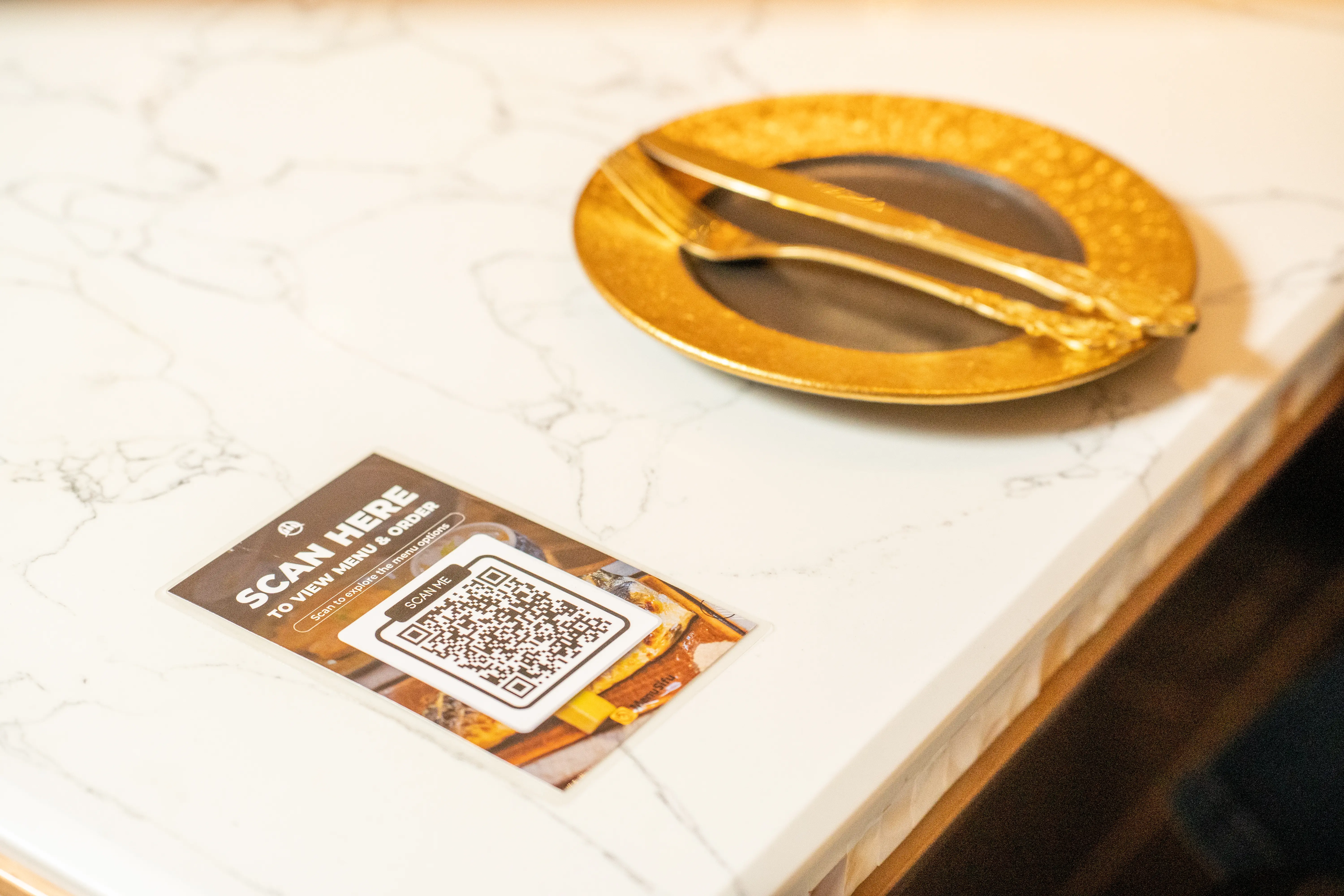
QR code ordering is a digital ordering method that allows customers to browse a restaurant's menu and place food or drink orders directly through their smartphones. By scanning a QR code displayed at a table, counter, or designated ordering area, customers can access a mobile-friendly ordering interface, typically through a web browser.
Although both use QR codes, QR code menus and QR code ordering serve different purposes:
A restaurant QR code ordering system connects the customer-facing interface to the restaurant's order management workflow. Depending on its configuration and integrations, the system can transmit order details, including selected items, quantities, special instructions, and table numbers, to a POS system or kitchen display system.
This connection allows your restaurant to receive and manage digital orders through its supported ordering channels, while customers use their own devices to place orders.
The QR code restaurant ordering process generally follows five steps, from scanning the code to receiving the prepared food. The exact workflow may vary depending on the system and restaurant setup.
The process begins when customers use their smartphone cameras to scan a QR code displayed on a dining table, counter, or another designated ordering area. They then tap the link that appears on their screens to access your restaurant's digital ordering interface.
Many QR code ordering systems work through a mobile web browser, so customers typically do not need to download a separate app.
Some restaurants also use unique QR codes for individual tables. These codes help the ordering system identify the customer's table and associate incoming orders with the correct location.
Once customers access the digital menu, they can explore available dishes, view prices, and read item descriptions. Depending on the system, the menu may also display food photos, ingredients, and customization options.
For example, a customer ordering a burger might choose their preferred toppings, add a side dish, and select a drink. The ordering interface lets them specify these preferences before adding items to their cart.
As customers make their selections, the digital cart displays their chosen items, quantities, and prices. They can continue browsing or adjust their selections before proceeding to checkout.
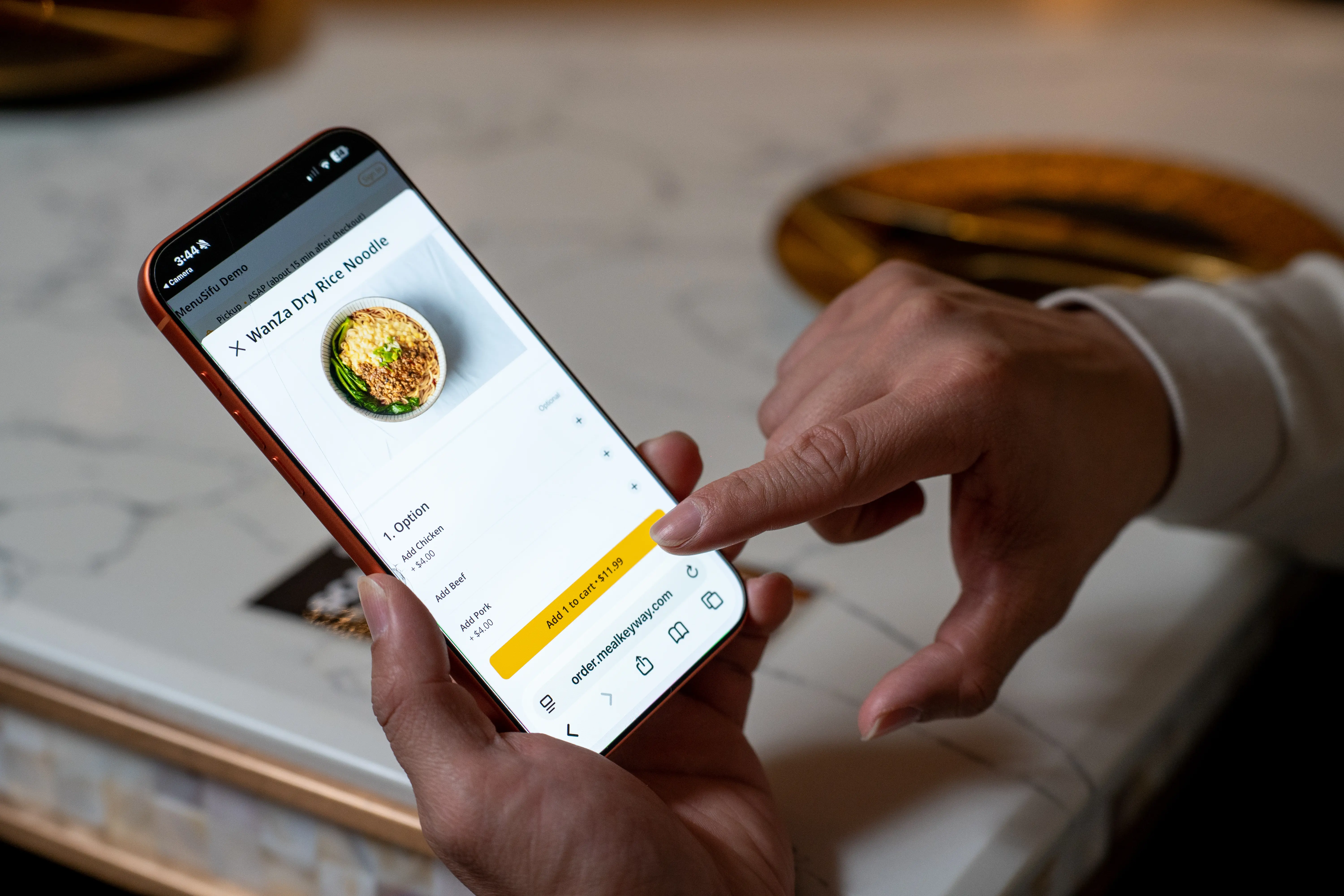
After selecting their items, customers review their cart to confirm quantities, customizations, and order details. If the system supports special instructions, they can also include preferences such as requesting sauce on the side.
Once they confirm their selections, customers submit their orders through the digital interface.
Payment options depend on your restaurant's QR code ordering system. Some platforms allow customers to pay immediately using credit cards, debit cards, or supported digital wallets. Others let customers place their orders first and pay at the counter or after their meals.
Following submission, the system may display an order confirmation or reference number, depending on its features.
After customers submit their orders, the system sends the details to your restaurant's configured order management channel.
When a QR code ordering system connects with a POS system, incoming orders can appear directly in the POS and be sent to a connected kitchen display system (KDS) or kitchen printer.
Kitchen staff receive the relevant order information, including selected items, quantities, and customization requests. They can then review the details and begin preparing the food.
Restaurants with separate preparation stations may also configure their systems to direct food and beverage orders to the appropriate areas.
This connected workflow can help organize incoming orders and reduce manual order entry. However, the available integrations and order-routing features depend on the system.
Once the kitchen completes the preparation, staff deliver the food to customers' tables or make it available at a designated pickup counter, depending on your restaurant's service model.
Restaurants using table-specific QR codes can use the associated table information to identify where each order belongs. Other establishments may use order numbers or pickup notifications to coordinate collection.
Customers who have already paid digitally can receive their orders without an additional checkout step. Those who selected a pay-later option can complete payment through the restaurant's supported methods, such as paying at the counter or through a server.

QR code ordering gives customers a convenient way to place orders through their smartphones while helping your team manage incoming requests more efficiently. As you consider this approach, think about your restaurant's service style, customer preferences, and how you want to handle orders and payments. Exploring these factors can help you choose a setup that supports your daily operations.
MenuSifu's Scan to Order offers flexible Browse Only, Order Only, and Order + Pay modes, allowing you to choose how customers interact with your digital menu. When paired with MenuSifu POS, submitted orders can also go directly to the kitchen.
Interested in seeing how these options work? Book a Free Demo with MenuSifu to explore the available features and see how QR code ordering could support your restaurant's daily workflow.
As part of MenuSifu's year-end promotion, eligible customers who sign a qualifying agreement between October 1 and December 31, 2026, can receive core software, including Scan to Order, POS, and Kitchen Display System (KDS), with no monthly software subscription fees. Required hardware must be purchased separately, and additional fees may apply.
Here are answers to some practical questions about restaurant QR code ordering, including app requirements, payment options, and system costs.
Usually, no. Many QR code ordering systems allow customers to scan a code with their smartphone camera and access the restaurant's digital ordering interface through a web browser. They can browse menu items and place orders without downloading an app. However, app requirements may vary depending on the provider.
Yes. Restaurants can offer QR code ordering alongside traditional ordering methods, allowing customers to choose how they place their orders. Customers can order through their smartphones or directly with staff, depending on their preferences. This flexibility helps restaurants accommodate different customer needs while maintaining personalized service.
The cost of a restaurant QR code ordering system varies depending on the provider, features, and pricing plan. Some providers charge monthly or annual subscription fees, while others include QR code ordering in their restaurant POS packages.
Additional costs may include hardware, setup, payment processing, and integration fees. Compare the available features and total costs to find an option that meets your restaurant's operational needs and budget.
No. Customers can place orders through a QR code and pay later at the counter or through a server, depending on the restaurant's system. Some QR code ordering systems also support online payments, allowing customers to pay directly through their smartphones.
For more insights into restaurant technology, digital ordering, and day-to-day operations, visit the MenuSifu Blog for practical guides, helpful tips, and the latest industry updates.