March 10, 2026
Create a QR code menu in minutes! Learn how to design, generate, and promote a digital menu for your restaurant with this 2025 guide.
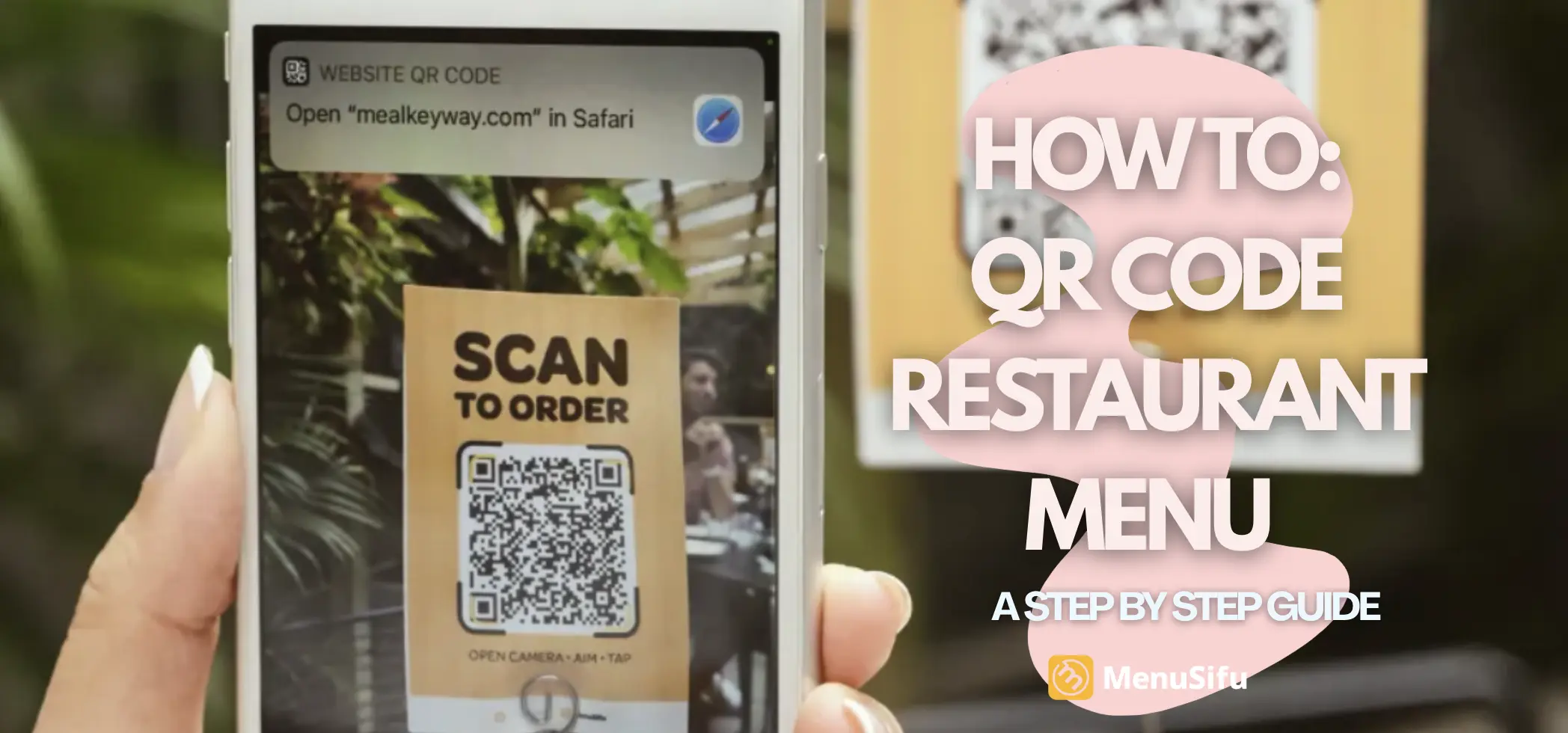
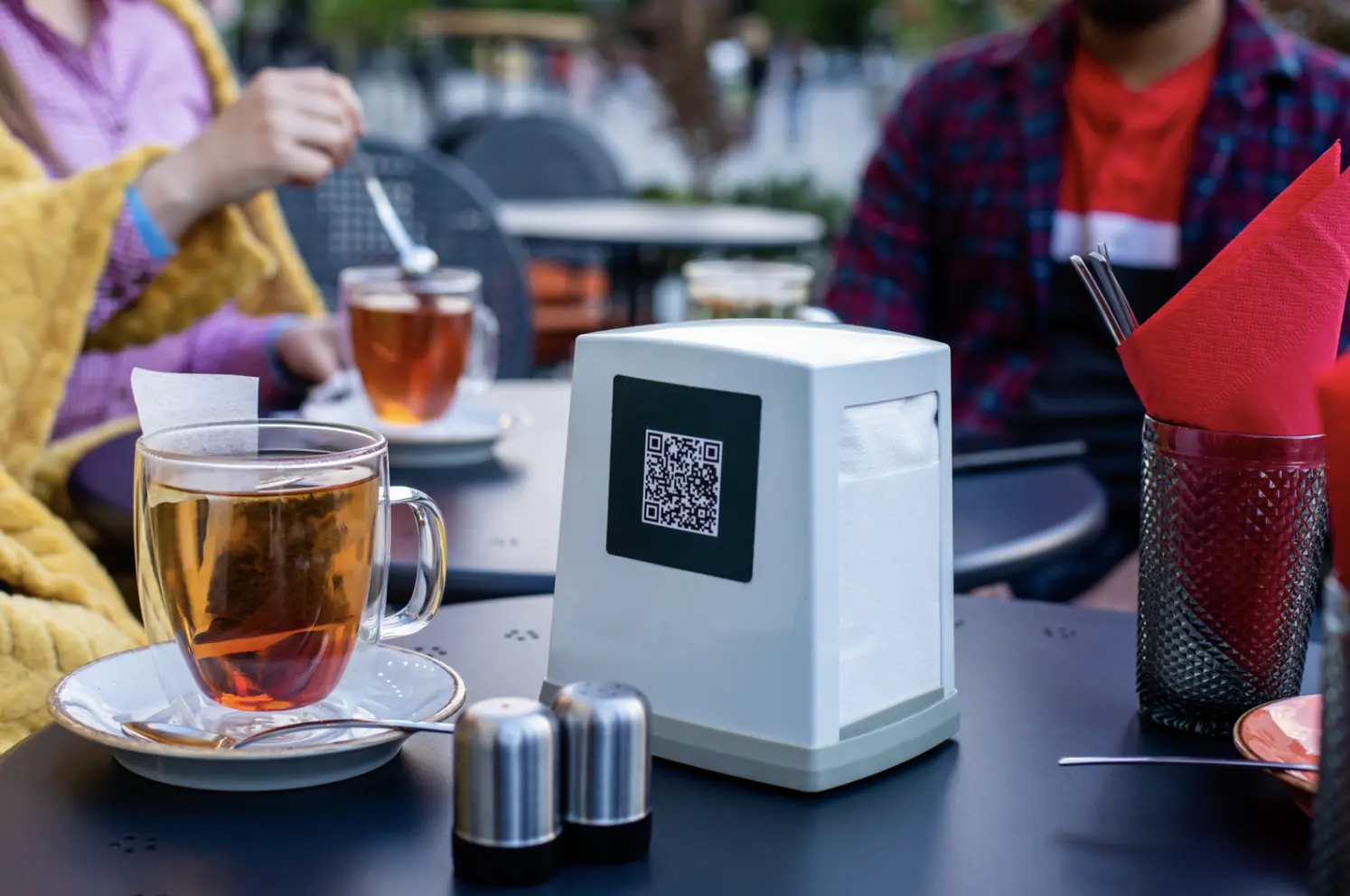
A QR code menu is a type of digital restaurant menu that allows customers to instantly access your offerings on their mobile devices by scanning a simple square barcode.
It replaces traditional paper menus, helping restaurants reduce printing costs, streamline updates to menu items, and create a more contactless menu experience.

In the fast-evolving restaurant industry, QR menus have become essential.
Whether you’re offering a seasonal menu, a dinner menu, or showcasing daily specials, QR codes allow for instant access and real-time menu updates without the hassle of reprinting.
QR code menus surged in popularity during the pandemic, but they’re here to stay.
From fast-casual spots to full-service dining, QR menus are now a cornerstone of modern restaurant operations.
If you're looking for a seamless way to digitize your menu and let customers scan, browse, and even place orders directly from their phone, MenuSifu’s Scan-to-Order system is a powerful solution.
With MenuSifu, you can link your POS, update menu items in real time, offer multiple languages, and optimize every touchpoint—from seat to kitchen.
It’s the future of digital menu creators and the answer to reducing friction in the customer experience.
But if you just want to start with a basic QR code menu, here’s how you can do it yourself:

You’ll need an online version of your menu for the QR code to point to.
✅ Popular formats include:
📌 Tip: Make sure the file or page is mobile-friendly, easy to scroll, and clearly labeled with dish names, descriptions, and prices.
Incorporate clickable food photos or a visual menu layout when possible to improve the user interface and boost the digital restaurant menu experience.
There are many free and premium tools to create QR codes. Look for one that allows customization and high-resolution downloads.
🔧 Recommended tools:
Use a QR code type that matches your update needs—static for set menus or dynamic for regular menu updates like daily specials or a seasonal menu.
Make sure your tool supports real-time cloud editing if you plan to adjust frequently.
Most tools will prompt you to choose the type of content—select “URL”, then paste the full link to your digital menu.
Click “Generate” or “Create QR Code”—and voilà, your code is ready!
💡 Pro tip: Use a code that works across both dine-in and food delivery platforms.
Include a backup plan like a printed paper menu for guests with accessibility needs.
Branding your QR code helps with recognition and trust.
Some platforms allow you to:
You can also experiment with custom QR menu options and a color picker to align it with your overall menu design and sandwich boards.
A comfortable menu interface builds customer trust and increases scan rates.
Download the QR code in PNG or SVG format so it prints cleanly.
📂 You can now place it on:
Consider combining it with business cards or food packaging to reinforce branding.
These additional marketing pieces can help you reach potential customers both onsite and offsite.
Before going live, scan the code using different phones (iPhone, Android, etc.) to make sure it:
Make sure it also renders well on mobile payment apps and can support fast service environments with handheld device compatibility.
Educate your front-of-house team to direct customers to the code, especially first-timers.
Use signage and prompts like:
You can also include the QR code on your website, Google Business Profile, and social media bios.
Leverage platforms with high active users to increase visibility and strengthen your online presence.
If you're ready to go beyond a basic digital menu, MenuSifu’s Scan-to-Order system allows customers to:
It’s ideal for fast-casual and buffet-style restaurants looking to streamline service and enhance customer experience with a modern, branded touch.
With built-in QR code scanning features, support for menu updates, and integration with online payments, it's a standout code menu service for the modern restaurant industry.
Creating a QR code menu is a quick, affordable way to modernize your restaurant’s operations.
Whether you start with a simple PDF or upgrade to a fully integrated digital menu with ordering capabilities, the key is accessibility, clarity, and ease of use.
📲 And if you want a smarter, more dynamic solution that connects directly to your POS, MenuSifu’s Scan-to-Order solution is built to help restaurants grow with technology—one scan at a time.